UserTesting
See website
Best for enterprise video feedback at scale
- Free plan
- No
- Rubric
- 7.7 of 10
Nine user research platforms, ordered by editorial fit for each buyer described, from rapid prototype tests to enterprise video studies, with prices checked on 25 November 2026.

IThe short answer
Start with Hubble for one workspace covering unmoderated tests plus AI and human moderated interviews, and it has a free plan. Maze suits teams that need fast prototype tests from Figma, from $99 per month. UserTesting fits large enterprises needing video feedback across 34 countries, though pricing is quoted. Prices here were checked on 25 November 2026, and every entry, including the Featured one, is scored on the same five criteria: Best User Research Tools.
9 tools compared from vendor pages on November 25, 2026. 7 publish a starting price we could read; the rest say "See website".
IITop three berths
Register order is editorial fit for the buyer each entry describes. Prices are the starting figures read on November 25, 2026.
See website
Best for enterprise video feedback at scale

Free plan $0
Best for all-in-one research with AI-moderated and human-moderated interviews

Starter $99 per month
Best for rapid prototype testing
How this page is paid for. Hubble pays for a Featured listing in this comparison, and the Featured label sits on it wherever it appears. The other 8 tools are unpaid editorial picks. No vendor saw this page before it was published.
A paid listing's position can be part of what the vendor pays for. Every entry, paid or not, is scored on the same rubric and keeps its limits in print. Advertising disclosure.
IIIThe register
Starting prices as shown on each vendor's pricing page on November 25, 2026. "See website" means no figure we could confirm.
| No. | Tool | From | Free plan | Trial | Rubric | Actions |
|---|---|---|---|---|---|---|
| 01 | UserTestingEnterprise video feedback at scale | See websiteNot shown publicly | No | No | 7.7 | |
| 02 | HubbleFeaturedAll-in-one research with AI-moderated and human-moderated interviews | Free plan $0Read on vendor page | Yes | Free plan available | 8.3 | |
| 03 | MazeRapid prototype testing | Starter $99 per monthRead on vendor page | Yes | Free plan available | 6.4 | |
| 04 |  DovetailResearch repository | Bronze $4,800 per yearplatform and 5 users, plus usage creditsUpdated on vendor page | Yes | 30-day free trial | 4.3 | |
| 05 | LookbackLive moderated interviews | Freelance $299 per yearUpdated on vendor page | Yes | Free trial, 5 sessions | 6.6 | |
| 06 |  LyssnaFast unmoderated tests | Growth $166 per monthbilled annuallyRead on vendor page | Yes | Free plan available, no credit card | 5.8 | |
| 07 |  Optimal WorkshopInformation architecture | Starter $199 per monthbilled annuallyRead on vendor page | No | No | 6.6 | |
| 08 |  User InterviewsParticipant recruiting | Pay As You Go $49 per sessionUpdated on vendor page | Yes | Free signup available | 4.4 | |
| 09 |  SprigIn-product surveys | See websitecustom quoteQuote only | Yes | Free plan available | 4.7 |
Pinned:
IVMethod
How many research jobs the platform handles, from unmoderated tests to moderated interviews, surveys, and card sorting.
Whether the tool supports a real live conversation with follow-up questions, or only fixed tasks.
Where respondents come from and how much manual scheduling and screening work the platform removes.
How well the tool moves from raw sessions to tagged themes, clips, and summaries you can share.
What a small team pays to start, including free plans, trials, and published starting prices.
VMethod
Every tool here was scored against the same five criteria, weighted as shown above so you can re-run the math with your own priorities. Method coverage asks how many research jobs a platform handles. Moderation depth asks whether it supports a real conversation with follow-up. Participant access asks where respondents come from. Analysis quality asks whether you can get from raw sessions to a theme. Entry value asks what a small team pays to start.
Prices and plan facts come from vendor pricing pages, checked on 25 November 2026. Where a vendor does not publish a price, the entry says so and does not guess a number. Where a vendor does not publish a price, the listing points you to the vendor site rather than guessing. Free plan limits are reported exactly as the vendor states them.
The order is editorial. Each position reflects fit for the buyer described in that entry, plus the Featured placement at number two, which is a paid position. Hubble is scored on the same rubric as everything else, and its weaknesses are listed beside its strengths, including the one-seat free plan and the enterprise gate on moderated studies.
This page is built from vendor documentation, published pricing, and stated limits rather than hands-on testing of every tool. That is why each review names specific features and specific constraints instead of adjectives. Use it to build a shortlist of two or three, then run one real study in each finalist before signing an annual contract.
The full routine, from price reads to corrections, is on the methodology page. Paid listings follow the advertising disclosure.
Entry I of IX / Video research at scale
Our verdict
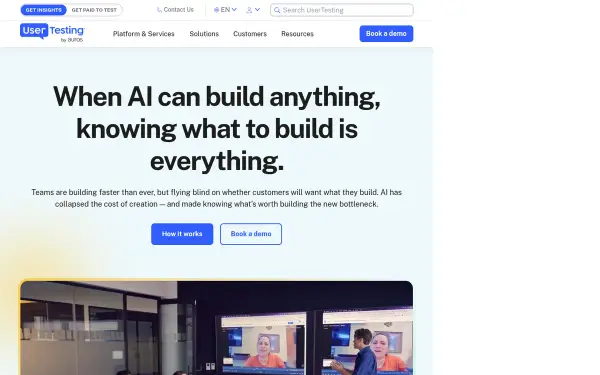
Best for large enterprises that need recorded video feedback across many countries.
UserTesting fits organizations treating recorded feedback as a standing program, not a one-off project. It covers moderated interviews, unmoderated video tests, concept tests, and live experience tests, with a participant network across 34 countries. AI theme detection shortens tagging, and results can be pushed into product and design workflows.
Pricing is not published and there is no free plan, so a sales quote is the only way to get a number. For a large enterprise with research ops, that is defensible because it replaces scheduling, recording, and separate recruiting contracts. For a five-person product team it is too much platform and spend.
It earns its keep at scale and consistency. Moderated and unmoderated video research share one place, so teams can standardize recording, tagging, and sharing, and stakeholders can watch clips without another tool. The participant network removes recruiting work. AI theme detection is a head start, not a substitute for reading sessions. Hubble offers unmoderated tests plus AI and human moderated interviews with a free plan; User Interviews charges per session. It fits the largest programs best.
You run a research program at enterprise scale and need recorded video sessions with participants in many countries.
You are a small team that needs a first study running this week on a limited budget.
Entry II of IX / Free all-in-one start
Our verdict
The widest coverage here, with unmoderated tests plus AI and human moderated interviews, and a free plan that is genuinely usable.
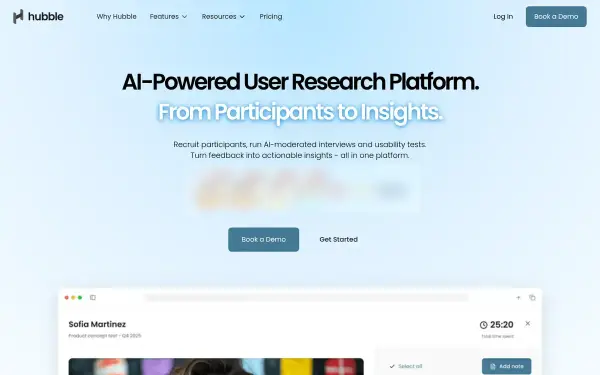
Hubble is the broadest tool here, and the free plan is the reason to look first. One workspace covers unmoderated tests on Figma prototypes, live websites, and mobile, AI-moderated interviews, human-moderated interviews with scheduling and analysis, plus surveys, card sorting, tree testing, and preference tests.
Recruitment can come from a panel or your own users, and AI handles transcription, tagging, themes, and summaries. Figma and MCP workflows move a prototype from design file to test without export. The free plan is one seat, 10 responses a month, and one prototype per study, with no credit card. That is a real study, not a program.
Moderated studies and recruitment through User Interviews and Respondent sit behind the enterprise tier, which adds seats, SSO, role-based access, and SOC 2 Type II documents. Pricing is quoted. Hubble is a Featured listing, so the vendor paid, but it is scored on the same five criteria. The free plan will not carry a team past its first month, and moderated interviews mean a sales conversation. Judge whether one workspace beats three specialist tools.
You want one workspace for prototype tests and both kinds of interviews, and want to start on a free plan.
You need moderated studies and external panel recruiting immediately on a self-serve budget.
Entry III of IX / Figma prototype speed
Our verdict
The quickest path from a Figma prototype to task success metrics, priced at $99 per user per month billed annually.
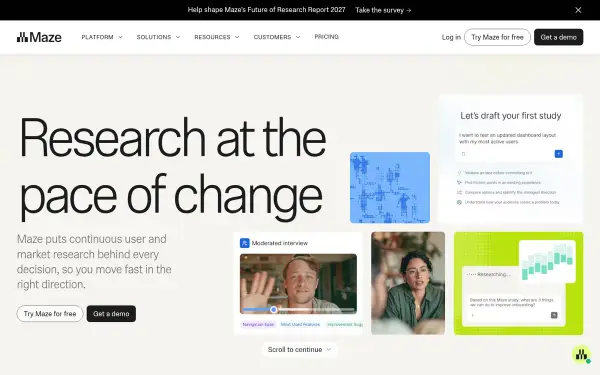
Maze is the fastest route from a Figma file to a scored usability test. Import a prototype, add task prompts, share a link, and get a report with task success, misclicks, and navigation paths. Surveys, card sorting, five-second tests, and concept tests extend the workflow, and AI-assisted theme detection plus shareable video clips show stakeholders what happened.
The participant panel does the recruiting, which helps teams without research ops. Paid plans start at 99 USD per user per month billed annually, and a free plan covers basic tests. Panel costs are additional, so budget beyond seats.
The limit is depth. Maze is built for structured tasks, and follow-up questions are thin compared with a live interview. Moderated research is limited, so needing to ask why in the moment pushes you toward Lookback, Hubble's enterprise tier, or UserTesting. If questions and prototype are ready, that trade is worth making. Maze suits a product team testing every sprint, not a research team building a repository. Compare Lyssna for more test formats and Lookback for recorded conversations.
Your research is mostly task-based prototype testing and you want metrics in hours rather than weeks.
You need to ask follow-up questions in the moment or build a long-term research library.
Entry IV of IX / Searchable research repository
Our verdict
A strong research repository that never runs a study, so it pays off only if you already own research worth searching.
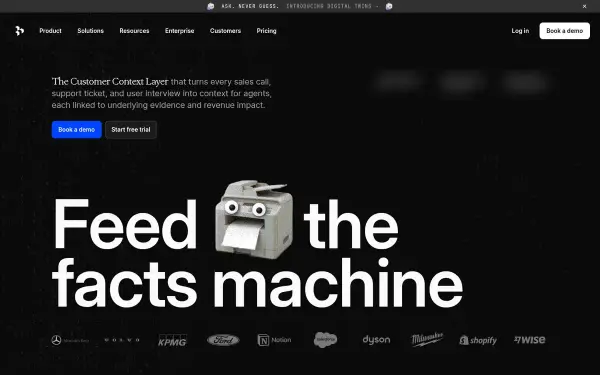
Dovetail is a research repository, not a testing tool. It connects more than 30 data sources, then indexes, transcribes, classifies, and synthesizes what comes in, so past interviews stop disappearing into folders. Agents identify needs and draft requirements, MCP connectors plug the library into AI assistants and chat, and Digital Twins simulate customers and segments.
It does not run studies. If you have no research to store, Dovetail is an empty room. If you have years of interviews, support tickets, and sales calls scattered across tools, it becomes valuable. Automatic redaction of personal information and enterprise security certifications address purchase objections.
Bronze is listed at 4,800 USD per year for the platform and 5 users plus usage credits, and is marked coming soon; higher tiers are quoted. A free plan and 30-day trial exist. A small product team with six months of research will find it heavy and expensive. A team with research ops and compliance review will find certifications and redaction worth the price. Judge it by the research you already own.
Your interviews, tickets, and calls are scattered and you need one searchable place to synthesize them.
You still need a tool to run studies, or your research volume is a few sessions per quarter.
Entry V of IX / Live interview room
Our verdict
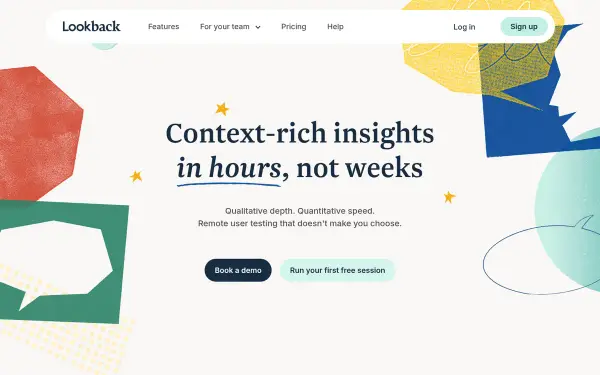
An interview-first platform with live stakeholder viewing and solid compliance, but no participant panel of its own.
Lookback is an interview room first. Live moderated sessions let stakeholders watch in real time, and AI transcription, notes, and cross-session discovery remove reliance on memory. Unmoderated studies are supported, and participant lists can come from a User Interviews integration or your own users.
The compliance page is unusually complete: GDPR, CCPA, and SOC 2 Type II. That matters if you record sessions with customers in regulated markets. Freelance pricing is listed at 299 USD per year, the cheapest paid entry here, and a free trial covers 5 sessions. A free plan is also available.
The catch is recruitment. There is no built-in panel, so you pay User Interviews per session or chase your own users. Pricing varies by tier and billing term, and only Freelance is published. It suits teams whose research is mostly conversations, especially researchers running several sessions a week who want stakeholders in the room without a screen share. It is a poor fit if you want a panel included or mostly unmoderated task testing, where Maze or Lyssna are cheaper and faster.
Your research is mostly live moderated interviews and you want stakeholders watching without a screen share.
You need a participant panel included or your work is mostly unmoderated task testing.
Entry VI of IX / Fast test formats
Our verdict
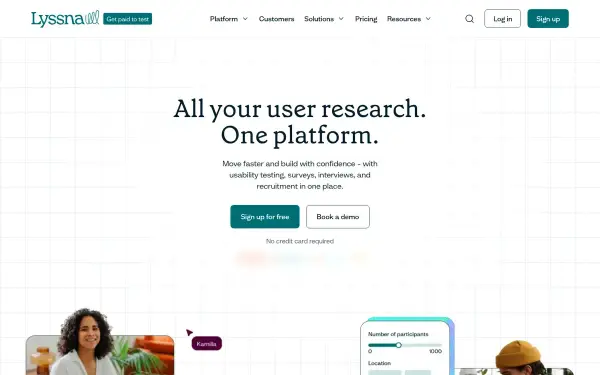
Many fast test formats in one place with built-in recruiting, at the highest per-seat price in this comparison.
Lyssna, formerly UsabilityHub, is a set of fast test formats. Five-second, preference, first-click, card sorting, surveys, and interviews live under one login, with built-in recruitment and templates. If a question can be answered in minutes by 50 people, Lyssna likely has a format.
The paid entry is Growth at 166 USD per user per month billed annually, the highest per-seat price here. Panel costs are extra. A free plan with no credit card softens entry, but per-seat cost matters once designers and product managers are editors. Count seats.
The trade is depth for breadth. Formats are executed quickly and templates reduce the blank-page problem. You do not get a deep moderated interview workflow or a serious repository. Three seats at 166 USD cost more than Maze's 99 USD Starter across the same seats, so decide whether first-click and five-second formats are worth paying for. A team running one method should look at Optimal Workshop. A team running many small tests will get more from Lyssna.
You run many small tests across formats and want recruiting and templates in the same place.
Your research depends on moderated interviews or you only need one test format.
Entry VII of IX / Card sorting depth
Our verdict
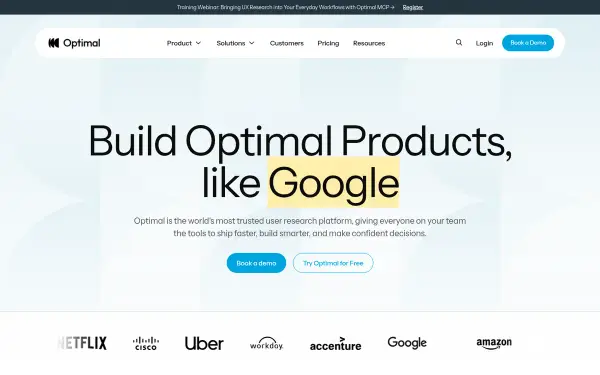
The specialist choice for card sorting and tree testing, with a verified panel and no free plan to test the waters.
Optimal Workshop has spent 17 years on information architecture, and it shows in card sorting and tree testing. Prototype testing with Figma imports, A/B testing, screen and audio recording, user interviews with AI transcription, and journey mapping round out a broader platform.
The participant panel covers more than 10 million verified people across 150 plus countries, with fraud prevention and free replacement for poor-quality participants. Paid plans start at 199 USD per user per month billed annually, with enterprise pricing quoted. No free plan or trial means you cannot validate the workflow with your own content.
The per-seat price is higher than Maze, and the platform is less suited to broad usability testing, where a task-based test runner is faster. Buy it if your problem is navigation: restructuring a help center, testing a menu taxonomy, or checking whether users can find a setting are jobs where card sorting and tree testing give evidence a prototype test cannot. Buy something else for recorded interviews or quick concept checks. The price is for specialist depth, not breadth.
Your questions are about navigation, taxonomy, or findability and you need defensible card sort data.
You need to trial a tool before paying, or your work is mostly prototype and concept testing.
Entry VIII of IX / Panel recruiting reach
Our verdict
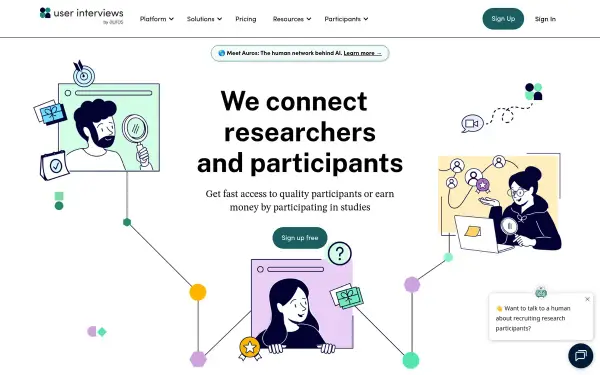
A recruiting layer rather than a research platform, priced per session at $49 and designed to sit beside your existing tools.
User Interviews does one job: it gets the right person into a calendar slot. The participant panel is large, AI matching and fraud detection do the screening, and automated scheduling, incentive, consent, and contact-rule handling remove recruiting admin. First matches often arrive within an hour, and the platform reports a low fraud rate.
It sits beside your existing stack rather than replacing it. Integrations cover 22 research tools, and the Research Hub lets you invite and manage your own users. Both UserTesting and Lookback connect to it.
Pay As You Go is 49 USD per session, and a free signup exists for researchers. Session fees and participant incentives add up, so a ten-person study is a real budget line. There is no study analysis, no prototype testing, and no repository, so it is not a platform decision on its own. It suits teams that already have a testing tool but lose weeks to scheduling and no-shows, and researchers who work across methods and want one recruiting layer. Price one study end to end.
Recruiting is your bottleneck and you already have a tool that runs the sessions.
You need an all-in-one platform that also tests prototypes and analyzes results.
Entry IX of IX / In-product feedback
Our verdict
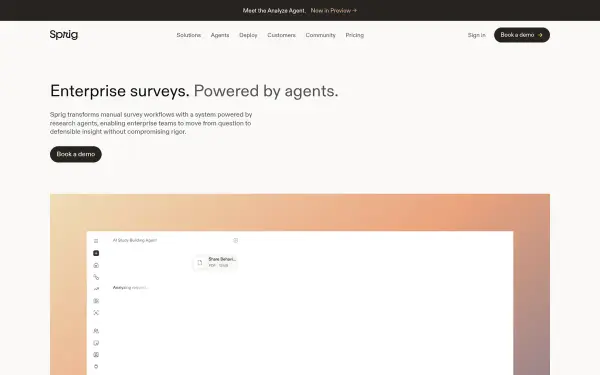
Continuous in-product feedback through native SDKs and AI agents, positioned and priced for enterprise survey programs.
Sprig takes research into the product itself. Surveys run through web, iOS, and Android SDKs, triggered by targeted cohorts or lifecycle events, so you catch a reaction while it is happening, not a week later. Email and panel distribution are supported for outside the product.
Three AI agents help. Design Agent drafts studies, Field Agent writes adaptive follow-up questions, and Synthesize Agent produces reports. For a team without a researcher, that removes the blank-page problem and shortens the loop. Targeted cohorts and lifecycle triggers mean the same system can run continuous feedback rather than one-off studies.
Pricing is not published. A free plan exists, but the paid product requires a demo and custom quote, and the positioning is enterprise survey work. That is a lot for a small team, and value depends on in-product traffic. A consumer app with millions of sessions gets more than a B2B tool with 200 accounts. It is wrong for prototype tests and moderated interviews. Buy Sprig for continuous signal inside the product, not research depth.
You want continuous in-product feedback triggered by cohorts and lifecycle events at scale.
You need prototype tests, moderated interviews, or a published price before you talk to sales.
VIBackground
User research software is the layer between a question about your users and evidence you can act on. It covers three jobs that used to be handled by spreadsheets, calendars, and a folder of video files: finding people to talk to, running the session or test, and turning what happened into something a team can search.
The category is wider than it looks. At one end sit recruiting tools such as User Interviews, which do almost nothing except get the right person into a calendar slot. At the other end sit research repositories such as Dovetail, which never run a session but index and synthesize everything you have already collected. Most products in this list sit in the middle and do some of each.
A practical way to sort them:
Moderated and unmoderated work are different products in practice. A moderated session gives you follow-up questions and the chance to chase a surprise. An unmoderated test gives you volume, speed, and metrics, but no ability to ask why in the moment. Tools that claim both often have one strong half and one thinner half, so check which half you actually need before you compare prices.
AI now appears in every part of the stack: drafting a study, following up in an interview, tagging transcripts, and writing a summary. Treat it as compression, not judgment. Someone still has to read the sessions and decide what matters, and the tools that make that reading easier tend to be worth more than the ones that promise to skip it entirely.
One more distinction matters for buying. Research software either lives inside a research team's workflow or inside a product team's workflow. A dedicated research ops team wants depth and repository features. A product team wants a test running from a Figma file before lunch. Both are legitimate, and confusing the two is the most common cause of a bad purchase in this category.
This comparison sits in the product register. Further along the shore: Maze alternatives and ticket sales platform.
VIIPricing
Pricing in this category follows five models, and two tools with similar features can differ by a factor of ten depending on which model the vendor chose.
| Model | How it bills | Typical fit | Example from this list |
|---|---|---|---|
| Seat subscription | Per user, per month, usually with an annual commitment | Teams running studies every week | Maze Starter at $99 per user per month billed annually |
| Capped free plan | $0 with limits on seats and responses | First study and evaluation | Hubble free plan, one seat and 10 responses a month |
| Platform plus credits | Annual platform fee plus usage credits | Repository and synthesis work | Dovetail Bronze at $4,800 per year for the platform and 5 users |
| Per session | A fee for each participant session, plus incentives | Occasional or bursty recruiting | User Interviews Pay As You Go at $49 per session |
| Custom quote | Sales-led, price not published | Enterprises with procurement cycles | UserTesting and Sprig |
The free tier is the most misread line item. A free plan usually caps responses rather than features, so it is enough to run one small study and not enough to run a program. Hubble's free plan is one seat and 10 responses a month, which tells you exactly how far it goes before you need a budget conversation.
Watch for the second invoice. Panel recruitment, participant incentives, and usage credits are often billed separately from the subscription. A $99 monthly seat can turn into a much larger number once you add 20 participants from a panel. Ask for a quote that includes incentives before you compare anything, and check whether the panel you are buying has a replacement policy for poor-quality participants.
Finally, annual billing is the default here. Maze, Lyssna, and Optimal Workshop all publish prices on an annual basis, and Dovetail's Bronze tier is an annual platform fee. If you are unsure about a tool, use a free plan or trial where one exists, because a year is a long time to hold a seat nobody opens.
Each entry card shows the starting price as it appeared on the vendor's own pricing page on November 25, 2026. When a vendor shows no figure we could confirm, or only a promotional rate, the card says "See website" or gives the regular price instead of a guess. Usage, overage and add-on rates in the text change more often than plan prices, so confirm them on the vendor page before you set a budget. To test the numbers against your own volume, try the free User Research Budget Planner. The CSAT and NPS Calculator is a second way to check the same decision.
VIIIDecision
Write down the job. Decide whether you are recruiting participants, running moderated interviews, testing a prototype, or storing research you already own. One sentence here removes half the list before you look at a single price.
Set the participant source. Decide whether you need a built-in panel or can recruit your own users. A panel adds cost and speed; your own users add authenticity and scheduling work. This choice pushes you toward User Interviews, Optimal Workshop, or Lookback.
Price the whole study. Add seat cost, panel fees, and incentives for a realistic study size. A $99 seat and a $166 seat can swap order once 20 participants and their incentives are included in the total.
Check the free path. Use free plans and trials to run one real study. Hubble, Maze, Lyssna, Dovetail, and Sprig all offer free tiers; Optimal Workshop has neither a free plan nor a trial.
Test the handoff. Confirm how findings reach the people who act on them. Video clips, Figma exports, MCP connectors, and repository search matter more in daily use than the number of question types on a feature list.
Review the data terms. Ask for the security documents before procurement does. Lookback and Hubble cite SOC 2 Type II, Dovetail cites enterprise certifications and automatic redaction, and that paperwork decides regulated purchases.
IXPitfalls
XQuestions
Hubble, because its free plan costs nothing and covers unmoderated tests on Figma prototypes, live sites, and mobile apps with one seat and 10 responses a month. Maze is the alternative if your work is almost entirely prototype testing, at $99 per user per month billed annually. Both let a small team run a real study before committing to an annual contract.
The cost comes from the participant network and the enterprise scope, not from seat count alone. Pricing is not published, there is no free plan, and you need a quote from the vendor to get a number. You are buying authenticated participants across 34 countries plus moderated and unmoderated video research in one program.
When you already own more research than you can find. Dovetail connects more than 30 data sources and indexes, transcribes, and classifies them, which pays off once interviews, support tickets, and sales calls are scattered across tools. Before that point it is an expensive empty room, so collect research first and buy the repository second.
Moderated sessions have a person asking follow-up questions in real time, which is how you find out why something confused someone. Unmoderated tests run at scale without a moderator and give you task success, misclicks, and paths. Tools tend to be strong in one and thin in the other: Maze and Lyssna for unmoderated volume, Lookback and UserTesting for moderated depth, Hubble for both with moderated work behind enterprise.
Yes, and many do. Lookback has no built-in panel but integrates with User Interviews and accepts your own participant lists. User Interviews itself works alongside 22 research tools, so you can keep a testing tool you already like and add recruiting underneath it. The trade-off is a second contract and per-session fees, currently $49 on Pay As You Go.
Prices and plan facts on this page were checked against vendor pricing pages on 25 November 2026, and each entry notes where a vendor does not publish a price. Where a vendor does not publish a price, the listing says so rather than estimating. The Featured entry is a paid placement, scored on the same five criteria as every other tool.
XIFurther along the shore
Vendors can ask for a correction or apply for a Featured listing. Paid or not, the entry is scored on the same rubric and its limits stay in print. Partner with Umberlake.
Free tools
Our free browser tools turn the prices on this page into a figure for your own volume. Nothing you type leaves your device.