
Eventrise
$0 a month plus 5% per paid ticketStripe processing extra
Best for independent venues and organizers wanting flat 5% fee and fast payouts
- Free plan
- Yes, free events are $0
- Rubric
- 8.6 of 10
Ten ticketing platforms ranked by fee model, payout speed, seating support and free-plan limits, with pricing checked on November 25, 2026.

IThe short answer
Eventrise is the best platform to sell event tickets for independent venues that want one published fee and fast payouts, at 5% plus Stripe processing per paid ticket. Eventbrite suits organizers who need a built-in buyer audience and will accept higher service fees. Ticket Tailor fits organizers with their own audience who prefer a flat per-ticket rate over a percentage cut. Prices across all ten platforms were checked on November 25, 2026.
10 tools compared from vendor pages on November 25, 2026. 6 publish a starting price we could read; the rest say "See website".
IITop three berths
Register order is editorial fit for the buyer each entry describes. Prices are the starting figures read on November 25, 2026.
$0 a month plus 5% per paid ticketStripe processing extra
Best for independent venues and organizers wanting flat 5% fee and fast payouts

3.7% + $1.79 service fee per paid ticket
Best for events that need discoverability

£0.60 per ticket plus VATpay as you go, UK rate shown
Best for low flat-fee ticketing without per-ticket cuts
How this page is paid for. Eventrise pays for a Featured listing in this comparison, and the Featured label sits on it wherever it appears. The other 9 tools are unpaid editorial picks. No vendor saw this page before it was published.
A paid listing's position can be part of what the vendor pays for. Every entry, paid or not, is scored on the same rubric and keeps its limits in print. Advertising disclosure.
IIIThe register
Starting prices as shown on each vendor's pricing page on November 25, 2026. "See website" means no figure we could confirm.
| No. | Tool | From | Free plan | Trial | Rubric | Actions |
|---|---|---|---|---|---|---|
| 01 | EventriseFeaturedIndependent venues and organizers wanting flat 5% fee and fast payouts | $0 a month plus 5% per paid ticketStripe processing extraRead on vendor page | Yes | No | 8.6 | |
| 02 | EventbriteEvents that need discoverability | 3.7% + $1.79 service fee per paid ticketUpdated on vendor page | Yes | No | 5.2 | |
| 03 | Ticket TailorLow flat-fee ticketing without per-ticket cuts | £0.60 per ticket plus VATpay as you go, UK rate shownUpdated on vendor page | Yes | No | 7.5 | |
| 04 |  TicketSpiceFully custom-branded ticket pages | Standard $0.99 per paid ticketUpdated on vendor page | No | No | 6.7 | |
| 05 | TicketLeapSimple events on a budget | See websiteNot shown publicly | Yes | No | 5.8 | |
| 06 |  ThunderTixTheaters and reserved seating venues | See websiteNot shown publicly | No | No | 6.0 | |
| 07 |  EventzillaAffordable all-round event ticketing | Basic $1.50 per registrationUpdated on vendor page | Yes | No | 6.0 | |
| 08 |  WeezeventEvents in Europe | See websiteNot shown publicly | No | No | 5.1 | |
| 09 | TicketSourceFree events and small venues | See websiteNot shown publicly | Yes | No | 6.0 | |
| 10 |  ZeffyNonprofits that want zero fees | Free plan $0donor tips optionalRead on vendor page | Yes | No | 7.0 |
Pinned:
IVMethod
How the platform charges, and whether that charge scales with ticket price, volume or neither.
How quickly ticket revenue reaches the organizer and what account the money must pass through.
Reserved seating charts, assigned seats, box office workflows and check-in scanning at the door.
Whether checkout can sit on the organizer's own site under the organizer's own brand.
What a free event actually costs and how much of the toolkit stays available at no charge.
VMethod
We scored these ten platforms on five criteria that decide whether ticketing holds up across a real event calendar. Fee model carries the most weight, because a percentage of every ticket compounds over a season while a flat fee does not. Payout speed comes next: money that arrives after the event is money someone else has to fund. Seating and access covers reserved seating charts, assigned seats and offline check-in, the features that separate a theater from a general admission room. Branding and embed asks whether checkout can live on the organizer's own site without a platform logo. Free plan value records what a free event costs and whether the toolkit survives it.
Every price, plan and trial fact here comes from vendor pricing pages checked on November 25, 2026. Where a page published no figure, the entry says so and points to the vendor site instead of estimating. Percentage rates, per-ticket charges, volume-based rates and quote-based pricing are not converted into a single number, because they bill in different ways.
The Featured placement at the top of this list is a paid placement. It was scored with the same five criteria as every other entry, and it carries the same kind of cons, including Stripe processing fees charged on top of the rate and $1 per ticketed seat for reserved seating. The order is editorial: it reflects fit for the buyer each entry describes, plus the disclosed Featured position. Payment does not change a score.
Scores are our judgment from published feature and pricing pages, not a measure of customer satisfaction. Use them to cut the list down, then run one real event before you commit a season.
The full routine, from price reads to corrections, is on the methodology page. Paid listings follow the advertising disclosure.
Entry I of X / One flat 5% fee
Our verdict
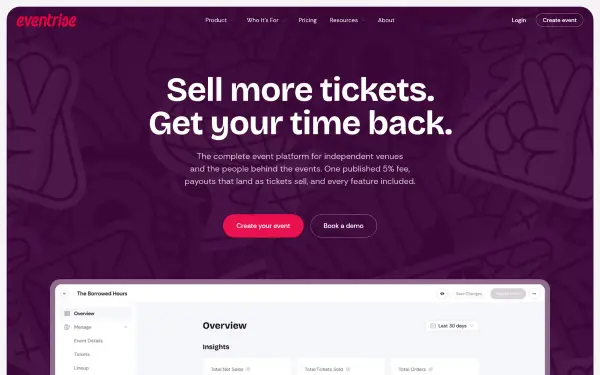
One published 5% fee, payouts through your own Stripe account as tickets sell, and free events that stay free.
Eventrise charges 5% of paid ticket price plus Stripe processing, with no monthly subscription, contract, setup fee or minimum. Free events cost $0 with no attendee cap and keep the full toolkit. Payouts use the organizer's own Stripe account, so revenue lands as tickets sell, and organizers keep 100% of any facility fee.
Event pages are hosted and checkout is embeddable, so a venue can sell from its own site without a marketplace. All-in pricing is shown up front. Seat maps, reserved seating, box office tools, finance and P&L reporting, and mobile check-in that keeps scanning when the signal drops are built in. An API, webhooks and Zapier cover integrations.
Stripe processing is extra. Reserved seating adds $1 per ticketed seat, paid by the attendee, so a 900-seat run carries an add-on general admission never touches. It fits independent venues, promoters and mid-size organizers with an audience; a 400-capacity room running 60 paid shows a year gets predictable percentage pricing, cash during the on-sale and reporting. Discovery limited.
You run your own audience and want a single predictable percentage with fast payouts.
You need a marketplace to bring buyers, or you cannot use Stripe.
Entry II of X / Built-in buyer audience
Our verdict
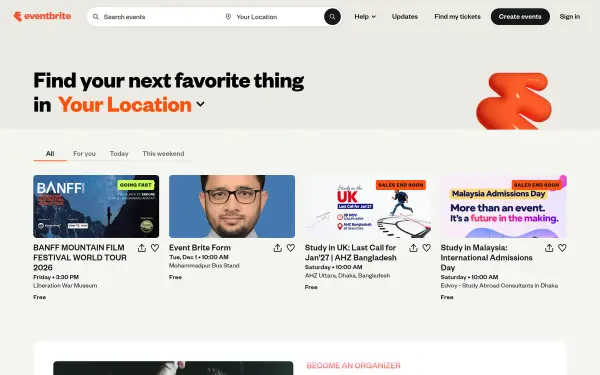
The widest built-in buyer audience here, paid for with high-end service fees and buyer-facing charges.
Eventbrite's case is simple: buyers already go there. A large public marketplace lets people browse events by city and category, and that audience is the product. Organizers pay 3.7% plus $1.79 per paid ticket as a service fee, and free events carry no platform fees. The charge usually lands on the buyer at checkout, lifting the displayed price.
The organizer side is mature. Multiple ticket types, discount codes, refunds and payouts are standard, the check-in app works on a phone, and integrations plus an API cover most stacks. For a comedy night, workshop series or club event with no following yet, being listed where buyers already search can outweigh a few points of fee.
Your event competes. No free trial means a test is a real listing. Best fit is organizers who value discovery over margin and price high enough to absorb a percentage charge, or sell few tickets where the flat $1.79 stays small. Skip if you have an audience or sell high volumes of low-priced tickets.
You need a marketplace to put your event in front of buyers who are already searching.
You have your own audience and want the lowest possible cost per ticket.
Entry III of X / Own-brand checkout
Our verdict
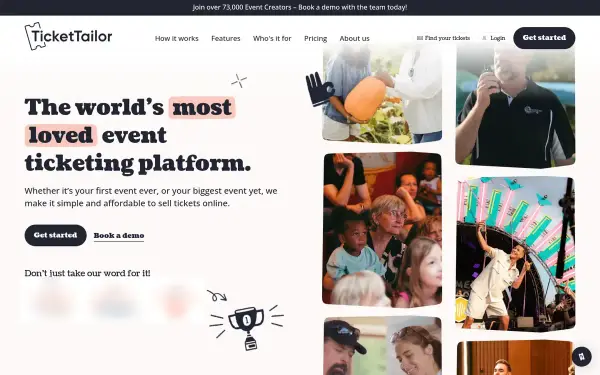
Flat per-ticket or volume pricing with your brand on the checkout and no default fees pushed onto buyers.
Ticket Tailor sells against the percentage model. It prices on ticket volume, and the vendor page shows £0.60 per ticket plus VAT at the UK pay-as-you-go rate. No USD figure appears in the material we reviewed, so a US buyer must confirm the rate. Free events are supported, and there is no free trial.
The product is built for organizers who own their traffic. The box office can sit on the organizer's site, the checkout carries the organizer's brand without a platform logo, and embeddable widgets or a white-label option exist. No buyer fees apply by default, so the buyer sees the organizer's price. The organizer keeps 100% of the ticket price.
There is no built-in marketplace audience, so nothing arrives that the organizer did not bring. The feature set is smaller than Eventbrite's. It fits venues, promoters and membership organizations with an existing list, and anyone resenting a percentage of a sellout. It fits less well for a first-time organizer without an audience. Model annual ticket count.
You have your own audience and want your brand, not a platform's, on the checkout.
Discovery is the problem and you need strangers to find your event.
Entry IV of X / Deep page customization
Our verdict
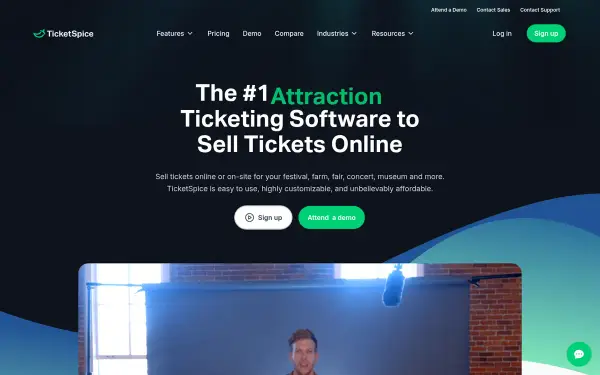
Deep page customization and upsells for galas and fundraisers, on a flat $0.99 per paid ticket.
TicketSpice competes on presentation. The Standard plan runs $0.99 per paid ticket, a flat rate rather than a percentage, and the page designer is central: organizers can build a ticket page that matches the event brand rather than accepting a template. There is no free plan and no trial, so evaluating it means a vendor conversation or a small paid event.
The feature set leans toward fundraising and multi-day programs. Donation collection sits alongside ticket sales, merchandise can be sold as a checkout upsell, complex ticket bundles are supported, and reserved seating charts handle assigned seats. Embeddable widgets or a white-label checkout put pages on the organizer's own site. Support is a recorded strength.
The flat fee is the catch: $0.99 per ticket does not fall with volume, so a 5,000-ticket event pays the same as a 50-person workshop. There is no marketplace audience. It fits galas, walkathons and multi-day conferences. It fits less well for high-volume, low-price events or organizers wanting a listing site to supply demand.
The ticket page has to look like your brand and you sell a few hundred high-value tickets.
You sell tens of thousands of cheap tickets, where $0.99 each adds up fast.
Entry V of X / Free to list

Our verdict
Free to list and cheap to start, with the advanced seating and scheduling features left out.
TicketLeap keeps entry cost near zero. Listing is free, and it charges only when tickets sell, so an organizer with an unproven event can publish without a subscription. Current paid-ticket fees are not listed in the material we reviewed, so confirm the rate on the vendor site before budgeting. There is no trial, and a free listing means you do not need one.
The feature set covers the basics: multiple ticket types, promo codes, refunds and a mobile check-in app that holds up at the door. Setup is quick enough for a first-time organizer, and the interface does not assume a full-time box office staff. For a single fundraiser, school event, class series or small concert, that is often all that is required.
Reserved seating and complex multi-session schedules are limited. It fits organizers running one or two straightforward paid events a year who want to list free and pay per ticket sold. It fits less well for venues needing assigned seats or complex recurring programming.
You run a simple paid event and want to list for free before you spend anything.
You need assigned seating, complex schedules or a deep integration library.
Entry VI of X / Assigned seat maps
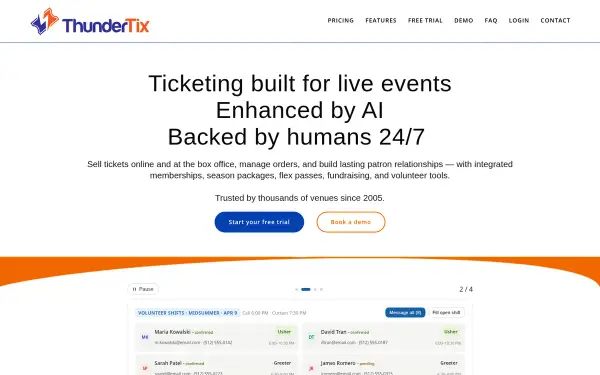
Our verdict
Built for seated venues: real seating charts, assigned seats and season ticketing on flat-fee pricing.
ThunderTix is a seated-venue product. Reserved seating charts and assigned seat selection are the core, not an add-on, which puts it in a different category from general admission platforms that bolt on a seat picker. Theaters, concert halls and performing arts organizations are the target, including season ticketing for subscribers who hold the same seats across a run.
Pricing is flat-fee rather than a percentage of ticket revenue, which matters for a venue selling high-priced seats over a long run. Current rates are not listed beyond that flat-fee model, so get a quote against your annual volume. There is no free plan and no trial, so a sales conversation comes before any hands-on test.
The interface feels older, and it is not built for general admission or festival events. It fits a 300-seat house running a subscription season or a community theater with reserved rows. Flat-fee pricing stays predictable. It fits poorly for club nights or events where buyers pick a ticket type rather than a seat.
Your venue sells assigned seats and needs charts plus season ticketing that work.
You run general admission events, festivals or anything without a seat map.
Entry VII of X / Low per-registration fee
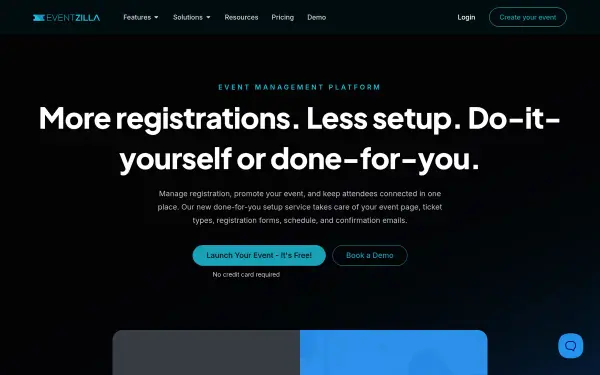
Our verdict
A low-cost all-rounder at $1.50 per registration, covering conferences, classes and fundraisers without much brand pull.
Eventzilla prices on registrations rather than tickets: the Basic plan is $1.50 per registration, and free events stay free. That structure suits conferences, classes and fundraisers, where each attendee registers once and may pick sessions or add-ons. No current price list beyond that is included in the material we reviewed, so confirm tiers on the vendor site. There is no trial.
The product covers the middle ground. Event registration and ticketing sit together, surveys collect feedback after the event, promo codes drive early sales, and attendee management handles changes and questions. White-label options let an organization put its own name on the registration flow. For a training company or community organization running a calendar of events, that is a workable single system rather than three tools stitched together.
Its marketplace is small, so discovery is limited. It fits organizers with own audience who want a lower-cost alternative for registration and surveys. It fits less for consumer events depending on marketplace. Model the per-registration charge against average ticket price.
You run conferences or classes for your own audience and want low per-registration costs.
You need a marketplace to find attendees or a seat map for reserved seating.
Entry VIII of X / European cashless payments
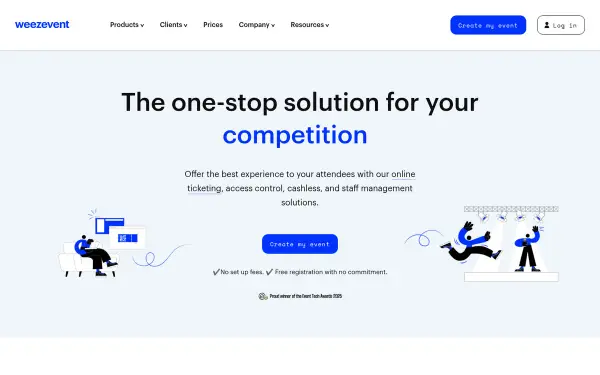
Our verdict
A European festival and venue platform with cashless wristbands and local payment methods, light on US support.
Weezevent is built around the European event market. Online ticket sales sit next to on-site cashless payment, access control hardware and cashless wristbands, the combination a multi-day festival needs: sell online, load credit onto a wristband, scan at the gate and settle in one place. Local European payment methods and European tax handling are part of the offer, and festival ticketing is a named use case.
That makes it more than a checkout. Festivals and large venues get on-site infrastructure, not just a page and a scanner. Pricing is quote-based for larger events, and current rates are not listed in the material we reviewed, so a budget conversation comes before any cost comparison. There is no free plan and no trial.
US support and presence are limited. Heavy for a 60-person workshop. It fits European festivals, venues and promoters wanting ticketing, cashless payment and access control from one vendor. It fits less for US organizers or small single-room events, and comparisons stay provisional until you have a quote.
You run a European festival or venue and want ticketing, cashless payment and access control together.
You are based in the US or you need a published self-serve price today.
Entry IX of X / Free event ticketing
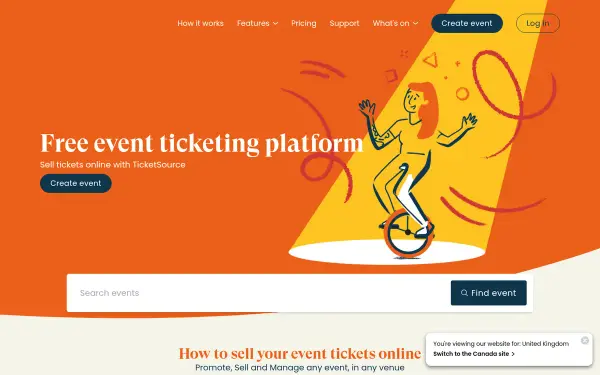
Our verdict
Free events at no cost and a simple box office for small venues, with marketing tools kept to a minimum.
TicketSource is honest about where it wins: free events cost nothing. There is no monthly fee and no per-ticket charge on free tickets, so a community group, class instructor or small venue can publish and manage a free event without a budget line. Paid tickets carry a modest booking fee, though current rates are not listed in the material we reviewed. There is no trial, and no price list is published.
The product is a small-venue box office rather than a marketing engine. Box office tools for small venues, community group ticketing and class instructor ticketing are the named use cases, and setup is meant for volunteers and part-time staff rather than a dedicated ticketing team. That focus is a strength for a village hall, church hall or 150-seat room that needs a door list and a takings report.
Marketing features are fewer than marketplace platforms. It fits community events, venues and instructors running free or low-cost events. Promoters needing campaign tools or reserved seating should look elsewhere.
Most of your events are free and you want a no-cost box office that small teams can run.
You need branded checkout design, campaign tools or support outside UK hours.
Entry X of X / Zero fees for nonprofits
Our verdict
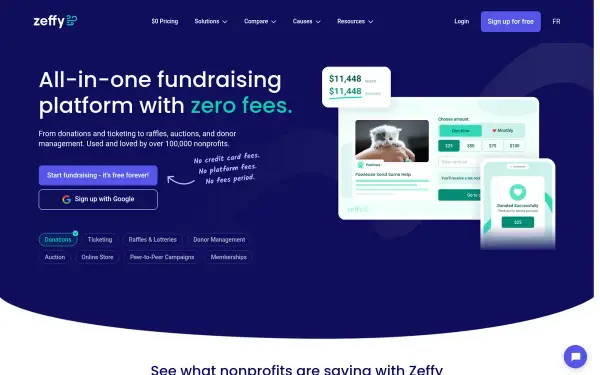
Genuinely $0 for registered nonprofits, funded by optional donor tips, with ticketing, donations and raffles together.
Zeffy charges nonprofits nothing. All features are $0, there are no per-ticket fees, and the model is funded by optional tips donors can add at checkout. That is not a free tier with a paid upgrade: the platform is free by design, and the tip line pays for it. Eligibility is limited to registered nonprofits, so a for-profit promoter cannot use it.
The feature set is built around charity operations. Ticketing, donation collection, memberships, raffles and e-commerce for charity shops sit in one system, so a gala can sell tables, take a donation and enroll the buyer as a member in one flow. There are no per-ticket fees at any level, and there is no trial because there is no price to try.
Optional donor tips can confuse buyers used to a fixed total. The nonprofit-only rule is strict. It fits registered nonprofits running galas, benefit concerts and raffles. It fits less for for-profit promoters, venues, or organizations that would rather not ask donors to tip the software.
You are a registered nonprofit and want every dollar of ticket revenue to stay with the mission.
You are a for-profit promoter or your buyers would find an optional tip request confusing.
VIBackground
Event ticketing software does four jobs in sequence: it publishes an event page, takes payment, issues a ticket with a unique code, and gets that code scanned at the door. Every platform here does those four things. The differences sit in how much of the rest of the job the platform takes on.
The biggest split is between marketplaces and checkouts. A marketplace such as Eventbrite brings buyers to the page and charges for that reach. A white-label platform such as Ticket Tailor or TicketSpice assumes you bring the buyers and gives you the page, the branding and the reporting. Neither is better in the abstract; the question is whether your problem is demand or conversion.
The second split is the fee model. There are three common shapes:
Each shape changes behavior. Percentage fees make expensive tickets costly to sell. Per-ticket fees punish high volume. Subscriptions reward organizers with predictable calendars and penalize one-off events.
The third split is operational. Seating is the clearest example: assigned seat charts, season holds and box office workflows live on venue-focused products, while general admission platforms treat a seat map as an add-on. Access control is another: cashless wristbands and gate hardware belong to festival-scale platforms, not to a 100-person workshop. Payout timing is a third: some platforms push money through the organizer's own payment account as tickets sell, others list payouts without a stated schedule.
A short checklist before you shortlist:
Answer those five and most of the ten platforms below drop out on their own.
This comparison sits in the events register. Further along the shore: ticket sales platform and Maze alternatives.
VIIPricing
Ticketing pricing comes in four shapes, and they are not directly comparable. A percentage of ticket price grows with your ticket price. A flat per-ticket charge grows with volume. A subscription grows with your calendar. A free model is funded some other way. Converting one into another produces a number that looks precise and is usually wrong.
| Model | How it bills | Typical fit | Example from this list |
|---|---|---|---|
| Percentage plus processing | A share of each paid ticket taken at sale, with card processing separate | Organizers who want no fixed cost and can absorb a variable rate | Eventrise at 5% plus Stripe processing; Eventbrite at 3.7% + $1.79 per paid ticket |
| Flat fee per paid ticket | A fixed charge per ticket sold, regardless of price | Fundraisers and mid-size events with higher ticket prices | TicketSpice at $0.99 per paid ticket; Eventzilla at $1.50 per registration |
| Volume-based or subscription | A recurring charge set by ticket volume, or a per-ticket rate on a pay-as-you-go basis | Organizers with a steady calendar and their own audience | Ticket Tailor, whose page shows £0.60 per ticket plus VAT at the UK rate |
| Free or donation funded | No platform charge, funded by optional tips or a booking fee | Nonprofits, free events, community groups | Zeffy at $0 for nonprofits; TicketSource with no charge on free tickets |
Two details decide the real cost more often than the headline rate. The first is who pays the fee. When a service fee lands on the buyer, the displayed price rises and conversion usually falls; when the organizer absorbs it, margin falls instead. The second is what sits outside the rate: card processing, per-seat charges for reserved seating, and add-ons such as cashless hardware. Eventrise lists Stripe processing as extra and $1 per ticketed seat for reserved seating. TicketSource and Zeffy carry no monthly fee.
Where a vendor does not publish a figure, we say so. TicketLeap, ThunderTix, Weezevent and TicketSource did not return price list in our material, and Weezevent prices larger events by quote. Confirm on the vendor site before you sign.
Each entry card shows the starting price as it appeared on the vendor's own pricing page on November 25, 2026. When a vendor shows no figure we could confirm, or only a promotional rate, the card says "See website" or gives the regular price instead of a guess. Usage, overage and add-on rates in the text change more often than plan prices, so confirm them on the vendor page before you set a budget. To test the numbers against your own volume, try the free Event Break-Even Calculator. The CSAT and NPS Calculator is a second way to check the same decision.
VIIIDecision
Start with demand, not features. Ask whether your problem is that nobody knows about the event or that the checkout leaks buyers. If it is awareness, a marketplace earns its fee. If it is conversion, a white-label checkout usually wins.
Model the fee against one real event. Take your actual ticket price and volume, then run the percentage, the per-ticket and the subscription numbers side by side. A rate that looks small on a $25 ticket looks different on a $250 table.
Check the seating requirement early. If the venue has rows and seat numbers, general admission platforms are out unless they offer a seat map with assigned selection. Eventrise, TicketSpice and ThunderTix list reserved seating; most others do not.
Confirm how money reaches you. Payout timing decides whether you can pay the venue deposit from ticket revenue or need working capital. Eventrise pays through your own Stripe account as tickets sell; Eventbrite lists payouts without a stated schedule.
Price the free events. If part of your calendar is free, the free tier decides the platform. Eventrise, Eventzilla, TicketSource and Zeffy cost nothing for free events, and Eventbrite and Ticket Tailor carry no platform fee on free events either.
Run a small paid event first. Publish one real event, sell a hundred tickets, scan them at the door and reconcile the payout. A test at that scale exposes checkout friction, check-in problems and reporting gaps faster than any demo.
IXPitfalls
XQuestions
Percentage fees scale with ticket price, per-ticket fees scale with volume, and monthly or volume-based fees scale with your calendar. Eventbrite charges 3.7% plus $1.79 per paid ticket, Eventrise charges 5% plus Stripe processing, TicketSpice charges $0.99 per paid ticket, and Ticket Tailor prices on volume with £0.60 per ticket plus VAT shown at the UK rate. Run your own numbers on one real event.
Ticket Tailor, TicketSpice and Eventrise all support it. Ticket Tailor hosts the box office on your own site with no platform logo, TicketSpice offers embeddable widgets or a white-label checkout, and Eventrise provides an embeddable checkout alongside hosted pages. Eventzilla also lists white-label options. Eventbrite is built around its own marketplace.
It depends on the platform, and most entries here do not publish a schedule in the material we reviewed. Eventrise is the clearest case: payouts arrive through the organizer's own Stripe account as tickets sell, not after the event. Eventbrite lists payouts as a feature without stated timing. Confirm payout timing in writing before you plan cash flow around it.
Eventrise, TicketSpice and ThunderTix list reserved seating. ThunderTix is the specialist, with seating charts, assigned seat selection and season ticketing for performing arts venues. Eventrise includes seat maps and reserved seating with a $1 per ticketed seat charge paid by the attendee. TicketSpice supports reserved seating charts inside its page designer. Most other platforms here do not list seat maps.
Zeffy is $0 for all features for registered nonprofits, funded by optional donor tips. For free events, Eventrise charges nothing with no attendee cap, Eventzilla keeps free events free, TicketSource has no charge on free tickets, and Eventbrite and Ticket Tailor carry no platform fee on free events. TicketLeap lists events free and charges only when tickets sell.
Eventbrite has a large built-in marketplace audience. Eventzilla has a marketplace, but it is described in our material as small, so discovery is limited. Everything else, including Eventrise, Ticket Tailor, TicketSpice, ThunderTix, Weezevent, TicketSource and Zeffy, assumes you bring the buyers through your own marketing.
XIFurther along the shore
Vendors can ask for a correction or apply for a Featured listing. Paid or not, the entry is scored on the same rubric and its limits stay in print. Partner with Umberlake.
Free tools
Our free browser tools turn the prices on this page into a figure for your own volume. Nothing you type leaves your device.