
Jobber
See website
Best for lawn care firms wanting polished operations with QuickBooks Online sync
- Free plan
- No
- Rubric
- 7.0 of 10
Nine landscape and lawn care platforms ranked on accounting sync depth, job costing and price transparency, with the QuickBooks handoff that matters most to operators.

IThe short answer
Our pick for the best landscape software with accounting integration in November 2026 depends on how you bill. Jobber suits lawn care firms that want polished scheduling and a well-regarded QuickBooks Online sync. Service Autopilot suits full-service landscapers running recurring routes who want automation. LMN suits companies that want real job costing and budgets built from actual costs. All prices were checked on November 26, 2026.
9 tools compared from vendor pages on November 25, 2026. 4 publish a starting price we could read; the rest say "See website".
IITop three berths
Register order is editorial fit for the buyer each entry describes. Prices are the starting figures read on November 25, 2026.
See website
Best for lawn care firms wanting polished operations with QuickBooks Online sync

$49Startup, per month, annual subscription rates, plus sign up fee
Best for full-service landscaping companies wanting deep automation

$297Starter, per month, billed monthly, includes 1 office/crew lead and 5 crew licenses, after one-time onboarding fee
Best for landscapers serious about job costing and budgets
How this page is paid for. All 9 tools here are unpaid editorial picks.
A paid listing's position can be part of what the vendor pays for. Every entry, paid or not, is scored on the same rubric and keeps its limits in print. Advertising disclosure.
IIIThe register
Starting prices as shown on each vendor's pricing page on November 25, 2026. "See website" means no figure we could confirm.
| No. | Tool | From | Free plan | Trial | Rubric | Actions |
|---|---|---|---|---|---|---|
| 01 | JobberLawn care firms wanting polished operations with QuickBooks Online sync | See websiteNot shown publicly | No | No | 7.0 | |
| 02 | Service AutopilotFull-service landscaping companies wanting deep automation | $49Startup, per month, annual subscription rates, plus sign up feeUpdated on vendor page | No | No | 7.3 | |
| 03 | LMNLandscapers serious about job costing and budgets | $297Starter, per month, billed monthly, includes 1 office/crew lead and 5 crew licenses, after one-time onboarding feeUpdated on vendor page | No | No | 8.5 | |
| 04 | YardbookSmall lawn care operators needing free core software | See websiteNot shown publicly | Yes | No | 5.4 | |
| 05 |  ArborgoldTree care and landscaping firms with complex jobs | $129Starter, per month, annual contract required, monthly and annual payment optionsUpdated on vendor page | No | No | 7.5 | |
| 06 |  SingleOpsTree care and landscaping firms needing modern business management | $220Essential, per month billed monthly, $200 per month billed annually, crew users freeUpdated on vendor page | No | No | 7.7 | |
| 07 |  AspireLarge landscaping enterprises needing complete management | See websiteNot shown publicly | No | No | 7.6 | |
| 08 |  FieldEdgeService contractors wanting field operations with accounting sync | See websitecustom quoteQuote only | No | No | 5.9 | |
| 09 | LawnProLawn care operators wanting simple affordable software | See websiteNot shown publicly | No | No | 4.1 |
Pinned:
IVMethod
Every tool in this list was judged against the same five criteria: accounting sync depth (30%), job costing (25%), landscape trade fit (20%), pricing clarity (15%) and daily operations (10%). Accounting sync carries the most weight because a connection that only pushes invoices one way is not the integration most operators think they are buying. Job costing comes next, since margin per property is where landscape and tree care businesses lose money quietly.
Prices and plan details were taken from vendor pricing pages checked on November 26, 2026. Where a vendor publishes no figure, we say so and point you to the vendor site rather than estimate. Yardbook's free core plan could not be re-confirmed because the page did not load, and the entry flags that.
The order is editorial. It reflects fit for the buyer each entry describes, not a weighted total. Featured listings are paid placements, and they are scored with the same rubric and carry the same kind of honest cons as every other entry. No score is adjusted for placement.
We did not run the software hands-on for this piece. We read each vendor's published features, pricing structure and limits, then checked whether the claims hold together. When a vendor's pricing page changed between checks, we noted the change instead of smoothing it over.
The full routine, from price reads to corrections, is on the methodology page. Paid listings follow the advertising disclosure.
How completely invoices, payments and client records reach QuickBooks or another accounting system, and in which direction.
Whether labor, materials and equipment costs attach to each job and can be compared against the original estimate.
How closely workflows match lawn care routes, landscape installs, tree care and chemical or plant record keeping.
Whether a real starting price, contract term and seat rules are published without a sales call.
Quality of scheduling, dispatch, quoting and the mobile experience crews actually use on site.
Entry I of IX / Two-way QuickBooks sync
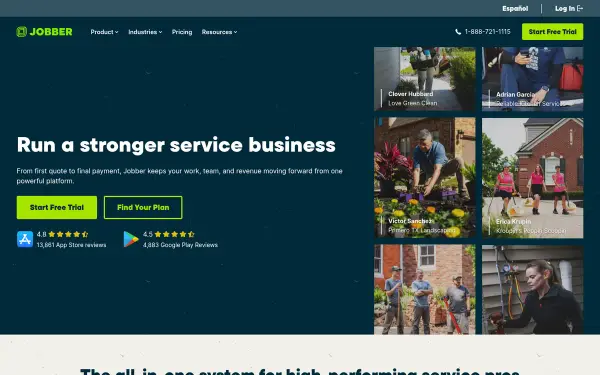
Our verdict
A polished operations hub for lawn care firms where QuickBooks Online sync matters more than deep landscape job costing.
Jobber covers the day to day of a lawn care or maintenance business: quoting, scheduling and dispatching, invoicing, payment collection, and a mobile app that gives crews job details and time tracking. The two-way QuickBooks Online sync is a core reason to shortlist it. Client and invoice data move between the two systems without re-entry, so the office stops rebuilding the same invoices twice.
What it does not do is landscape-specific job costing. Job costing is shallower than landscape-specific platforms, so detailed per-property budget versus actual tracking is not its focus. Companies that need deeper cost data may prefer LMN or Arborgold.
Pricing is the other consideration. Jobber charges per user and no starting figure is published, so costs must be confirmed on the vendor site, and seat-based pricing adds up as field crews and office staff grow. There is no free plan and no trial listed. The product targets small to mid-size home service businesses, with lawn care as a core segment.
Pick Jobber if your main pain is the QuickBooks handoff. Skip it if you need per-job cost tracking inside the same system.
Your crew already works in QuickBooks Online and you want the invoicing handoff to stop being a manual job.
You need per-property cost tracking and budget versus actual reporting inside one tool.
Entry II of IX / Route automation depth
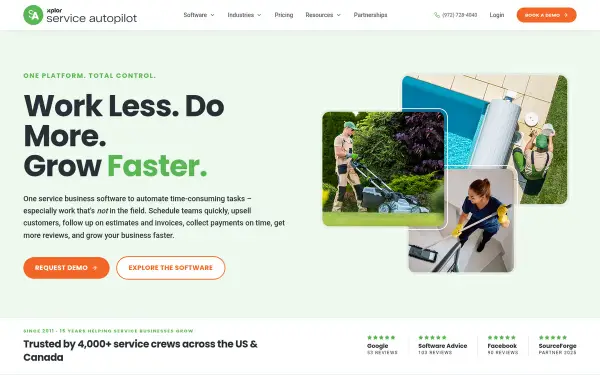
Our verdict
Deep automation for landscapers running hundreds of recurring stops, with a dated interface and a real learning curve.
Service Autopilot is built for volume: recurring route scheduling, automatic invoicing, crew routing and follow-up workflows for late payments. For a company running hundreds of weekly lawn accounts, the automation is the point. Jobs land on routes, invoices generate on schedule, and unpaid balances trigger their own reminders without someone in the office chasing them.
QuickBooks synchronization keeps the accounting side in step, so the bookkeeper sees revenue and receivables without a second data entry pass. The trade-off is usability. The interface feels dated next to SingleOps and Jobber, and the full feature set needs a real learning curve before a crew can run on it comfortably.
Pricing starts at $49 per month on the Startup plan at annual subscription rates, plus a sign up fee. There is no free plan and no trial listed. Confirm the plan details and limits on the vendor site before signing. The platform targets lawn care and landscaping operators specifically, which is why the route logic fits better than generic field service tools.
Pick it if recurring service volume is your bottleneck. Skip it if a small crew needs something running this week.
You manage hundreds of recurring accounts and need invoicing and payment follow-up to run without an office chase.
Your crew is small enough that scheduling still fits on a whiteboard and a dated interface will slow adoption.
Entry III of IX / Cost-based job budgeting
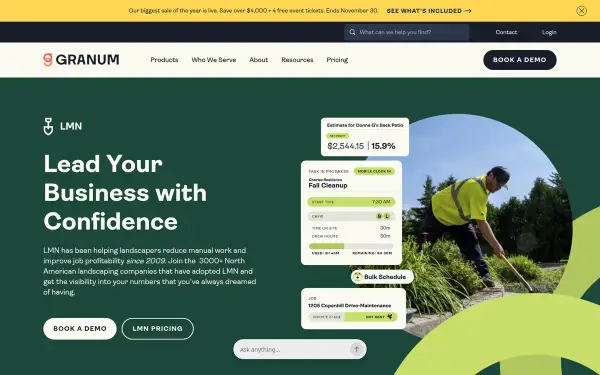
Our verdict
The costing specialist of the group, built for landscapers who want to know which jobs and service lines actually make money.
LMN is the costing specialist in this list. The name stands for Landscape Management Network, and the product pairs its software with a costing methodology that pushes companies to price from true costs rather than gut feel. Each job carries a budget, estimates come out of real cost data, and actual versus estimated costs update as the work runs, so you can see which service lines actually make money.
QuickBooks carries the financial picture after LMN does the job-level math. That division of labor suits companies that want estimating and costing inside one system and a clean handoff to their bookkeeper.
Pricing is public: $297 per month on the Starter plan, billed monthly, including one office or crew lead and five crew licenses, after a one-time onboarding fee. There is no free plan and no trial listed. The onboarding fee and the process change are the real costs, because adopting LMN usually means rewriting how you estimate, not just importing a client list.
Pick it if margin visibility matters more than a pretty schedule. Skip it if you want a simple dispatcher and nothing more.
You suspect some service lines lose money and want budgets, estimates and actual costs in one place.
You need a light scheduler and cannot absorb the setup and onboarding investment.
Entry IV of IX / Free core plan
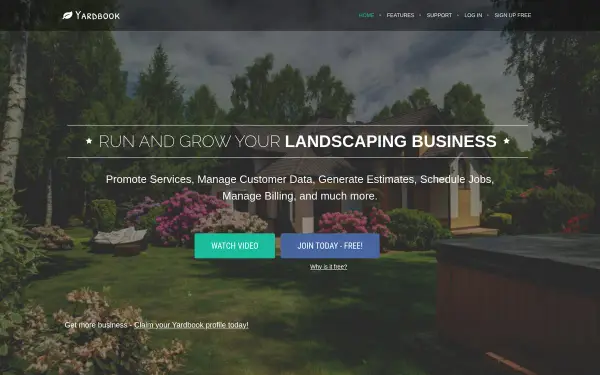
Our verdict
The free starting point for solo operators, with scheduling and invoicing that work and accounting depth that does not.
Yardbook is the free option. Scheduling, invoicing, customer management and job tracking for small crews are available without a subscription, and setup is quick enough to complete in a day. For a solo operator or a two-person crew, that covers the essentials that would otherwise live in a notebook and a text thread.
The trade-offs show up as you grow. The feature set is basic, and accounting integration is limited compared with the paid platforms here. Operators who need invoicing and receivables to land in QuickBooks without manual work, or who want job costing per property, will hit the ceiling quickly.
Pricing is listed on the vendor site. We could not re-confirm the free core plan on November 26, 2026 because the page did not load, so treat the free tier as carried from earlier checks and verify it before you commit. There is no trial listed, which makes sense for a product with a free core.
Pick it if you are starting out and want software that costs nothing. Skip it if accounting sync or job costing is already on your requirement list.
You are a solo operator who needs scheduling and invoicing today and has no budget for software.
Invoices must reach QuickBooks automatically or you need cost tracking per property.
Entry V of IX / Plant and chemical tracking
Our verdict
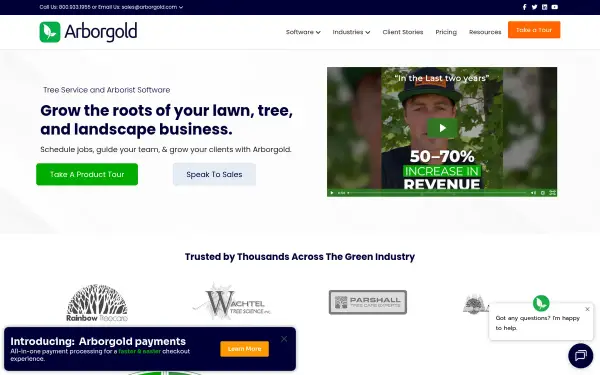
A trade-shaped platform for tree care and landscaping work that involves plants, materials and chemical records.
Arborgold is shaped by tree care and landscaping trades rather than generic field service. Proposals pull from plant and material databases, landscaping proposal templates keep bids consistent, and chemical tracking plus plant care schedules cover work that generic tools ignore.
Job costing is the strong part: labor, materials and equipment attach to each project, so a complex install or a multi-day tree removal can be reviewed against its estimate. QuickBooks integration handles the accounting handoff once the job numbers are in.
Pricing starts at $129 per month on the Starter plan, with an annual contract required and monthly or annual payment options. There is no free plan and no trial listed. The annual commitment matters for a small firm testing software for the first time, because switching costs are real if the fit turns out wrong.
The product is niche by design. Companies outside tree care and landscaping, or landscapers who mostly mow and maintain, often pay for plant and chemical depth they never use.
Pick it if your jobs involve plants, materials and chemical records. Skip it if you run simple recurring maintenance routes.
Your proposals depend on plant and material databases and you need chemical records alongside job costs.
Your work is mostly recurring mowing and you cannot commit to an annual contract.
Entry VI of IX / Modern interface
Our verdict
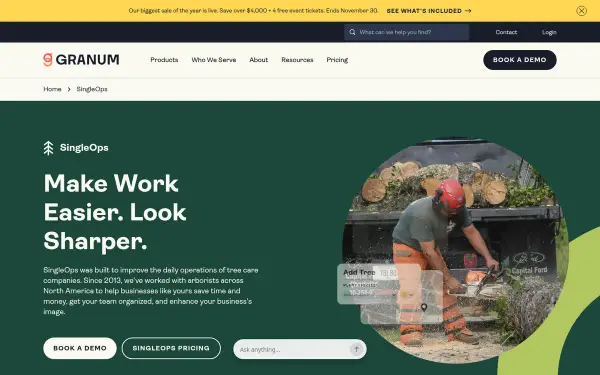
The best-looking option in the category, with estimating and CRM that flow into invoicing and a clean QuickBooks Online handoff.
SingleOps sells on interface quality, and that is a fair pitch in a category where several tools still look a decade old. Estimating, scheduling, CRM for client communication and invoicing sit in one flow, so a quote can become a scheduled job and then an invoice without leaving the system.
QuickBooks Online synchronization is the accounting piece. The handoff is clean, and because estimating and CRM work well together, the data arriving in QuickBooks is usually complete rather than patched together at month end.
Pricing starts at $220 per month on the Essential plan billed monthly, or $200 per month billed annually, and crew users are free. That last detail changes the math for companies with large field teams, since you are not paying per person on a route. There is no free plan and no trial listed.
The limits are scope and ecosystem. SingleOps focuses on tree care and landscaping rather than general contracting, and its partner and integration list is smaller than what larger platforms offer.
Pick it if your office staff dislike their current interface. Skip it if you need broad third-party integrations beyond accounting.
You run large field crews and free crew user licensing plus a readable interface outweighs a smaller integration list.
You need a wide set of third-party integrations or you contract outside tree care and landscaping.
Entry VII of IX / Multi-branch reporting
Our verdict
Enterprise landscaping management with multi-branch reporting and deep costing, priced and implemented for large organizations only.
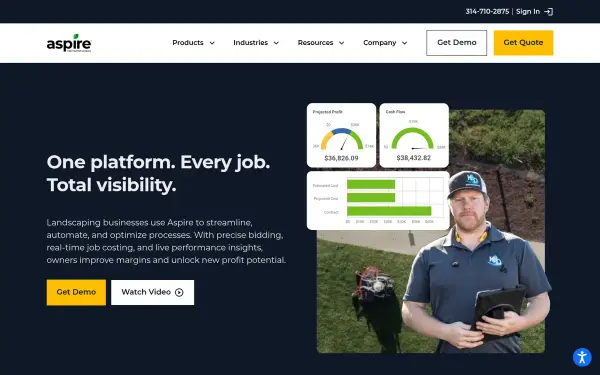
Aspire is the enterprise answer. Estimating, scheduling, job costing, fleet management, HR tools and business intelligence all sit in one platform, with multi-branch consolidated visibility for organizations that report to a board or a lender. Accounting integrations feed the finance team, and the reporting layer is where the product earns its keep.
Job costing is deep enough to compare branch performance and service line margins across regions. That is a different job from scheduling a residential mow route, and the implementation assumes organizational maturity: dedicated admin time, clean master data and someone who owns the rollout.
Pricing is not published. The vendor quotes pricing for an enterprise model, so budget for a sales cycle rather than a signup form. There is no free plan and no trial listed.
Small residential companies routinely buy more platform than they can operate. If your revenue is modest and you run a single location, the depth here becomes overhead rather than advantage.
Pick it if you run multiple branches and need consolidated reporting. Skip it if one location and a dozen crews is your ceiling.
You run several branches and need consolidated margin reporting across regions, crews and service lines.
You are a single-location residential company that cannot staff a full implementation.
Entry VIII of IX / Dispatch board
Our verdict
Strong dispatch and mobile tools from HVAC roots, with QuickBooks billing but thinner landscaping cost tracking.
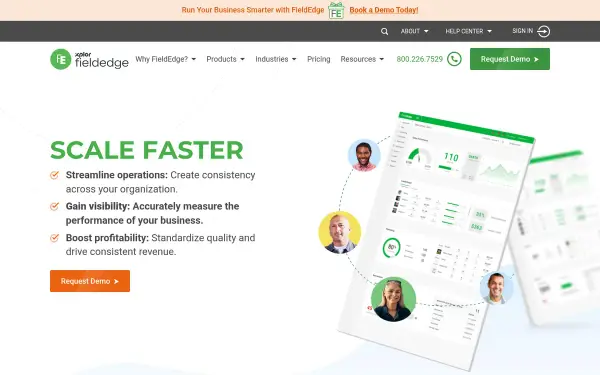
FieldEdge comes from HVAC and mechanical service, and that shows in the strongest parts: a dispatch board built for urgent calls, mobile apps crews can use in the field, invoicing and payments, and customer and job management in one place. QuickBooks integration keeps billing current without a nightly export ritual.
For a contractor running landscaping as one division among several trades, that shared dispatch and billing layer can be genuinely useful. One system for the office, one accounting handoff, consistent invoices across divisions.
Landscaping-specific costing is thinner than the specialists. Per-property budgets, plant and material databases and chemical tracking are not what FieldEdge was built around, so a dedicated landscaping division often ends up tracking job margins somewhere else.
Pricing is not published: all three plans show only a request pricing action, so there is no figure to compare as of November 26, 2026. There is no free plan and no trial listed.
Pick it if landscaping is one division of a multi-trade service business. Skip it if landscaping is the whole business and margin per property is the number you watch.
You already run plumbing, HVAC or mechanical crews and want landscaping on the same dispatch and billing system.
Your landscaping division needs per-property budgets and plant or chemical records in the same tool.
Entry IX of IX / Simple route scheduling
Our verdict
A narrow, quick-to-set-up route scheduler that suits solo operators and stalls once accounting or costing matters.
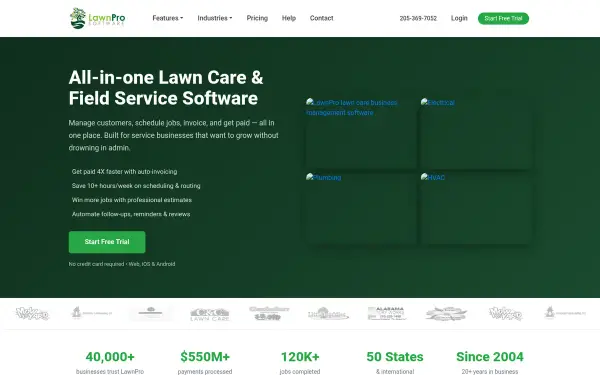
LawnPro is a small-operator tool built around route-based lawn care. Scheduling, route management, invoicing and customer management cover the daily loop for a solo operator or a small crew, and setup is quick because there is not much to configure.
The trade-off is depth. Features are basic, and accounting integration is limited compared with the paid platforms here, so the books usually need a manual pass or a separate accounting tool. Growing companies outgrow it as soon as they add crews, need per-job costing, or want QuickBooks to receive invoices automatically.
Pricing is not published in a form we could check. No pricing URL or page text was available for this vendor on November 26, 2026, so confirm rates directly with the vendor before you plan around them. There is no free plan listed and no trial listed.
Its case is narrow and honest: route-aware scheduling without complexity. If that is all you need, the missing enterprise features cost you nothing.
Pick it if you want route scheduling and nothing else. Skip it if accounting sync is a requirement rather than a nice to have.
You run a small route-based lawn crew and want scheduling without a long setup or contract.
You need invoices to reach QuickBooks automatically or you plan to add crews within a year.
VBackground
It connects the work you sell and schedule to the books you close each month. Instead of retyping invoices, payments and job costs, the platform pushes client and invoice data into QuickBooks or another accounting system, so the office stops running two versions of the same customer record.
The category splits into three shapes. Generic field service tools such as Jobber and FieldEdge handle scheduling, dispatch and invoicing well and pass data to QuickBooks. Landscape and tree care specialists such as LMN, Arborgold, SingleOps and Aspire focus on trade workflows, with LMN adding per-job budgets, Arborgold adding plant and chemical records, and Aspire adding multi-branch reporting. Route-first tools such as Service Autopilot and LawnPro organize work around recurring stops.
What separates a real integration from a checked box:
Ask vendors which direction data flows, how often it syncs, and what happens when a job is edited after invoicing. Those three answers tell you more than a logo on a features page.
This comparison sits in the finance register. Further along the shore: lease accounting software and accounting software for landlords.
VIPricing
Usually yes, if the alternative is a bookkeeper rebuilding invoices by hand. Published entry prices here run from free (Yardbook) to $297 per month (LMN Starter), with Service Autopilot at $49, Arborgold at $129 and SingleOps at $220. Several vendors publish nothing at all, so the real comparison starts with a quote.
Read the structure before the number. Free or low entry tiers price the first crew cheaply and charge later for depth. Published tiers carry conditions: a sign up fee, an annual contract, a one-time onboarding fee. Per-user and custom models hide the figure until a sales call.
SingleOps shows how licensing changes the math: $220 per month billed monthly, or $200 per month billed annually, with crew users free. Jobber charges per user and publishes no starting figure, so a ten-person operation should compare total annual cost rather than list price.
| Model | How it bills | Typical fit | Example from this list |
|---|---|---|---|
| Free core | No subscription for essentials | Solo operators and very small crews | Yardbook |
| Published entry tier | Plan rate, annual or monthly | Small firms wanting a known number | Service Autopilot, $49 Startup per month at annual rates plus sign up fee |
| Published mid tier | Monthly billing | Companies with crew leads and several crews | LMN, $297 Starter per month billed monthly after a one-time onboarding fee |
| Per user, unpublished | Seat based, price on request | Growing teams where field and office seats multiply | Jobber |
| Custom quote or unpublished | Sales led or not published | Multi-branch and enterprise operators | Aspire and FieldEdge quote pricing; LawnPro pricing is not published |
Budget for the first year, not the first month. Add onboarding, data migration and the hours your team spends learning the system; those costs usually exceed the subscription gap between two shortlisted vendors.
Each entry card shows the starting price as it appeared on the vendor's own pricing page on November 25, 2026. When a vendor shows no figure we could confirm, or only a promotional rate, the card says "See website" or gives the regular price instead of a guess. Usage, overage and add-on rates in the text change more often than plan prices, so confirm them on the vendor page before you set a budget. To test the numbers against your own volume, try the free Lease Liability Calculator. The Event Break-Even Calculator is a second way to check the same decision.
VIIDecision
Start with how you bill. Recurring mowing routes point to Service Autopilot or LawnPro, project work with materials and plants points to LMN or Arborgold, and a mixed service business points to Jobber or FieldEdge. Then check the direction of the accounting sync before you sign anything.
VIIIPitfalls
The most common mistake is buying on the integration logo instead of the data flow. A QuickBooks connection that only exports invoices once a day will not fix month end, and a platform that costs less per seat can cost more once onboarding fees, annual contracts and duplicate tools are counted.
IXQuestions
Jobber, Service Autopilot, LMN, Arborgold, SingleOps and FieldEdge list QuickBooks connections, while Aspire lists accounting integrations. Jobber describes a two-way QuickBooks Online sync of client and invoice data, SingleOps lists QuickBooks Online synchronization, and LMN and Arborgold list QuickBooks financial or accounting integration after job costing inside their own systems.
Yardbook is the only tool in this list with a free core plan, covering scheduling, invoicing, customer management and job tracking for small crews. Its accounting integration is limited, and we could not re-confirm the free tier on November 26, 2026, so verify it on the vendor site.
LMN leads on budgets and cost-based estimating, with actual versus estimated costs updating as work runs. Arborgold ties labor, materials and equipment to each project alongside plant and chemical records, and Aspire adds multi-branch job costing and reporting for large organizations.
Aspire is built for that scale, with estimating, scheduling, job costing, fleet management, HR tools, accounting integrations and consolidated visibility across branches. It is quoted rather than published, and the implementation assumes dedicated admin time and clean master data across locations.
Arborgold focuses on tree care and landscaping with proposal databases, chemical tracking and plant care schedules, while SingleOps focuses on tree care and landscaping with estimating, CRM and invoicing. Jobber, FieldEdge and Service Autopilot come from broader home service or route-based backgrounds, and LawnPro centers on residential lawn routes rather than tree work.
Per-user pricing means every added field or office seat raises the bill, so costs climb with headcount rather than revenue. Jobber charges per user with no published starting figure, while SingleOps includes crew users free, which changes the comparison once you field ten or more people.
XFurther along the shore
Vendors can ask for a correction or apply for a Featured listing. Paid or not, the entry is scored on the same rubric and its limits stay in print. Partner with Umberlake.
Free tools
Our free browser tools turn the prices on this page into a figure for your own volume. Nothing you type leaves your device.