QuickBooks Online
$38Simple Start, 1 user, per month, promotional $11.40 per month for 3 months
Best for uS small businesses that want a familiar ledger
- Free plan
- Yes, QuickBooks Free at $0/mo, no credit card required
- Rubric
- 8.1 of 10
We rank ten AI accounting tools by fit, automation depth, price transparency and real limits, with prices checked on November 26, 2026 and a clear pick for each kind of buyer.

IThe short answer
The best AI accounting software in November 2026 depends on your books, not the longest feature list. QuickBooks Online suits US small businesses that want a familiar ledger and a deep accountant network. Xero fits small teams and international businesses that need unlimited users. Zoho Books is the pick for businesses already using Zoho CRM or other Zoho apps. Prices were checked on November 26, 2026.
10 tools compared from vendor pages on November 25, 2026. 8 publish a starting price we could read; the rest say "See website".
IITop three berths
Register order is editorial fit for the buyer each entry describes. Prices are the starting figures read on November 25, 2026.
$38Simple Start, 1 user, per month, promotional $11.40 per month for 3 months
Best for uS small businesses that want a familiar ledger

$27Early, per month, promotional $2.70 per month for first 6 months
Best for small teams and international businesses that need unlimited users

FreeFree plan, 1 user plus 1 accountant
Best for businesses already using Zoho CRM or other Zoho apps
How this page is paid for. All 10 tools here are unpaid editorial picks.
A paid listing's position can be part of what the vendor pays for. Every entry, paid or not, is scored on the same rubric and keeps its limits in print. Advertising disclosure.
IIIThe register
Starting prices as shown on each vendor's pricing page on November 25, 2026. "See website" means no figure we could confirm.
| No. | Tool | From | Free plan | Trial | Rubric | Actions |
|---|---|---|---|---|---|---|
| 01 | QuickBooks OnlineUS small businesses that want a familiar ledger | $38Simple Start, 1 user, per month, promotional $11.40 per month for 3 monthsRead on vendor page | Yes | 30-day free trial | 8.1 | |
| 02 | XeroSmall teams and international businesses that need unlimited users | $27Early, per month, promotional $2.70 per month for first 6 monthsRead on vendor page | No | One month free offer | 7.6 | |
| 03 | Zoho BooksBusinesses already using Zoho CRM or other Zoho apps | FreeFree plan, 1 user plus 1 accountantRead on vendor page | Yes | 14-day free trial on paid plans | 7.5 | |
| 04 |  WaveSolo owners and freelancers who want free accounting | FreeStarter, per month, unlimited invoices and bookkeeping recordsRead on vendor page | Yes | No | 7.0 | |
| 05 |  FreshBooksFreelancers and service businesses that bill by invoice | $23Lite, per month, 5 billable clients, promotional $2.30 per month for 4 monthsRead on vendor page | No | 30-day money-back guarantee | 6.7 | |
| 06 |  DigitsOwners who want the ledger itself run by AI | $65Essentials, per month, per businessRead on vendor page | No | 30-day free trial | 7.7 | |
| 07 |  PuzzleUS startups that want real-time burn rate and runway | $72Core, per month, software onlyUpdated on vendor page | No | No | 6.8 | |
| 08 |  RampBusinesses wanting expense and AP automation without a subscription | FreeFree plan, per user per monthRead on vendor page | Yes | 30-day free trial on Plus | 7.6 | |
| 09 | DocytMulti-entity businesses and hospitality groups | See websiteNot shown publicly | No | 7-day free trial | 6.6 | |
| 10 |  Sage IntacctGrowing companies that have outgrown a small-business ledger | See websiteCustom quoteNot shown publicly | No | No | 7.4 |
Pinned:
IVMethod
We scored each tool on five criteria: AI depth, buyer fit, pricing clarity, accounting breadth and limits and tradeoffs. AI depth looks at whether automation is built into categorization, document capture, reconciliation, close work and querying. Buyer fit asks whether the product matches the business type it claims to serve. Pricing clarity rewards public list prices and penalizes quote-only processes that make comparison hard. Accounting breadth covers double-entry reporting, multi-entity support, payroll connections and integrations. Limits and tradeoffs records plan caps, add-on costs and requirements that change the buying decision.
Prices, plans, trials and free-plan facts come from vendor pricing pages checked on November 26, 2026. We did not convert currencies or guess quote-only pricing. The order is editorial: each entry is placed for the buyer it describes, with any Featured position disclosed. A Featured listing is a paid placement and is scored with the same rubric, including honest cons. Scores are shown to make tradeoffs visible; they are not a weighted total that sets the order. Use the picks and skips as a starting shortlist, then test bank feeds, invoice limits and user costs with your own data before you buy.
The full routine, from price reads to corrections, is on the methodology page. Paid listings follow the advertising disclosure.
Measures how deeply automation handles categorization, document capture, reconciliation, close work and querying.
Measures how well each product matches the business type and finance workflow it claims to serve.
Rewards public list prices and clear plan limits, and penalizes quote-only processes that slow comparison.
Covers double-entry reporting, multi-entity support, payroll connections and integrations.
Records plan caps, add-on costs and requirements that change the buying decision.
Entry I of X / Accountant network
Our verdict
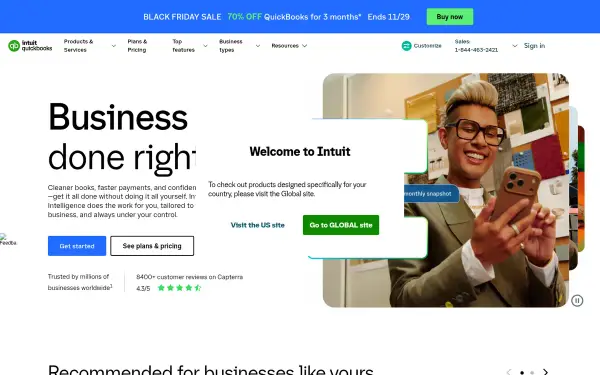
The safest pick for US small businesses that want a familiar ledger, deep accountant support and AI matching from the entry paid tier.
QuickBooks Online is the default ledger for many US small businesses because accountants know the file format and the app catalog is broad. Intuit Intelligence auto-categorization and bank transaction matching are included on every paid plan, so the AI layer starts at the entry tier rather than a premium add-on. Simple Start lists at $38 a month for one user, with a promotional $11.40 a month for three months. The $0 QuickBooks Free plan exists with no credit card required, but it caps you at one user, two invoices a month and one bank connection. That makes it a trial-like entry point rather than a working ledger for most businesses.
Higher tiers add the features that operations teams ask for. Plus at $140 adds project, inventory and class tracking. Advanced at $340 adds AI agents for month-end close and Excel sync. The tradeoff is user pricing: additional users cost extra, unlike Xero's unlimited-user plans, and the step from Simple Start to Plus is steep. Billing is month to month with no contract.
Pick it when the accountant relationship and US payroll or payments add-ons matter more than the lowest seat cost. The 30-day free trial gives you time to test bank feeds and categorization with your own transactions. If you are a small team that will add several users, compare Xero before committing.
You are a US small business that wants a familiar ledger and an accountant who already knows the file format.
You need unlimited users on a small team or your budget cannot absorb the jump to Plus.
Entry II of X / Unlimited users
Our verdict
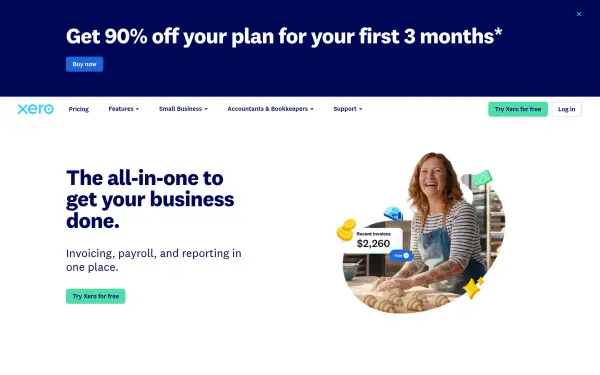
The best fit for small teams that need unlimited users, strong reconciliation and an AI layer that reads source documents.
Xero's core advantage is simple: unlimited users on every plan. That changes the cost math for a small team that would pay per seat in QuickBooks Online. Bank reconciliation with real-time auto-matching remains a strength, and the JAX agentic AI platform reads source documents into the ledger and supports natural-language queries over the books. New US list pricing took effect on 1 October 2026: Early $27, Growing $59 and Established $97 per month.
The Early plan lists at $27 a month and currently shows a promotional $2.70 a month for the first six months. Early is not a full operations plan: it caps you at 20 invoices and 5 bills a month. Multi-currency, projects and expense claims start at the Established tier. US payroll is a third-party add-on through Gusto at $49 a month plus $6 per person, so payroll is not native in the way QuickBooks payroll is.
Xero fits small teams and international businesses that value unlimited users, clean reconciliation and an open app marketplace for inventory and receipt tools. It is less of a default for US accountants than QuickBooks, so check that your accountant works in Xero before you switch. The one month free offer helps you test the workflow, but budget on list pricing after any promotion ends.
Your small team needs unlimited users and you want strong reconciliation with an AI layer that reads documents.
You need native US payroll or your accountant does not work in Xero.
Entry III of X / Zoho suite links
Our verdict
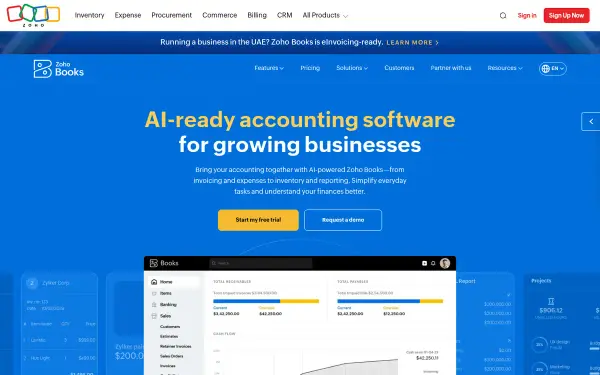
A strong value pick for Zoho CRM users, with Zia assistance and a free plan that supports one user plus one accountant.
Zoho Books makes the most sense when Zoho CRM, Zoho Inventory or Zoho Payroll already runs part of your business. Native connections to those apps shorten the path to connected books, and Zia provides reconciliation help and anomaly flags. The free plan supports one user plus one accountant and is a durable starting point rather than a countdown, with 1,000 invoices a year according to the plan details.
US tiers run Free, Standard $20, Professional $50, Premium $70, Elite $150 and Ultimate $275 per month. Standard is the first paid step but still omits inventory, multi-currency and payroll, so growing businesses need to budget for Professional or higher. The free plan excludes automated bank feeds, which is the biggest gap for a business that wants hands-off bookkeeping. Paid plans add bank feeds and workflow automation, and annual billing discounts are available. Paid plans carry a 14-day free trial.
The integration marketplace is thinner than QuickBooks or Xero, so check that your critical tools connect before you commit. Payroll is a separate Zoho product rather than an add-on inside Zoho Books. For a business already in the Zoho suite, those tradeoffs are often worth it because the data and workflow stay in one family of apps.
You already run Zoho CRM or other Zoho apps and want connected books with a useful free starting plan.
Your critical tools sit outside the Zoho ecosystem or you need automated bank feeds on the free plan.
Entry IV of X / Free core ledger
Our verdict
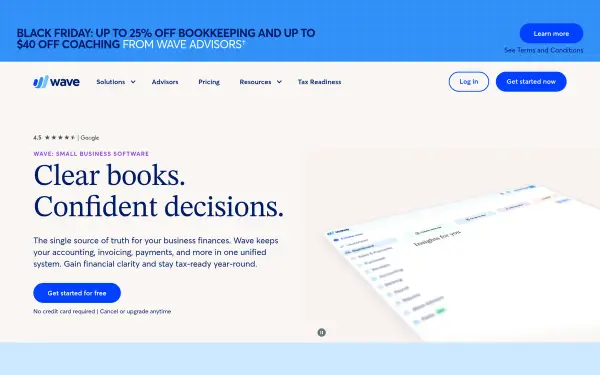
The clear free-accounting pick for solo owners, with paid automation at $19 a month on Pro.
Wave keeps the core ledger free. The Starter plan includes double-entry accounting, unlimited invoicing and estimates, and bookkeeping records at no monthly cost. There is no trial because the free tier is permanent. For a solo owner or freelancer who needs clean books without a subscription, that is a rare offer and the main reason Wave appears on this list.
Pro costs $19 a month or $190 a year and adds automatic bank import through Plaid, auto-categorization, live chat support and API integrations. That is the cheapest automation upgrade in this group. The AI layer is closer to rule-based automation than the agentic bookkeeping in Digits, so do not expect natural-language queries or a continuous close. Payroll is a paid add-on at $40 a month plus $6 per active employee, and receipt scanning costs $8 to $11 a month depending on plan and billing.
Wave fits freelancers, solo owners and very small service businesses that want free accounting and simple invoicing. It does not fit businesses that need inventory management, serious forecasting or automatic bank feeds without upgrading. The free Starter plan is genuine, but the useful automation sits on Pro, so compare the $19 monthly cost with FreshBooks Lite at $23 if you need client billing features.
You are a solo owner or freelancer who wants free double-entry accounting and simple invoicing.
You need inventory, forecasting or automatic bank import without paying for Pro.
Entry V of X / Invoice workflow
Our verdict
The invoice-first choice for freelancers and service businesses, with a clean client portal and AI-assisted time tracking.
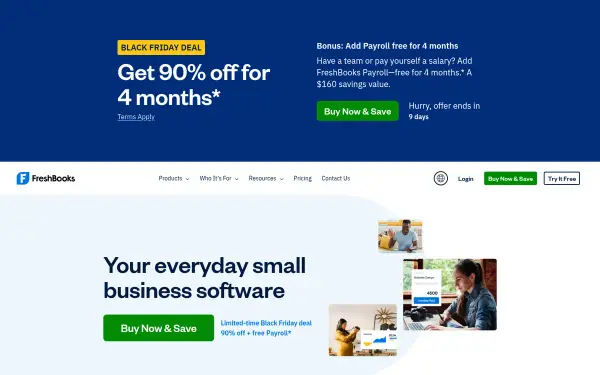
FreshBooks is built around invoicing and client billing. Lite includes unlimited invoicing, expenses and time tracking, plus a client portal with built-in online payments. Smart expense categorization and payment reminders reduce admin work, and time tracking suggestions are the main AI-style assist. The workflow is cleaner than a general ledger for a service business that bills by invoice.
The catch is plan structure. Lite lists at $23 a month and caps you at 5 billable clients, with a promotional $2.30 a month for four months. Each extra team member costs $11 a month, and full double-entry reporting with chart of accounts, general ledger and balance sheet starts at Plus. Plus lists at $43, and Premium at $70 adds accounts payable and removes the client cap. There is no free plan, but the 30-day money-back guarantee lets you test the client cap.
FreshBooks fits freelancers, consultants and service businesses that send invoices and track hourly work. It does not fit product businesses that need inventory or a multi-user finance team on a tight budget. If you mainly need double-entry accounting and bank feeds, Wave Pro at $19 or QuickBooks Simple Start at $38 may be a better use of the budget.
You run a service business that bills by invoice and wants a clean client portal with time tracking.
You need inventory, multi-user access on a budget or full double-entry reporting at the entry price.
Entry VI of X / Agentic general ledger
Our verdict
The most convincing AI-first ledger here, priced per business from $65, but best for US companies ready to change the close process.
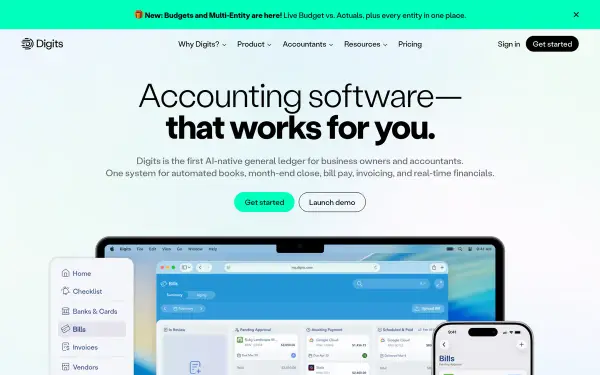
Digits puts AI at the center of the ledger. Its Agentic General Ledger categorizes, reconciles and reviews continuously, and Ask Digits supports natural-language queries over the books. The connection library covers more than 12,000 bank, card and payroll sources. Pricing is per business rather than per seat, which simplifies planning for a small finance team.
Essentials starts at $65 per business per month. Core is $100 and Pro is $250 per business per month. The full agentic close sits on Pro, so the entry tier is not the complete version of the product. A 30-day free trial gives you time to test the workflow. Because the model runs continuously, the value depends on clean connections and a willingness to let the system review transactions rather than waiting for month end.
Digits is US-centric, so multi-currency international businesses should check fit before migrating. Moving an established QuickBooks file needs planning, and the team must be comfortable with a new close process. If you want AI to run the ledger itself rather than sit on top of a legacy file, Digits is the most direct fit in this list. If you need native payroll or a broad app marketplace, look at QuickBooks or Xero instead.
You want AI to run categorization, reconciliation and review continuously and you can adopt a new close process.
You need multi-currency international books, native payroll or full agentic close at the entry price.
Entry VII of X / Runway dashboards
Our verdict
A startup finance dashboard with AI categorization and real-time runway, best for US startups that live in Stripe, Mercury and Ramp.
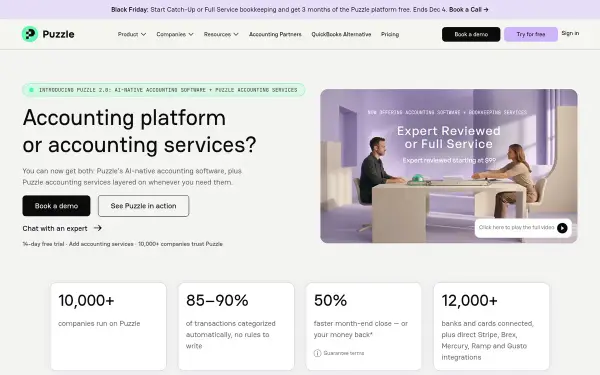
Puzzle is built for startups that need a live view of cash, burn rate and runway. It connects to tools such as Stripe, Mercury, Ramp, Brex and Gusto, then puts the finance picture in a dashboard that a legacy ledger does not surface. AI transaction categorization is central, and the vendor cites 85 to 95 percent automation. GAAP-aware revenue recognition is included for SaaS businesses.
Core starts at $72 per month for software only. The product notes list Insights at $50, Advanced Automation at $100 and Scale from $300 per month, with 15 percent off annual billing. Advanced Automation adds AI month-end close. The plan structure is less simple than a flat ledger subscription, and volume-based pricing can penalize businesses with high transaction counts. There is no free plan on the current pricing page and no trial.
Unlimited users on all plans make Puzzle a good fit for a founder and a small finance team working in the same books. It is a poor fit outside early-stage technology companies, and it lacks native payroll and deep inventory. If you need a full general ledger with payroll inside it, QuickBooks or Xero is a better base. If runway visibility is the main job, Puzzle is more focused.
You are a US startup that needs real-time burn and runway dashboards with AI categorization.
You need native payroll, deep inventory or a simple flat-price ledger with a free plan.
Entry VIII of X / Free spend controls
Our verdict
A free spend and AP automation layer with strong accounting sync, not a replacement for your general ledger.
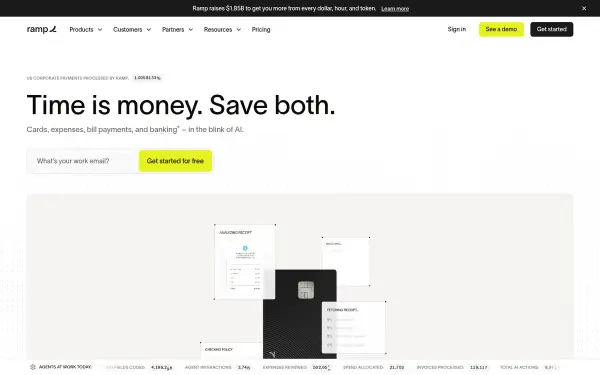
Ramp is a spend management tool, not a general ledger. Its free plan includes physical and virtual corporate cards, receipt capture with automatic memo creation, AI auto-coding, duplicate detection and approval routing. Standard bill pay and two-way sync with QuickBooks, Xero, NetSuite and Sage Intacct make it useful alongside a ledger rather than instead of one.
The free plan is $0 per user per month, which is unusual in this category. The Plus tier costs $15 per user per month and adds advanced approvals, procurement and multi-entity tools. A 30-day free trial is available on Plus. Qualification requires at least $25,000 held in a connected US business bank account, so it is not open to every small business. Card spend earns 1.5 percent cash back with no annual fee or personal guarantee.
Ramp fits businesses that want expense and AP automation without a subscription and already use QuickBooks, Xero, NetSuite or Sage Intacct for the books. It does not fit businesses looking for a single system to replace the ledger, or companies outside the US that cannot meet the bank account requirement. The advanced controls and multi-entity tools sit on Plus, so growing teams should price that tier.
You want free corporate cards, expense automation and AP controls that sync to your existing ledger.
You need a full accounting system or cannot meet the $25,000 connected bank account requirement.
Entry IX of X / Multi-entity close
Our verdict
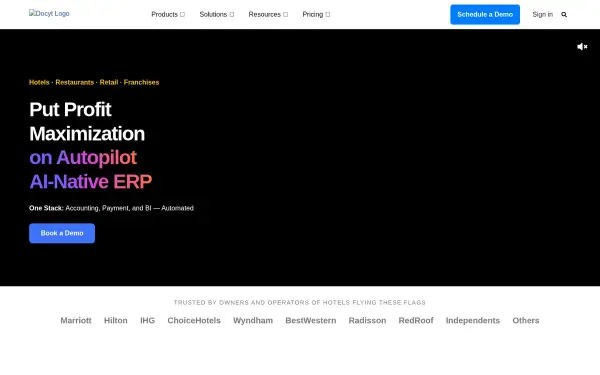
A multi-entity automation layer for hospitality and multi-location groups, with continuous close and nightly revenue reconciliation.
Docyt focuses on document-heavy, multi-entity businesses. It digitizes and classifies documents, reconciles nightly revenue from POS systems, and runs a continuous close with agent-based quality checks. Multi-entity consolidation and multi-location roll-up reporting are the core reasons a hotel, restaurant or retail group would choose it over a small-business ledger.
Pricing is not listed publicly and varies by product line. See website for pricing. The product lines include SMB Profitbooks, a hospitality Accounting Suite and an Enterprise Suite that is quote-only. See website for pricing. A 7-day free trial is available. Docyt acts as an automation layer over an existing ledger or ERP that you still pay for, so budget for both systems.
The 7-day trial is short for a multi-entity roll-out, and several suites require a demo before pricing is disclosed. That sales process fits a hospitality group with complex locations but is heavy for a small business. If you need a simple ledger, QuickBooks or Xero is cheaper and faster. If you need nightly revenue reconciliation across properties, Docyt is one of the few tools here built for that job.
You run a multi-entity hospitality or retail group that needs nightly POS revenue reconciliation and continuous close.
You need a standalone small-business ledger or a longer trial before a multi-entity roll-out.
Entry X of X / Native consolidation
Our verdict
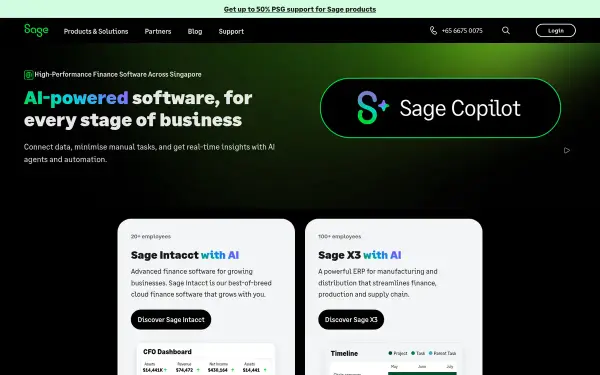
A mid-market accounting system with native consolidation and Sage Copilot, priced by quote and deployed through partners.
Sage Intacct is for companies that have outgrown a small-business ledger. It handles native multi-entity consolidation, a dimensional chart of accounts, ASC 606 revenue recognition, audit trails and finance controls. Sage Copilot adds anomaly monitoring, reporting help and close risk flags. Integrations with Salesforce, ADP, Ramp and BILL connect it to the wider finance stack.
Pricing is a custom quote, with no public list rates. Implementation starts around $10,000 and runs through partners, so the total cost depends on configuration and data migration. Quarterly releases keep the product current. The system is excessive for a business that fits comfortably in QuickBooks Online, and the quote-only process makes it harder to compare on price alone.
Sage Intacct fits growing companies with multiple entities, revenue recognition needs and finance controls that a small-business ledger cannot provide. It does not fit solo owners or small teams that need a fast self-serve setup. If you need consolidation but not full ERP controls, compare Docyt for multi-entity close automation before committing to a partner-led implementation.
You need native consolidation, revenue recognition and finance controls for a growing multi-entity company.
You are a small team that wants self-serve setup, public pricing or a quick accounting switch.
VBackground
AI accounting software is still accounting software. The ledger, chart of accounts, bank feeds, invoices and reports remain the foundation. The AI layer sits on top and automates work that used to be manual: categorizing transactions, reading receipts and bills, matching bank lines, flagging anomalies, forecasting cash and answering questions in plain English. That matters because the quality of the ledger depends on how quickly and consistently transactions are coded, not on a dashboard alone.
Not every tool here is the same kind of product. QuickBooks Online, Xero, Zoho Books, Wave, FreshBooks, Digits and Sage Intacct are accounting systems where the AI is built into the bookkeeping workflow. Ramp is a spend and AP tool that syncs to a ledger, and Docyt is an automation and close layer for multi-entity businesses. Buying the wrong category is a common and expensive mistake.
Expect these AI features in 2026:
The best AI accounting software for you is the one whose automation matches your transaction volume and whose limits you can live with.
This comparison sits in the finance register. Further along the shore: lease accounting software and accounting software for landlords.
VIPricing
Pricing in this category ranges from genuinely free to quote-only mid-market contracts. The billing model matters as much as the headline number because seats, entities, transaction volume and promotional rates change the real cost.
| Model | How it bills | Typical fit | Example from this list |
|---|---|---|---|
| Free core plan | $0 with usage caps or feature limits | Solo owners, micro businesses and spend control | Wave Starter, Zoho Books Free, Ramp Free |
| Monthly subscription | Per month, often per user or tier | Small teams that need a full ledger | QuickBooks Online Simple Start $38, Xero Early $27, FreshBooks Lite $23 |
| Per-business pricing | Per business per month, tiered by automation | Startups and AI-first ledgers | Digits Essentials $65, Puzzle Core $72 |
| Per-user add-on | Per user per month on top of a core plan | Expense and approval controls | Ramp Plus $15 per user |
| Custom quote | Quote through vendor or partner, implementation extra | Multi-entity and mid-market finance teams | Sage Intacct custom quote; Docyt Enterprise quote-only |
Promotional pricing is common. QuickBooks shows Simple Start at $11.40 a month for three months against a $38 list price, Xero shows Early at $2.70 for six months against $27, and FreshBooks shows Lite at $2.30 for four months against $23. Budget on the list price. Free plans also have limits: QuickBooks Free caps invoices at two a month, and Zoho Books Free excludes automated bank feeds. Docyt discloses pricing only after a demo for several suites, and Sage Intacct has no public pricing sheet.
Each entry card shows the starting price as it appeared on the vendor's own pricing page on November 25, 2026. When a vendor shows no figure we could confirm, or only a promotional rate, the card says "See website" or gives the regular price instead of a guess. Usage, overage and add-on rates in the text change more often than plan prices, so confirm them on the vendor page before you set a budget. To test the numbers against your own volume, try the free Lease Liability Calculator. The Event Break-Even Calculator is a second way to check the same decision.
VIIDecision
VIIIPitfalls
IXQuestions
QuickBooks Online is the usual first stop for a typical US small business. It has the largest network of US accountants familiar with the file format and includes Intuit Intelligence auto-categorization and bank matching on every paid plan. Simple Start lists at $38 a month, and a $0 plan exists but caps you at one user, two invoices a month and one bank connection.
Wave has a permanently free Starter plan for core double-entry accounting, unlimited invoicing and bookkeeping records. Zoho Books offers a free plan for one user plus one accountant, and Ramp has a free spend management plan at $0 per user per month. QuickBooks Free exists, but its one-user, two-invoice and one-bank-connection limits make it trial-like.
No, AI accounting software can replace parts of the work but not the judgment. Tools automate categorization, document capture, reconciliation and anomaly flags, and some run continuous review. You still need a person to handle exceptions, tax positions, controls and decisions. Digits and Sage Intacct add close monitoring, but that is support for a bookkeeper, not a replacement.
Free tiers cover micro businesses and solo owners. Paid small-business ledgers start around $19 to $38 a month, with QuickBooks Advanced at $340 and Digits Pro at $250 per business per month. Mid-market Sage Intacct is quote-only, and implementation starts around $10,000. Prices were checked on November 26, 2026.
Expect auto-categorization, bank matching, receipt or document capture, anomaly flags and natural-language queries. QuickBooks includes Intuit Intelligence auto-categorization on paid plans, Xero has JAX reading source documents into the ledger, Zoho has Zia reconciliation help, and Puzzle and Digits add AI-led close workflows. Forecasting is common on higher tiers or startup-focused tools.
QuickBooks Online includes Intuit Intelligence auto-categorization and bank matching on every paid plan and has the deeper US accountant network, but additional users cost extra. Xero includes unlimited users on every plan and its JAX AI platform reads source documents, but fewer US accountants work in it and US payroll runs through Gusto.
XFurther along the shore
Vendors can ask for a correction or apply for a Featured listing. Paid or not, the entry is scored on the same rubric and its limits stay in print. Partner with Umberlake.
Free tools
Our free browser tools turn the prices on this page into a figure for your own volume. Nothing you type leaves your device.