Skip to content
Tide table
HubSpot $7 read Nov 25, 2026Pipedrive $14 read Nov 25, 2026Close $9 read Nov 25, 2026Freshsales $9 read Nov 25, 2026Copper $23 read Nov 25, 2026Zoho CRM $14 read Nov 25, 2026Insightly $29 read Nov 25, 2026Janitorial Manager $1,000 read Nov 25, 2026Swept $120 read Nov 25, 2026CleanGuru $79 read Nov 25, 2026ZenMaid $19 read Nov 25, 2026Connecteam $29 read Nov 25, 2026BookingKoala $27 read Nov 25, 2026Service Autopilot $49 read Nov 25, 2026
UmberlakeA shore register for software

Register III / Events7 entries

Best Event Check In App: 7 Tools for November 2026

We rank seven check in apps by door speed, offline reliability, guest lookup, hardware needs and fit, with prices checked on November 26, 2026.

best event check in app
Register
Register III
Prices checked
25.XI.2026
Free plans
2 of 7
Featured
None

IThe short answer

The best event check in app for November 2026 depends on how you sell tickets. Eventbrite Organizer fits events already selling on Eventbrite, because scanning, door sales and attendance sit in one organizer app. Whova fits conferences that need self check in kiosks, badge printing and a full attendee app. Ticket Tailor fits low fee ticketing with a free check in app. We compared seven tools on door speed, offline work, lookup and hardware.

7 tools compared from vendor pages on November 25, 2026. 4 publish a starting price we could read; the rest say "See website".

Key takeaways

  1. Eventbrite Organizer is free for free events and charges 3.7% plus $1.79 per paid ticket, with a Pro add-on from $15 per month.
  2. Ticket Tailor includes a free check in app and charges £0.22 per paid ticket on pre-paid credits, plus VAT.
  3. RegFox charges $0.99 plus 1% per paid registrant, capped at $4.99, with a $0 per month platform fee.
  4. Whova and Bizzabo price by quote, so ask about attendee counts, badge printing and kiosk hardware before you commit.

IITop three berths

The first three entries

Register order is editorial fit for the buyer each entry describes. Prices are the starting figures read on November 25, 2026.

One app workflow

Eventbrite Organizer

FreeFree events free with no platform fees, paid tickets 3.7% + $1.79 per ticket, Pro add-on from $15 per month

Best for ticketed events already sold on Eventbrite

Free plan
Free, unlimited free events with no platform fees
Rubric
7.5 of 10

How this page is paid for. All 7 tools here are unpaid editorial picks.

A paid listing's position can be part of what the vendor pays for. Every entry, paid or not, is scored on the same rubric and keeps its limits in print. Advertising disclosure.

IIIThe register

All 7 entries, side by side

Starting prices as shown on each vendor's pricing page on November 25, 2026. "See website" means no figure we could confirm.

7 of 7 tools shownPin up to 3 to compare
Show
Order
No.ToolFromFree planTrialRubricActions
01Eventbrite OrganizerTicketed events already sold on EventbriteFreeFree events free with no platform fees, paid tickets 3.7% + $1.79 per ticket, Pro add-on from $15 per monthRead on vendor pageYesNo7.5
02WhovaConferences needing an attendee app and networkingSee websiteQuote based on attendee count and featuresNot shown publiclyNoFree trial7.0
03BizzaboLarge B2B conferences with sponsors and exhibitorsSee websiteEnterprise quote and sales conversationNot shown publiclyNoFree trial6.2
04Ticket TailorLow fee ticketing with a free check in app£0.22Pre-paid ticket credits, per ticket sold, plus VAT, pay as you go is £0.60 per ticketUpdated on vendor pageYesFirst 5 paid ticket sales free6.7
05EventzillaSimple registration and on site check inSee websitePricing varies by event size and featuresNot shown publiclyNoFree trial5.8
06RegFoxPaid events with low per registrant fees$0.99Standard, per paid registrant plus 1%, capped at $4.99, $0 per month platform feeRead on vendor pageNoNo7.6
07TicketSpiceRecurring events needing fast scanning and low fees$0.99Standard, per paid ticket, plus standard card processingRead on vendor pageNoNo7.9
On this page
  1. Key takeaways
  2. The register
  3. How these entries were chosen
  4. The 7 entries
  5. What Does the Best Event Check In App Do at the Door?
  6. How Check In App Pricing Works for Events
  7. How to Choose a Check In App for Your Door
  8. Check In App Buying Mistakes That Cost You at the Door
  9. Questions
  10. Related reading

IVMethod

How these entries were chosen

We assessed each tool against five criteria: door speed, offline reliability, guest lookup, hardware fit and pricing clarity. Each criterion is scored from 1 to 10, and the weights add to 100 percent. The order is editorial. It reflects fit for the buyer described in each entry, plus any disclosed Featured position, not a weighted total. No listing in this version is marked Featured; if one is, it is a paid placement and is scored with the same rubric.

We used vendor pricing pages checked on November 26, 2026 for every price and plan note. When a vendor did not publish a usable price, we kept the quote model and said pricing is on the vendor site. We did not convert currencies or infer discounts.

Feature checks focused on what door staff touch under pressure: scan flow, name lookup, badge printing, onsite sales, multiple gates or devices, and the link between check in data and the wider event record. We also noted limits, such as apps that work best only with tickets sold through the same platform, enterprise sales conversations, and separate attendee apps.

The result is a shortlist for operators buying a check in app for a real door, not a catalog of every event platform. Use the pick and skip lines to match each tool to your ticket source, venue and staffing model.

The full routine, from price reads to corrections, is on the methodology page. Paid listings follow the advertising disclosure.

25%

Door speed

How quickly staff can scan tickets and move a line at peak arrival.

20%

Offline reliability

How well the app keeps checking guests in when a door loses connectivity.

20%

Guest lookup

How easily staff can find a guest by name or order when a QR code fails.

20%

Hardware fit

How well the app matches the phones, printers, kiosks or gates you plan to use.

15%

Pricing clarity

How easy it is to predict the cost before you commit to a plan.

The 7 entries

Entry I of VII / One app workflow

Eventbrite Organizer

From FreeFree plan Free, unlimited free events with no platform feesRubric 7.5/10
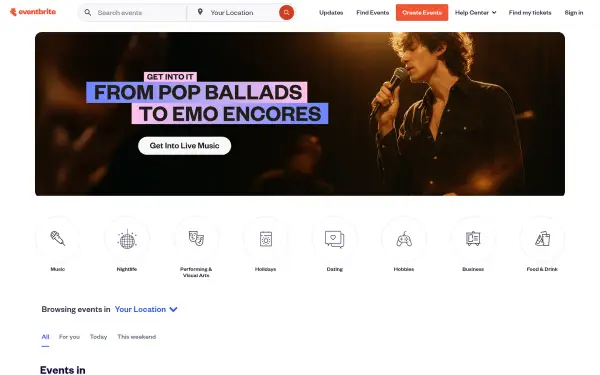
Eventbrite Organizer home page as captured for this comparison
The official Eventbrite Organizer site at eventbrite.com, captured for this comparison on November 26, 2026.

Our verdict

The practical pick when your tickets already live on Eventbrite and you want scanning, door sales and live attendance in one app.

Eventbrite Organizer is the practical fit if your event already sells on Eventbrite. The organizer app combines ticket scanning, check in by guest name, door sales and a live attendance dashboard, so door staff can work from one place instead of juggling a scanner and a separate box office tool. Free events can be published at no platform cost, which makes it easy to test the workflow before a paid event.

Pricing is mixed. Free events are free with no platform fees. Paid tickets carry 3.7% plus $1.79 per ticket, and a Pro add-on starts at $15 per month. Fees and payout rules vary by plan and event type, so check the terms for your event before you publish.

The main limit is the ticket source. The app works best with tickets sold through Eventbrite. Guest list imports from other systems need extra setup. Advanced features sit on higher tiers. That makes it a poor fit if you sell through another box office and want a neutral scanner.

Pick it if your ticket sales already run through Eventbrite and you want one app for scanning, door sales and attendance. It suits organizers who value the attendee marketplace and free event publishing more than deep conference networking.

What holds up

  • One app for scan, sales and attendance
  • Free event publishing
  • Large attendee marketplace

What to weigh

  • Best with Eventbrite tickets
  • Fees and payout rules vary
  • Advanced features cost more

Pick it if

Your tickets already sell on Eventbrite and you want scanning, door sales and live attendance in one organizer app.

Skip it if

You sell through another platform and need a neutral check in app with simple guest list imports.

Entry II of VII / Kiosk and badges

Whova

From See websiteFree plan NoRubric 7.0/10
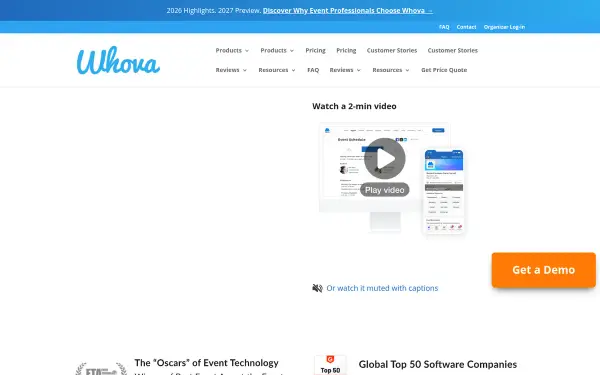
Whova home page as captured for this comparison
The official whova.com home page as kept by the Internet Archive (copy of November 22, 2026), used because the live site would not load for an automated browser when we checked on November 25, 2026.

Our verdict

The best fit for multi day conferences that need self check in, badge printing and a full attendee app in one place.

Whova fits conferences, not simple door events. It pairs kiosk self check in and on demand badge printing with an attendee mobile app, agenda and speaker management, networking and messaging, live polls, sponsor lead capture and session attendance tracking. That means check in data stays linked to sessions and sponsor activity instead of sitting in a separate scanner.

Pricing is quote based on attendee count and features. There is no free plan, but a free trial is available. The quote model makes sense for a multi day conference with several tracks and sponsors, because the scope changes with attendee numbers and the features you switch on.

Setup is longer than a simple scanner. You need to plan kiosks, badges, agenda data and sponsor access before the doors open. Small events may find the feature set larger than they need. The payoff is one system for check in, the attendee app and session tracking, with support stated as fast on its site.

Pick it if you run a conference and want check in, networking and sponsor capture in one attendee app. It fits teams that can invest setup time and want check in data linked to sessions and sponsors.

What holds up

  • Check in plus conference app
  • Kiosks and badge printing
  • Session and sponsor data

What to weigh

  • Quote only pricing
  • Longer setup
  • Overkill for small events

Pick it if

You run a multi day conference and want check in, networking and sponsor capture in one attendee app.

Skip it if

You need a simple scanner for one door and do not need an attendee app or session tracking.

Entry III of VII / SmartBadge lead capture

Bizzabo

From See websiteFree plan NoRubric 6.2/10
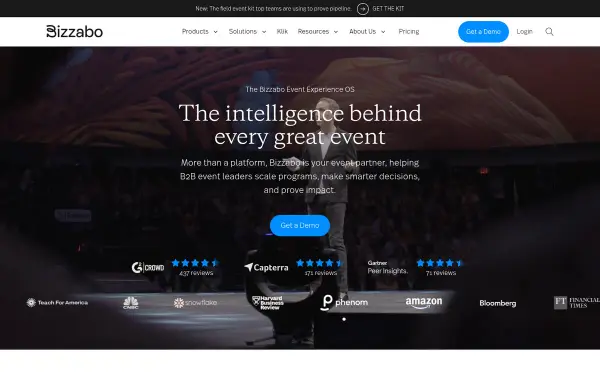
Bizzabo home page as captured for this comparison
The official Bizzabo site at bizzabo.com, captured for this comparison on November 26, 2026.

Our verdict

A strong fit for large B2B conferences that need registration, a mobile app, networking and sponsor lead capture in one enterprise system.

Bizzabo targets large B2B conference teams that run several events a year. It covers registration and event websites, agenda management, a mobile event app, networking tools and sponsor management. Klik SmartBadges support contactless contact exchange, which is useful for exhibitors who want to capture leads without paper.

The platform connects event data with Salesforce, HubSpot, Marketo and Eloqua. That matters if your event team works with sales and marketing systems and needs registration or attendee activity to flow into those tools. Bizzabo is a wider event stack rather than a standalone scanner.

Pricing is an enterprise quote and sales conversation. There is no free plan, though a free trial is available. Implementation needs planning, especially if you connect CRM and marketing platforms or train exhibitors on SmartBadges. A team that runs one event a year may find the feature set excessive.

Pick it if you run a portfolio of B2B conferences and need registration, app, networking and CRM integration in one system. It suits teams with the staff to plan an implementation and exhibitors who need lead capture.

What holds up

  • Registration to app coverage
  • SmartBadges lead capture
  • CRM and marketing integrations

What to weigh

  • Enterprise quote only
  • Implementation planning
  • Excess for one event

Pick it if

You run several B2B conferences and need registration, app, networking and CRM integration from one vendor.

Skip it if

You run one simple event and need a quick check in app without an enterprise sales process.

Entry IV of VII / Free check in app

Ticket Tailor

From £0.22Free plan Free for up to 5,000 free tickets per yearRubric 6.7/10
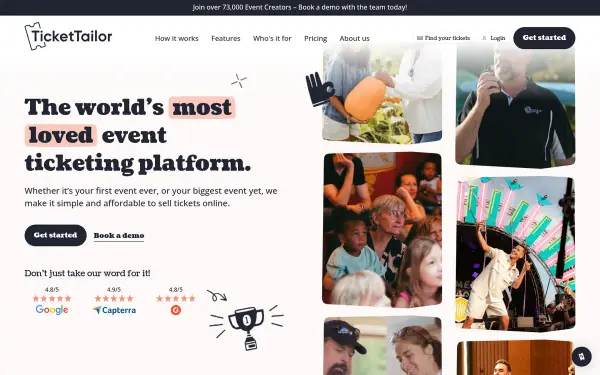
Ticket Tailor home page as captured for this comparison
The official Ticket Tailor site at tickettailor.com, captured for this comparison on November 25, 2026.

Our verdict

The low fee pick when you want a free check in app and simple ticketing for free or paid events.

Ticket Tailor fits organizers who want a free check in app without giving up ticketing. The app handles door check in, and the platform supports box office creation, ticket sales, free events and 24/7 support. Free events carry no platform cost, and the free plan covers up to 5,000 free tickets per year. The first five paid ticket sales are free as a trial.

Paid tickets use a flat per ticket fee. Pre-paid ticket credits start at £0.22 per ticket sold, plus VAT. Pay as you go is £0.60 per ticket. That model is easy to forecast for a simple event: count paid tickets, apply the rate, and add VAT.

The trade off is reach and depth. Ticket Tailor does not have a large attendee marketplace like Eventbrite, so organizers must drive their own ticket sales. It also has fewer enterprise conference features than Whova or Bizzabo. For a community event, a school fair or a simple paid night, that can be the right trade.

Pick it if you want a free check in app and low flat per ticket pricing, and you can bring your own audience. Skip it if you need a large ticket marketplace or deep conference networking and exhibitor tools.

What holds up

  • Free check in app
  • Free events carry no platform cost
  • Low flat per ticket fee

What to weigh

  • No large marketplace
  • Fewer conference features
  • You drive ticket sales

Pick it if

You want a free check in app and low flat per ticket pricing, and you can bring your own audience.

Skip it if

You need a large ticket marketplace or deep conference networking and exhibitor tools.

Entry V of VII / Short learning curve

Eventzilla

From See websiteFree plan NoRubric 5.8/10
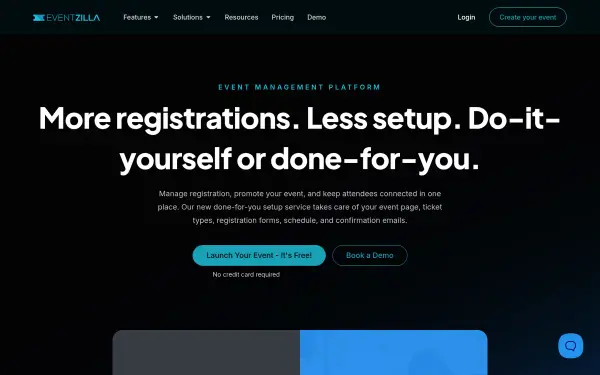
Eventzilla home page as captured for this comparison
The official Eventzilla site at eventzilla.net, captured for this comparison on November 25, 2026.

Our verdict

A simple pick for small teams that want no code registration and quick on site check in without a long learning curve.

Eventzilla fits organizers who want a short learning curve. It offers no code event websites, registration and ticketing, quick check in and branded event pages. The pitch is straightforward: build a page, sell or collect registrations and check people in on site. Volunteers can usually learn a simple scan or lookup flow faster than a full conference platform.

Some features are add ons rather than core tools. Live streaming and exhibitor lead capture are listed that way. The attendee app features are lighter than Whova, and exhibitor analytics are not as deep as Bizzabo. That makes Eventzilla a better fit for a straightforward gathering than for a multi track conference with heavy sponsor reporting.

Pricing varies by event size and features, and the pricing page was empty at the time of our check, so confirm the quote for your event. There is no free plan, but a free trial is available. Ask how the price changes as attendee numbers rise and which add ons you need.

Pick it if you want simple registration, ticketing and quick check in, and you do not need deep conference or exhibitor tools. Skip it if your event depends on advanced networking, exhibitor analytics or a large attendee app.

What holds up

  • Simple setup for volunteers
  • No code event websites
  • Registration and check in together

What to weigh

  • Pricing varies by size
  • Light attendee app
  • Some features are add ons

Pick it if

You want simple registration, ticketing and quick check in without a long setup project.

Skip it if

Your event depends on advanced networking, exhibitor analytics or a large attendee app.

Entry VI of VII / Capped registrant fee

RegFox

From $0.99Free plan NoRubric 7.6/10
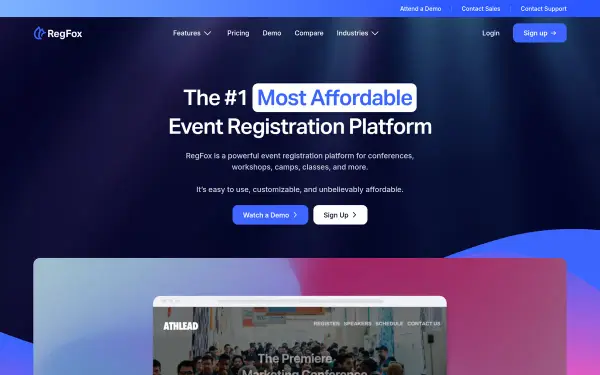
RegFox home page as captured for this comparison
The official RegFox site at regfox.com, captured for this comparison on November 25, 2026.

Our verdict

A good fit for paid events that need a low capped per registrant fee and badge printing at check in.

RegFox fits paid events where per registrant fees matter. It charges $0.99 plus 1% per paid registrant, capped at $4.99, with a $0 per month platform fee. That cap makes costs easier to forecast for higher priced registrations. There is no permanent free plan and no trial, so budget for a sales conversation if you run free events.

The check in app supports scanning and lookup, and badge printing is available on demand or in mass. The drag and drop registration builder handles conditional logic, group registration, waitlists and payment plans. That makes it more than a scanner: it can support complex registration rules before anyone reaches the door.

The limit is scope. The Engage attendee app is a separate product from the core check in workflow. Free events still need pricing through sales. If you need a conference networking app, RegFox is not the whole answer. If you need a practical check in app tied to registration and badges, it is a strong fit.

Pick it if you run paid events and want a low per registrant fee with a cap, plus scan, lookup and badge printing. Skip it if you need a permanent free plan or a full attendee networking app in the same purchase.

What holds up

  • Low capped per registrant fee
  • No licensing fees
  • Scan, lookup and badges

What to weigh

  • No free plan or trial
  • Engage app is separate
  • Free events need sales

Pick it if

You run paid events and want a low per registrant fee with a cap, plus scan, lookup and badge printing.

Skip it if

You need a permanent free plan or a full attendee networking app in the same purchase.

Entry VII of VII / Fast gate scanning

TicketSpice

From $0.99Free plan NoRubric 7.9/10
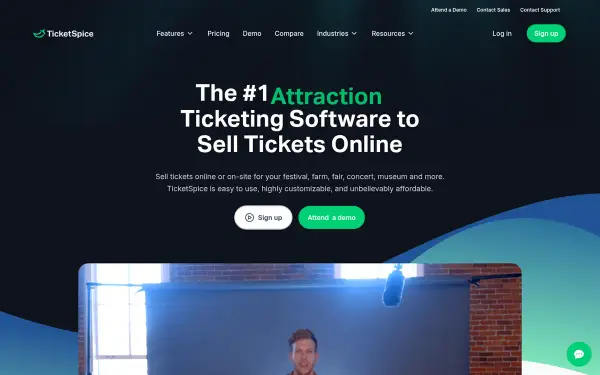
TicketSpice home page as captured for this comparison
The official TicketSpice site at ticketspice.com, captured for this comparison on November 25, 2026.

Our verdict

A fit for recurring events that need fast scanning, multiple gates and an onsite box office with low per ticket fees.

TicketSpice fits recurring events where line speed and onsite sales matter. The ticket scanning app is designed for line speed, supports scanning across multiple gates and devices, and includes built in fraud detection. The box office app handles onsite card and cash sales. Organizers can set and keep ticketing fees, which is useful if you want to build a fee into the ticket price.

Pricing uses a standard rate of $0.99 per paid ticket plus standard card processing. Premium is $1.49 and Pro is $1.99. There is no permanent free plan and no trial. That simple per ticket model is easy to compare against a percentage based platform, especially for lower priced tickets.

The trade off is conference depth. TicketSpice has lighter conference networking features and limited exhibitor analytics. It shares roots with RegFox, but it is aimed at scanning and box office workflows rather than a full attendee app. For a recurring festival, a community event or a venue with several doors, that focus is useful.

Pick it if you need fast scanning across several gates, an onsite box office and a per ticket fee you can forecast. Skip it if your event sells on networking, exhibitor analytics or a full conference app.

What holds up

  • Fast scanning for line speed
  • Built in fraud detection
  • Onsite box office app

What to weigh

  • No free plan or trial
  • Lighter networking
  • Limited exhibitor analytics

Pick it if

You need fast scanning across several gates, an onsite box office and a per ticket fee you can forecast.

Skip it if

Your event sells on networking, exhibitor analytics or a full conference app.

VBackground

What Does the Best Event Check In App Do at the Door?

The best event check in app is the tool door staff use to validate tickets, find guests and record who arrived, often while also selling at the door or printing badges. It is narrower than a full event platform: the job is to move people through a gate quickly and keep the attendance record accurate.

Most apps in this category share a core set of tasks. Staff scan a QR code or barcode, look up a guest by name or order when a code fails, and see a live count of who has arrived. Some tools add badge printing, self service kiosks, multiple gate support, fraud detection or onsite card and cash sales. The best fit depends on where you sell tickets and what happens at the door.

A useful shortlist for this category covers:

  • Ticketing platforms with a bundled check in app, such as Eventbrite Organizer and Ticket Tailor.
  • Conference platforms with an attendee app, such as Whova and Bizzabo; Whova also lists check in tools.
  • Registration and scanning tools with badge printing, such as RegFox.
  • Scanner and box office apps for recurring events, such as TicketSpice.

The differences show up under pressure. A simple scanner may be enough for one door and a short guest list. A multi gate venue needs fast scanning, device management and a clear fallback when a code will not scan. A conference needs check in linked to sessions, sponsors and networking. Large B2B events add CRM integration and lead capture. Price matters, but the cost of a slow door or an inaccurate attendance record is often higher.

This comparison sits in the events register. Further along the shore: platform to sell event tickets and ticket sales platform.

VIPricing

How Check In App Pricing Works for Events

Check in app pricing usually follows the ticketing model, not a standalone monthly fee. Some tools bundle the app into ticket fees, some charge per registrant or per ticket, and enterprise conference platforms quote on attendee count and features. That means the cheapest app is often the one attached to the ticketing platform you already use.

Model How it bills Typical fit Example from this list
Free with ticket fees Free events free with no platform fees; paid tickets 3.7% + $1.79 per ticket; Pro add-on from $15 per month Events already selling on the same ticketing platform Eventbrite Organizer
Quote based Quote based on attendee count and features, or an enterprise sales conversation Conferences and large B2B events with complex needs Whova and Bizzabo
Flat per ticket £0.22 per paid ticket on pre-paid credits, plus VAT; pay as you go is £0.60 per ticket Low fee ticketing with a free check in app Ticket Tailor
Per registrant plus percent, capped $0.99 plus 1% per paid registrant, capped at $4.99; $0 per month platform fee Paid events with complex registration and badge printing RegFox
Per ticket $0.99 per paid ticket plus standard card processing; Premium $1.49 and Pro $1.99 Recurring events with scanning and onsite box office TicketSpice

Read the billing unit carefully. A per ticket fee behaves differently from a per registrant fee, and a percentage fee scales with ticket price. A cap can protect high priced registrations, while a flat fee is easier to forecast for low priced tickets. Quote based platforms require a scoping call, so ask what is included for kiosks, badge printing, sponsor capture and support.

Also check what counts as a free ticket. Ticket Tailor says free events carry no platform cost and the free plan covers up to 5,000 free tickets per year. Eventbrite Organizer says free events are free with no platform fees. Those details matter if you run a mix of free and paid events.

Each entry card shows the starting price as it appeared on the vendor's own pricing page on November 25, 2026. When a vendor shows no figure we could confirm, or only a promotional rate, the card says "See website" or gives the regular price instead of a guess. Usage, overage and add-on rates in the text change more often than plan prices, so confirm them on the vendor page before you set a budget. To test the numbers against your own volume, try the free Event Break-Even Calculator. The CSAT and NPS Calculator is a second way to check the same decision.

VIIDecision

How to Choose a Check In App for Your Door

Start with the ticket source, then work through the door.

  1. Map the ticket source. List where tickets are sold and whether the check in app must read that data. Eventbrite Organizer works best with Eventbrite tickets, while Ticket Tailor bundles ticketing and a free check in app.
  2. Count the doors and gates. Write down how many entry points you run, whether staff need multiple devices and if you sell onsite. TicketSpice supports scanning across multiple gates and devices, plus a box office app.
  3. Test guest lookup. Ask for a demo of name or order lookup, not just scanning. Eventbrite Organizer lists check in by name, and RegFox lists scan and lookup in its check in app.
  4. Decide on badge printing. If you print at the door, check whether printing is native, on demand or mass. Whova lists on demand badge printing, and RegFox lists on demand and mass badge printing.
  5. Price the billing unit. Model the fee against your paid tickets or registrants, not just the headline rate. RegFox caps at $4.99 per paid registrant, while TicketSpice charges $0.99 per paid ticket plus processing.
  6. Plan the fallback. Ask how staff check in guests when a QR code fails or a door loses connectivity, and whether devices sync later. Put a paper backup and a named door lead in the plan.

VIIIPitfalls

Check In App Buying Mistakes That Cost You at the Door

  • Buying for the scan only. A fast scanner is not enough if staff cannot look up a guest by name, print a badge or handle an onsite sale. Map the whole door workflow before you compare apps.
  • Ignoring the ticket source. Many apps work best with tickets sold through the same platform. Eventbrite Organizer is a clear example: guest list imports from other systems need extra setup, so a neutral scanner may fit better.
  • Skipping the offline question. A door can lose connectivity. Ask what happens to scans, how devices store them and when they sync. If the answer is vague, plan a manual backup and test it before the event.
  • Forgetting hardware and power. Kiosks, printers, tablets and multiple gates all need space, power and staff. Whova and RegFox list badge printing, but you still need to plan printers, stands and a queue layout.
  • Choosing on headline price alone. A low per ticket fee can beat a percentage fee for low priced tickets, but not always. Model your own paid tickets, registrants and free tickets, and check caps, VAT and processing.

IXQuestions

Best Event Check In App: questions

How does offline check in work, and when do scans sync?

Ask the vendor to show offline check in before you buy. The app may store scans on the device and sync later, or it may require a live connection. The facts supplied for these seven tools do not list offline behavior for every app. Test a lost connection at each door, confirm when scans sync, and keep a manual backup list.

Can staff look up a guest by name or order if a QR code will not scan?

Yes, if the app includes lookup. Eventbrite Organizer lists check in guests by name, and RegFox lists a check in app with scan and lookup. For other tools, ask for a demo of name and order lookup, not just a scan test. Give staff a fallback process for codes that fail.

What hardware do we need at each door?

Plan for a device, a charged battery or power, and a network or offline plan at each door. Whova lists kiosk self check in and on demand badge printing. RegFox lists on demand and mass badge printing. If you print badges, add printers, labels and a queue layout. Confirm device limits with the vendor.

How do we test scan speed and QR code sizing?

Test with your own badges, phones and lighting at the real door. TicketSpice says its scanning is designed for line speed and supports multiple gates and devices. Print a sample QR code at the size you plan to use, scan it from different angles, and time a real queue before you commit.

Should we use a ticketing platform check in app or a separate app?

Start with where you sell tickets. Eventbrite Organizer works best with Eventbrite tickets, and Ticket Tailor bundles a free check in app with its ticketing. Whova bundles check in with a conference app, and Bizzabo lists registration, a mobile event app and SmartBadges for contact exchange. A separate app can make sense if your ticketing system has no usable check in flow, but expect extra setup.

Which tools support badge printing?

Whova lists on demand badge printing, and RegFox lists on demand and mass badge printing. Bizzabo lists Klik SmartBadges for contact exchange, so ask about printing separately. For the other tools, ask whether badge printing is native, an add on or handled by a separate printer. Test print speed before the doors open.

XFurther along the shore

Make one of these tools?

Vendors can ask for a correction or apply for a Featured listing. Paid or not, the entry is scored on the same rubric and its limits stay in print. Partner with Umberlake.

Side-by-side sheetEsc to close

Pinned entries compared

Free tools

Run the numbers before you sign

Our free browser tools turn the prices on this page into a figure for your own volume. Nothing you type leaves your device.

Open the matching tool

Search the register

Esc to close