
Tidio
$33Starter, per month, billed annually, 50 AI + human conversations
Best for small stores wanting chat plus AI on a budget
- Free plan
- Yes, $0/mo
- Rubric
- 8.2 of 10
Nine chat tools judged against the way online stores actually work: order lookups, cart recovery, AI deflection and a bill that tracks conversations rather than headcount.

IThe short answer
Tidio is the best starting point for small stores in November 2026: it pairs a working free plan with a $33 per month Starter tier billed annually. Gorgias suits Shopify and BigCommerce stores that want chat inside a ticket with order data beside it. Intercom fits larger brands willing to pay per seat plus $0.99 per Fin outcome for heavy AI deflection. The other six picks cover per-workspace billing, free tiers up to 10 agents and email-first teams adding chat slowly: Best Ecommerce Live Chat Software.
9 tools compared from vendor pages on November 25, 2026. 6 publish a starting price we could read; the rest say "See website".
IITop three berths
Register order is editorial fit for the buyer each entry describes. Prices are the starting figures read on November 25, 2026.
$33Starter, per month, billed annually, 50 AI + human conversations
Best for small stores wanting chat plus AI on a budget

See website
Best for shopify and BigCommerce support handled in one thread

See websiteUsage based, from $0.99 per Fin outcome plus per seat per month
Best for larger brands investing in AI support
How this page is paid for. All 9 tools here are unpaid editorial picks.
A paid listing's position can be part of what the vendor pays for. Every entry, paid or not, is scored on the same rubric and keeps its limits in print. Advertising disclosure.
IIIThe register
Starting prices as shown on each vendor's pricing page on November 25, 2026. "See website" means no figure we could confirm.
| No. | Tool | From | Free plan | Trial | Rubric | Actions |
|---|---|---|---|---|---|---|
| 01 | TidioSmall stores wanting chat plus AI on a budget | $33Starter, per month, billed annually, 50 AI + human conversationsUpdated on vendor page | Yes | 7-day free trial | 8.2 | |
| 02 | GorgiasShopify and BigCommerce support handled in one thread | See websiteNot shown publicly | No | 7-day free trial | 7.6 | |
| 03 | IntercomLarger brands investing in AI support | See websiteUsage based, from $0.99 per Fin outcome plus per seat per monthNot shown publicly | No | 14-day free trial | 7.1 | |
| 04 | LiveChatA proven chat widget now bundled with AI agents | $19Essential, per user per month, billed annuallyRead on vendor page | No | 14-day free trial, no credit card required | 8.0 | |
| 05 |  ZendeskTeams already running Zendesk for support | $19Support Team, per agent per month, paid yearlyUpdated on vendor page | No | 14-day free trial | 7.7 | |
| 06 |  FreshchatTeams wanting a free start with room to grow | See websiteNot shown publicly | Yes | No (free plan instead) | 6.4 | |
| 07 |  CrispSmall teams that dislike per-seat pricing | $45Mini, per workspace per month, 4 seats includedRead on vendor page | Yes | 14-day free trial | 7.0 | |
| 08 |  Re:amazeSmall ecommerce teams living in chat | $26.10Basic, per team member per month, billed annuallyUpdated on vendor page | No | 14-day free trial | 7.6 | |
| 09 |  Help ScoutEmail-first teams adding chat carefully | $25Standard, per user per month, billed annuallyRead on vendor page | Yes | No (free plan instead) | 6.3 |
Pinned:
IVMethod
Whether chat can see order history, answer delivery questions and act on a cart without the agent leaving the thread.
Quality of automated answers and how cleanly a bot passes a conversation to a person with context attached.
How visible the starting price is and how predictable the billing unit is for a store forecasting its busiest month.
How fast a widget goes live and how much configuration the first week costs a small team.
Platform connections a store already runs, plus the reporting needed to staff and improve chat.
VMethod
We scored nine tools a store can buy in November 2026 and that put chat in front of shoppers. Each was checked against five criteria weighted for online retail rather than a generic support desk.
Ecommerce fit (25%) asks whether chat can see order history, quote delivery status or trigger a cart-page message without an agent leaving the thread. AI and handoff (20%) covers automated answer quality and how cleanly a bot passes to a person. Pricing clarity (20%) rewards a published starting price and a predictable billing unit. Setup speed (15%) reflects how fast a widget goes live. Integrations and reporting (20%) covers platform connections and the reporting an operator needs to staff chat.
Prices come from vendor pricing pages checked on November 25, 2026. Where a vendor hides plan prices behind a slider or a sales call, we say so and score pricing clarity down rather than quoting a number we cannot verify. Where a plan note names an annual billing term, the price reflects that term.
Tidio holds the Featured position. That placement is paid and it is scored with the same rubric as every other entry. It gains on setup speed and ecommerce fit and loses on pricing clarity because the bill follows conversation volume. The order is editorial: fit for the buyer each entry describes, plus the disclosed Featured position.
The full routine, from price reads to corrections, is on the methodology page. Paid listings follow the advertising disclosure.
Entry I of IX / Fast AI setup
Our verdict
The best value start for a small store: a free plan that works, an AI agent and a $33 entry price.
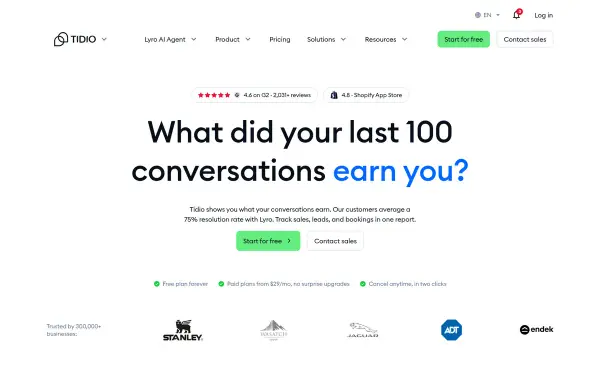
Tidio is the easy recommendation for a small store that wants chat, a chatbot builder and an AI agent on one bill without a sales call. The widget installs on Shopify or WordPress in minutes, and the free plan runs real conversations, so a store can see whether shoppers use chat at all before paying anything. Setup is a copy of a script tag or a one-click app install, and the default widget does not need design work.
The paid side adds Lyro, an AI agent that answers routine questions about delivery windows, sizing and returns, plus visual flows that can recommend products and nudge a shopper who left something in the cart. Those flows are the practical core of the product: a chat window that offers an answer or an incentive at the right moment does more than a passive bubble. Lyro absorbs the repetitive questions and hands over when a thread needs a person.
Pricing follows conversation volume, not seats. Starter is listed at $33 per month billed annually, up from $29, and covers 50 AI plus human conversations, with heavier stores moving up tiers as volume grows. That model rewards steady, modest traffic and punishes a store that pushes a lot of chat through promotions. Deeper automation sits on higher tiers.
Fit matters here. Tidio is at its best for a store handling tens rather than hundreds of conversations a day, and it is a fair choice for a founder testing whether chat pays for itself at all. A team that needs refunds, order edits and one queue across email and social will hit the ceiling quickly and should look at Gorgias or Re:amaze instead.
You run a small store and want chat plus AI on a modest, predictable budget.
Your chat volume swings hard with promotions or you need refunds inside the thread.
Entry II of IX / Order data in thread
Our verdict
The strongest pick for Shopify and BigCommerce stores that want chat, order data and refunds in one ticket.
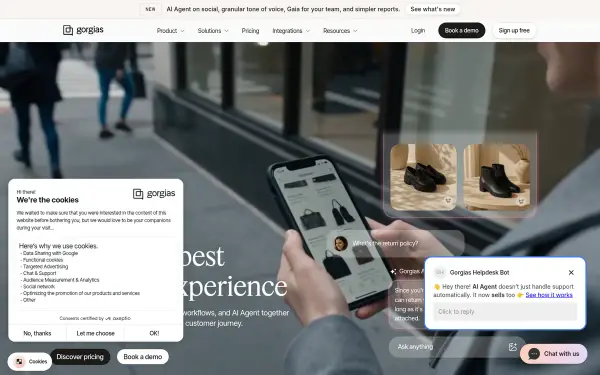
Gorgias treats chat as one channel inside a support ticket, which is the right shape for a Shopify or BigCommerce store. A shopper opens the widget and the agent sees the order, the tracking link, the refund history and earlier emails in the same panel. That context is the product, and it is why stores on those two carts shortlist it first.
From the thread an agent can process a refund, edit an order or resend a confirmation without opening the store admin. Automation rules handle the routine work: tag a message about a delayed parcel, route it to a queue, send the tracking link automatically. Chat connects to the integrations the store already runs, so most answers come from data the platform already holds. The result is fewer tabs and shorter handle times, which is what a busy peak season needs.
Pricing runs on ticket volume, and Gorgias does not list plan prices on its pricing page, so the entry cost cannot be verified without a quote. The structure has a clear logic: a store pays for conversations handled, not for agents sitting idle in January after a December rush. It also means a viral promotion or a bad delivery week costs money in the same month it happens.
This is a support platform that happens to include chat, not a chat widget. The ecommerce actions that make it good depend on running Shopify or BigCommerce, and stores on other carts lose much of the value. It is heavier than a five person store with steady traffic needs, but where chat and email blur into one queue and order context saves minutes on every ticket, the premium is easier to defend than a cheaper widget nobody configures.
You sell on Shopify or BigCommerce and want chat, email and order actions in one thread.
Chat is all you need or your cart is not one of those two platforms.
Entry III of IX / Fin deflection power
Our verdict
A serious AI support platform for brands with volume, documentation and someone to run the implementation.
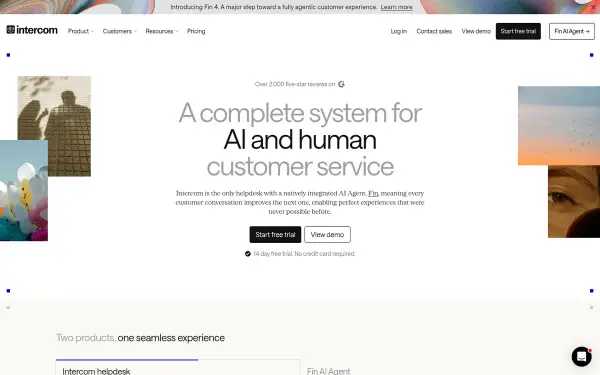
Intercom is the pick for a brand with a support operations owner and enough volume to justify tuning an AI agent. Fin resolves conversations end to end, drawing on help center content and order data through integrations, and hands over to a person when confidence drops. Reporting on resolution rates and containment is the strongest part of the package.
Chat is the entry point to a much larger platform: workflows, product tours, outbound messages, a wide integration catalogue and a shared inbox across email and messaging channels. That breadth is the appeal and the cost. A small store pays for tools it never configures, and the first month is real work rather than an afternoon of setup. Plan for an implementation project, not an install.
Pricing combines per-seat fees with a usage charge of $0.99 per Fin outcome. Two bills move at once: headcount and automation volume, so a good month for the AI agent is also a bigger invoice. Seat prices sit behind a slider on the pricing page, so the true starting cost depends on a quote. Budget the AI line separately and watch it for the first quarter before committing to a year.
Fit is a company with documented policies, a knowledge base worth feeding to Fin and someone who owns the support stack. A store with two agents and no documentation spends more time teaching Fin than it saves, and the seat fee buys features nobody opens. For a brand handling thousands of conversations a month, the deflection rate can justify the whole bill. For everyone else, it is a large platform bought to answer sizing questions. Check the Fin outcome price against your current cost per contact before you sign.
You have the volume, the documentation and the staff to run an AI-first support stack.
Two agents handle everything and nobody has time to train Fin.
Entry IV of IX / Dependable fast widget
Our verdict
A dependable, well priced widget with a real trial, as long as you verify which plan new buyers actually get.
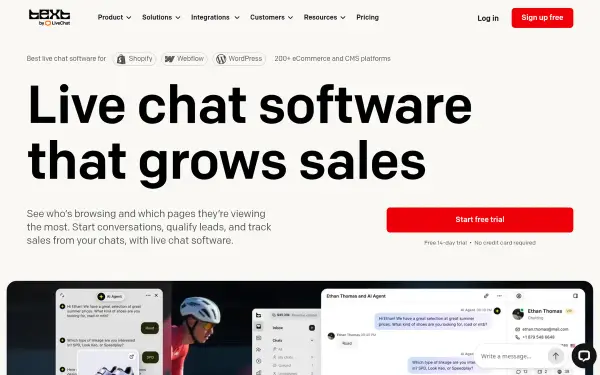
LiveChat has sold the same core promise for years: a widget that loads fast, a shared inbox and ticketing behind it. That reliability is why it still appears on shortlists. What changed is the packaging. New signups are routed to the vendor's Text product, which bundles chat, a shared inbox, ticketing and an AI agent under one subscription, with a monthly allowance of AI resolutions on the entry tier.
The widget itself stays out of the way. It loads quickly, behaves sensibly on mobile and does not fight the product page for attention. Agents get canned replies, tags and routing, and the shared inbox keeps email and chat in one place. Reporting beyond the basics sits on higher tiers, so a store that wants to study chat conversion carefully should confirm which plan includes it before buying.
Pricing is per user. Essential is listed at $19 per user per month billed annually, and the 14 day trial needs no credit card. That combination is easy to trial and easy to predict, which is rarer in this category than it should be. The trade off is that adding seasonal staff adds cost line by line, so a store that swings from two agents to eight in December pays for the swing.
The feature mix is the thing to verify. Existing customers keep their original plans while new buyers land on Text, so the plan described in older material may not be the one you are sold. Confirm the AI allowance, the reporting and the integrations you need are in the quoted tier. It suits a store that wants a dependable, well understood widget more than proactive selling or deep order actions inside chat. If chat is meant to recover carts, check whether proactive messages are included.
You want a proven widget, a shared inbox and a trial you can run without a card.
You need proactive cart recovery or deep order actions inside the chat thread.
Entry V of IX / One queue everywhere

Our verdict
Overkill for chat alone, but the obvious move for a support team already living inside Zendesk.
Zendesk makes sense when chat is one channel in a support operation that already runs on Zendesk. The messaging widget sits alongside email, social, phone and messaging in a single agent queue, with routing, service levels, staffing reports and administration shared across the suite. Adding chat to an existing account is a configuration job, not a migration.
The AI layer covers two jobs: AI agents that answer routine requests without a person, and Copilot assistance that drafts replies for the agent in the thread. Volume reporting and staffing tools are the platform's strength, and they matter once a store has more than a handful of agents or a peak season that doubles contacts. Admin work is real but shared across channels. None of it is chat-specific, which is the point.
Pricing is per agent, and the lowest paid entry is Support Team at $19 per agent per month paid yearly. That buys a wider platform than a chat widget, which is either good value or wasted money depending on what you already run. The Suite Team plan carries messaging and live chat, so a store that wants chat plus the surrounding suite should price that tier rather than the entry plan.
It rarely makes sense for a store that only wants chat on product pages, and the full suite takes administrative work to configure well. For a brand with phone, email and social already in Zendesk, adding chat keeps one queue and one report. For a store shopping for a widget, it is a large platform bought to solve a small problem. Decide whether you are buying chat or buying a support system before you sit through a demo.
Your team already runs support in Zendesk and wants chat in the same queue.
Chat on product pages is the whole requirement.
Entry VI of IX / Ten free agents
Our verdict
A generous free tier up to 10 agents, with AI and analytics waiting on paid tiers you have to price.
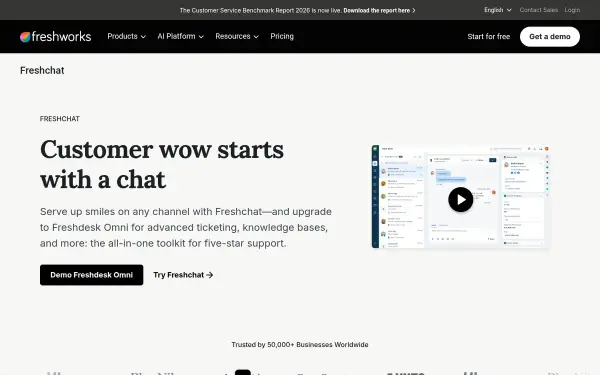
Freshchat is the free start on this list. The free tier covers up to 10 agents, which is more than most small stores will ever seat, and the interface is clean and current. A store can run chat on that tier, add canned replies and routing, and answer from the mobile agent apps without a card or a sales call.
Paid plans add the parts a growing store wants: Freddy AI for automated answers, workflow automation, reporting and analytics. The product also connects to the wider Freshworks family, so a store that later adds a helpdesk or a CRM can keep one vendor and one admin surface. That family connection is a genuine advantage for a team that dislikes stitching point tools together, and it explains why the free tier is generous.
Pricing is not published on a page we could verify, so the entry cost needs a quote from sales. The free plan is the given fact: up to 10 agents at no cost. Buyers should confirm which paid tier includes AI and analytics, because that is where the useful capability starts and where the free tier stops.
The limits are breadth and depth. AI and analytics sit on higher tiers, and the integration marketplace is smaller than the largest players, so a store with an unusual stack may find a gap. For a small store that wants a free start with a credible upgrade path, though, the trade is reasonable: the free tier is functional, not a demo, and the paid product does not require a rebuild.
You want a free start for a team of up to 10 agents with room to add AI later.
You need a published entry price or a large integration catalogue today.
Entry VII of IX / Flat workspace billing
Our verdict
Flat workspace pricing, co-browsing and unlimited conversations suit small teams that hate seat fees.
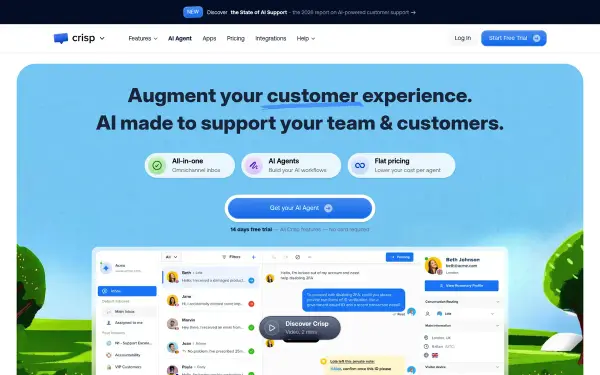
Crisp sells one thing most of this list does not: flat pricing per workspace. Mini is listed at $45 per workspace per month with four seats included and unlimited conversations, so hiring a second or third support person does not change the invoice. For a founder-led store that expects to add staff before it adds volume, that math is unusually kind.
The product covers the basics well: a website chat widget, a shared inbox that pulls in chat, email and social messages, a knowledge base and a chatbot builder. Co-browsing is included, which lets an agent see what the shopper sees and walk them through a checkout problem. That is a practical troubleshooting tool that usually costs extra elsewhere, and it is the feature agents ask for after their first week.
The free plan covers two agents at no cost, which fits a store where the founder answers messages personally. Paid tiers remove conversation limits and add features, but the ceiling sits lower than the AI-first rivals. Automation is lighter, the AI is not the reason to buy, and the helpdesk depth trails full support suites, so a team processing refunds and order edits inside chat will feel the edges.
Fit is a small team that dislikes per-seat billing more than it wants advanced automation. A store with predictable traffic and two to four agents gets a predictable bill and an inbox good enough for the job. A store planning to lean on AI deflection, deep order actions or sophisticated reporting should pay a specialist instead. Check what the workspace seat cap is before you staff up.
You expect to add agents and want the bill to stay flat anyway.
AI resolution or deep order actions are central to your support plan.
Entry VIII of IX / Cart-page order help
Our verdict
Purpose-built store support with order-aware chat and clear pricing, though reporting and integrations stay modest.
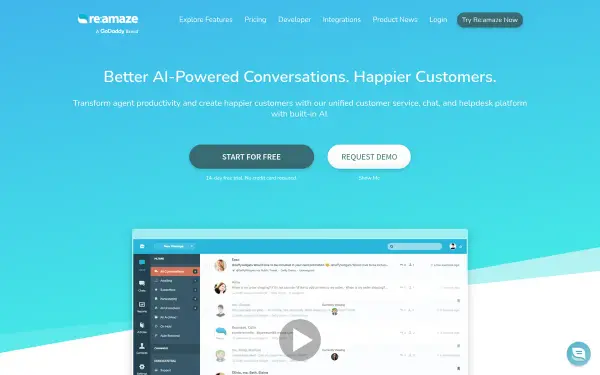
Re:amaze is built for online store support and does not pretend otherwise. Chat, email, Facebook and Instagram land in one shared inbox, and the widget is tuned for product pages: automated order status replies, FAQ deflection and proactive messages on the cart page. A store can be live the same day, which matters if chat is an experiment rather than a project.
The order-aware pieces are the reason to pick it. Instead of copying an order number into a separate admin, an agent can answer delivery questions from the thread, and the automation absorbs the routine where is my order wave that hits after every promotion. Setup is quick and the interface is not crowded with enterprise scaffolding, so a small team actually uses the features it pays for.
Pricing is clear. Basic is listed at $26.10 per team member per month billed annually, with the monthly Basic rate at $29 and a flat $59 Starter plan for very small teams. That is easy to budget and easy to compare with a per-workspace tool like Crisp. Quote the annual number internally so nobody is surprised by the monthly renewal.
The limits appear as a store grows. Integrations are fewer than the largest platforms offer, and reporting is basic next to enterprise tools, so a team that wants cohort analysis on chat outcomes will run out of road. It suits a small ecommerce team handling a few hundred tickets a month where chat, email and social genuinely overlap, and it outgrows its reporting beyond that.
You handle a few hundred store tickets a month and want order-aware chat fast.
You need deep analytics or an unusual integration.
Entry IX of IX / Email-like conversations
Our verdict
Great inbox, weak chat: buy it for email support, not for AI deflection or cart recovery.
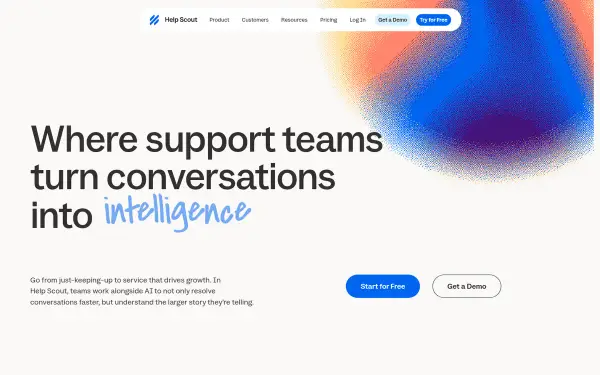
Help Scout is an email-first support tool with a chat widget attached, and it is honest about that. Conversations read like personal email rather than a ticket queue, which customers notice, and the shared inbox is simple enough that a small team can run it without training. Administration is light, and new agents are productive on day one.
Chat here is a secondary product. The widget works, conversations land in the same inbox as email, and basic automation handles routing and simple replies. What is missing is the chat-native layer: no AI agent resolving conversations, no proactive selling flows on product pages, no order lookups or refunds inside the thread. A store that sells on chat will notice the gaps within a week. Reporting on chat is thin next to chat-first tools.
Pricing is per user. Standard is listed at $25 per user per month billed annually, and a free plan covers five users, which is enough for a very small store that wants one inbox and a chat bubble without a subscription. There is no trial, because the free plan is the trial. That is a fair trade for a store that wants to test the inbox before paying.
The fit is narrow and specific: a store whose support is mostly email, where chat is a courtesy channel rather than a sales channel. If shoppers mostly ask pre-purchase questions on product pages and abandon carts, a chat-first tool will earn more than a tidy inbox. If the inbox is the operation and chat is occasional, Help Scout keeps it human and cheap to run. Check whether the automation you need is on Standard or above.
Email is your main support channel and chat only needs to be a courtesy.
You want chat to recover carts, deflect questions or handle orders.
VIBackground
Ecommerce live chat software puts a message window on a store's pages and gives staff a place to answer. The difference from a generic helpdesk widget is what the software knows: the cart, the order history, the tracking link and the pages a shopper has viewed. That context is what turns a chat box into a sales and retention tool.
Most tools now run two layers. A bot or AI agent answers first, using canned replies, a knowledge base or a model trained on your policies. When the question needs judgment, the conversation moves to a person with the history attached. The quality of that handoff matters more than the AI. A bot that answers "where is my order" and then drops the thread when the answer is complicated creates more work than it saves.
Chat and chatbot are not the same product, and the labeling in this market is loose. A chatbot follows rules you write. An AI agent generates answers and can be wrong. Stores need to know which one is answering and how to take over.
Two practical checks come up again and again. Page speed: a widget is third-party JavaScript, so test the store before and after with a speed tool and watch for layout shift on mobile. Order actions: ask whether the agent can see order status, resend a confirmation or issue a refund without opening a second tab. Tools built for ecommerce, such as Gorgias and Re:amaze, do this natively; general inboxes usually do not.
Free plans vary more than prices. Tidio and Help Scout use a free tier to cover small teams, Freshchat allows up to 10 agents, and Crisp allows two. Check what the free tier excludes: AI, reporting and integrations are the usual gaps.
This comparison sits in the ecommerce register. Further along the shore: Maze alternatives and ticket sales platform.
VIIPricing
The billing models below cover almost everything on this list, and the model matters more than the headline number. Per-seat pricing is predictable and punishes seasonal hiring. Conversation or outcome pricing tracks value and punishes a good promotion. Ticket pricing suits stores with spiky contact volume. Flat workspace pricing suits small teams that expect to add agents.
| Model | How it bills | Typical fit | Example from this list |
|---|---|---|---|
| Per seat | A fixed fee for each agent or user, per month | Stable teams with slow hiring | LiveChat $19 per user per month billed annually; Zendesk $19 per agent per month paid yearly; Help Scout $25 per user per month billed annually |
| Per conversation | A billable unit for each chat or AI conversation | Stores with steady, modest chat volume | Tidio Starter at $33 per month billed annually for 50 AI plus human conversations |
| Per AI outcome plus seats | A seat fee plus a charge each time the AI resolves | Brands with high deflection and good documentation | Intercom at $0.99 per Fin outcome, plus per seat per month |
| Per ticket volume | A monthly price band based on tickets handled | Seasonal stores with contact spikes | Gorgias, which does not publish plan prices |
| Flat per workspace | One price for the workspace with a seat allowance | Small teams adding agents | Crisp Mini at $45 per workspace per month with 4 seats included |
| Free tier | No cost, with caps on agents or volume | Very small stores testing chat | Freshchat up to 10 agents; Help Scout 5 users; Crisp 2 agents |
Annual billing is the default in most published prices here, so the monthly rate is higher than the number on the page. Ask for both, and ask what happens to your bill in your busiest month. A store running a November promotion should cost the model at peak volume before signing a year.
Watch the unit that grows. If your unit is conversations, every campaign that drives traffic raises the bill; if your unit is seats, every hire does.
Each entry card shows the starting price as it appeared on the vendor's own pricing page on November 25, 2026. When a vendor shows no figure we could confirm, or only a promotional rate, the card says "See website" or gives the regular price instead of a guess. Usage, overage and add-on rates in the text change more often than plan prices, so confirm them on the vendor page before you set a budget. To test the numbers against your own volume, try the free User Research Budget Planner. The Event Break-Even Calculator is a second way to check the same decision.
VIIIDecision
IXPitfalls
XQuestions
Live chat wins when the question is blocking a purchase. Sizing, stock, delivery dates and discount codes get answered in a minute, and the shopper stays on the product page. Email still suits order problems that need research, returns paperwork and anything that happens after the sale. Most stores need both, with chat staffed during the hours your traffic peaks and email covering the rest.
Live chat means a person answers. A chatbot follows a script you write, and an AI agent generates answers from your content and order data. Handoff is the moment a bot passes the thread to a human with the history attached. Ask vendors to show that transition in a demo, including what happens when no agent is online and the shopper is mid-question.
Published starting prices on this list run from $19 per user per month to $45 per workspace per month, most of them on annual billing. Conversation-based tools such as Tidio start at $33 per month for 50 AI plus human conversations, and Intercom adds $0.99 per Fin outcome on top of seat fees. Gorgias, Intercom and Freshchat do not publish a verifiable entry price, so those need a quote.
They can, because a widget is third-party JavaScript loaded on every page. Test a product page on a mid-range phone before and after install, and watch time to interactive and layout shift rather than a single score. Load the widget after the main content, remove features you will not staff, and retest after every plan upgrade that adds scripts.
Some can. Gorgias shows order history, tracking and refunds beside the thread and lets an agent act without leaving it, and Re:amaze automates order status replies and cart-page messages. Chat-first tools and general inboxes usually cannot, so ask for a live demo of an order lookup rather than a feature list.
Freshchat is the most generous, covering up to 10 agents, and Help Scout covers five users. Crisp allows two agents, and Tidio's $0 plan runs real conversations with volume limits. Gorgias, Intercom, LiveChat, Zendesk and Re:amaze have no free plan, offering trials instead. Check what each free tier excludes before you build a process on it.
XIFurther along the shore
Vendors can ask for a correction or apply for a Featured listing. Paid or not, the entry is scored on the same rubric and its limits stay in print. Partner with Umberlake.
Free tools
Our free browser tools turn the prices on this page into a figure for your own volume. Nothing you type leaves your device.