
Zendesk
Support Team $19 per agent/monthbilled annually
Best for large omnichannel teams
- Free plan
- No
- Rubric
- 7.8 of 10
We ranked eight AI customer service platforms on resolution pricing, AI agent depth, channel coverage and team fit, using vendor pricing pages checked on November 25, 2026.

IThe short answer
Zendesk is the best fit for large omnichannel teams, Freshdesk suits growing teams already on Freshworks, and Intercom is the pick for chat-first teams running Fin. That is the short answer as of November 2026. Zendesk starts at $19 per agent per month on Support Team billed yearly, with AI resolutions billed on top after an allowance. Freshdesk Growth also starts at $19 per agent per month billed annually. Intercom leads with Fin at $0.99 per outcome, and its seat pricing sits on the vendor site: Best Ai Powered Customer Service Software.
8 tools compared from vendor pages on November 25, 2026. 5 publish a starting price we could read; the rest say "See website".
IITop three berths
Register order is editorial fit for the buyer each entry describes. Prices are the starting figures read on November 25, 2026.
Support Team $19 per agent/monthbilled annually
Best for large omnichannel teams

Growth $19 per agent/monthbilled annually
Best for growing teams on Freshworks

See website
Best for chat-first teams using Fin
How this page is paid for. Tidio pays for a Featured listing in this comparison, and the Featured label sits on it wherever it appears. The other 7 tools are unpaid editorial picks. No vendor saw this page before it was published.
A paid listing's position can be part of what the vendor pays for. Every entry, paid or not, is scored on the same rubric and keeps its limits in print. Advertising disclosure.
IIIThe register
Starting prices as shown on each vendor's pricing page on November 25, 2026. "See website" means no figure we could confirm.
| No. | Tool | From | Free plan | Trial | Rubric | Actions |
|---|---|---|---|---|---|---|
| 01 | ZendeskLarge omnichannel teams | Support Team $19 per agent/monthbilled annuallyRead on vendor page | No | 14-day free trial | 7.8 | |
| 02 | FreshdeskGrowing teams on Freshworks | Growth $19 per agent/monthbilled annuallyRead on vendor page | No | 14-day free trial | 7.5 | |
| 03 | IntercomChat-first teams using Fin | See websiteNot shown publicly | No | Free trial | 7.4 | |
| 04 |  Help ScoutEmail-first small teams | Basic $19 per user/monthbilled annuallyUpdated on vendor page | Yes | Free plan instead of a trial | 6.9 | |
| 05 | AdaEnterprise automation at scale | See websiteNot shown publicly | No | See website | 6.2 | |
| 06 |  GorgiasEcommerce stores on Shopify | See websiteNot shown publicly | No | See website | 6.4 | |
| 07 |  TidioFeaturedSmall stores with live chat | Starter $33 per monthbilled annually, $390 a yearUpdated on vendor page | Yes | 7-day free trial | 6.7 | |
| 08 | Zoho DeskBudget teams inside Zoho | Express $5 per user/monthbilled annuallyUpdated on vendor page | Yes | Free trial | 7.6 |
Pinned:
IVMethod
How well the AI agent answers real questions, whether it can finish tasks in connected systems, and how a resolution is counted.
Whether a support leader can forecast a busy month from the vendor's own pricing page, including AI add-ons and allowances.
Which of email, live chat, messaging, voice and social channels the platform handles natively.
Routing, automation, reporting and assistant features that help human agents work faster.
How quickly a team of the size the tool targets can get live without heavy implementation work.
VMethod
We scored each tool on five criteria and weighted them to reflect what support leaders actually pay for. AI resolution depth (25%) covers how well the AI agent answers real questions, whether it can complete tasks in connected systems, and how resolutions are counted. Pricing clarity (22%) asks whether you can forecast a busy month from the vendor's own pricing page, including AI add-ons and allowances. Channel coverage (20%) counts email, chat, messaging, voice and social. Agent tooling (18%) covers routing, automation, reporting and assistant features that help human agents. Setup fit (15%) weighs how quickly a team of the size the tool targets can get live.
Prices, plan names, allowances and add-on rates come from vendor pricing pages checked on November 25, 2026. Where a page led with consumption pricing and hid seat costs, we say so in the entry rather than filling the gap. Where no public price existed, we marked the price as unavailable rather than estimating. Gorgias is the one entry where the fetched page lacked plan prices, and its figures are flagged as unverified.
This list contains one Featured placement, Tidio, which is a paid position. It was scored with the same rubric as every other entry and carries the same kind of honest cons, including three separately metered billing lines. Position reflects editorial fit for the buyer each entry describes plus the disclosed Featured position, not a weighted total.
We did not run trials or interview customers for this guide. Treat the scores as a reading of published capabilities and pricing, and validate AI behavior on your own hardest intents before signing a contract.
The full routine, from price reads to corrections, is on the methodology page. Paid listings follow the advertising disclosure.
Entry I of VIII / Omnichannel routing
Our verdict
The widest channel coverage here, with AI billed on top of seats and Copilot as a $50 add-on.
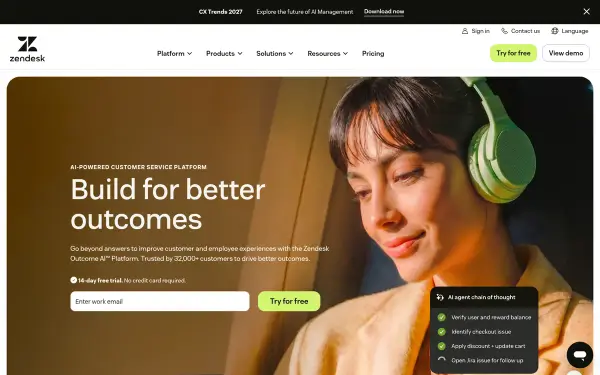
Zendesk is the broadest platform here. Email ticketing sits at the base, and messaging, live chat, telephony and social channels arrive in higher suites. One system for voice, chat and email means one queue structure, one set of routing rules and one reporting layer instead of three integrations.
AI has two halves. AI agents handle customer-facing resolutions, and Copilot works inside the agent desktop for drafting and summaries. Zendesk scores well on the first and charges for both. AI resolutions include a small monthly allowance per agent, then cost $1.50 each with commitment or $2.00 pay-as-you-go. Copilot is a separate $50 per agent per month add-on, which is $2,000 a month for a 40-seat team before a single resolution is billed.
Seat pricing runs Support Team at $19 per agent per month billed annually, Suite Team at $55 and Suite Professional at $115. Most messaging and AI capability lives in the gap, so $19 is a starting point rather than a realistic omnichannel budget. Help center content management is included, and routing and automation are the strongest here. Fit is multiple channels at volume, layered routing and tolerance for consumption billing. A ten-person team wanting a predictable bill will find the add-on stack frustrating. Model a busy month, price AI resolutions and Copilot separately before comparing with Freshdesk, and plan migration.
You run multiple channels at volume and can budget for consumption billing on top of seats.
You need a predictable monthly bill from a small support team.
Entry II of VIII / Ticketing with SLAs
Our verdict
Mature ticketing with SLA tools and two separate Freddy AI products at a lower top-tier price than Zendesk.
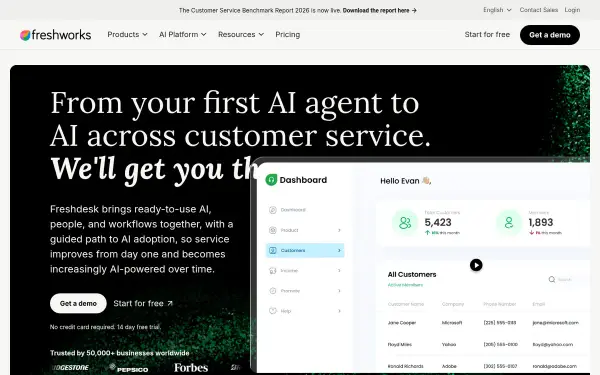
Freshdesk is the straightforward option: ticketing, automation, SLA management and multi-channel support, with AI split into two products. Freddy AI Agent handles customer conversations, and Freddy AI Copilot drafts replies and summarizes threads for agents. That split matches how teams buy. Freshdesk Omni adds messaging channels.
Pricing is where Freshdesk earns its place. Growth is $19 per agent per month billed annually, Pro is $55 and Enterprise is $89, so the top tier undercuts Zendesk Suite Professional at $115. Copilot requires Pro or Enterprise and costs $29 per agent per month billed annually. AI Agent includes 500 free sessions once per account, then $49 per 100. That one-time allowance is closer to a trial than an ongoing credit, so plan for session costs from month two.
Automation and SLA tools are mature, role controls suit layered permissions, and reporting covers operational basics without a data project. Fit is a growing team, especially one already using Freshworks, that wants ticketing it can configure without a consultant. Software and services teams do well. Teams needing deep voice or heavy customization should look at Zendesk or Ada. The caveat is stacking: a 20-agent team on Pro with Copilot sits at $1,680 a month before a single AI Agent session, and the session meter starts after a one-time allowance that does not renew.
You are a growing team already using Freshworks and want ticketing you can configure yourself.
You need deep voice support or heavy customization without add-ons.
Entry III of VIII / Fin AI Agent
Our verdict
Chat-first inbox with a strong Fin agent that can also run on a different help desk.
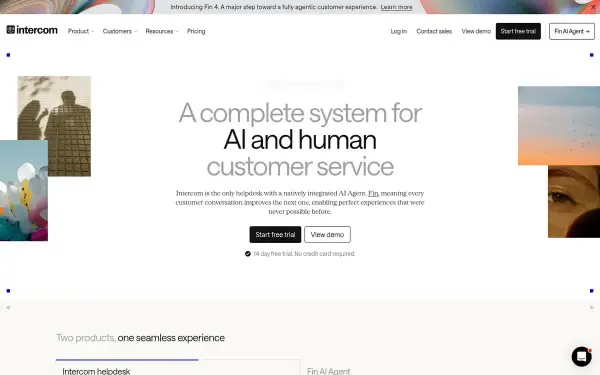
Intercom is built around chat. Messenger, shared inbox, ticketing and workflow automation come as one product, and the Fin AI Agent answers from your help center and connected content rather than a hand-built decision tree. Fin Copilot adds agent-side assistance for $29 per agent per month.
Fin is portable. It can run on another help desk, so a team that likes the AI but not the inbox can keep its existing system and pay Fin separately, with a minimum commitment. Seat pricing is not shown as a clear headline figure on the vendor pricing page, so check the vendor site. Governance features such as SSO and HIPAA sit on Expert, so regulated buyers pay the top rate. Fin costs $0.99 per outcome, counted at most once per conversation, on top of seats. That is more forgiving than counting every message, but at 20,000 conversations a month with half resolved by Fin you add roughly $9,900 to the seat bill. Multiple inboxes and workflow automation are included.
Intercom fits chat-first teams with steady, predictable volume and a content library good enough for Fin. It fits less well when volume spikes or budgets are tight, because the outcome meter moves with traffic and there is no permanent free plan. Check the minimum commitment if you plan to run Fin against a cheaper help desk.
Your customers mostly chat and your help center content is strong enough for Fin to answer from.
Your volume spikes hard or you need a free tier to get started.
Entry IV of VIII / Capped AI pricing
Our verdict
Simple email-first inbox with capped AI Answers at $0.75 per resolution and a real free plan.
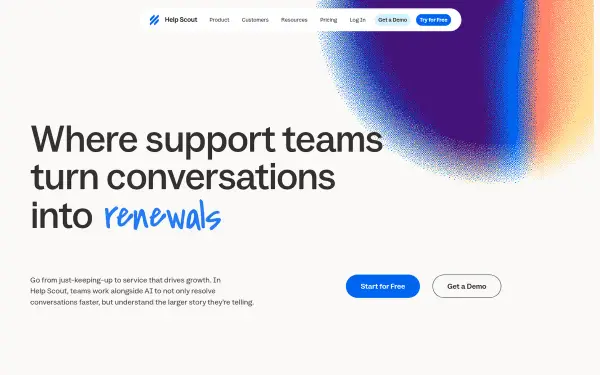
Help Scout is an email-first shared inbox with a knowledge base attached. Docs sites, contact management and multiple inboxes form the core, and live chat plus messaging channels arrive on Standard. Advanced workflows and a customer portal sit on Plus. Small teams get a clean inbox without a configuration project.
AI Answers delivers automated resolutions at $0.75 per resolution, the lowest per-resolution rate in this list, and you can set a monthly spending cap so a traffic spike cannot produce a surprise invoice. That cap helps budget-conscious teams. The free plan covers five users, one inbox, one Docs site and 100 contacts per month.
Paid plans are Basic at $19 per user per month billed annually, Standard at $25 and Plus at $45. User caps apply on Standard and Plus, and phone support needs an integration such as Aircall rather than native voice. Reporting covers the basics without a data project. Fit is small, email-heavy teams that answer questions rather than run complex back-end tasks. Ecommerce stores needing order data inside tickets, or enterprises needing layered permissions and voice routing, will hit the ceiling. For a five to twenty person team that wants an inbox, a help center and a capped AI bill, Help Scout is one of the least risky buys here.
You are a small email-heavy team that wants a capped AI bill and a free starting point.
You need native voice support or complex enterprise permissions.
Entry V of VIII / Back-end task completion
Our verdict
An enterprise AI agent that completes back-end tasks, sold through contracts with no public price.
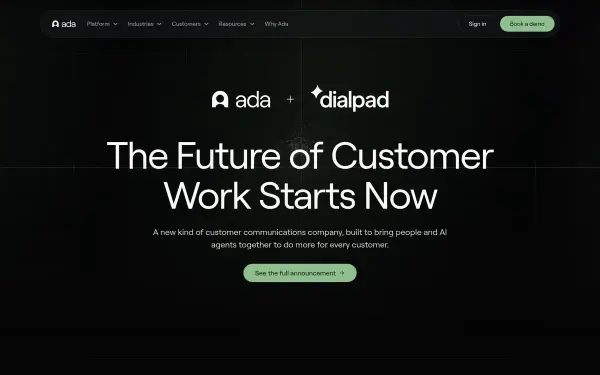
Ada is an AI agent, not a help desk. It reads connected knowledge and customer context, then completes multi-step tasks in back-end systems such as refunds, account updates and order changes. Business rules and human handoff keep a person in the loop, and it works across chat, messaging, email and voice in multiple languages. That matters for cross-border stores and software companies with customers in several regions.
Task completion is the differentiator. Most tools resolve questions; Ada aims at transactions. Connecting back-end systems, writing business rules and testing intents takes longer than switching on a chatbot, and the work is shared between support, engineering and a vendor implementation team. Enterprise controls and reporting are included, so the buyer tends to be a platform owner rather than a team lead.
Pricing is not public. Ada targets large teams with high volume and complex back-end tasks, and sells through enterprise contracts with high minimum commitments. You cannot line it up against Zendesk or Freshdesk per seat, and expect a procurement cycle. Ada fits enterprises with measurable repetitive transactional requests and engineering capacity to integrate systems. It does not fit small teams, teams that want a help desk included, or anyone who needs a price before booking a call. Run a pilot on difficult intents before rollout, because easy intents flatter every AI agent in this category.
You have high volume, repetitive transactional requests and engineering capacity to integrate systems.
You need a price before booking a call or a help desk in the same product.
Entry VI of VIII / Shopify context
Our verdict
Ecommerce help desk priced by tickets, with Shopify order data and AI billed per automated interaction.
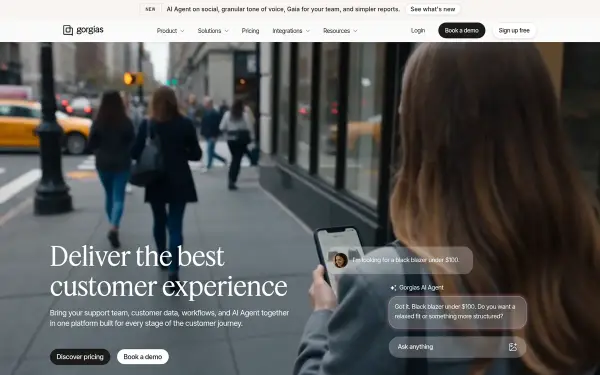
Gorgias is an ecommerce help desk built around store data. Shopify order history, refund options and subscription status appear inside the ticket, so an agent answering a delivery question does not need a second tab. That context is the main advantage over general-purpose help desks.
Pricing is by ticket volume rather than agent seats, and seats are included on most plans. Starter is $10 per month for 50 tickets, Basic is $50 per month billed annually for 300, Pro is $300 for 2,000 and Advanced is $750 for 5,000. For a small store with two agents, that can undercut per-seat pricing. As volume grows, the jumps between tiers are steep. The fetched page lacked plan prices, so confirm these figures on the vendor site.
The AI Agent handles common store questions such as order status and return policy and bills around $0.90 per automated interaction billed annually. Each automated interaction counts as a ticket. One conversation can bill twice, once against your ticket allowance and once as an AI interaction, so model that before assuming AI lowers cost. Gorgias fits online stores selling through Shopify with steady ticket flow and a small agent team. It fits less well for software companies, B2B service desks or anyone whose customer history lives outside a store platform. Without Shopify, the deepest feature is irrelevant and ticket pricing becomes a constraint.
You run a Shopify store with a steady ticket flow and a small agent team.
Your customer history lives outside a store platform like Shopify.
Entry VII of VIII / Free live chat
Our verdict
Generous free live chat with Lyro AI, but three separately metered billing lines to watch.
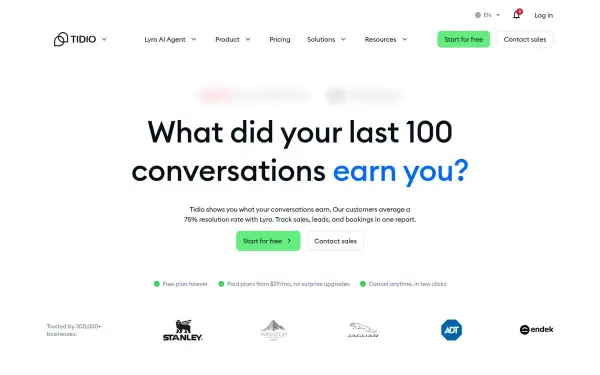
Tidio combines live chat, email and social messages in one inbox with ticketing and a visual Flows automation builder. Lyro is the AI agent, and the free plan is generous: live chat, ticketing and up to ten seats at no cost, limited to 50 billable conversations per month. That is enough for a small store to run a queue.
Paid pricing is conversation based on the lower plans. Starter is $33 per month billed annually, which is $390 a year, and Growth starts at $49.17 per month billed annually for 250 conversations. Lyro is sold separately from $32.50 per month billed annually for 50 AI conversations. Larger teams move to Plus at $300 per month plus usage.
Watch the billing design. Conversations, Lyro conversations and Flows are metered separately, so a busy month raises three meters at once. Lyro counts any conversation it replies in, not only resolved ones, so effective cost is higher than per-resolution pricing. Tidio fits small stores and service teams that want live chat running in an afternoon without a sales call. It fits less well for teams with spiky volume or those who want a single predictable AI bill. Start on the free plan, watch how many conversations Lyro touches, then decide whether the meters suit your traffic. Tidio holds Featured placement and was scored with the same rubric as every entry.
You are a small store that wants live chat running this week and can start on the free plan.
Your volume swings hard or you need one predictable AI bill each month.
Entry VIII of VIII / Bundled Zia AI
Our verdict
The lowest entry price here, with full Zia AI bundled flat on Enterprise at $40 per agent.
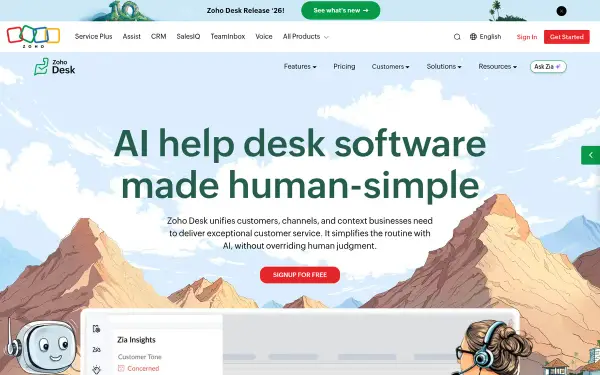
Zoho Desk is the budget entry point: multi-channel ticketing, email and web forms, SLA management, automation and reporting. The free plan covers three agents with email and web forms, enough for a small team to run a real support queue at no cost and test the interface before paying.
The AI is Zia, an assistant that handles sentiment, routing and knowledge suggestions. Full Zia capability sits on Enterprise at $40 per agent per month billed annually, and Zia is bundled rather than billed per resolution. For teams with high resolution volume, a flat AI cost is easier to forecast than $0.99 or $1.50 per outcome, and it removes the resolution-counting argument.
Paid tiers start with Express at $5 per user per month billed annually for up to five agents. The low entry price is genuine, but the AI features that make Zoho Desk interesting require the top tier, so the effective price for an AI-first buyer is $40 per agent, not $5. Zoho Desk fits budget-conscious teams, particularly those already using Zoho apps for CRM or accounting, where integration and price work in your favor. It fits less well for a team buying purely for AI, because reaching full Zia means paying for a tier you may not need. Compare Enterprise against Freshdesk Pro and Zendesk Suite Team.
You are budget-led, inside the Zoho ecosystem, and want flat AI costs instead of per-resolution billing.
You are buying purely for AI and would never use the higher tier otherwise.
VIBackground
AI customer service software is a help desk with a model attached. The help desk part stores conversations, routes them, tracks status and reports on them. The AI part does two separate jobs that vendors often sell separately: it answers customers directly, and it assists the human agents who answer everyone else.
The customer-facing job is usually called an AI agent, a virtual agent or a bot, and the good ones read your help center, your documentation and connected systems rather than following a scripted tree. That distinction matters at renewal time. A scripted bot that handles password resets is cheap to run and narrow. A model-backed agent that reads live order data can resolve more, but it needs a knowledge base good enough to answer from.
The agent-facing job is drafting, summarizing and suggesting the next action. It rarely changes your headcount math, but it shortens handle time and it is usually the easier purchase to justify first.
Three building blocks decide whether either job works:
That last point is the one buyers underestimate. One vendor counts an outcome once per conversation, another counts every conversation the AI replies in, and a third counts automated interactions as tickets as well. The same traffic can produce very different invoices under those three definitions.
Coverage varies too. Some tools in this category are full omnichannel desks with voice, social and messaging. Others are chat-first, email-first or store-first. Pick the shape that matches where your customers actually write in, then check what the AI can do with the volume that arrives.
This comparison sits in the customer support register. Further along the shore: Maze alternatives and ticket sales platform.
VIIPricing
Pricing in this category is a seat price plus a usage meter, and the meter is where budgets break. Expect a per-agent fee for the help desk and a separate charge for AI, either bundled into a top tier or billed per resolution, per session, per ticket or per conversation. Several tools here also gate the useful AI behind a higher plan than the one advertised on the pricing page's first line.
| Model | How it bills | Typical fit | Example from this list |
|---|---|---|---|
| Per seat | Flat fee per agent each month, AI often extra | Steady headcount, predictable volume | Freshdesk Growth at $19 per agent/month billed annually |
| Per resolution or outcome | Charge each automated resolution | High volume with measurable deflection | Intercom Fin at $0.99 per outcome |
| Per automated interaction | Charge each conversation the AI handles | Stores with repetitive questions | Gorgias AI Agent near $0.90 per interaction billed annually |
| Per ticket | Charge ticket volume, seats usually included | Ecommerce with seasonal spikes | Gorgias Pro at $300 per month for 2,000 tickets |
| Per conversation | Charge billable conversations on lower plans | Small teams starting out | Tidio Starter at $33 per month billed annually |
| Bundled in a tier | AI included in a top plan, no per-resolution fee | Teams wanting flat costs | Zoho Desk Enterprise at $40 per agent/month with full Zia |
Per seat pricing is the easiest to forecast and the least connected to value. A 30-agent team pays the same whether the AI deflects nothing or half the queue.
A per-resolution model links cost to work avoided, but only if you trust the definition. Help Scout bills AI Answers at $0.75 per resolution with a spending cap. Zendesk bills $1.50 or $2.00 per resolution after a small per-agent allowance. Those look similar and behave very differently at volume.
Per-ticket and per-conversation models suit traffic that is independent of headcount. Both can move two meters in the same month, because AI is charged separately and Gorgias counts each automated interaction as a ticket too.
Two practical checks: ask what happens in your busiest month rather than your average one, and ask whether allowances reset monthly or only once per account.
Each entry card shows the starting price as it appeared on the vendor's own pricing page on November 25, 2026. When a vendor shows no figure we could confirm, or only a promotional rate, the card says "See website" or gives the regular price instead of a guess. Usage, overage and add-on rates in the text change more often than plan prices, so confirm them on the vendor page before you set a budget. To test the numbers against your own volume, try the free CSAT and NPS Calculator. The User Research Budget Planner is a second way to check the same decision.
VIIIDecision
IXPitfalls
XQuestions
There is no shared definition. Each vendor sets its own rule, and the rule decides your bill. Intercom counts a Fin outcome at most once per conversation, Help Scout bills per resolution, and Gorgias counts each automated interaction as a ticket as well. Ask for a written definition and a sample invoice before you sign.
Per resolution wins when your volume is high and your headcount is steady, because you pay for work avoided rather than desks. Per seat wins when volume swings wildly or the AI is unproven, since a failed rollout costs the same either way. Model your peak month under both models before deciding.
Keep billing disputes, cancellations, safety issues, vulnerable customers and anything regulated with people. Also keep cases the AI has never seen: a fast, clean handoff protects the relationship better than a confident wrong answer. Write the handoff triggers down and test them before launch.
A basic agent reading an existing help center can go live in days to a few weeks on tools like Tidio, Help Scout or Freshdesk. A rollout that completes tasks in back-end systems, as Ada does, runs into months because integrations, business rules and testing take real engineering time.
Sometimes. Intercom's Fin can run on another help desk with a minimum commitment, which lets you keep an inbox you already like. Most tools in this list expect the AI and the ticketing system to be the same product, so confirm before you assume you can mix vendors.
Ask where conversation data is stored, how long it is kept, whether it trains models and whether you can opt out. Get the answer in writing in the contract, not on a sales call. Regulated buyers should also confirm which tier carries SSO and HIPAA, since those often sit on the top plan.
XIFurther along the shore
Vendors can ask for a correction or apply for a Featured listing. Paid or not, the entry is scored on the same rubric and its limits stay in print. Partner with Umberlake.
Free tools
Our free browser tools turn the prices on this page into a figure for your own volume. Nothing you type leaves your device.