
Zendesk
$19Support Team, per agent per month, billed annually
Best for larger support teams running AI across many channels
- Free plan
- No
- Rubric
- 8.0 of 10
Eight AI customer service platforms ranked for fit, from enterprise omnichannel suites to free tiers for three agents, with prices checked on 25 November 2026.

IThe short answer
Zendesk is the best AI customer service platform for larger support teams running AI across many channels, Intercom suits product-led SaaS teams that want chat-first AI support, and Freshdesk is the affordable pick for small and mid-size teams. All three pair an AI agent with human handoff, and Freshdesk adds a free starter tier. As of November 2026, entry prices are $19 per agent per month for Zendesk and Freshdesk, while Intercom publishes pricing on its site only. The other five picks cover Salesforce shops, HubSpot users, Zoho teams, small websites and human-toned support: Best Ai Customer Service Platforms.
8 tools compared from vendor pages on November 25, 2026. 7 publish a starting price we could read; the rest say "See website".
IITop three berths
Register order is editorial fit for the buyer each entry describes. Prices are the starting figures read on November 25, 2026.
$19Support Team, per agent per month, billed annually
Best for larger support teams running AI across many channels

See website
Best for product-led SaaS teams wanting chat-first AI support

$19Growth, per agent per month, billed annually
Best for small and mid-size teams wanting affordable AI support
How this page is paid for. All 8 tools here are unpaid editorial picks.
A paid listing's position can be part of what the vendor pays for. Every entry, paid or not, is scored on the same rubric and keeps its limits in print. Advertising disclosure.
IIIThe register
Starting prices as shown on each vendor's pricing page on November 25, 2026. "See website" means no figure we could confirm.
| No. | Tool | From | Free plan | Trial | Rubric | Actions |
|---|---|---|---|---|---|---|
| 01 | ZendeskLarger support teams running AI across many channels | $19Support Team, per agent per month, billed annuallyUpdated on vendor page | No | 14-day free trial | 8.0 | |
| 02 | IntercomProduct-led SaaS teams wanting chat-first AI support | See websiteNot shown publicly | No | 14-day free trial | 7.2 | |
| 03 | FreshdeskSmall and mid-size teams wanting affordable AI support | $19Growth, per agent per month, billed annuallyUpdated on vendor page | Yes | 14-day free trial | 7.6 | |
| 04 | SalesforceEnterprises already standardised on Salesforce CRM | $25Starter Suite, per user per month, transaction fees apply, billed monthly or annuallyUpdated on vendor page | No | 30-day free trial | 7.0 | |
| 05 |  HubSpot Service HubTeams already running on HubSpot CRM | $7Starter, per seat per month, billed annuallyUpdated on vendor page | Yes | No | 7.1 | |
| 06 | Zoho DeskBudget-focused small teams already inside Zoho | $5Express, per user per month, billed annuallyUpdated on vendor page | Yes | Free trial | 7.3 | |
| 07 |  TidioSmall businesses wanting simple website AI chat fast | $33Starter, per month, billed annuallyUpdated on vendor page | Yes | 7-day free trial | 5.7 | |
| 08 |  Help ScoutSupport teams that prioritize a personal human tone | $25Standard, per user per month, billed annuallyUpdated on vendor page | Yes | Free trial | 5.6 |
Pinned:
IVMethod
Whether the AI can resolve a routine question end to end and hand off cleanly when it cannot.
How many places a customer can reach you without adding a second tool.
Whether a buyer can estimate a monthly bill before signing a contract.
How quickly a small team can get live with reasonable effort.
Whether the platform connects to the systems your support data already lives in.
VMethod
Every platform was scored against five criteria: AI agent capability (30 percent), channel coverage (20 percent), pricing clarity (20 percent), setup speed (15 percent) and ecosystem fit (15 percent). AI agent capability asks whether the AI can resolve a routine question end to end and hand off cleanly when it cannot. Channel coverage asks how many places a customer can reach you without a second tool. Pricing clarity asks whether you can estimate a monthly bill before you sign. Setup speed asks how long a small team needs to get live. Ecosystem fit asks whether the tool connects to the systems your support data already lives in.
Prices, plan names, free tiers and trial lengths come from vendor pricing pages checked on November 25, 2026. Where a vendor publishes pricing only on its site, this list says so instead of quoting a number, and where a plan carries a billing term or a seat limit, that qualifier is repeated in the entry. AI features move between tiers often, so treat these figures as a snapshot and confirm them before you buy.
The list contains one Featured position, which is paid placement. A Featured entry is scored with the same five criteria as every other tool and carries the same kind of honest cons, without any score bump for placement.
The order is editorial: it follows which buyer each entry fits best, from large multi-channel operations down to smaller and more specialized teams. Treat the scores as a second opinion, not a market ranking.
The full routine, from price reads to corrections, is on the methodology page. Paid listings follow the advertising disclosure.
Entry I of VIII / Omnichannel at scale
Our verdict
The safest pick for a multi-channel support team that needs AI triage, omnichannel coverage and reporting deep enough to manage workloads.
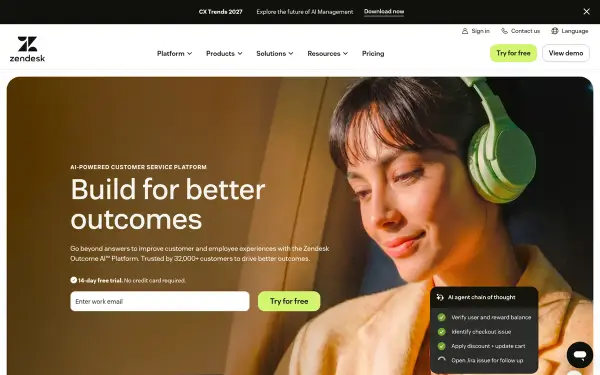
Zendesk suits a support organization that already runs several channels and needs one place to manage them. AI agents answer routine customer questions, and automatic ticket triage escalates the cases they cannot handle to a human with context attached. Workflow automation covers assignments, macros and routing, so repetitive administration shrinks as volume grows. Omnichannel support spans email, chat and social channels, and reporting tracks resolution time, satisfaction and agent workload. The integration and app ecosystem is wide, which matters when support data has to reach billing or order systems.
Pricing starts at $19 per agent per month on the Support Team plan, billed annually, with a 14-day free trial and no free plan. Budget for growth: cost climbs as advanced AI features and add-ons are added, and the agent seat price is not the whole bill once AI capacity and premium channels come into play. Confirm current plan costs and AI add-on terms on the vendor pricing page before signing a long term.
Setup takes time for teams with many channels and integrations. Connecting email, chat, social and internal systems is a project rather than an afternoon, and the admin surface is broad enough to need one owner. That weight buys depth. A three-person team will find it heavy and expensive, while a fifteen-person team with three channels and a manager who lives in reports will find the structure worth the effort.
You run multiple channels and want AI triage plus reporting that holds up in a weekly support review.
You have fewer than five agents and need something live in a day.
Entry II of VIII / Chat-first AI agent
Our verdict
The chat-first choice for product-led SaaS teams: a polished AI agent that resolves common questions inside the product messenger, priced by usage.
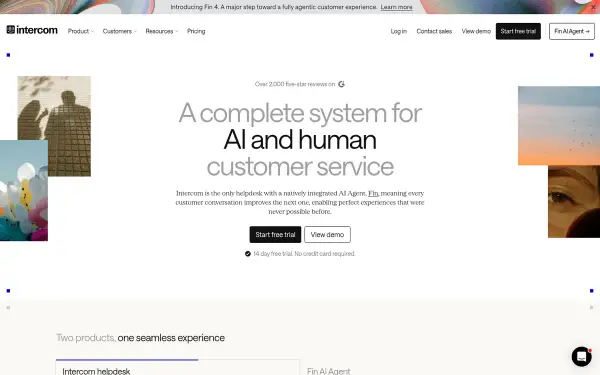
Intercom is built around chat, and its AI agent, Fin, answers from your help center content and past conversations. Common questions get resolved instantly in the messenger rather than queued, and anything Fin cannot handle passes to a human with the context of what was already said. The messenger sits inside web and mobile apps, so support happens where the customer already is rather than in a separate portal. For a product-led SaaS business, that placement is the whole argument.
Pricing sits on the vendor site and is usage-sensitive: costs rise with contacts and AI resolutions, so the bill scales with success as well as headcount. Model your contact volume and expected AI resolution rate before you commit, and build in headroom for a launch spike. There is no free plan, and the trial runs 14 days.
Email support is less developed than Zendesk, so a business whose questions arrive mostly by email will feel the gap. Forecasting spend is also harder as volume grows, because two of the cost drivers move with customer behavior rather than your hiring plan. Finance teams that want a flat per-seat line item will find this uncomfortable.
Where chat is the primary channel and the product is the support surface, the trade-off pays off. Where email, social and phone carry the load, look at Zendesk first.
Chat inside your product is where most customer questions arrive and you can model contact and resolution volume.
Email is still your main support channel or you need a fixed monthly bill.
Entry III of VIII / Free starter tier
Our verdict
Affordable AI support with a genuine free tier, Freddy chatbots and agent assist, though the advanced AI sits on the higher plans.
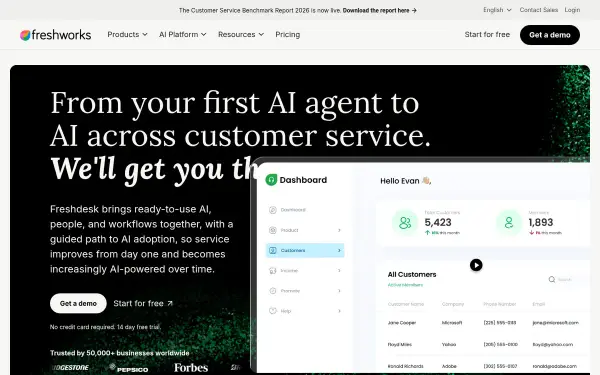
Freshdesk is the value entry in this list. Freddy AI covers both sides of the conversation: chatbots handle customer questions, and agent assist suggests replies for the human team. AI-supported ticket triage sorts incoming work, and the free starter tier covers basic ticketing at no cost, so a small team can run real support before it buys anything. Tiered plans unlock the advanced AI capabilities as the team grows.
Paid pricing starts at $19 per agent per month on the Growth plan, billed annually, and a 14-day free trial is available. The free tier keeps entry cost at zero, but advanced AI features sit on higher tiers, so the plan that includes the features you actually want can land several steps above the entry price. Confirm which AI capabilities sit on each tier on the vendor pricing page before you budget for the year.
Two limits appear as teams scale. Reporting depth trails Zendesk once you run several queues and teams with a weekly review cadence, and large enterprises may outgrow the customization on offer. Neither bites immediately for a support floor of three to twenty-five agents working email and chat with a handful of macros.
For a small or mid-size team that wants AI bots, agent assist and triage on a modest budget, Freshdesk is the sensible first call. The free tier makes evaluation cheap, and upgrading is a plan change rather than a migration.
You want AI bots and agent assist without a large budget and want to start free.
You need advanced AI on the entry plan or enterprise-grade reporting depth.
Entry IV of VIII / CRM-native AI actions
Our verdict
Agentforce on Service Cloud is unmatched for CRM-native AI at enterprise scale, but expect specialist implementation and real complexity.
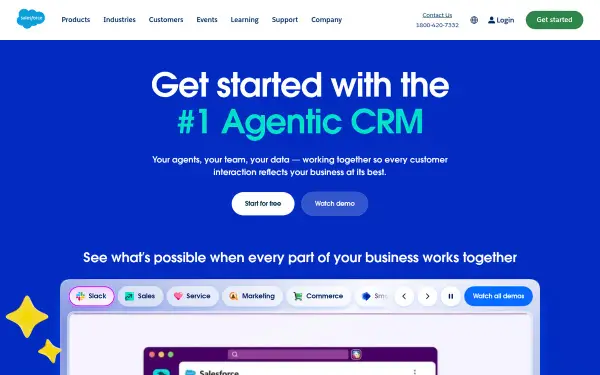
Salesforce pairs Service Cloud with Agentforce, its AI agent layer. Agentforce agents resolve cases and draft replies, and they can take actions directly across CRM data, so an answer can be informed by order history, account status and past cases rather than only by a help article. Omnichannel routing, knowledge and case management run at enterprise scale, and customization and the partner ecosystem are extensive.
Pricing starts at $25 per user per month on Starter Suite, with transaction fees applying, billed monthly or annually. There is a 30-day free trial and no free plan. Editions, packaging and AI terms change often, so verify current editions on the vendor pricing page before you build a budget model around them.
Implementation usually needs specialists or a partner. That is less a knock on the product than a description of its shape: the value comes from wiring service to sales, order and billing data, and that wiring is a project. A team without a Salesforce administrator will struggle to move past a basic configuration.
For an enterprise already standardized on Salesforce CRM, adding AI service on the same records avoids a second system of record and a second integration project. For a small team with no Salesforce footprint, the cost and complexity are hard to justify against Freshdesk or Zoho Desk.
Your service cases already live in Salesforce and you want AI agents acting on CRM records.
You have no Salesforce footprint or nobody to run an implementation.
Entry V of VIII / Tight CRM context
Our verdict
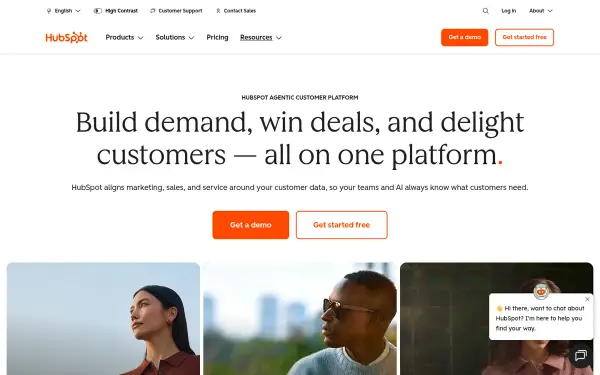
A free, well-integrated service desk that turns into a capable AI support tool on paid tiers, provided you already run HubSpot CRM.
HubSpot Service Hub is the easiest add for a company that already runs contacts, deals and marketing in HubSpot. The free tier includes ticketing, a shared inbox, live chat and a knowledge base, so a small team can support customers and build the article base that AI answers depend on. AI chatbots and agent assist sit on paid tiers.
Paid pricing starts at $7 per seat per month on Starter, billed annually, and the free tier covers up to 2 users. There is no free trial, which makes the free tier the practical way to evaluate the product. Check tier contents on the vendor pricing page, because advanced service AI is gated above the entry price.
The strongest feature is context: a reply can draw on the contact, deal and marketing history in the same record, which produces more personal answers than a standalone helpdesk manages. Routing depth trails Zendesk for very large support floors with complex queues and escalation rules, and the free tier cap of 2 users limits how far a growing team can stay on it.
If the business does not use HubSpot CRM, most of the advantage disappears and the AI features look ordinary next to Freshdesk. If it does, Service Hub is usually the shortest path from free ticketing to AI-assisted service.
Your contacts, deals and marketing already live in HubSpot and you want service AI on the same record.
You use a different CRM or need deep routing for a large support floor.
Entry VI of VIII / Lowest paid price
Our verdict
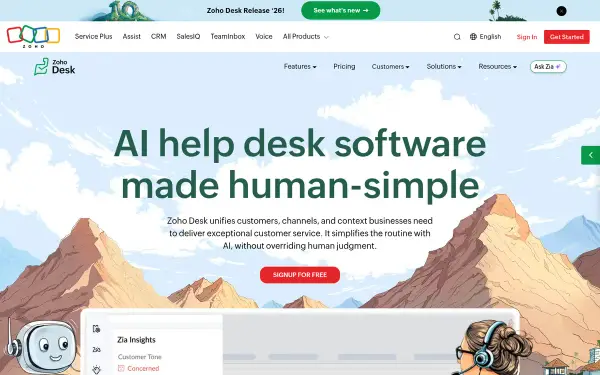
The lowest published paid entry here at $5 per user, with Zia predictions and a three-agent free tier, best inside the wider Zoho stack.
Zoho Desk has the lowest published paid entry on this list at $5 per user per month on Express, billed annually, and the free tier runs forever for up to three users. Zia, Zoho's AI layer, predicts sentiment on tickets and suggests replies for agents inside the ticketing workspace. Agent assistance sits in the same screen, so there is no separate tool to learn or pay for.
The value multiplies inside the Zoho ecosystem: customer data is shared with Zoho CRM, Books and Mail, which means an agent can see invoices and account context without leaving the ticket. Confirm current user limits and which AI features are gated on the vendor pricing page, because advanced AI needs higher tiers than the entry price suggests.
The interface feels less modern than Intercom, and reporting depth is behind Zendesk for large teams. Neither is a surprise at this price. A small team that mainly needs a clean queue, reply suggestions and a customer record it can trust will not notice either gap.
For a three-person support function already using Zoho invoicing or CRM, the total cost of ownership is hard to beat. For a team that expects to pass ten agents with multi-team routing and detailed reporting, plan for a migration later rather than trying to stretch this one.
You already use Zoho apps and want AI ticketing for a handful of agents at the lowest published paid price here.
Interface polish and deep reporting matter more than price.
Entry VII of VIII / Fast chatbot setup
Our verdict
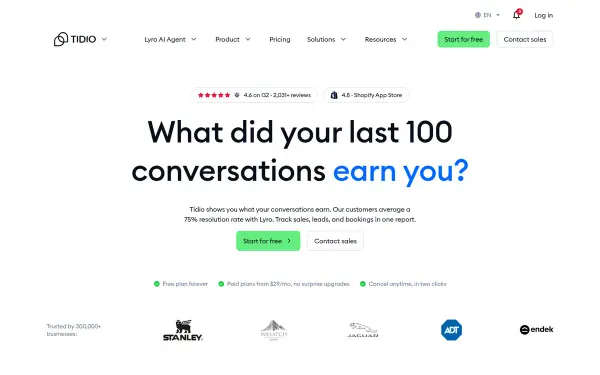
Quick to deploy AI chat for a small website, with lead capture and a shared inbox, but thin once routing and reporting needs grow.
Tidio is built for speed on a small business website. The AI chatbot answers common customer questions, templates cover shipping, returns and pricing, and lead capture turns a chat into a contact you can follow up. Complex chats hand off to live agents, and a shared inbox combines live chat and email so replies land in one place.
The paid Starter plan is $33 per month billed annually, a plan price rather than a per-agent rate. There is a $0 per month free plan and a 7-day free trial, which is worth diarizing.
Routing and reporting are thinner than Zendesk, the AI works best on simpler questions, and enterprise customization is limited. Those limits are the point: setup takes minutes rather than weeks, and a shop owner can run it without an administrator or a consultant.
Expect to outgrow it if support becomes a real department with queues, escalation rules and a reporting cadence. Until then it is the fastest route from a contact form to a working AI chat, and the free plan lets you test the answer quality on your own traffic before paying.
You need an AI chatbot answering shipping, returns and pricing questions on a small site this week.
You run multi-team routing, complex escalation rules or need enterprise customization.
Entry VIII of VIII / Human-toned drafting
Our verdict
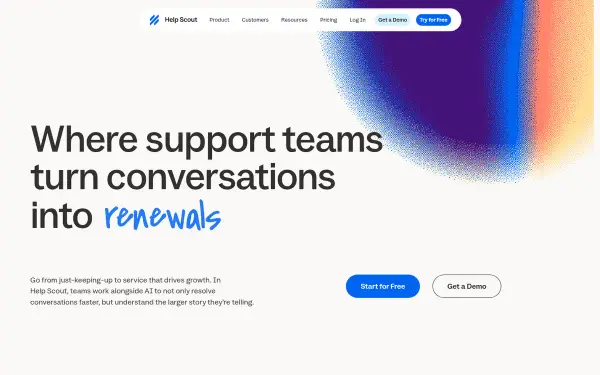
AI drafting that keeps a human voice in every reply, in a clean shared inbox, for teams that value tone over full automation.
Help Scout keeps AI in an assistive role. AI assist drafts replies in each agent's voice, generates conversation summaries, and suggests help center articles while an agent writes. Every draft is reviewed and edited before it is sent, which suits brands that treat tone as part of the product rather than a cost to remove.
The shared inbox is clean and simple, and the free plan covers individuals and small teams. Paid pricing starts at $25 per user per month on Standard, billed annually, and a free trial is available. That entry price is higher than the free tiers elsewhere on this list, which is the honest trade: you pay for the inbox and the voice rather than for a generous free tier.
Full AI agent resolution is newer here than at Zendesk or Intercom, and there is less depth for high-volume automation. A team handling many thousands of tickets a month with strict routing rules will hit those edges quickly, and the entry price then looks high for what the automation delivers.
For a support team of a few people that wins business on personal service, drafting plus review is the right amount of AI: answers arrive faster and the agent still owns the wording. For a team trying to deflect most contacts without a human, it is the wrong shape of tool.
You want AI to draft and summarize while your agents keep control of the final wording.
You need high-volume automated resolution with no human in the loop.
VIBackground
An AI customer service platform is a helpdesk with a language model in the loop: it reads incoming questions, drafts or sends answers, and routes what it cannot handle to a person. The difference from a traditional helpdesk is where the work happens. A classic helpdesk stores tickets and waits for an agent. An AI platform attempts the first response itself, then records what it did.
The line between an AI agent and a scripted chatbot is judgment. A scripted bot follows a decision tree: if the customer asks about a refund, show these three options. An AI agent reads the actual message, pulls the answer from your help center and past conversations, and writes a response in context. It can also decide a question is beyond it and hand off with the history attached. That last behavior matters more than the writing quality.
Full replacement of human agents is not what these tools deliver. The credible pattern is triage plus deflection: AI closes routine, repeatable questions such as order status, password resets and shipping windows, and passes anything involving account changes, disputes or upset customers to a person. Help Scout builds this in by design, with AI drafting replies for review in each agent's voice.
Knowledge base quality sets the ceiling on answer quality. An AI agent trained on thin or outdated articles will produce confident, wrong answers at scale. Before launch, audit the articles behind your highest ticket volumes and give someone the job of keeping them current.
Track these after launch:
Watch reopen rate hardest. It is the fastest signal that the AI is answering confidently and incorrectly.
This comparison sits in the customer support register. Further along the shore: AI powered customer service software and Maze alternatives.
VIIPricing
Most AI customer service platforms bill per human agent seat, and AI is either bundled into higher plans or sold as an add-on. Usage-based pricing is the second model, and it is the one that makes budgeting harder.
| Model | How it bills | Typical fit | Example from this list |
|---|---|---|---|
| Per agent seat | A fixed rate for each human agent, billed annually | Teams with predictable headcount | Zendesk at $19 per agent per month on Support Team, Freshdesk at $19 on Growth, Help Scout at $25 on Standard, Zoho Desk at $5 on Express |
| Usage based | Charges that move with contacts, conversations or AI resolutions | Chat-heavy products with spiky volume | Intercom, which publishes pricing on its own site and ties cost to contacts and AI resolutions |
| Flat monthly plan | A monthly plan price rather than a per-agent rate | Very small teams and single-site businesses | Tidio at $33 per month on Starter, billed annually |
| Platform bundle | Service tools priced per user inside a wider platform, with transaction fees | Companies already on the platform | Salesforce Starter Suite at $25 per user per month, with transaction fees applying |
| Free tier plus paid AI | A no-cost plan covering basic ticketing, with AI gated to paid plans | Small teams testing before they buy | HubSpot Service Hub free for up to 2 users, Zoho Desk free forever up to 3 users, Tidio at $0 per month, Help Scout's Free plan |
Three details change the real number. User caps on free tiers, which is why the HubSpot and Zoho offers stop at 2 and 3 users. Billing term, since the figures above are annual-billed rates and Salesforce bills monthly or annually. And AI gating, because several platforms put chatbots and agent assist on tiers above the entry price.
Ask each vendor two questions before comparing totals: what happens to the bill at double your current contact volume, and which AI capabilities are excluded from the plan you are quoted.
Each entry card shows the starting price as it appeared on the vendor's own pricing page on November 25, 2026. When a vendor shows no figure we could confirm, or only a promotional rate, the card says "See website" or gives the regular price instead of a guess. Usage, overage and add-on rates in the text change more often than plan prices, so confirm them on the vendor page before you set a budget. To test the numbers against your own volume, try the free CSAT and NPS Calculator. The User Research Budget Planner is a second way to check the same decision.
VIIIDecision
The fastest path is to eliminate on facts you already know, then test only the two or three survivors on the parts you cannot read from a pricing page.
IXPitfalls
XQuestions
An AI agent interprets a free-form question and writes an answer from your content, while a scripted chatbot follows a fixed decision tree. The practical test is what happens off-script: an AI agent can attempt a question you did not anticipate, and it can decide the question is beyond it and hand off. A scripted bot fails, loops or shows a menu.
No, AI cannot fully replace human support agents. Every platform here pairs AI with human handoff, and Help Scout keeps an agent reviewing every draft. The realistic pattern is deflection of routine questions such as order status, shipping and pricing, with account changes, disputes and upset customers going to people, who then handle fewer but harder conversations.
Five entries have free plans: Freshdesk, HubSpot Service Hub for up to 2 users, Zoho Desk for up to 3 users, Tidio at $0 per month, and Help Scout for individuals and small teams. Per-agent or per-user pricing applies at Zendesk ($19 per agent), Freshdesk ($19 per agent), Salesforce ($25 per user), HubSpot ($7 per seat), Zoho Desk ($5 per user) and Help Scout ($25 per user). Intercom's pricing moves with contacts and AI resolutions.
Because the AI agent answers from your content: help center articles and, at Intercom, past conversations too. If an article is thin, outdated or contradicts another, the AI will write a confident answer from bad source material at scale, in your brand voice. Audit your highest-volume articles before launch and give one person the job of keeping them current.
Track deflection rate, handoff accuracy, first response time split between AI-handled and human-handled conversations, satisfaction by resolution type, and reopen rate on AI-resolved tickets. Reopen rate deserves the most attention early: it catches confident wrong answers that a satisfaction survey may not surface, because customers often reopen a case rather than rate it.
Tidio and HubSpot Service Hub are the quickest to deploy for a single website with a small team, and Freshdesk or Zoho Desk follow once articles and routing exist. Zendesk and Intercom take longer with several channels and integrations, and Salesforce usually needs a partner or a dedicated administrator before go-live.
XIFurther along the shore
Vendors can ask for a correction or apply for a Featured listing. Paid or not, the entry is scored on the same rubric and its limits stay in print. Partner with Umberlake.
Free tools
Our free browser tools turn the prices on this page into a figure for your own volume. Nothing you type leaves your device.