
Jobber
See website
Best for small to mid-size service teams
- Free plan
- No
- Rubric
- 7.7 of 10
We compared eight service business platforms on dispatch, quoting, payments, pricing clarity and fit for teams from one technician to multi-truck operations.

IThe short answer
The best software for service business in November 2026 depends on team size and job flow. Jobber fits small to mid-size service teams that need quoting, scheduling and payments in one place. Housecall Pro suits home service teams that want consumer financing and quick onboarding. ServiceTitan fits large multi-truck operations with call centers and deep reporting needs. Prices were checked on November 26, 2026; several vendors publish no price, so confirm quotes at your planned headcount.
8 tools compared from vendor pages on November 25, 2026. 1 publish a starting price we could read; the rest say "See website".
IITop three berths
Register order is editorial fit for the buyer each entry describes. Prices are the starting figures read on November 25, 2026.
See website
Best for small to mid-size service teams

See websitecustom quote
Best for home service teams with financing
See website
Best for large multi-truck operations
How this page is paid for. All 8 tools here are unpaid editorial picks.
A paid listing's position can be part of what the vendor pays for. Every entry, paid or not, is scored on the same rubric and keeps its limits in print. Advertising disclosure.
IIIThe register
Starting prices as shown on each vendor's pricing page on November 25, 2026. "See website" means no figure we could confirm.
| No. | Tool | From | Free plan | Trial | Rubric | Actions |
|---|---|---|---|---|---|---|
| 01 | JobberSmall to mid-size service teams | See websiteNot shown publicly | No | Free trial | 7.7 | |
| 02 | Housecall ProHome service teams with financing | See websitecustom quoteQuote only | No | 14 days free, no credit card required | 6.8 | |
| 03 | ServiceTitanLarge multi-truck operations | See websiteNot shown publicly | No | No | 7.4 | |
| 04 | WorkizDispatch plus call handling | See websiteNot shown publicly | No | Free trial | 6.3 | |
| 05 |  ServiceM8Small Apple-first teams | See websiteNot shown publicly | Yes | No | 6.7 | |
| 06 |  KickservBudget teams wanting core tools | $60Start, 5 users, per monthRead on vendor page | No | 30 days free | 6.8 | |
| 07 |  FieldEdgeHVAC and trade shops | See websiteNot shown publicly | No | No | 6.8 | |
| 08 |  Service FusionPredictable pricing without per-seat fees | See websitecustom quoteQuote only | No | No | 6.7 |
Pinned:
IVMethod
We built this list for operators who need a service business platform that connects scheduling, dispatch, quoting, invoicing and payment collection. Each tool was scored on five criteria: job to cash (30%), field usability (20%), pricing clarity (20%), accounting integrations (15%) and team scalability (15%). Scores describe product fit and are not a ranking formula; the order is editorial, based on the buyer each entry describes, plus any disclosed Featured position.
We checked published pricing on vendor pricing pages on November 26, 2026. Where a page was empty or routed to a demo, we say so and do not guess a number. A Featured listing, if present, is a paid placement and receives the same rubric and the same scrutiny as every other tool. We also compared each vendor's plan notes, trial terms and stated limits, then wrote the cons from the same evidence. Before you buy, confirm the quote at your planned team size, because several tools here gate dispatch, GPS, accounting sync or AI features behind higher tiers or add-ons.
The full routine, from price reads to corrections, is on the methodology page. Paid listings follow the advertising disclosure.
How completely the platform handles booking, dispatch, quoting, invoicing and payment.
How well technicians can run jobs, capture photos and take payments from a mobile app.
How easy it is to find a real price, understand tiers and predict the monthly bill.
How well the tool connects invoices, payments and customer records to accounting software.
How well pricing, permissions and reporting hold up as the crew and job volume grow.
Entry I of VIII / Quote to payment
Our verdict
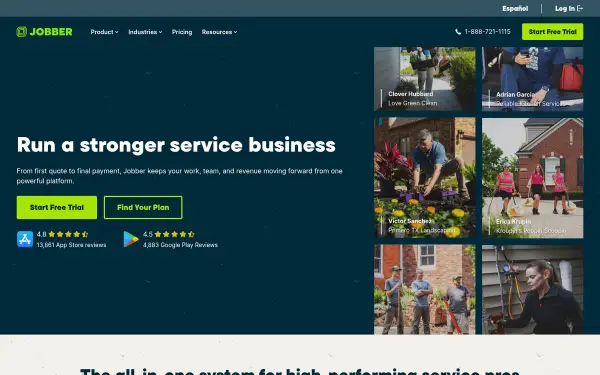
Jobber is the strongest fit for small and mid-size service teams that want one system from quote to payment.
Jobber fits small to mid-size service teams, roughly one to fifteen staff, that want one system from first booking to final payment. It combines online booking, scheduling and dispatch, quoting and estimates, invoicing and online payments. The customer hub lets a client approve a quote and pay in one place, while the mobile app gives technicians job details, photos and on-site payment. QuickBooks and Xero sync help keep invoices and customer records aligned with accounting.
Pricing is on the vendor site, and the headline price is billed annually. Extra users and advanced tools sit on higher tiers or add-ons, so the entry price is not the full cost for a growing crew. The pricing page was empty when checked, so this list cannot state a verified number. Jobber offers a free trial but no free plan.
The main limits are scale and depth. A larger operation may need higher tiers for the features it expects, and some advanced tools cost extra. Compared with enterprise platforms, Jobber has less depth overall, so very large operations may outgrow it. For a small service team that values a clean quote to payment flow, those trade-offs are often reasonable.
You run a small to mid-size service team that wants quoting, scheduling, payments and accounting sync in one place.
You need enterprise-grade depth, complex reporting or a fully published starting price.
Entry II of VIII / Consumer financing
Our verdict
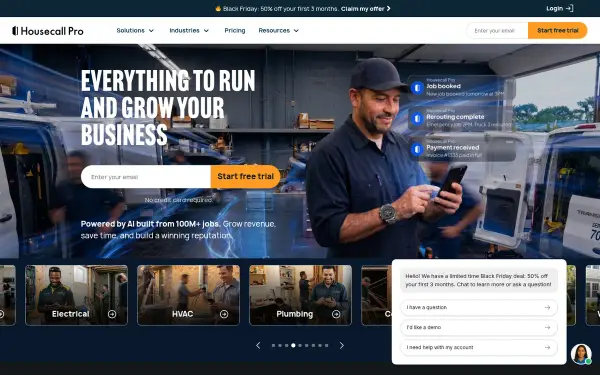
Housecall Pro suits home service teams that want quick onboarding, consumer financing and built-in review requests.
Housecall Pro fits home service teams that want a short learning curve and consumer financing for larger jobs. Online booking, dispatch, estimates and payments cover the core workflow, and the dashboard shows jobs, revenue and schedules. Built-in review requests help teams ask for feedback after a completed job. Consumer financing can make a bigger repair or installation easier for a homeowner to approve. The product also offers add-ons for AI reception, marketing and payroll.
Pricing is not published as a standard number on the site; the page routes pricing through a demo, and the plan note is a custom quote. The entry plan omits some tools growing teams expect, including full accounting sync and advanced dispatch. AI reception, marketing and payroll are add-ons, so the monthly total depends on the package you build. There is a 14-day free trial with no credit card required, but no free plan.
The fit is clearest for a home service company that values fast staff onboarding and financing over a deep accounting suite. A firm that expects full sync and advanced dispatch from day one should price the Essentials tier, then compare the total with add-ons against rivals. The product is less convincing for an operation that needs a simple published price or every tool included in the base plan.
You run a home service team that wants quick onboarding, consumer financing and built-in review requests.
You need a published price, full accounting sync on the entry plan or deep enterprise reporting.
Entry III of VIII / Dispatch and reporting
Our verdict
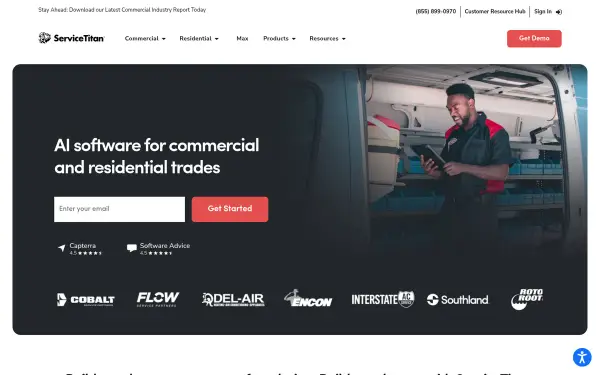
ServiceTitan fits large multi-truck operations that need deep dispatch, price books, service agreements and call center reporting.
ServiceTitan fits large multi-truck operations with call centers and complex reporting needs. Dispatch boards, technician scorecards, price books and service agreements sit in one system. Marketing attribution and reporting cover jobs, technicians and campaigns, while job costing shows the margin behind the work. Call center tools and agreement management are part of the pitch for companies that handle high call volume and recurring maintenance contracts.
Pricing is quote-only, set per technician. There is no free plan and no trial. Implementation runs for weeks and involves data migration and training, so the real cost includes staff time before the first invoice. Small teams will pay for capacity they do not use, especially if they do not run a call center or manage dozens of technicians.
The strengths are depth and scale. ServiceTitan can hold a large operation together, with reporting that smaller tools do not match. The trade-offs are a high cost per technician, a long setup and more complexity than a five-person shop needs. It is a serious platform for a serious fleet, not a quick start for a solo operator.
You run a multi-truck operation with a call center, service agreements and reporting needs that justify a long setup.
You are a small team, need a published price or want to go live in days rather than weeks.
Entry IV of VIII / Call handling
Our verdict
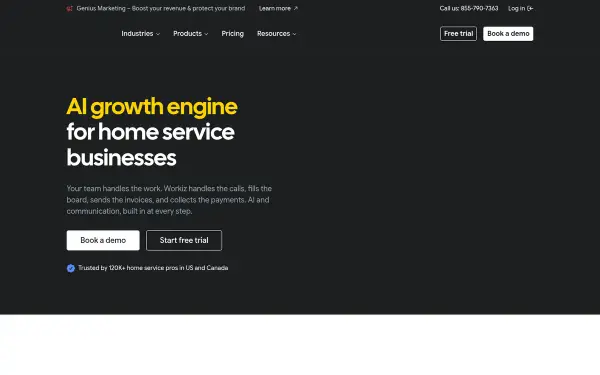
Workiz is built for dispatch-heavy trades that want calls, messages and job history tied to one record.
Workiz fits dispatch-heavy trades that lose work when calls go unanswered. Integrated phone and messaging sit beside dispatch, so caller and job history stay in one record. AI call answering is an option for after-hours or overflow calls, and service plans and recurring jobs are managed inside the platform. After-hours call capture keeps those calls in the same record, which suits emergency trades where a missed call is a missed job.
Pricing is not fully published. Some plans require a sales conversation rather than a standard checkout, and top-tier features are gated. There is a free trial and no free plan. Get a written quote for your user count and the add-ons you need, then compare the total with tools that publish a starting price.
The product is strongest when the phone is part of the workflow. A team that mainly needs estimates and invoices may find the call handling useful but not essential. A team that runs emergency calls, after-hours lines and recurring service plans will see the value faster. The main caution is pricing clarity: confirm what is included before you commit.
Your trade lives on incoming calls and you want call history, dispatch and recurring service plans in one record.
You need a fully published price or your workflow is mostly quotes and invoices without phone volume.
Entry V of VIII / Unlimited users
Our verdict
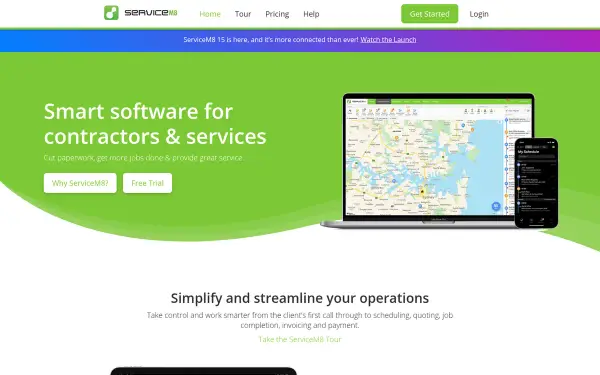
ServiceM8 fits small Apple-first teams that want simple jobs, quotes and invoices with unlimited users on paid plans.
ServiceM8 fits small Apple-first teams that want simple jobs, quotes, invoices and payments without a long setup. Job cards, dispatch and a mobile field app cover the daily work. Paid plans include unlimited users, which helps teams with part-time or seasonal staff. A free tier lets a solo operator start without a monthly bill. The product has a long Apple-first history, so iPhone and iPad users tend to see the intended experience.
Pricing is on the vendor site. There is no trial, but the free tier lets a small operator test the core workflow before paying. The paid plans support unlimited users, so the cost does not rise with every part-time hire. That model is predictable for a seasonal crew, though the feature set is not built for deep enterprise reporting.
The limits are platform fit and depth. The Android app lacks some iOS features, so mixed-device teams should test it on a real job. Reporting is limited compared with larger platforms, and the product is less suited to complex enterprise operations. For a small team that wants simple jobs and invoices, those limits may not matter.
You run a small Apple-first team that wants simple jobs, quotes, invoices and unlimited users on a paid plan.
Your crew uses Android heavily, you need deep reporting or you want a published paid starting price.
Entry VI of VIII / Clear entry price
Our verdict
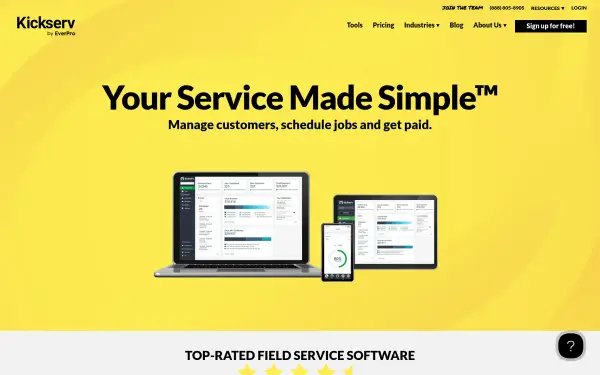
Kickserv is a budget choice for small teams that need scheduling, estimates and invoicing without a long setup.
Kickserv fits budget teams that want core scheduling, job tracking, estimates and invoicing without a long learning curve. The Start plan is $60 per month for 5 users, which makes the entry cost easy to compare with a spreadsheet and a stack of paper invoices. It has a 30-day free trial and no free plan. Core scheduling and billing are the center of the product, and the short learning curve helps a small office move quickly.
Higher tiers add dispatch mapping and GPS check-ins. Marketing tools are limited compared with some rivals, and the advanced feature set is thinner. A team that needs deeper marketing tools or advanced features should look at a larger platform. A team that mostly needs to schedule jobs, send estimates and collect payment can stay on a lower tier.
The value is in the basics and the price. $60 per month on the Start plan for 5 users is concrete and predictable at that headcount. The risk is growing into needs the plan does not cover. Check the tier that includes mapping and GPS before you commit if those tools matter to your dispatch team.
You are a small team moving off spreadsheets and want core scheduling, estimates and invoicing at a clear entry price.
You need dispatch mapping, GPS check-ins or marketing tools on the base plan.
Entry VII of VIII / Flat-rate price book
Our verdict
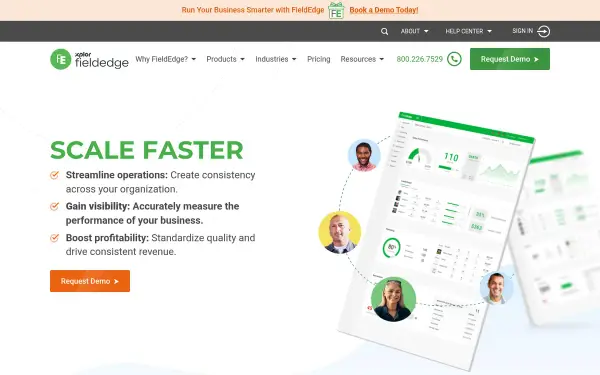
FieldEdge suits HVAC, plumbing and electrical shops that sell from a flat-rate price book and manage service agreements.
FieldEdge fits HVAC, plumbing and electrical shops that sell from a flat-rate price book and manage service agreements. The price book supports good, better and best options on site and keeps parts and labor pricing consistent across technicians. Service agreement management covers renewals, while dispatch and job costing show how the work performs. Trade-specific workflows are the core of the product rather than an add-on.
Pricing is quote-only, with no free plan and no trial. Setup takes time because implementation covers price book setup, agreement migration and staff training. That work is worthwhile for a multi-truck shop that wants every technician to quote from the same book. It is heavy and expensive for a solo operator who mostly needs a schedule and an invoice.
The product is strongest where agreements and flat-rate selling drive revenue. A shop that lives on maintenance contracts will use the renewal tools and the price book every day. A small team without a price book discipline may find the setup burden too high. Confirm the quote and the implementation scope before you compare it with lighter tools.
You run an HVAC, plumbing or electrical shop that sells from a flat-rate book and manages service agreements.
You are a solo operator, need a published price or want a light setup without price book migration.
Entry VIII of VIII / No per-seat fees
Our verdict
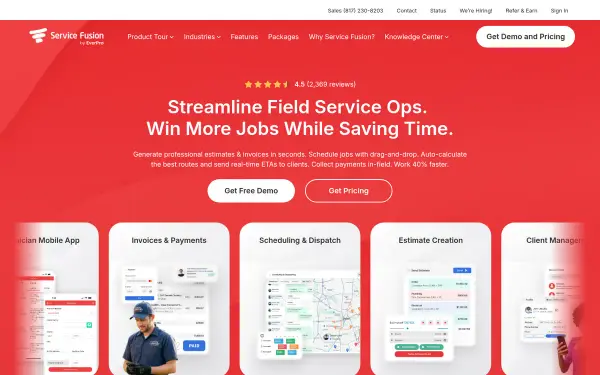
Service Fusion fits growing crews that want predictable core-plan pricing without per-seat fees and need dispatch, billing and GPS.
Service Fusion fits growing crews that want predictable core-plan pricing without per-seat fees. Dispatch, scheduling, estimates, invoicing and payments cover the daily workflow, and GPS tracking and fleet tools help with field visibility. Core plans avoid per-seat charges, which helps when the team includes seasonal staff or a growing crew. The model is easier to budget than a per-user price that rises with every hire.
Pricing is a custom quote, and some operational tools are add-ons. The interface feels dated to some users, and the full quote needs careful review before you compare it with per-user products. There is no free plan and no trial. Ask for a line-item quote that shows the core plan, the add-ons and any fleet or GPS limits.
The product is a practical fit for a service company that expects headcount to move and wants a stable core cost. It is less compelling for a team that wants a modern interface or a simple published price. The no per-seat model is the main reason to shortlist it, so test that advantage against the add-ons you actually need.
You expect headcount to grow and want dispatch, billing and GPS without per-seat fees on core plans.
You need a modern interface, a published price or every operational tool in the base plan.
VBackground
Service business management software is the system that runs a job from first contact to final payment. It holds customer details, schedules work, dispatches technicians and turns an approved estimate into an invoice. For a home service company, that means fewer handoffs between a calendar, a notebook, a spreadsheet and an accounting tool.
The category usually covers online booking, dispatch, quoting, invoicing, payments and a mobile field app. Many products add customer hubs, review requests, service plans, job costing or call handling. The right scope depends on where work leaks today. A team that loses calls needs phone and messaging tools. A team that quotes slowly needs estimate templates and on-site price books.
Service business software does not replace every business system. Accounting, payroll and marketing may stay separate or connect through integrations. The buying question is which jobs the platform must run end to end, and which tools can stay outside it with a clean handoff.
This comparison sits in the software register. Further along the shore: baby tracking app and kennel software.
VIPricing
Pricing in this category is rarely a single published number. Some vendors publish a starting plan, many route you to a demo, and several charge by technician, user or package. The table uses only the facts given for this list, including the places where the price is See website.
| Model | How it bills | Typical fit | Example from this list |
|---|---|---|---|
| Annual headline price plus tiers | Headline price billed annually; extra users and advanced tools on higher tiers or add-ons | Small to mid-size teams | Jobber, See website |
| Custom quote with add-ons | Custom quote; add-ons for AI reception, marketing and payroll | Home service teams with financing | Housecall Pro, See website |
| Quote per technician | Quote-only pricing, quoted per technician | Large multi-truck operations | ServiceTitan, See website |
| Sales quote for some plans | Some plans require a sales conversation; top-tier features are gated | Dispatch plus call handling | Workiz, See website |
| Free tier plus paid unlimited users | Free tier; paid plans include unlimited users | Small Apple-first teams | ServiceM8, See website |
| Flat plan with seat allowance | $60 per month on the Start plan for 5 users | Budget teams wanting core tools | Kickserv, $60 |
| Quote-only | Quote-only pricing; setup covers price book and agreement migration | HVAC and trade shops | FieldEdge, See website |
| Custom quote without per-seat fees | Custom quote; no per-seat fees on core plans; some tools are add-ons | Growing crews | Service Fusion, See website |
A low entry price is not the same as a low bill at your team size. Jobber's headline price is billed annually, and extra users or advanced tools sit on higher tiers or add-ons. Housecall Pro and Service Fusion use custom quotes, so the total depends on the package. Kickserv is the clearest published example at $60 per month on the Start plan for 5 users. For the rest, ask for a written quote at your planned headcount and compare the full package, not the entry point.
Each entry card shows the starting price as it appeared on the vendor's own pricing page on November 25, 2026. When a vendor shows no figure we could confirm, or only a promotional rate, the card says "See website" or gives the regular price instead of a guess. Usage, overage and add-on rates in the text change more often than plan prices, so confirm them on the vendor page before you set a budget. To test the numbers against your own volume, try the free User Research Budget Planner. The Event Break-Even Calculator is a second way to check the same decision.
VIIDecision
VIIIPitfalls
IXQuestions
ServiceM8 is the easier first stop for many solo operators because it has a free tier and unlimited users on paid plans. Jobber is the better fit when you need a fuller quote to payment flow, a customer hub and QuickBooks or Xero sync. Test both on a real job and compare the cost at your planned headcount, not just today.
No, it usually does not replace accounting software. Service platforms handle jobs, estimates, invoices and payments, but a bookkeeper or accounting system still handles the ledger, tax and financial statements. Jobber lists QuickBooks and Xero sync, which is the handoff to check. Housecall Pro's entry plan lacks full accounting sync, so confirm the tier before you assume a clean connection.
Online booking matters because it turns a website visit into a scheduled job without phone tag. It feeds customer details and job requests into the dispatch workflow, which reduces double entry. Jobber and Housecall Pro both list online booking as a feature. For an emergency trade, pair booking with call handling or after-hours capture so missed calls do not become lost work.
Choose the billing term that matches your cash flow, then test the software on real jobs before the trial ends. Jobber's headline price is billed annually, so confirm the monthly rate and add-on costs. Housecall Pro offers 14 days free with no credit card, Kickserv offers 30 days, and ServiceM8 has a free tier instead of a trial.
Some do, and the depth varies. Workiz handles service plans and recurring jobs, FieldEdge manages service agreements and renewals, and ServiceTitan includes service agreements. If recurring maintenance is a core part of your revenue, test the renewal workflow and the reporting behind it. A tool that only repeats a job title may not handle agreements, visits and renewals cleanly.
XFurther along the shore
Vendors can ask for a correction or apply for a Featured listing. Paid or not, the entry is scored on the same rubric and its limits stay in print. Partner with Umberlake.
Free tools
Our free browser tools turn the prices on this page into a figure for your own volume. Nothing you type leaves your device.