
TeamViewer
See website
Best for enterprise IT teams needing unattended access and wide platform coverage
- Free plan
- Yes, personal non-commercial use only
- Rubric
- 7.0 of 10
Nine remote access tools compared on latency, licensing math and real pricing, so you can size a license by peak sessions rather than by headcount.

IThe short answer
The best remote desktop software for November 2026 depends on whether you need unattended access, fast ad hoc support or a self-hosted setup you control. TeamViewer leads for enterprise IT teams reaching servers and mobile devices, AnyDesk suits support teams that feel latency on every call, and Splashtop fits individuals, small businesses and schools watching the budget. Prices and plan details were checked on November 26, 2026, and the six tools below cover per-computer licensing, PSA integration, open source self-hosting and a genuinely free option.
9 tools compared from vendor pages on November 25, 2026. 6 publish a starting price we could read; the rest say "See website".
IITop three berths
Register order is editorial fit for the buyer each entry describes. Prices are the starting figures read on November 25, 2026.
See website
Best for enterprise IT teams needing unattended access and wide platform coverage
$28.72Standard, per month for 1 connection, billed annually, 20% off from $35.90, teams up to 20 users
Best for iT pros and support teams that prioritize low latency

$6Solo, per month, billed annually at $72, 2 computers per license
Best for individuals, small businesses and schools that want value
How this page is paid for. All 9 tools here are unpaid editorial picks.
A paid listing's position can be part of what the vendor pays for. Every entry, paid or not, is scored on the same rubric and keeps its limits in print. Advertising disclosure.
IIIThe register
Starting prices as shown on each vendor's pricing page on November 25, 2026. "See website" means no figure we could confirm.
| No. | Tool | From | Free plan | Trial | Rubric | Actions |
|---|---|---|---|---|---|---|
| 01 | TeamViewerEnterprise IT teams needing unattended access and wide platform coverage | See websiteNot shown publicly | Yes | 14-day business trial reported | 7.0 | |
| 02 | AnyDeskIT pros and support teams that prioritize low latency | $28.72Standard, per month for 1 connection, billed annually, 20% off from $35.90, teams up to 20 usersUpdated on vendor page | Yes | 14-day trial reported | 6.8 | |
| 03 | SplashtopIndividuals, small businesses and schools that want value | $6Solo, per month, billed annually at $72, 2 computers per licenseUpdated on vendor page | No | 7 days, no credit card required | 8.0 | |
| 04 | RealVNC ConnectDevelopers, educators and IT teams managing mixed-OS environments including Raspberry Pi | $8.75Essentials, per month, billed annually, 3 devices, 1 active connectionUpdated on vendor page | No | 7 days | 7.0 | |
| 05 | RemotePCSmall businesses wanting always-on access priced per computer | $1.84Solo, per month billed annually, 1 user, 1 computer, monthly option $2.46Updated on vendor page | No | 7 days, no credit card required | 7.2 | |
| 06 | Zoho AssistIT teams and MSPs already running Zoho products | $10Standard, per technician per month, billed annually, 2 concurrent sessionsRead on vendor page | Yes | 15-day free trial, no credit card required | 7.0 | |
| 07 | ConnectWise ScreenConnectMSPs wanting remote support inside a PSA and RMM ecosystem | See websiteNot shown publicly | Yes | See website | 6.3 | |
| 08 |  RustDeskPrivacy-conscious users and SMBs comfortable self-hosting their own infrastructure | FreeFree self-hosting plan, Individual Pro $11.88 per month billed annually, 1 user, 20 devicesRead on vendor page | Yes | No trial, contact vendor | 8.2 | |
| 09 |  Chrome Remote DesktopIndividuals and very small teams needing simple free remote access | See websiteNot shown publicly | Yes | No | 6.8 |
Pinned:
IVMethod
We scored nine tools on five criteria: security controls (25%), licensing clarity (20%), session performance (20%), price transparency (20%) and platform coverage (15%). Security carries the most weight because a remote access tool is a door into every machine you register with it, and the difference between having session recording and having none is the difference between a defensible audit trail and a shrug. Licensing clarity covers how hard it is to predict what you will owe at peak load. Session performance covers latency and responsiveness on real links. Price transparency rewards vendors who publish numbers you can check.
Prices and plan details were taken from vendor pricing pages on November 26, 2026. Where a page could not be read or showed no plan prices, the starting price is listed as See website rather than estimated, and third-party figures are flagged as unconfirmed inside the review. Several tools on this list have prices we could not verify, and we say so rather than filling the gap with a guess.
Ranking is editorial: each position reflects fit for the buyer described in that entry. If a listing carries a Featured label, it is a paid placement, disclosed as such, and it is scored on the same rubric with the same honest cons as every other entry. Placement does not change a score.
The full routine, from price reads to corrections, is on the methodology page. Paid listings follow the advertising disclosure.
Encryption, multi-factor authentication, session recording, audit logs and role-based access, and which tier includes them.
How predictable the bill is at peak load, and whether the vendor counts people, machines, devices or sessions.
Responsiveness and input latency on the slow links technicians actually use, not on office fiber.
Whether current plan prices and renewal terms are published and verifiable on the vendor's own pricing sheet.
Breadth of supported hosts and controllers, including mobile endpoints and unusual hardware such as Raspberry Pi.
Entry I of IX / Unattended fleet access
Our verdict
The broadest remote access platform in the category, held back by licensing that is genuinely hard to model before you buy.
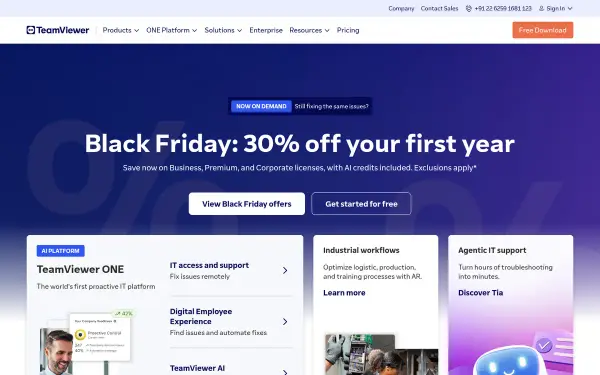
TeamViewer is the default choice when an IT team needs to reach servers, office desktops and mobile devices from one console. Unattended access is the core of the product: you install a host agent, group machines, and connect without anyone sitting in front of them. Mobile endpoints count as first-class remotes, which matters for field devices and tablets. Sessions use AES-256 encryption, and Microsoft Teams and ServiceNow integrations let support work flow into the tools a service desk already runs.
Pricing is the weak point. The vendor pricing page loaded on November 26, 2026, but only FAQ text was captured and no plan prices were visible, so the starting price is listed here as See website. Ask the vendor for a written quote before you model capacity. Capacity is governed by concurrent channels as well as licensed users, so two teams with identical headcount can land on different tiers.
Plan for renewals. Annual subscriptions renew automatically with a 28-day cancellation window, which is short enough to miss in a busy month. The free edition covers personal, non-commercial use only, and commercial-use detection is aggressive, so a small business running it quietly will get flagged at the worst moment.
Pick it for mixed-platform unattended access at enterprise scale, where the integrations do real work. Teams of two or three should price Splashtop or RemotePC first and come back only if platform coverage is the deciding factor.
You need unattended access to a mixed fleet of desktops, servers and mobile devices with enterprise integrations.
Your team is small enough that per-computer or per-technician pricing would cost a fraction of a channel license.
Entry II of IX / Low-latency codec
Our verdict
The pick when latency is the complaint, provided you get the renewal rate in writing before you commit to a term.
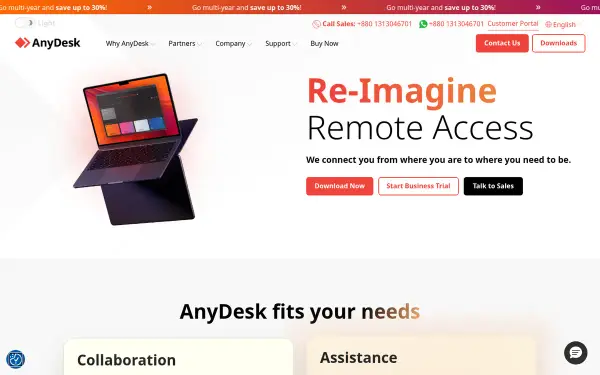
AnyDesk sells on responsiveness. The DeskRT codec keeps input lag low enough that support technicians notice the difference on slow links, and the portable executable runs without an install, which is useful when you are helping someone on a locked-down machine. Desktop and mobile clients cover the usual platforms, and one-off support calls are the natural use case. A free edition exists for personal use, and a 14-day trial is reported.
Pricing is in flux. The vendor page now shows a Standard plan at $28.72 per month for one connection, billed annually and discounted 20% from $35.90, with teams up to 20 users. Older per-user list prices still circulate, and licensing has varied by region since late 2025, so the number you see depends on where you buy. Renewal prices have jumped sharply on some plans.
That combination makes a written quote essential. Ask for the renewal rate, not just the first-year rate, and confirm whether you are buying connections or seats. For a small support desk making a handful of calls a day, the connection model can be cheaper than per-technician licensing. For a busy helpdesk running many parallel sessions, it can invert quickly.
Pick it when latency is the complaint you are trying to fix and you can live with a quote-based purchase. Skip it if you need a stable multi-year price you can put in a budget without a caveat.
Responsive sessions matter more to your technicians than a tidy, predictable price list.
You need fixed multi-year pricing or a published renewal rate you can budget against.
Entry III of IX / Value for small teams
Our verdict
The best value on the list, with a security stack and a $6 entry price that larger per-person tiers erode.
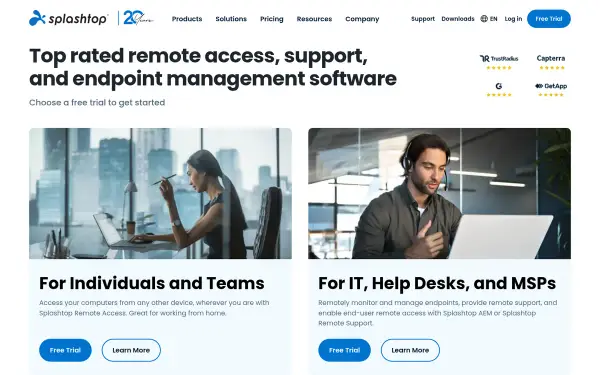
Splashtop wins on price-to-feature ratio. The Solo plan costs $6 per month, billed annually at $72, and covers two computers per license. That buys remote access with 256-bit AES encryption, two-factor authentication and compliance certifications, a security stack that is not obviously weaker than tools costing several times more. Setup takes minutes and agents deploy quickly across an office.
The $6 price is not the whole story. Splashtop prices per person at higher tiers, so a ten-person IT team pays ten times the entry rate for a similar feature set, and that is where the value case weakens against per-computer rivals like RemotePC. Billing is annual only, and prices are adjusted periodically. Support runs on tickets and chat rather than 24/7 phone on every plan, and SOS on-demand support sessions appear only on selected tiers, so confirm which plan includes them before you sign.
Some third-party per-year figures conflict with the vendor page and should be set aside in favor of the vendor's own $72 annual Solo rate.
A 7-day trial needs no credit card, which is long enough to test performance on your own network and short enough that you should book the test before you start it. Schools and small businesses should start here and move up only when per-person costs bite.
Pick it if budget matters and two computers per license fits your estate. Skip it if you need per-technician pricing across a large support team.
You want a modern security stack at a price a small business can approve without a meeting.
You are licensing more than a handful of technicians and per-person costs start compounding.
Entry IV of IX / Raspberry Pi access
Our verdict
The only serious option for Raspberry Pi fleets, though several of its published prices remain unverified.
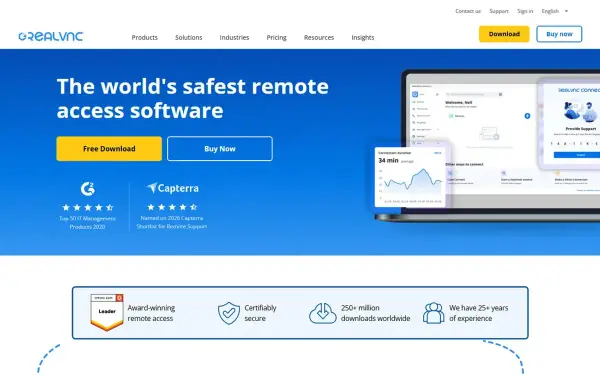
RealVNC Connect is the pick for mixed environments that include Raspberry Pi. No other major vendor here treats the Pi as a first-class remote, which makes it the obvious choice for education, labs, kiosks and small production projects. Sessions run on the open VNC protocol, a real advantage for teams that want a documented standard rather than a proprietary codec, and traffic is protected with 256-bit AES encryption. On-demand assist covers live support sessions alongside persistent device access.
Licensing pairs device counts with concurrent connections, and the two interact. Essentials is $8.75 per month billed annually for 3 devices and 1 active connection, which works for a small lab and gets tight for a team that needs parallel sessions. Enterprise is custom priced only, so larger buyers get a quote rather than a number.
Some of the detail is unconfirmed. Higher tier pricing is not shown on the page we checked, so ask the vendor for a quote. The vendor page does not show a free plan. Confirm the current free offering and session limits directly before you plan around them.
A 7-day trial is short for a device-heavy rollout, so scope the pilot before it starts and decide in advance which machines go on it.
Pick it for Raspberry Pi or protocol-standard environments. Skip it if you need cheap parallel sessions across many machines at once.
Your estate includes Raspberry Pi devices or you prefer a documented open protocol over a proprietary one.
You need many simultaneous sessions across a large device count on a small budget.
Entry V of IX / Per-computer pricing
Our verdict
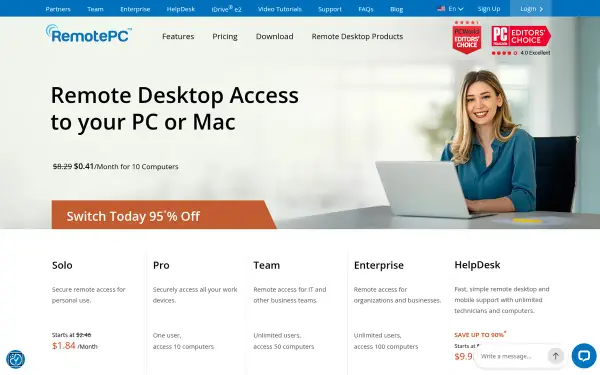
Cheapest per computer on this list, with unlimited users, but first-year promotional pricing hides the real renewal cost.
RemotePC is the cheapest way on this list to keep a fixed set of office machines reachable. The Solo plan is $1.84 per month billed annually for 1 user and 1 computer, with a monthly option at $2.46. The pricing model is the selling point: every plan includes unlimited users, so a shared workstation in a stockroom or a clinic reception desk does not need a named license per person. Always-on unattended access is the core use case, and the host agent is a small install.
Support is unusually generous for the price. Round-the-clock phone and chat support is reported on all plans, and a 30-day money-back guarantee is reported as well. Both should be confirmed at purchase, but if they hold, the entry tier is not a stripped-down experience.
Watch renewal pricing. The advertised rates are first-year promotional figures and renewals cost more. RemotePC is an IDrive product, and the advertised rates apply to the first year, so ask what renewal pricing looks like. The helpdesk and PSA ecosystem is thinner than ConnectWise or TeamViewer, so teams that live inside a ticketing platform will feel the gap quickly.
A 7-day trial needs no credit card. Model your second-year cost before committing, because the headline figure will not be the number you pay in year two.
Pick it for per-computer access with shared logins. Skip it for large support desks that need PSA integration.
You have a fixed set of office machines and a rotating cast of people who need to reach them.
Your support desk runs inside a PSA and needs the integration more than the price.
Entry VI of IX / Zoho stack integration
Our verdict
A solid $10 per technician entry point that pays off fully only if you already run Zoho applications.
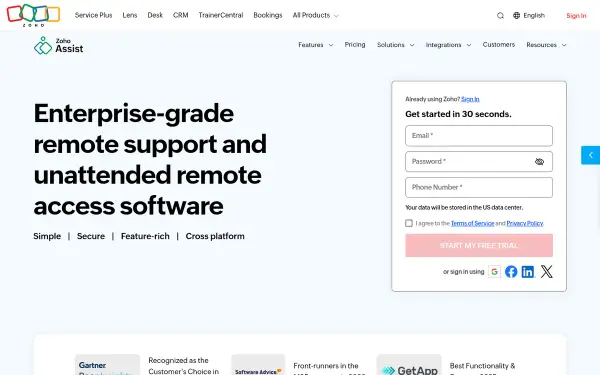
Zoho Assist makes the most sense inside the Zoho ecosystem. Support technicians get attended remote sessions and unattended access from the same console, and integrations with Zoho Desk and Zoho CRM mean a support ticket can launch a session without copy-pasting a code. Cloud setup is quick, with nothing to install on a server. Plans run from Standard through Professional and Enterprise, licensed per technician.
The entry price is confirmed on the vendor site: Standard costs $10 per technician per month billed annually with 2 concurrent sessions. A free plan covers a single technician, and a 15-day trial needs no credit card. That free tier is one of the few genuine ones in this category, alongside RustDesk self-hosting and Chrome Remote Desktop.
The catch is dependency. Much of the value comes from hooking into Zoho's other applications, and teams running Microsoft 365 or Google Workspace will use it as a standalone remote tool only. Tier details above Standard are not shown on the page we checked, so confirm higher tier pricing with the vendor. Confirm the concurrent session limit for each tier as well, because two sessions per technician is the constraint that bites first on a busy desk.
Pick it if you already pay for Zoho. Skip it if you want deep integrations with a non-Zoho stack or far more parallel sessions per technician.
Your service desk already runs on Zoho Desk or Zoho CRM and you want sessions in the same window.
You need many parallel sessions per technician or integrations outside the Zoho suite.
Entry VII of IX / PSA and RMM hooks
Our verdict
Built for MSP workflows with PSA and RMM hooks, priced in a way that requires a quote and some patience.
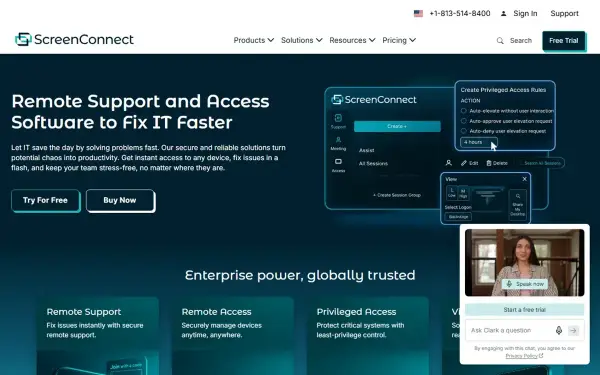
ScreenConnect is a remote support tool built for managed service providers. Technicians get unattended access to client endpoints plus remote meetings and screen sharing in one product, and it plugs into ConnectWise PSA and RMM as well as third-party PSA and RMM tools. Agents deploy per endpoint, and licensing is by concurrent technician rather than by client machine, which is the right shape for a shop where a few technicians cover many customers.
That licensing shape is also the problem. Concurrent technicians plus add-ons make the real monthly cost hard to predict. No pricing page could be fetched for this vendor on November 26, 2026, so the starting price is listed as See website. The vendor does not publish plan prices, so request a written quote.
A free single-technician license is reported, which is genuinely useful for a solo operator testing the workflow or running a one-person shop. Confirm the terms of that license, and ask for onboarding and add-on costs to be itemized in any quote rather than bundled into a single line.
The product was previously sold as ConnectWise Control, so older documentation and forum threads use that name and can mislead a search.
Pick it if you run a PSA-driven MSP practice. Skip it if you want a simple published price list you can compare without a sales call.
Your technicians already live in ConnectWise or a comparable PSA and RMM stack all day.
You are a small shop that needs a transparent published price before you will book a demo.
Entry VIII of IX / Self-hosted relay
Our verdict
The open source answer to data sovereignty, priced at $0 if you are willing to run the relay server yourself.
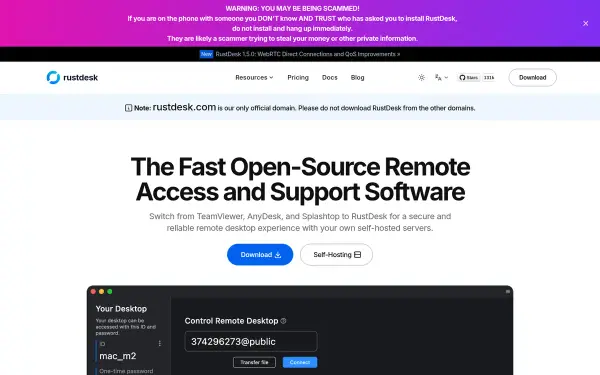
RustDesk is the open source option, and the only tool on this list with a $0 self-hosting plan confirmed on the vendor page. You run your own relay server, so session traffic stays on infrastructure you control, which is the point for privacy-conscious buyers and regulated small businesses. Sessions are end-to-end encrypted and the codebase is open, so the client can be inspected and forked. It is pitched directly against TeamViewer on cost and data sovereignty grounds.
The trade is operational work. You deploy, harden, patch and monitor the relay server, including via Docker, and that is ongoing effort rather than a one-time setup. Paid tiers at $11.88 per month for Individual (1 user, 20 devices) and $23.88 per month for Basic, both billed annually, unlock the administration features most teams eventually need: web client, OIDC single sign-on, audit logs and API access. Those are exactly the controls a compliance review will ask about, so the free tier is not the whole answer for a business.
There is no trial; the vendor asks you to contact them instead. Non-technical end users also find commercial clients easier to use, particularly on mobile, so factor in training if you support people outside IT.
The cost case is strongest where you already run servers and have someone who patches them on a schedule.
Pick it for data sovereignty backed by in-house server skills. Skip it if nobody on the team wants to own a relay server.
Data sovereignty is a hard requirement and you have someone who can run a hardened relay server.
No one on your team wants to own server patching or you need audit logs on day one.
Entry IX of IX / Zero-cost access
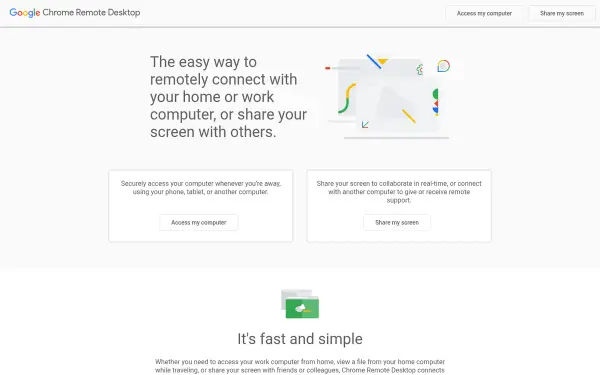
Our verdict
Free, instant and fine for helping family, but too thin on controls for any professional support work.
Chrome Remote Desktop is free at every level, with no subscription, no paywall and no tier structure. You sign in with a Google account, register the machines you want to reach, and control them from a browser, so the controlling side installs nothing at all. Mobile client apps cover the phone-and-tablet case, and setup takes minutes. Ad hoc help for a relative's laptop is the textbook use.
What it does not do is scale into a support operation. There is no session recording and no centralized fleet management, so you cannot see which machines exist, who connected, or what happened during a session. File transfer is limited, with conflicting details across sources. Access controls are consumer-grade, which makes it unsuitable for compliance-heavy work such as healthcare or finance support.
Those limits are the price of zero cost, and for a sole trader or a two-person shop they rarely matter. Once you need an audit trail, per-technician identities or unattended access to a fleet of client machines, the move to a commercial tool stops being optional.
It is also the fairest benchmark in this category. Anyone comparing paid tools should try this first and note exactly which missing control forces the upgrade, because that is the feature you are actually buying.
Pick it for simple, free access to your own computers. Skip it for anything that needs an audit trail, role-based access or fleet management.
You need to reach your own computers occasionally and want no subscription at all.
You support client machines and need recording, roles or any kind of audit trail.
VBackground
Remote desktop software lets one computer control another over a network. The controlling device sends keyboard and mouse input, the host sends back a screen image, and the two ends negotiate encryption in between. That basic loop covers two different jobs, and buyers often conflate them.
Attended remote support is the helpdesk case. A customer or colleague shares a session code, a technician joins, fixes the problem and leaves. Nothing is installed permanently on the far end. Unattended access is the infrastructure case. An agent runs as a service on a server, a shop till or a lab machine, and authorized staff connect whenever they need to, with nobody present.
The category splits further on hosting. Commercial tools run relay infrastructure for you. Open source tools like RustDesk let you host the relay yourself, which changes both the cost profile and the operational burden.
A short list of what the software actually does:
The differences between products show up in latency, platform coverage and how the vendor counts what you owe. Two tools with the same feature list can differ by thousands per year purely because one bills per computer and the other per concurrent session. That is why the licensing section matters as much as the feature list when you shortlist the best remote desktop software for a support desk.
This comparison sits in the software register. Further along the shore: baby tracking app and kennel software.
VIPricing
Remote access pricing rarely follows headcount. Vendors count five different things, and the one you pick determines whether your bill scales with people, machines or peak activity.
| Model | How it bills | Typical fit | Example from this list |
|---|---|---|---|
| Concurrent channels | Per simultaneous session, plus named users | Enterprises with bursty support load | TeamViewer, where capacity is governed by concurrent channels as well as licensed users |
| Per connection | Per parallel connection, billed annually | Small support desks | AnyDesk Standard at $28.72 per month for 1 connection |
| Per computer | Per host machine, users often unlimited | Offices with shared workstations | RemotePC Solo at $1.84 per month for 1 computer; Splashtop Solo covers 2 computers per license at $6 per month |
| Per technician | Per named support agent | Helpdesks with fixed staffing | Zoho Assist Standard at $10 per technician per month |
| Per device | Per registered device with a connection cap | Labs, education, Raspberry Pi fleets | RealVNC Connect Essentials at $8.75 per month for 3 devices and 1 active connection |
| Free or self-hosted | No license fee, you supply infrastructure | Individuals, privacy-first SMBs | RustDesk self-hosting at $0; Chrome Remote Desktop, free |
The number that matters most is peak concurrency, not total staff. A ten-person team where two people are ever on a session at once should price two sessions, not ten seats. Per-computer models invert the logic: one machine used by twenty occasional people costs the same as one user.
Separate first-year price from renewal price. RemotePC's advertised rates are promotional first-year figures, and AnyDesk renewals have jumped sharply on some plans. Ask for the renewal number in writing before you sign, and diarize any cancellation window at the same time.
Each entry card shows the starting price as it appeared on the vendor's own pricing page on November 25, 2026. When a vendor shows no figure we could confirm, or only a promotional rate, the card says "See website" or gives the regular price instead of a guess. Usage, overage and add-on rates in the text change more often than plan prices, so confirm them on the vendor page before you set a budget. To test the numbers against your own volume, try the free User Research Budget Planner. The Event Break-Even Calculator is a second way to check the same decision.
VIIDecision
VIIIPitfalls
IXQuestions
Look for AES-256 session encryption and two-factor authentication as a baseline, then check for session recording, audit logs, role-based permissions and single sign-on. That second group is usually gated to higher tiers. RustDesk, for example, reserves OIDC single sign-on, audit logs and API access for its paid Pro plans, so the free tier will not clear a compliance review.
Unattended access connects to a machine running an agent as a service, with nobody there to approve the session. Attended support needs a person on the far end to share a code and hand over control. Server maintenance needs the first, one-off helpdesk calls need the second. Splashtop splits them, with SOS on-demand sessions sitting on selected plans alongside standard remote access.
Chrome Remote Desktop is free at every level with no tier structure, and RustDesk offers a $0 self-hosting plan, though you supply and run the server. Zoho Assist has a free plan covering one technician. TeamViewer and AnyDesk are free for personal use only, which rules them out of paid business support work.
Because vendors that license by channel charge for sessions in flight, not people on payroll. TeamViewer and ConnectWise ScreenConnect both price on concurrency, so a large team on staggered shifts can cost less than a small team that works at the same time. Count peak simultaneous sessions before you compare quotes.
It makes sense when data sovereignty is a hard requirement and you have someone who can run a server. RustDesk's $0 plan keeps session traffic on your own relay, but you deploy, harden and patch it yourself, and the admin features most businesses need sit on paid tiers. Without in-house server skills, the operational cost outweighs the license saving.
XFurther along the shore
Vendors can ask for a correction or apply for a Featured listing. Paid or not, the entry is scored on the same rubric and its limits stay in print. Partner with Umberlake.
Free tools
Our free browser tools turn the prices on this page into a figure for your own volume. Nothing you type leaves your device.