PandaDoc
$25Starter, per seat per month, billed annually
Best for sales teams creating proposals, quotes and e-signature workflows
- Free plan
- Free plan, 5 documents per month
- Rubric
- 7.1 of 10
Nine tools compared on contract workflow depth, repository search and published pricing, with every vendor's page checked on November 26, 2026.

IThe short answer
PandaDoc is the first pick among the best legal document software for November 2026 if you sell rather than litigate: it turns CRM data into proposals, quotes and signed contracts. Ironclad suits large legal teams that need clause libraries, approval routing and enforced workflow rules at enterprise scale. Concord is the middle path, with published pricing at $499 per month for a team of five and unlimited e-signatures. The remaining six tools cover repositories, AI contract analytics and e-signature ecosystems.
9 tools compared from vendor pages on November 25, 2026. 3 publish a starting price we could read; the rest say "See website".
IITop three berths
Register order is editorial fit for the buyer each entry describes. Prices are the starting figures read on November 25, 2026.
$25Starter, per seat per month, billed annually
Best for sales teams creating proposals, quotes and e-signature workflows
See website
Best for large legal teams needing enterprise contract lifecycle management

See websitecustom quote
Best for mid-market teams negotiating contracts collaboratively in the browser
How this page is paid for. All 9 tools here are unpaid editorial picks.
A paid listing's position can be part of what the vendor pays for. Every entry, paid or not, is scored on the same rubric and keeps its limits in print. Advertising disclosure.
IIIThe register
Starting prices as shown on each vendor's pricing page on November 25, 2026. "See website" means no figure we could confirm.
| No. | Tool | From | Free plan | Trial | Rubric | Actions |
|---|---|---|---|---|---|---|
| 01 | PandaDocSales teams creating proposals, quotes and e-signature workflows | $25Starter, per seat per month, billed annuallyUpdated on vendor page | Yes | 14-day free trial | 7.1 | |
| 02 | IroncladLarge legal teams needing enterprise contract lifecycle management | See websiteNot shown publicly | No | No | 6.7 | |
| 03 | JuroMid-market teams negotiating contracts collaboratively in the browser | See websitecustom quoteQuote only | No | No | 6.4 | |
| 04 |  ConcordGrowing businesses wanting contract management with published pricing | $499Essentials, per month, paid annually, includes 5 usersRead on vendor page | No | No | 7.4 | |
| 05 | ContractWorksMid-market companies needing a fast searchable contract repository | See websiteNot shown publicly | No | No | 6.4 | |
| 06 | LinkSquaresLegal departments extracting analytics from large contract portfolios | See websitecustom quoteQuote only | No | No | 6.2 | |
| 07 |  SpotDraftGrowing companies seeking AI-native drafting, review and repository | See websiteNot shown publicly | No | No | 6.7 | |
| 08 |  DocuSign CLMOrganizations already using DocuSign for e-signature | See websiteNot shown publicly | No | No | 6.4 | |
| 09 |  ContractSafeCompanies needing a simple searchable contract repository with reminders | $450Organize, per month, prepaid annually, unlimited usersRead on vendor page | No | Free trial | 6.8 |
Pinned:
IVMethod
Every tool here was scored against the same five criteria: workflow depth, repository and search, pricing clarity, implementation speed and integration fit. Workflow depth asks whether the product can model how a contract actually moves through your organization, from intake to approved language to signature. Repository and search asks whether you can find an executed agreement and prove what it says years later. Pricing clarity rewards published, checkable numbers over a sales call. Implementation speed reflects how long a team waits before the tool earns its keep. Integration fit covers CRM, e-signature and the systems where contract data has to land.
Prices and plan details come from each vendor's own pricing pages, checked on November 26, 2026. Where a vendor publishes nothing, this list says so and does not estimate a figure. Where a page could not be retrieved, that is noted on the entry rather than filled in from memory.
The ranking is editorial. Each position reflects fit for the buyer described in that entry, not a weighted total of the scores. A Featured placement, when a vendor holds one, is a paid position, and that vendor is reviewed with the same rubric and the same willingness to list cons as every other entry.
The full routine, from price reads to corrections, is on the methodology page. Paid listings follow the advertising disclosure.
How well the product models intake, negotiation, approval routing and clause control.
Whether executed contracts stay findable, with terms, dates and obligations attached.
How much of the cost a buyer can see and check before talking to sales.
How long a team waits before the tool is live on real contracts.
Coverage of CRM, e-signature and the systems where contract data has to land.
Entry I of IX / CRM to signature
Our verdict
The strongest fit when contracts are sales documents, though governance stops short of a full CLM platform.
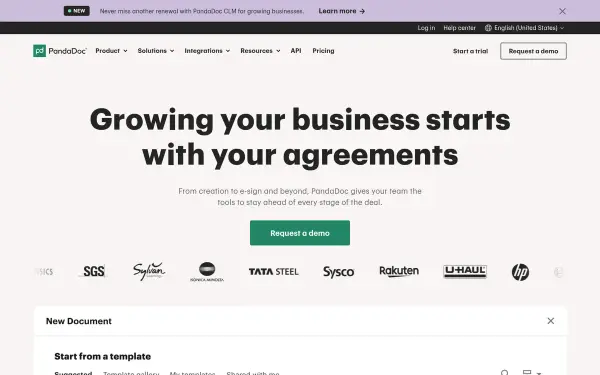
PandaDoc sits at the sales-document end of this category. You build a proposal, quote or contract from a template, merge deal data from HubSpot or Salesforce, send it for signature and watch who opened it and which page held attention. For a revenue team that treats the contract as the last step of a deal, that loop is the whole product.
Pricing published on the vendor site starts at $25 per seat per month on Starter when billed annually, and there is a free plan capped at 5 documents per month plus a 14-day free trial. Paid plans allow unlimited documents created in the interface. The caveat is documents generated through the API or automation, which run on usage credits, and lower tiers can incur per-document overages, so heavy automated volume needs modeling before you commit.
The honest limit is governance. There is no deep clause library and no obligation tracking, so once a contract is signed it does not become a managed record with renewal dates, playbook deviations and reporting. Teams that need that layer end up pairing PandaDoc with a repository or moving to Ironclad, Juro or LinkSquares. It fits sales-led organizations with modest legal volume.
Your contracts are proposals and quotes that need to move at deal speed.
You need post-signature governance, clause playbooks or obligation tracking.
Entry II of IX / Clause and approver rules
Our verdict
Deepest contract engine here, with clause logic and approval routing that repay the long implementation only at enterprise volume.
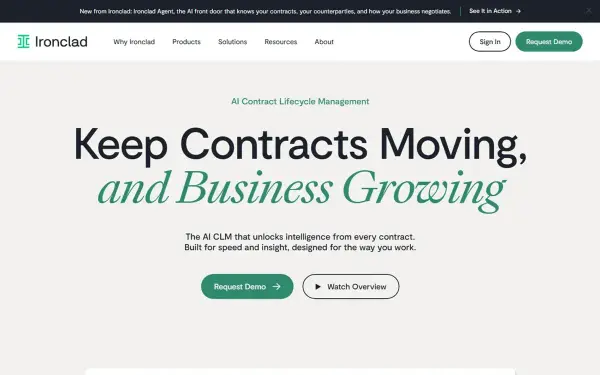
Ironclad is built for the legal operations team that has outgrown shared drives and email approvals. Each contract type gets its own workflow: required fields, named approvers, fallback clause rules and routing that fires in a set order. The clause library keeps pre-approved language in one place, and Salesforce-initiated contracting lets a sales rep start an NDA or order form without opening a ticket with legal.
Post-signature, executed contracts land in a searchable repository where AI extracts key terms, so a lawyer can answer a question about which vendor agreements auto-renew without reading PDFs one by one. DocuSign handles signature.
Pricing is not published. Ironclad sells through a quote process, there is no free plan and no trial, and deployment is measured in weeks to months rather than days because workflows have to be configured against your templates and approval matrix. That effort pays off when you are managing hundreds of agreements against a real playbook. It is wasted effort at twenty documents a year.
The product is genuinely deep, and the depth is the point. Smaller teams should look at Juro, SpotDraft or ContractSafe before committing to an enterprise rollout that will consume legal ops time for a quarter.
You manage hundreds of contracts and need enforced playbook rules.
You need something live this month or sign a few dozen agreements a year.
Entry III of IX / Browser negotiation
Our verdict
Best fit for teams that want negotiation to happen in one shared browser file instead of email attachments.
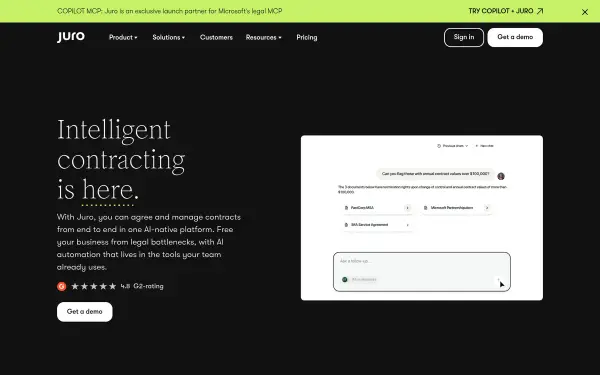
Juro removes the Word attachment from contract negotiation. Both sides work in a browser editor with version control and comments, and approvals run as a workflow inside the same file rather than across email threads. Templates and automation rules handle the repeat volume a mid-market legal team sees: NDAs, sales contracts, vendor agreements.
That shared-editor model is the strength and the constraint. Internal stakeholders do not need Word skills or a parallel naming convention, so legal stops chasing the latest version. External counterparties, however, have to accept negotiating inside Juro rather than sending their own redline, and some will not.
Pricing is quote-based with a custom figure built from contract volume, and the vendor does not publish tiers. There is no free plan and no trial. Budget for a scoping conversation before you can compare it to the published prices from Concord or ContractSafe.
Against Ironclad, Juro is lighter on multi-entity enterprise configuration and complex approval matrices. Against SpotDraft and LinkSquares, it leans more toward negotiation and less toward AI extraction and portfolio analytics. It fits a legal team of a few people supporting a sales organization that signs a few hundred contracts a year and wants one version of truth.
Redline chaos across email is your main problem and counterparties will cooperate.
You need multi-entity enterprise configuration or only sign a handful of deals.
Entry IV of IX / Published entry pricing
Our verdict
The most predictable purchase on the list: published pricing, unlimited e-signatures and core workflow features in one plan.
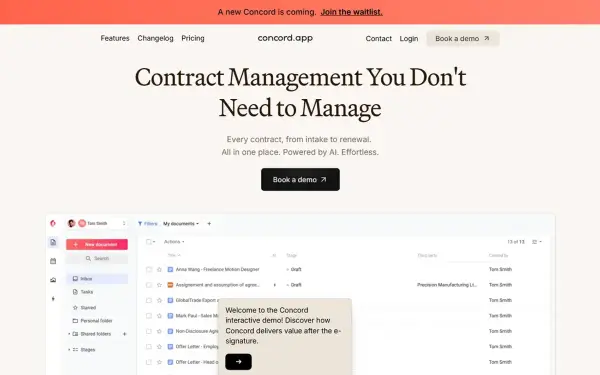
Concord is the easiest entry here to budget for, because the vendor publishes its pricing. Essentials starts at $499 per month when paid annually and includes 5 users, with unlimited e-signatures, template libraries, approval workflows, deadline reminders and audit trails in the same plan. For a small legal or operations team that wants contract management without a six-week procurement cycle, that transparency carries real weight.
The product covers the core lifecycle: draft from a template, route for approval, send for signature, store the executed file, get a reminder before a renewal date, and keep an audit trail showing who did what. It does not attempt the AI clause extraction or portfolio analytics LinkSquares and SpotDraft sell, and customization is limited, so unusual approval structures may need a workaround.
The $499 floor is steep for a very small team signing a handful of agreements a month, and the Essentials plan is a monthly account price that includes 5 users. There is no free plan and no trial listed.
Concord fits a growing business where one person owns contracts alongside other duties and needs a system that works on day one rather than a platform that needs an implementation project.
You want a known monthly number and core workflow features without a sales negotiation.
You need advanced AI extraction or your process needs heavy customization.
Entry V of IX / Days to deploy
Our verdict
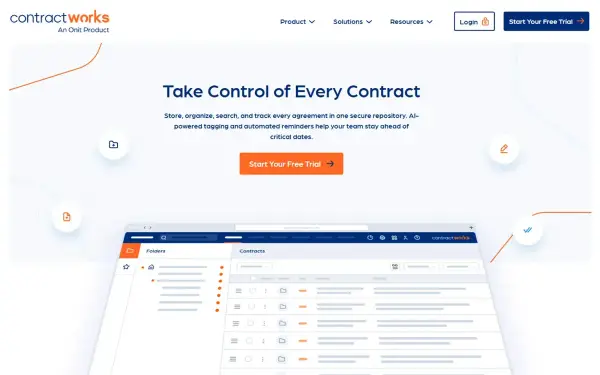
A fast, searchable contract repository with strong renewal alerts that deliberately stops short of full contracting workflow.
ContractWorks is a repository first. Contracts go into a central, searchable store, get tagged, and produce automated alerts for renewal and milestone dates. AI search reaches across clauses and terms so a user can find every agreement with a particular indemnity or payment term without a manual review. Non-legal staff get access, which matters when sales and finance are the ones asking the questions.
Deployment is the pitch: days rather than months, because there is limited configuration to work through. That is a genuine advantage over Ironclad or DocuSign CLM, where the same rollout consumes weeks of legal ops time.
Workflow automation is where it thins out. Approval routing and negotiation tooling are lighter than Juro or Ironclad offers, so you get organized storage and reliable reminders rather than a full contracting process. At enterprise scale, that simplicity becomes a ceiling rather than a feature.
Pricing is not published, and the vendor page did not return confirmable figures for this update, so a quote is required. There is no free plan and no trial. Teams that mainly need to find contracts, prove they exist and stop missing renewal dates should shortlist it. Teams that need to control how contracts are drafted and approved should not.
Missed renewal dates and unfindable contracts are the problem you are actually solving.
You need to control drafting and approvals, not just store the results.
Entry VI of IX / Clause extraction analytics
Our verdict
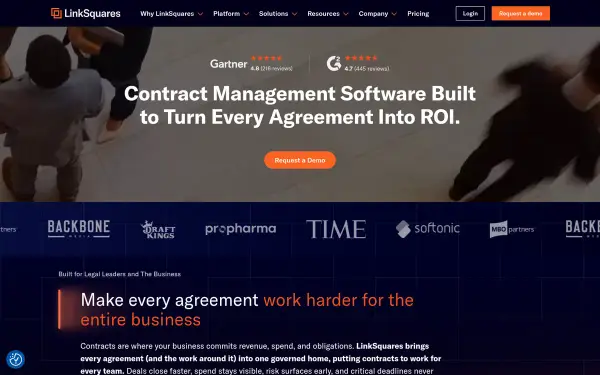
The strongest post-signature analytics here, turning a signed contract archive into structured, queryable risk data.
LinkSquares is aimed at the legal department that already has thousands of signed contracts and no reliable way to read them. The platform ingests existing agreements, extracts clauses and terms with AI, and turns the result into a structured record with renewal dates, obligations and reporting. Search and portfolio analytics sit on top, so legal can answer questions about exposure, spend or auto-renewal without a manual file review.
That post-signature focus separates it from drafting-led tools. PandaDoc and SpotDraft start before signature; LinkSquares earns its place after. AI extraction is the strongest feature, and the analytics are designed for legal teams to run themselves rather than waiting on an analyst or a data team.
Pricing is quoted after a call and depends on users, contract volume and modules, so there is no public figure to compare. There is no free plan and no trial. Implementation needs legal operations attention: someone has to define the fields, review extraction quality on sample contracts and own the data model afterward.
For a small team with a few hundred agreements, the analytics depth is more than the job requires, and a simple repository such as ContractSafe or ContractWorks will do the work with less effort. For a department reporting contract risk to a CFO, it is the more serious tool.
You have a large signed archive and need structured answers from it.
Your problem is drafting speed or you have a few hundred contracts.
Entry VII of IX / AI-native review
Our verdict
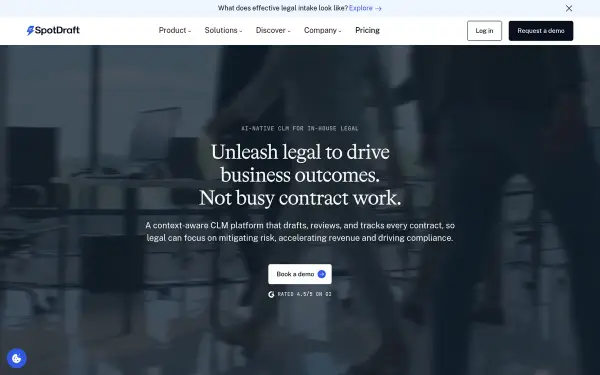
AI drafting and review packaged as core features at a mid-market target, with less deployment history to draw on.
SpotDraft sells itself as AI-native rather than AI-added, and the difference shows in how the product is packaged: drafting assistance, contract review with risk flags, review workflows and an intelligent repository come as core functions rather than separate modules. A business user can draft from a template and get an AI pass before legal opens the file, which shortens the back-and-forth on routine agreements.
The review feature flags risky or off-standard language, and the repository keeps executed contracts searchable. The interface is modern and aimed at mid-market budgets rather than enterprise legal operations, which is the gap the vendor is chasing between Concord's simplicity and Ironclad's configuration depth.
The caution is maturity. SpotDraft is a newer entrant than Ironclad or DocuSign CLM, with less accumulated history in large, multi-entity deployments, and AI review quality varies by contract type and jurisdiction. Run your own agreements through it before you trust the flags on a high-value deal.
Pricing is not published and no figure could be confirmed for this update, so expect a quote. There is no free plan and no trial listed. It fits a growing company that wants review help now and is willing to test the AI against its own paper rather than a demo.
You want AI review on routine contracts and will validate it on your own templates.
You need a proven multi-entity enterprise deployment with reference history.
Entry VIII of IX / Signature stack continuity
Our verdict
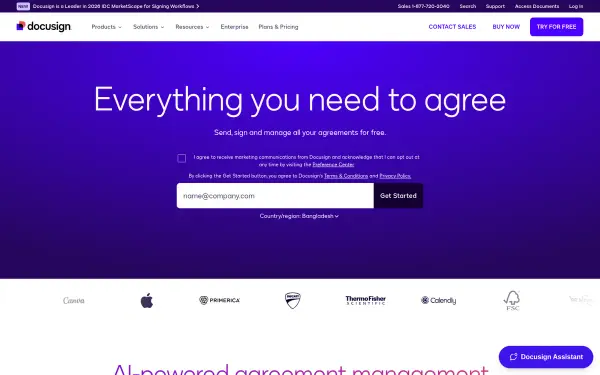
Worth it mainly as an extension of an existing DocuSign estate, not as a standalone best-of-breed contract engine.
DocuSign CLM exists mainly because of the installed base. If your organization already sends signature requests through DocuSign, the CLM product connects contract generation, negotiation workflows, AI contract analytics and a repository to that same signing step, so signed documents land in a managed system instead of an inbox. Fewer tools, one vendor relationship, one place to look for the executed copy.
The lifecycle coverage is real: templates generate drafts, negotiation runs through workflows, analytics read the resulting terms, and the repository holds the record. For a company signing at volume across many departments, that continuity is worth something.
The pricing structure is the friction. It is quote-based and sits on top of existing DocuSign spend, so the marginal cost is hard to separate from what you already pay for e-signature. The CLM tier can read as an upsell path rather than a best-of-breed choice, and implementation is a project rather than a switch-on.
No pricing page was available for confirmation, and there is no free plan or trial. The honest comparison is that Ironclad goes deeper on clause logic and playbooks, while this wins on continuity with an e-signature estate you already run. Choose it to consolidate, not to buy the best contract engine on the market.
DocuSign is already your signing standard and you want contracts managed in the same place.
You are choosing a contract engine from scratch and want the deepest clause logic.
Entry IX of IX / Unlimited users included
Our verdict
Simple, unlimited-user repository with reliable reminders and published pricing, and very little process around it.
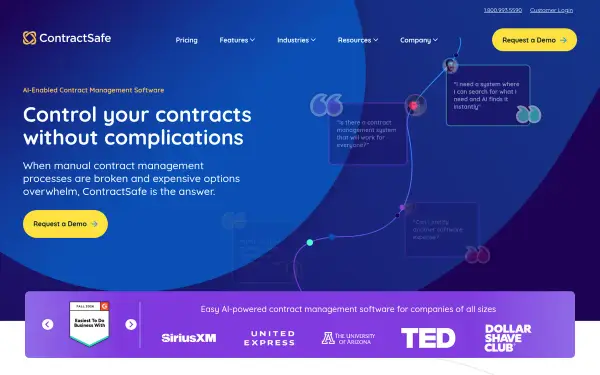
ContractSafe does one job and prices it plainly. Agreements go into a searchable repository, AI-assisted organization tags them, full-text search finds them, and automatic renewal and milestone reminders stop the dates from slipping. Published pricing starts at $450 per month on the Organize plan, prepaid annually, with unlimited users, which is unusual: headcount does not raise the bill, so the whole finance and sales team can have access.
The unlimited-user model is the strongest argument. Contract reminders fail when only two people can see the system, and ContractSafe removes that excuse. A free trial is available.
What you give up is process. There is minimal negotiation tooling, approval workflows are shallow, and clause library management is limited, so this is a filing cabinet with good search and good alarms rather than a contracting platform. Teams with complex approval matrices, fallback positions or counterparty negotiation should look at Juro, Concord or Ironclad.
The $450 floor is also more than a very small company needs to spend if it signs a dozen agreements a year. Judge it on the size of the archive and the cost of a missed renewal, not on the feature list or a demo that shows every field.
You need lots of people to find contracts and never miss a renewal date.
You need approvals, negotiation or clause control as part of the workflow.
VBackground
Legal document software is the system between a draft in Word and a signed agreement you can find two years later. It covers some or all of five stages: creating a document from a template or intake form, negotiating changes with the other side, routing internal approvals, capturing a signature, and storing the executed contract with the dates and obligations that follow it.
Vendors start at different points in that chain, which is why the products look similar in a demo and behave very differently in use.
The category overlaps with e-signature but is not the same thing. A signed PDF is a record; a managed contract is a record with an owner, a renewal date, an approval history and a searchable set of terms. Software also does not give legal advice and does not decide whether a clause is enforceable in your jurisdiction. It stores, routes and flags, and a qualified lawyer still reads the risky ones.
Most buyers land here because a spreadsheet of renewal dates stopped working, or because sales is sending contracts legal never sees. Both are workflow problems before they are document problems.
This comparison sits in the software register. Further along the shore: baby tracking app and kennel software.
VIPricing
Pricing in this category follows four models, and the model matters more than the number. Published per-seat pricing is the easiest to model and the easiest to outgrow, because automation and API volume usually bill separately. Published per-account pricing gives a flat number but fixes a user count or sells unlimited seats. Quote-only pricing is normal above mid-market, where the vendor prices against contract volume, modules and entity count. Free tiers exist but are capped.
| Model | How it bills | Typical fit | Example from this list |
|---|---|---|---|
| Published per seat | Per user, per month, billed annually | Sales and mid-market teams | PandaDoc at $25 per seat per month on Starter, billed annually |
| Published per account | Flat monthly fee, prepaid annually, fixed user count | Small teams wanting a predictable bill | Concord at $499 per month on Essentials, includes 5 users |
| Published per account, unlimited users | Flat monthly fee, prepaid annually | Repository-focused teams | ContractSafe at $450 per month on Organize, unlimited users |
| Quote only | Custom quote after a scoping call | Enterprise legal operations | Ironclad, Juro, ContractWorks, LinkSquares, SpotDraft, DocuSign CLM |
| Free tier | Free with document limits | Testing the editor | PandaDoc free plan, 5 documents per month |
Two costs hide behind the headline number. The first is document volume: credits for API and automation-created documents can outrun the seat price, and lower tiers sometimes carry per-document overages. The second is implementation: an enterprise CLM that needs weeks of configuration costs more in legal ops time than in license fees.
Ask for a written quote that states seats, contract volume, automation limits and what happens at renewal. A vendor that will not put those numbers in writing before a shortlist decision is telling you something useful.
Each entry card shows the starting price as it appeared on the vendor's own pricing page on November 25, 2026. When a vendor shows no figure we could confirm, or only a promotional rate, the card says "See website" or gives the regular price instead of a guess. Usage, overage and add-on rates in the text change more often than plan prices, so confirm them on the vendor page before you set a budget. To test the numbers against your own volume, try the free User Research Budget Planner. The Event Break-Even Calculator is a second way to check the same decision.
VIIDecision
VIIIPitfalls
IXQuestions
E-signature captures a signature and a certificate of completion. Contract lifecycle management covers everything around it: template creation, negotiation, approval routing, a clause library, a searchable repository and obligation tracking. A CLM usually connects to an e-signature tool rather than replacing it, which is why DocuSign CLM sits on top of DocuSign signature spend rather than instead of it.
Published entry prices in this list run from $25 per seat per month for PandaDoc Starter billed annually to $450 per month for ContractSafe Organize with unlimited users, and $499 per month for Concord Essentials with five users. Enterprise products including Ironclad, Juro, ContractWorks, LinkSquares, SpotDraft and DocuSign CLM are quote-only, so the only reliable number is the one you get in writing.
Useful but uneven. AI extraction works well on common clause types in standard contracts and less well on scanned documents, unusual drafting and jurisdiction-specific language. Risk flags are a triage aid, not a legal opinion. Test any tool with a sample of your own agreements, including the messy ones, and check the extraction against a human read before relying on it.
No. These tools store, route, extract and flag. They do not tell you whether a limitation of liability clause is enforceable in your jurisdiction, whether a signature block is valid, or whether a term conflicts with local law. Treat the software as an operations layer and keep qualified counsel for interpretation, especially when contracts cross borders.
Repositories are the fastest, with ContractWorks describing deployment in days rather than months. Enterprise deployments at Ironclad are measured in weeks to months because workflows, clause rules and templates have to be built and tested first, and DocuSign CLM implementation is a project rather than a switch-on.
Confirm you can export every contract, its metadata, version history and audit trail in common formats such as PDF and CSV, and that you can do it without a professional services fee. Ask what happens to the data at the end of the subscription, how long it stays available, and whether extracted clause data leaves with the documents.
XFurther along the shore
Vendors can ask for a correction or apply for a Featured listing. Paid or not, the entry is scored on the same rubric and its limits stay in print. Partner with Umberlake.
Free tools
Our free browser tools turn the prices on this page into a figure for your own volume. Nothing you type leaves your device.