
Jobber
See website
Best for small to mid-size home service teams
- Free plan
- No
- Rubric
- 7.8 of 10
Eight field service platforms compared on pricing model, dispatch depth and mobile reliability, with the plans each one actually expects a small or growing crew to buy.

IThe short answer
Jobber is the best fit for most small and mid-size home service teams, ServiceTitan is the pick for large HVAC, plumbing and electrical firms that can staff an implementation, and ServiceM8 suits small crews that want a flat monthly bill with unlimited users. This ranking was assembled in November 2026 from vendor pricing pages checked on November 25, 2026, plan details and feature limits. Prices, tiers and trials below are stated as vendors publish them, and quote-only platforms are marked as such rather than given a guessed number: Best Fsm Software.
8 tools compared from vendor pages on November 25, 2026. 1 publish a starting price we could read; the rest say "See website".
IITop three berths
Register order is editorial fit for the buyer each entry describes. Prices are the starting figures read on November 25, 2026.
See website
Best for small to mid-size home service teams

See websitecustom quote
Best for home service teams that want published pricing
See website
Best for large HVAC, plumbing and electrical firms
How this page is paid for. All 8 tools here are unpaid editorial picks.
A paid listing's position can be part of what the vendor pays for. Every entry, paid or not, is scored on the same rubric and keeps its limits in print. Advertising disclosure.
IIIThe register
Starting prices as shown on each vendor's pricing page on November 25, 2026. "See website" means no figure we could confirm.
| No. | Tool | From | Free plan | Trial | Rubric | Actions |
|---|---|---|---|---|---|---|
| 01 | JobberSmall to mid-size home service teams | See websiteNot shown publicly | No | 14-day free trial | 7.8 | |
| 02 | Housecall ProHome service teams that want published pricing | See websitecustom quoteQuote only | No | 14-day free trial | 7.7 | |
| 03 | ServiceTitanLarge HVAC, plumbing and electrical firms | See websiteNot shown publicly | No | No | 5.7 | |
| 04 | WorkizTeams that need calls and booking in one place | See websiteNot shown publicly | Yes | No | 6.6 | |
| 05 |  FieldPulseGrowing teams that want guided job steps | See websitecustom quoteQuote only | No | Free trial, sales-led onboarding | 6.2 | |
| 06 |  Service FusionContractors that need GPS and fleet visibility | See websitecustom quoteQuote only | No | Free trial | 6.2 | |
| 07 |  FieldEdgeMulti-truck HVAC, plumbing and electrical firms | See websiteNot shown publicly | No | No | 5.6 | |
| 08 |  ServiceM8Small teams that want flat monthly pricing | $29Starter, per month, unlimited users, 50 jobs per monthRead on vendor page | Yes | 14-day free trial | 8.0 |
Pinned:
IVMethod
Whether the pricing model and feature depth match the number of technicians and trucks a buyer actually runs.
How openly the vendor publishes plans, tiers and seat costs rather than routing every number through a sales call.
How well scheduling, routing, job stages and the technician mobile app hold up across a normal service day.
How quoting, estimates, invoicing, payments and accounting sync connect from the first call to the final payment.
How much setup, training and process change a team must absorb before the system pays back.
VMethod
Every tool on this list was scored against the same five criteria: crew size fit at 25 percent, price clarity at 20 percent, dispatch depth at 25 percent, job to cash at 15 percent and implementation load at 15 percent. Crew size fit asks whether the pricing model rewards the team you actually run, because a plan built for one user and a plan billed per truck behave very differently at three technicians. Price clarity measures how much of the pricing sheet a buyer can read without a call. Dispatch depth covers scheduling, routing, guided job stages and the technician mobile app. Job to cash follows quoting through invoicing, payments and accounting sync. Implementation load is the setup and training a team absorbs before the system earns its keep.
Prices, plan names, seat rules and trial terms come from vendor pricing pages checked on November 25, 2026, and the starting price shown for each tool is stated exactly as the vendor publishes it. Five platforms on this list quote through sales and publish no figure, so they are marked "See website" rather than given an estimate. Where a vendor page could not be fetched at the time of checking, the entry says so.
The order is editorial: it reflects fit for the buyer each entry describes, not a weighted total. Where a listing carries a Featured label, that position is a paid placement. It is scored on the same five criteria and carries the same kind of cons as every other entry.
The full routine, from price reads to corrections, is on the methodology page. Paid listings follow the advertising disclosure.
Entry I of VIII / Client-facing hub
Our verdict
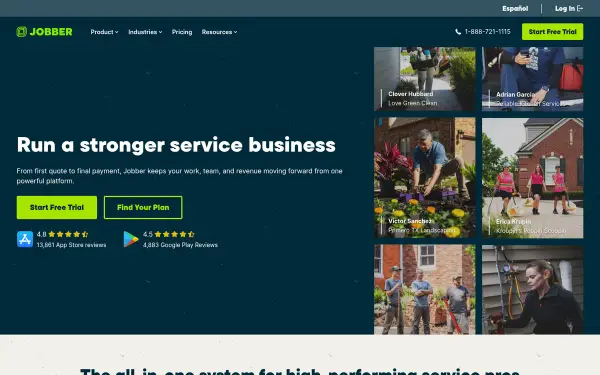
The default choice for small home service teams that want quoting, dispatch and payments working in week one.
Jobber sits at the front of this list because the basics a home service team touches every day are present in the core product: quoting with customer approval, scheduling and dispatch, invoicing and on-site payments, and a client hub that lets the customer read the quote, check job details and pay without phoning the office. The mobile app carries schedules, notes and photos into the field, which is where most small teams lose their day.
Pricing runs on published tiers rather than a sales call. Each extra user adds a monthly charge on top of the plan. The vendor pricing page could not be fetched when this list was checked on November 25, 2026, so confirm current plan names and rates on the vendor site. The capabilities that separate a busy shop from a growing one sit on the top tier: job costing, automated quote follow-ups and two-way text messaging.
Marketing and receptionist tools are paid add-ons, so the monthly figure a team budgets should include them if the phone is the bottleneck. There is a 14-day free trial and no free plan. Buyers should verify current pricing on the vendor site before budgeting.
It fits small and mid-size home service teams in trades where the work is quoting, scheduling and getting paid without an office administrator chasing paper. It fits less well when job costing is the reason for buying, since that capability is concentrated on the top tier alongside the follow-up automation that keeps quotes from going cold.
You run a small home service crew that wants quoting, dispatch and payments live quickly without a sales negotiation.
Job costing or two-way texting is on your day-one list, since both sit on the top tier and raise the real monthly cost.
Entry II of VIII / Book to payment record
Our verdict
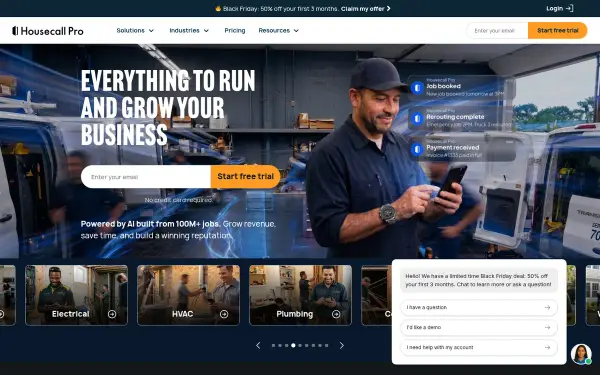
Strong consolidation play for home service teams that want booking, reviews and payments in one system.
Housecall Pro covers the full home service day in a single record: scheduling and dispatch, estimates and invoicing, card payments, online booking, a price book, review requests, customer communication and service plans. GPS tracking and job costing are held back for higher tiers, so the entry plans cover the workflow but not the fleet visibility.
The entry point is narrow. The Basic tier covers one user and does not include QuickBooks sync. Higher tiers add GPS tracking and QuickBooks sync, so a two-person shop needs a higher tier to gain a second seat and an accounting handoff. The vendor lists Basic, Essentials and MAX tiers. There is a 14-day free trial and no free plan. When this list was checked on November 25, 2026 the vendor page showed only a demo request and the trial, with no plan prices posted, so confirm the tiers before signing.
The strength is consolidation. Online booking, review requests and service plans mean a small team can stop paying separately for scheduling, reputation management and maintenance agreements. The weakness is a large price step for a two-person operation, which lands the moment a second technician needs their own login.
It suits home service teams that will grow past one user within a year and want a clear tier structure to discuss with sales. A solo operator who intends to stay solo is better served by a cheaper entry tier elsewhere on this list, because Basic covers one user, excludes QuickBooks sync and leaves GPS tracking for the tier above.
You want a clear tier structure and a single system covering booking, reviews, service plans and payments.
You are a two-person shop on a tight budget, because the second seat and QuickBooks sync only start at Essentials.
Entry III of VIII / Margin reporting depth
Our verdict
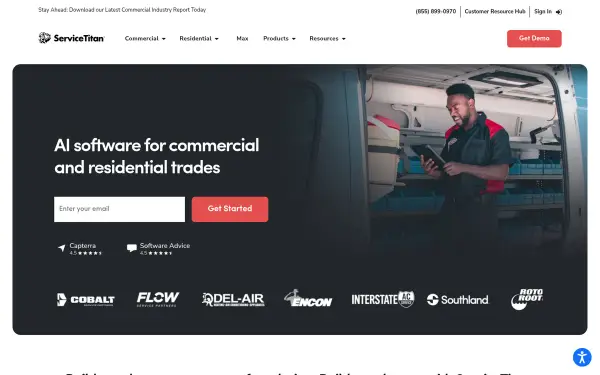
The deepest platform here for large trades, priced and implemented for firms that already carry office overhead.
ServiceTitan is the heaviest platform on this list and the one built for scale. Real-time job costing, payroll-related workflows, marketing attribution, membership and service agreement management, and reporting by technician, job type and location all ship as part of the product. Tools for multi-phase commercial projects and more than 70 prebuilt integrations round out a package that covers residential and commercial work from the same system.
Cost is set through a sales quote based on technician count, package choice and add-ons. There is no official pricing page, no free plan and no trial, so nothing can be verified before a conversation. Expect the number to be high, because the platform is priced for large operations with dedicated internal staff.
Implementation is the real commitment. Rollout works best with an internal owner managing training and process change, which means a named person inside the business for an extended period rather than a weekend of setup. Teams that skip that step end up with expensive software running the old process, and the reporting depth never gets used because nobody trusts the data going in.
It fits large HVAC, plumbing and electrical firms doing both residential and commercial work, where margin per job is worth measuring as it happens and the integration catalogue replaces a stack of point tools. It fits poorly for a small shop: slower to adopt, heavier on reporting than a small crew needs, and the depth becomes an ongoing cost rather than an advantage. If you cannot name the person who will own the rollout, this is not the year to buy it.
You run a large multi-crew HVAC, plumbing or electrical business that can dedicate staff to a rollout.
You are a small shop, or if nobody on your team can own training and process change for months.
Entry IV of VIII / Built-in phone system
Our verdict
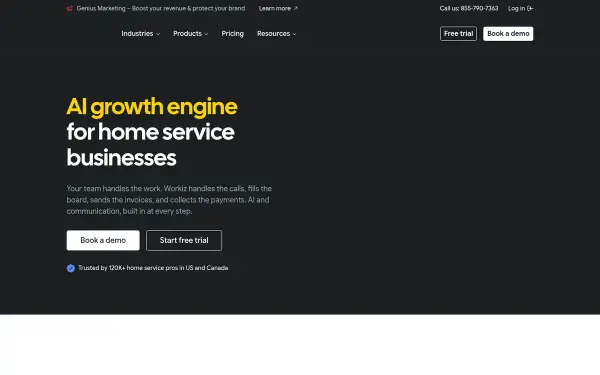
Best for phone-driven trades that want calls, booking and invoicing in one system, with a usable free tier.
Workiz puts the phone at the center. A built-in phone system sits alongside messaging, scheduling and dispatch, online booking, invoicing and payments, so an inbound call, the booking it creates and the invoice that follows all live in one place. For trades that win work on the phone, locksmiths and appliance repair among them, that is the entire argument for the product.
QuickBooks integration, automations and GPS tracking sit on paid tiers, and performance reporting opens up for larger teams. The free Lite tier covers core scheduling and invoicing for up to two users, which is a genuinely usable starting point rather than a demo. There is no trial, so the free tier is how you evaluate the fit before paying anything.
Paid pricing is the weak spot. Numbers vary by source, a current quote is needed, phone features may be billed separately on some plans, and plan names have changed over time, which makes older comparisons unreliable. The vendor pricing page could not be fetched on November 25, 2026, so nothing beyond the free tier could be confirmed for this list.
Confirm what the phone system includes, how call volume is billed and which plan carries the automations you need before setting a budget. It fits high-call-volume service businesses that lose bookings to missed calls. It fits poorly for a buyer who needs a published rate before the first conversation, or a team whose dispatch complexity comes from GPS tracking rather than inbound demand, since that capability is on paid tiers here.
Missed calls are costing you bookings and you want the phone, the schedule and the invoice in one system.
You need a published paid rate before budgeting, or if your dispatch problem is fleet routing rather than call volume.
Entry V of VIII / Guided job stages
Our verdict
A workflow product for growing teams, worth the sales call only if consistent job data is the problem you have.
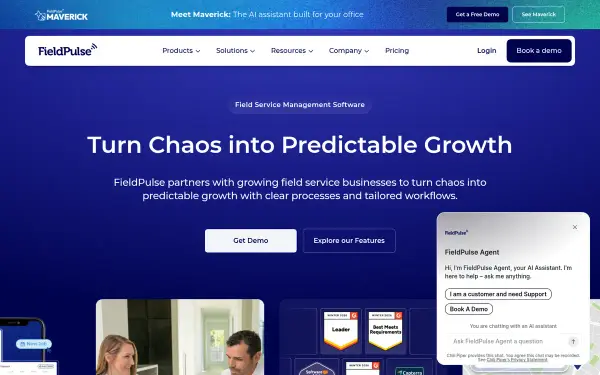
FieldPulse sells consistency. ClearPath guided job stages walk a technician through each step of a job, with required photos and forms attached to each stage, so a new hire captures the same information as someone with ten years on the tools. Estimates, scheduling, invoicing, payments and customer communication sit around that spine, and the result is a record you can defend when a customer disputes what was done.
The workflow is not a stock template. Custom workflow setup happens during onboarding, which means the implementation conversation is where the product gets configured to your trade. That is also where the cost lives. This is not a self-serve sign-up, pricing runs through sales, and onboarding and support are quoted alongside the seats. There is a free trial with sales-led onboarding and no free plan. The vendor page checked on November 25, 2026 gave no figures, describing seat-based pricing through a custom quote.
The payoff is fewer callbacks and less missing paperwork, because the system will not move to the next stage without the evidence attached. The cost is time at the start and a dependency on the vendor during setup, which is reasonable for a growing team hiring steadily and heavy for a small shop that already knows how it works and resents the clicks.
Compare the whole quote, including onboarding and support, against a published-tier product before deciding. The per-seat rate alone understates the first year, and a buyer who never uses the guided stages has paid for depth they will not recover.
You are hiring technicians steadily and need every job to produce the same photos, forms and notes.
You are a small shop that already runs a tight process, or you need a price before you will take a demo.
Entry VI of VIII / Fleet GPS view
Our verdict
The fleet-aware option for contractors who need to see where the vans are and bill service agreements automatically.
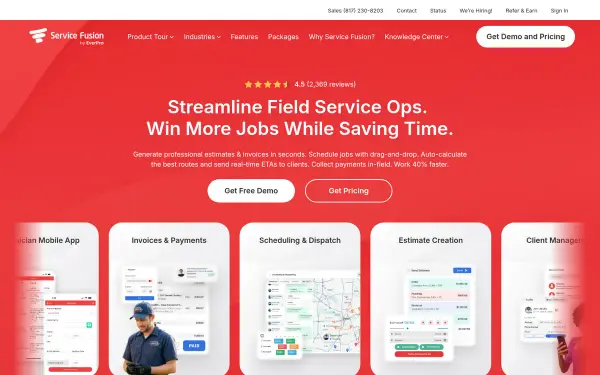
Service Fusion is the pick on this list for contractors who run vehicles as well as crews. The platform tracks vehicle location by GPS, reports distance, idle time and driver behaviour, and lets dispatch adjust routes in real time while technicians are already out. On the job side it converts a field estimate into a work order, invoices materials, labor and tax from the same record, and auto-bills service agreements, with a technician mobile app for field work.
Pricing is quote-only and built from technician count, fleet size and the modules you select. Starter, Plus and Pro packages are listed with their features but no figures, and a demo is the route to a number. There is a free trial and no free plan. The vendor page checked on November 25, 2026 gave prices only through a demo request, so budget for a sales conversation rather than a checkout.
Two details to confirm before signing. Some advanced features sit on higher tiers or arrive as add-ons, which changes the effective price of the package you were quoted. Payment processing terms, including rates and payout timing, need to be written into the quote rather than assumed. Auto-billing for service agreements starts after the first paid invoice, so the first cycle runs manually.
It fits plumbing, HVAC, electrical and similar trades running several vehicles where knowing where the fleet is during the day has real operational value, and where recurring service agreements are a meaningful part of revenue. It fits poorly for a small operation that just needs quoting and invoicing, or for a buyer who will not proceed without a published starting rate to compare against the rest of this list.
You run several vehicles and want GPS, routing changes, invoicing and service agreements in one platform.
You run one van, or if you will not start a sales process to find out what the system costs.
Entry VII of VIII / Multi-truck dispatch
Our verdict
A dispatch and proposal tool for established multi-truck trades, sold through sales and slow to stand up.
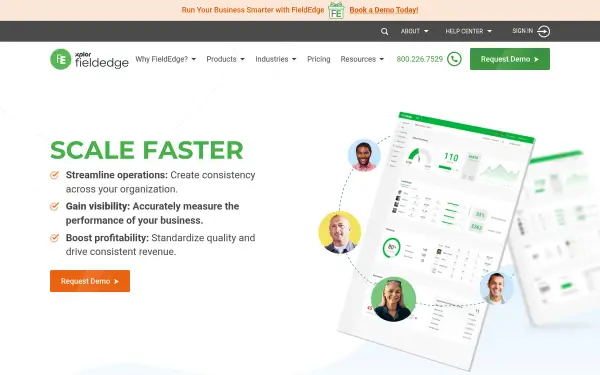
FieldEdge is built for the office that dispatches several trucks at once. A central dispatch board holds the day, QuickBooks sync keeps office and field on the same financial record without double entry, and technicians see full customer history on mobile. A flat-rate price book and good-better-best proposal tools give the sales conversation a structure, and reporting runs across teams and locations, with service agreement management covering the recurring side of the business.
Pricing comes through sales only. There is no official pricing page on the vendor site, no free plan and no trial, so evaluation runs on a demo and a quote. The product is positioned as an alternative to enterprise-level platforms, which usually means the number is negotiated against technician count and modules rather than published for comparison.
Rollout takes real work. Setup, training and price book construction all take time, and the vendor framing puts the burden on the buyer to assign staff to training and process change. A team that buys it and expects the crew to pick it up on a Monday will not get the reporting or the proposal discipline it paid for, and the accounting sync only pays off if the office keeps clean records to begin with.
It fits multi-truck HVAC, plumbing and electrical firms with an office manager who will own the system and a sales process worth supporting with proposal options. It does not fit a solo operator, a team without accounting discipline, or anyone who needs to see a price before booking a demo. Buyers comparing it against ServiceTitan should weigh implementation load as much as reporting depth, because both demand internal ownership before go-live.
You run multiple trucks and want dispatch, a flat-rate book, proposals and QuickBooks sync in one place.
You are a solo operator, or you need a published price and a self-serve trial before committing.
Entry VIII of VIII / Flat rate, unlimited users
Our verdict
The clearest price on the list: flat monthly plans, unlimited users, and job caps that decide your tier.
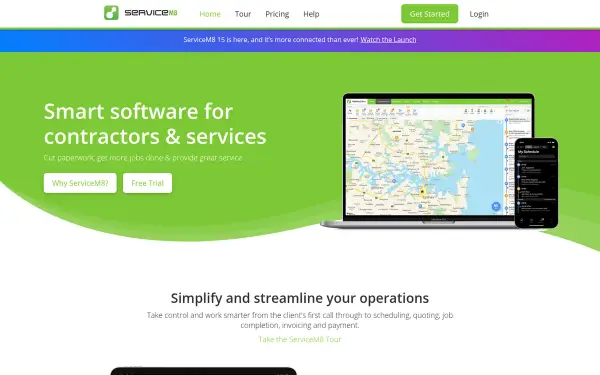
ServiceM8 is the simplest pricing story here. Paid plans charge a flat monthly rate with unlimited users and cap the number of jobs instead. Starter is $29 per month for 50 jobs, and higher tiers raise the monthly job cap at a higher flat rate; see the vendor site for current tier prices. A free plan covers one user and 30 jobs per month, and there is a 14-day free trial.
The product is built around the job card: scheduling, quoting, invoicing and on-site payments all happen from it. The mobile side is strongest on Apple hardware, with dedicated iPhone and iPad apps alongside an Android app. For a small team with steady, predictable workload, the flat rate is genuinely predictable, because adding a fourth technician changes nothing in license fees as long as job volume stays under the cap.
The job cap is the catch. A growing team that crosses 50 jobs in a month moves to a higher tier, and those steps add cost relative to a small shop's margin. Advanced features sit on the higher plans, so read the feature list per tier rather than assuming parity across tiers.
Test the Android app carefully during the trial if your crew is not on Apple devices, since the Apple experience is the one that gets described most often. It fits small cleaning, trades and maintenance teams with modest monthly volume. It fits less well for high-volume dispatch operations, where the cap and the tier steps turn a flat price into a scaling one, and for firms that need job costing or fleet tracking, which this list does not credit to the product.
Your job volume is predictable and you want one flat bill no matter how many technicians log in.
You run high monthly job volume, or your crew is Android-only and cannot test the app first.
VIBackground
Field service management software runs the loop between a customer's call and the money landing in your account. On the office side it holds the customer record, the quote, the schedule and the invoice. On the technician side it puts the job, the site history, the photos and the payment screen on a phone. The category exists because those two halves usually drift apart: the schedule lives in a spreadsheet, the job details live in a text thread, and the invoice gets rebuilt from memory at the end of the week.
Most products on this list share the same skeleton:
What changes between them is where the depth sits. ServiceTitan and FieldEdge go deep on reporting and service agreements across multiple trucks, and ServiceTitan adds real-time job costing. Jobber and ServiceM8 keep the surface narrow and get a small crew running quickly. Workiz folds a phone system into the same product, which matters for trades that live on inbound calls such as locksmiths and appliance repair. FieldPulse pushes guided job stages so a new technician captures the same data as a veteran, and Service Fusion treats the vehicles as part of the dispatch picture.
These platforms do not replace your accountant or your accounting software. They produce invoices, payments and job costs, then hand the financial record to QuickBooks or a similar package. That handoff is a tier decision, not a given: Housecall Pro puts QuickBooks sync on Essentials, not Basic, and Workiz puts it on paid tiers.
The buyer question is not which product has the most features. It is which product's depth lines up with the number of technicians you run and the work you sell. A small plumbing shop and a large HVAC contractor need the same skeleton and very different amounts of everything attached to it.
This comparison sits in the software register. Further along the shore: baby tracking app and kennel software.
VIIPricing
Pricing in this category follows four models, and the model matters more than the headline number. Per user subscriptions look cheap at one seat and climb with every hire. Flat monthly plans cap job volume instead of users. Tiered packages bundle a band of users into one price. Quote-only platforms build the number from technician count, package and add-ons, which means there is no figure to compare until you take a call.
| Model | How it bills | Typical fit | Example from this list |
|---|---|---|---|
| Per user subscription | Monthly or annual fee per seat, on top of a plan tier | Teams that add one technician at a time | Jobber: published plan structure with a monthly charge for each extra user; see the vendor site for current rates |
| Flat monthly with a job cap | One price for unlimited users, limited by monthly job volume | Small crews with steady, modest volume | ServiceM8: Starter at $29 per month, unlimited users, 50 jobs per month |
| Tiered package | Fixed price covering a band of users, with features gated by tier | Shops with a small team | Housecall Pro: tiered plans with pricing available through sales; see the vendor site |
| Quote-only | Sales quote from technician count, package and modules | Multi-truck and enterprise operations | ServiceTitan, Housecall Pro, FieldPulse, Service Fusion and FieldEdge |
Read the second tier before you read the first. Housecall Pro's Basic tier covers one user and excludes QuickBooks sync, while higher tiers add GPS tracking and QuickBooks sync; confirm current pricing on the vendor site. Jobber's job costing, quote follow-ups and two-way texting sit on the top tier. On both, the entry tier is a doorway, not a final quote.
Add-ons and onboarding are the second layer. Jobber bills marketing and receptionist tools separately. FieldPulse and Service Fusion fold onboarding and support into the quote. Ask for the full first-year figure, including seats, add-ons and setup, before comparing anything on a monthly headline.
Each entry card shows the starting price as it appeared on the vendor's own pricing page on November 25, 2026. When a vendor shows no figure we could confirm, or only a promotional rate, the card says "See website" or gives the regular price instead of a guess. Usage, overage and add-on rates in the text change more often than plan prices, so confirm them on the vendor page before you set a budget. To test the numbers against your own volume, try the free User Research Budget Planner. The Event Break-Even Calculator is a second way to check the same decision.
VIIIDecision
Count users and trucks before anything else. Write down how many technicians log in today and how many you will add in twelve months, because a per user plan and a flat plan diverge sharply at that point.
Decide whether a sales call is acceptable. Five platforms here quote only through sales: ServiceTitan, Housecall Pro, FieldPulse, Service Fusion and FieldEdge. If you need a number this week, ServiceM8 publishes a starting rate, Workiz offers a free Lite tier, and Jobber publishes a plan structure, though its pricing page could not be fetched at check.
Test the mobile app on your own devices. Put the app in airplane mode, open a job, add a photo and complete an invoice. Whatever you capture has to sync cleanly when signal returns, and that test is worth more than a feature list.
Find the tier where accounting sync starts. QuickBooks sync arrives on Housecall Pro Essentials, on Workiz paid tiers and on FieldEdge. Buying below that line means manual re-entry every week, which erodes the saving fast.
Price your real monthly job volume, not the entry tier. ServiceM8 charges $29 per month on Starter for 50 jobs, and higher tiers raise the job cap at a higher flat rate. If you run 200 jobs a month, the entry rate is not your rate, and building a budget on it leads to a surprise in month two.
Run a parallel week before cancelling the old system. Keep the old schedule live while the crew uses the new one, then compare what each record says. A parallel run is your only real schedule check.
IXPitfalls
Budgeting the entry tier for a two-person shop. Housecall Pro's Basic covers one user and skips QuickBooks sync. The second seat requires a higher tier, so confirm the full quote before comparing it with the entry tier.
Assuming a free tier covers a crew. Workiz Lite handles two users and ServiceM8's free plan handles one user with 30 jobs a month. Both are useful for evaluation and a single operator, but neither carries a working team through a busy month.
Ignoring add-ons and onboarding. Jobber bills marketing and receptionist tools separately, and FieldPulse and Service Fusion fold onboarding and support into the quote. A per-seat comparison that omits those lines is not a comparison.
Choosing on feature count instead of fit. ServiceTitan carries more reporting than a small shop can use, and the implementation still needs an internal owner. Paying for depth nobody operates is a common way this purchase fails.
Skipping the parallel run. Switching without a week of running both systems hides migration gaps until a customer disputes a job. A parallel run is your only real evidence.
XQuestions
Small teams should start with Jobber or ServiceM8. Jobber covers quoting, dispatch, invoicing and a client hub on published tiers, while ServiceM8 charges $29 per month on Starter with unlimited users capped at 50 jobs. Multi-truck operations look at ServiceTitan or FieldEdge, both quote-only and built for reporting and service agreements across crews and locations, with ServiceTitan adding job costing.
ServiceM8 lists Starter at $29 per month with unlimited users and a 50 job monthly cap. Jobber publishes a plan structure, but its pricing page could not be fetched on November 25, 2026, so confirm current rates on the vendor site. Housecall Pro is quote-only, and Workiz offers a free Lite tier; other paid pricing is on the vendor site.
None of the specs on this list state offline behavior, so test it during a trial rather than assuming it. Load the mobile app on the device your technicians carry, put it in airplane mode, then open a job, add photos and notes, and complete an invoice. Whatever you record has to sync cleanly once signal returns. Jobber and ServiceM8 both publish mobile apps and a 14-day free trial that allows this test.
They sync rather than replace. QuickBooks sync appears on Housecall Pro's Essentials tier but not Basic, on Workiz paid tiers and on FieldEdge, and ServiceTitan lists more than 70 prebuilt integrations. Payroll and full financial statements stay in your accounting package. Check the tier where sync begins, because on Housecall Pro the entry plan excludes it and that changes the real cost.
Day one needs scheduling, dispatch, quoting, invoicing and a mobile app your technicians will actually open. Payments and customer history come next. Job costing, marketing attribution, membership billing and guided workflow engines can wait until the team runs the basics. The pattern here rewards that order: Jobber and ServiceM8 put the essentials in low tiers, while advanced capability sits higher or behind a quote.
Plan from the work involved. Self-serve products with published tiers, such as Jobber and ServiceM8, can be trialled in 14 days and run alongside your old system. Quote-only platforms with onboarding, such as ServiceTitan, FieldEdge and FieldPulse, take longer because setup and training happen with the vendor before go-live.
XIFurther along the shore
Vendors can ask for a correction or apply for a Featured listing. Paid or not, the entry is scored on the same rubric and its limits stay in print. Partner with Umberlake.
Free tools
Our free browser tools turn the prices on this page into a figure for your own volume. Nothing you type leaves your device.