
Toggl Track
$9Starter, per user per month, Premium is $16 per user per month
Best for solo freelancers who want the fastest, simplest manual timer
- Free plan
- Yes, free for a limited number of users (up to 3)
- Rubric
- 8.6 of 10
A practical guide to freelance time tracking apps for billing, focus and client reporting, with prices checked on November 26, 2026.

IThe short answer
For solo freelancers in November 2026, Toggl Track is a strong fit because its timer stays simple enough to use every day. Clockify suits budget-focused freelancers who want low-cost paid seats, while Harvest fits anyone billing hourly and invoicing from tracked time. The eight tools below are compared for fit, not for a single score, and prices were checked on November 26, 2026: Best Freelance Time Tracking App.
8 tools compared from vendor pages on November 25, 2026. 8 publish a starting price we could read; the rest say "See website".
IITop three berths
Register order is editorial fit for the buyer each entry describes. Prices are the starting figures read on November 25, 2026.
$9Starter, per user per month, Premium is $16 per user per month
Best for solo freelancers who want the fastest, simplest manual timer

$3.99Basic, per seat per month, billed annually, $4.99 billed monthly
Best for budget-focused freelancers and teams needing unlimited free seats

$9Teams, per seat per month, billed annually at $108 per seat
Best for freelancers who bill hourly and invoice from tracked time
How this page is paid for. All 8 tools here are unpaid editorial picks.
A paid listing's position can be part of what the vendor pays for. Every entry, paid or not, is scored on the same rubric and keeps its limits in print. Advertising disclosure.
IIIThe register
Starting prices as shown on each vendor's pricing page on November 25, 2026. "See website" means no figure we could confirm.
| No. | Tool | From | Free plan | Trial | Rubric | Actions |
|---|---|---|---|---|---|---|
| 01 | Toggl TrackSolo freelancers who want the fastest, simplest manual timer | $9Starter, per user per month, Premium is $16 per user per monthRead on vendor page | Yes | 30-day free trial | 8.6 | |
| 02 | ClockifyBudget-focused freelancers and teams needing unlimited free seats | $3.99Basic, per seat per month, billed annually, $4.99 billed monthlyRead on vendor page | Yes | 7-day trial of Pro features | 8.1 | |
| 03 | HarvestFreelancers who bill hourly and invoice from tracked time | $9Teams, per seat per month, billed annually at $108 per seatUpdated on vendor page | Yes | 30-day free trial | 8.1 | |
| 04 | RescueTimeFreelancers who want passive, automatic focus and habit data | $7Solo Focus, per month, billed annually at $84Read on vendor page | Yes | No | 4.5 | |
| 05 |  EverhourFreelancers already working inside Asana, ClickUp, Jira or Trello | $8.50Team, per seat per month, billed yearly, minimum 5 seatsUpdated on vendor page | Yes | 14-day trial of all features | 7.3 | |
| 06 | TimelyFreelancers who want AI to log the day without timers | $9Starter, per user per month, billed yearly, max 5 users and 20 projectsRead on vendor page | No | 14-day free trial | 6.2 | |
| 07 |  HubstaffClient-facing contractors who must prove hours worked | $4.99Starter, per seat per month, 2 seat minimumRead on vendor page | No | 14-day free trial | 5.8 | |
| 08 |  TimeCampCost-sensitive teams wanting AI entries plus invoicing | $2.49Starter, per user per month, billed annually, $3.49 month to monthUpdated on vendor page | Yes | Free trial available | 7.1 |
Pinned:
IVMethod
How fast a freelancer can start, stop and correct a time entry during real client work.
How well tracked hours move into rates, budgets, expenses and client invoices.
What a freelancer gets without paying, including seat caps and core reporting.
Whether reports are clear enough to send to a client without extra explanation.
How much configuration and ongoing admin the tool demands before it is useful.
VMethod
We judged these freelance time tracking apps by how they work for a working freelancer, not by feature count. The rubric weights timer simplicity and billing workflow most heavily because a tracker that is annoying to start or hard to invoice from will not survive a busy month. Free plan value matters for solo practices testing software before they commit, client reporting covers whether an export can go straight to a client, and setup effort captures the admin cost of getting to useful data.
Prices come from vendor pricing pages checked on November 26, 2026. We used the plan names, billing terms, seat minimums and limits shown on those pages, and we did not convert currencies or fill gaps with estimates. Where a vendor publishes a monthly and an annual figure, the review names both only when both are in the plan note. The order is editorial: each entry is placed for the freelancer described in its best-for line, not by a single weighted total.
Featured placements, when present, are paid placements and are scored with the same rubric as every other tool. A Featured label does not remove weaknesses from the review.
The full routine, from price reads to corrections, is on the methodology page. Paid listings follow the advertising disclosure.
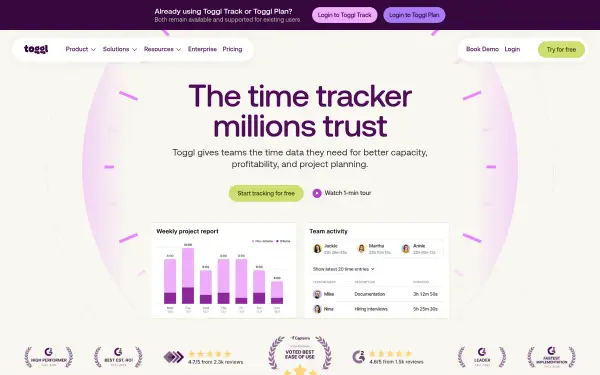
Entry I of VIII / Fast manual timer
Our verdict
The simplest daily timer here, with clean client reports and a paid path to billable rates and budgets.
Toggl Track is a strong fit for solo freelancers because the timer is almost frictionless. You start and stop a task on the web, desktop or mobile app, and the entry syncs across devices. That sounds basic, but it is the reason people keep tracking after the first week. Reports can be filtered by client, project and tag, and exports are readable enough to send to a client without a cover note.
The Starter plan is $9 per user per month, and Premium is $16 per user per month. Billable rates, project estimates and time budgets arrive on paid plans, while approvals and profitability reporting sit on Premium. The free plan covers a limited number of users, so a solo practice can test the workflow before paying. The main limits matter as a freelancer grows: billable rates are not on the free tier, and the Premium seat price is high next to cheaper rivals. There is no screenshot or activity monitoring, which fits freelancers who want a private record rather than a surveillance tool.
Use it if you want a timer you will actually keep using and reports that clients can read. Skip it if you need free billable rates, or if you want monitoring and proof-of-work features built in.
You want a minimal manual timer and reports you can send to clients without cleanup.
You need billable rates on a free plan or want screenshots and activity monitoring baked in.
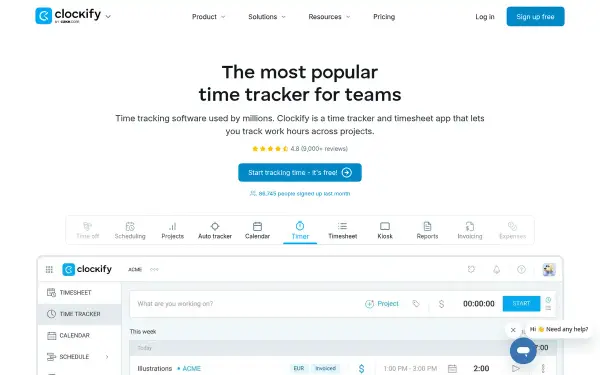
Entry II of VIII / Cheap paid seats
Our verdict
The value pick for freelancers who want cheap paid seats, timesheets and reports without a long setup.
Clockify is the value pick, especially for a freelancer who may soon add subcontractors. The free plan includes timesheets and reporting, and the paid Basic tier is $3.99 per seat per month billed annually, or $4.99 billed monthly. That makes it a low-cost paid seat among the tools compared here on the annual rate. Clockify's paid entry price is lower than Toggl's Starter price. The free tier covers basic team workflows as well as solo users.
The trade-off is clarity. The interface is busier than Toggl Track, and several advanced capabilities require a paid plan. Free accounts may also see slower support response. The free plan limit is listed inconsistently, so confirm the current limit on the vendor page before you plan around it. For straightforward time capture, estimates and reports, those limits are easy to live with if the seat count works.
Use it if budget is the deciding factor and you want timesheets and reporting at no cost. Skip it if you need the cleanest daily timer or you expect fast support on a free account.
Low seat prices and free timesheets matter more to you than a polished interface.
You want the simplest timer or you need fast support on a free account.
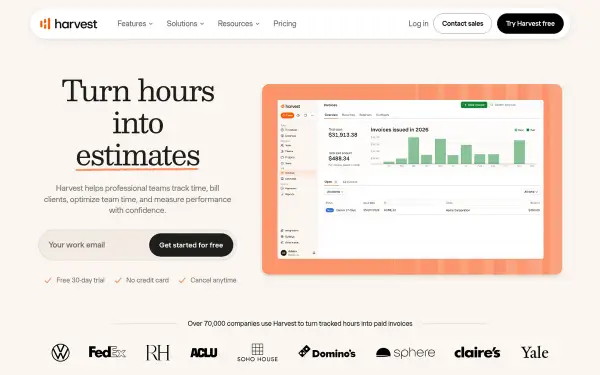
Entry III of VIII / Time to invoice
Our verdict
The billing-first choice for freelancers who track hours so they can send a client invoice without retyping.
Harvest is built around a billing loop: track hours, add expenses, then turn the billable total into an invoice without retyping. That makes it a strong fit for a freelancer whose main question is not where the day went, but what to invoice this client this month. Client-facing reports are clean and presentable, and project budgets give an early warning when a fixed fee or retainer is drifting.
Pricing starts at $9 per seat per month on the Teams plan, billed annually at $108 per seat. The free plan is a trial run rather than a working setup: one seat and two projects. Expense tracking comes included, which saves a separate tool for reimbursable costs. The weaker side is automation. Harvest has fewer automation options than tracking-first rivals, and seat prices have varied in the past, so confirm the current number on the vendor page before you budget for a team.
For a solo freelancer billing hourly, the time to invoice link is the feature that matters, and Harvest keeps it direct. Use it if your invoice is the end point of every tracked hour. Skip it if you need a rich free plan or deep workflow automation.
Tracked hours should become client invoices with as little retyping as possible.
You need a free plan for real client work or you depend on heavy automation.
Entry IV of VIII / Passive focus data
Our verdict
A passive focus tracker for freelancers who want to see where the day went, not to build client invoices.
RescueTime is a different kind of tool: it records app and website usage in the background and turns that into focus reports, rather than asking you to start a timer for each client task. For a freelancer with fragmented days, that passive record can show where the hours actually went, including the admin, email and research time that rarely gets logged.
Solo Focus is $7 per month billed annually at $84, and there is a free plan but no trial. The core strengths are distraction blocking and goal setting for deep work. It is not built for client invoicing: you export data into another workflow. Activity categorization also needs manual review, because a browser window can hold both client work and a distraction. Confirm the current Solo Focus price on the vendor page before you buy. The export step is useful for billing, but it is a handoff rather than an invoice engine.
Use it if you want habit and focus data without timer discipline. Skip it if your main need is a billable-hours record or an invoice-ready report.
You want passive focus data and distraction blocking without starting a clock.
You need client invoices, project budgets or a billable-hours record.
Entry V of VIII / In-app project timer
Our verdict
The right fit when client work already lives in a project tool and tracking should happen inside it.
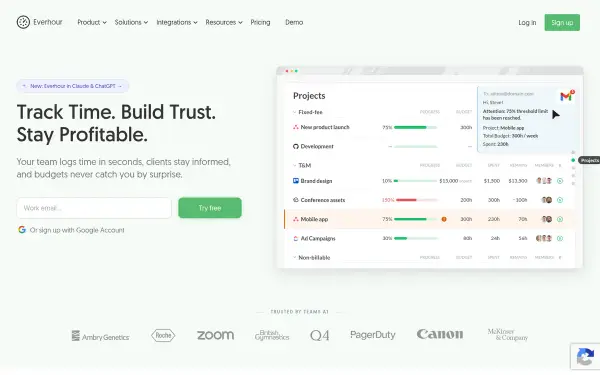
Everhour is for freelancers who already run client work inside Asana, ClickUp, Jira or Trello. The timer sits inside those tools, so a task update and a time entry happen in the same place. That reduces the context switching that makes manual tracking fail. Budgets, estimates and reporting are built around client projects, and invoicing integrations help move tracked time toward a bill.
Pricing is $8.50 per seat per month on the Team plan, billed yearly with a minimum of five seats. That minimum matters for a solo freelancer: the seat price may look low, but the commitment is five seats. The free plan covers up to five seats with limited features, and there is a 14-day trial of all features. If you do not use a supported project tool, the value drops sharply, and standalone tracking is comparatively weak. The price has been quoted differently in the past, so check the vendor page before signing.
Use it if your project board is already the center of your work. Skip it if you want a simple standalone timer or you cannot meet the seat minimum.
You work inside Asana, ClickUp, Jira or Trello and want tracking without a second tab.
You need a standalone tracker or cannot commit to the five-seat minimum.
Entry VI of VIII / AI draft entries
Our verdict
Automatic capture and AI-drafted entries suit freelancers who forget timers but will review a daily list.
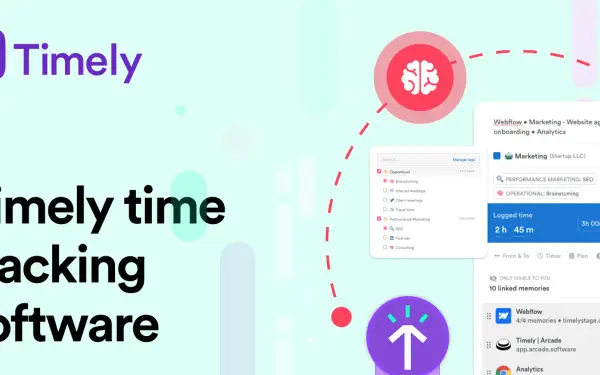
Timely removes the start and stop timer. It captures work activity in the background and uses AI to draft time entries, which you review and assign to projects and clients. For a freelancer who loses track during a day of client calls, edits and admin, that can produce a more complete record than a manual timer that gets forgotten.
The Starter plan is $9 per user per month billed yearly, capped at five users and 20 projects. There is no free plan, only a 14-day free trial. The AI drafts are useful because you confirm them rather than build each entry from scratch, and the project and client views are strong. The catch is review time: captured entries still need checking to be accurate, and background app recording raises privacy questions that matter if you work with confidential client material. Project and client views are listed, so check the vendor page for the current reporting options.
Use it if you want automatic capture and will spend a few minutes each day reviewing the result. Skip it if you need a permanent free plan or a tool that sends invoices directly.
You forget to start timers and want a daily review list instead of a stopwatch.
You need a free plan or a direct invoice workflow.
Entry VII of VIII / Proof of work
Our verdict
Proof-of-work tracking for contractors whose clients require screenshots, activity levels or GPS records in a contract.
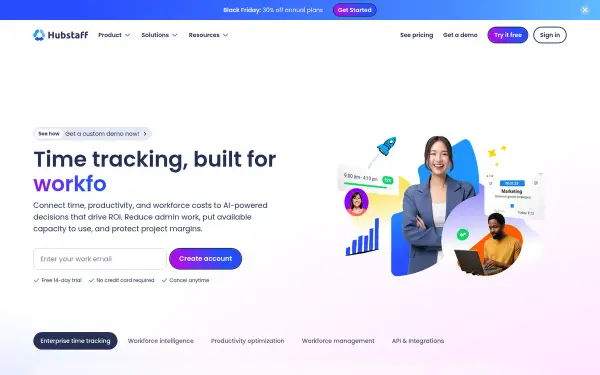
Hubstaff is for freelancers whose clients demand proof of hours, not just a timesheet. It records screenshots, measures activity and can add GPS tracking for field work. Payroll and hour reporting make it more than a timer, and the Starter plan is $4.99 per seat per month with a two-seat minimum. There is no free plan, but a 14-day free trial covers evaluation.
The auditing features are the point. If a client contract requires verifiable records, Hubstaff produces them. For a solo freelancer working from home, the same monitoring can feel intrusive and unnecessary, especially if you bill on trust or fixed fees. Setup takes time because you need to configure projects, clients and monitoring settings before the data is useful. The two-seat minimum also means the entry price is not the full monthly commitment for one person.
Use it when a client or agency requires proof of work and you can agree on what is recorded. Skip it if you want a private timer, a permanent free tier or a low-admin setup.
A client requires verifiable screenshots, activity levels or GPS records.
You work on trust or want a private, low-admin timer.
Entry VIII of VIII / Unlimited free users
Our verdict
A low-cost tracker with a free plan for unlimited users and paid features for invoicing and attendance.
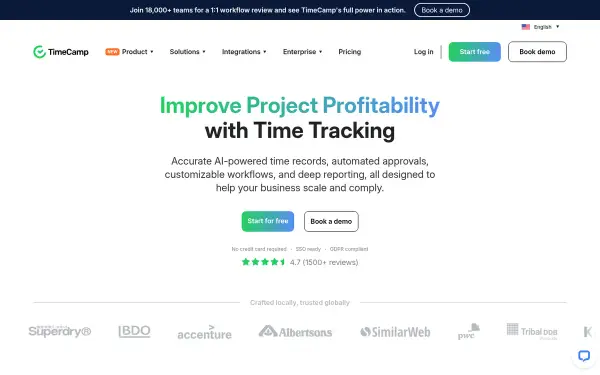
TimeCamp is the low-cost option, with a Starter plan at $2.49 per user per month billed annually, or $3.49 month to month. The free plan allows unlimited users, which is useful for a freelancer who collaborates with subcontractors. Paid features add AI-assisted entries, invoicing and attendance tracking, so billing and hours sit in one product. A free trial is available for evaluation.
The interface is less refined than Toggl Track, and some capabilities are paywalled, so the headline price does not buy the full platform. The user community is also smaller, which matters if you rely on templates or peer answers. Still, for cost-sensitive teams that need basic tracking, reports and an invoice path, TimeCamp covers a lot for very little. Check which features sit on Starter versus higher tiers before you commit, and confirm whether annual billing is acceptable.
Use it if price and unlimited free users matter more than polish. Skip it if you want the cleanest timer or a large support ecosystem.
You need a low-cost paid seat or a free plan that does not cap users.
You want the most polished timer or a large user community.
VIBackground
A freelance time tracking app records time against clients, projects and tasks, then turns those entries into reports, budgets and invoices. A freelance time tracking app for a solo operator should do this without adding a second job: start a timer, correct the entry, and send a clean report. The category covers several designs, and the right one depends on how you bill.
Nonbillable time belongs in the same system if you want a true picture of your week. Track admin, proposals and bookkeeping under a separate project or tag, then keep those entries out of client reports. A tracker that only records billable work can make a slow month look like a capacity problem when the real issue is unpaid admin.
This comparison sits in the software register. Further along the shore: baby tracking app and kennel software.
VIIPricing
Freelance time tracking apps can bill per seat per month, and the cheapest headline price is not always the full cost. Check the billing term, the seat minimum and the features that sit behind the paid plan before you compare numbers. Annual billing can lower the monthly figure, but it also locks in a longer commitment.
| Model | How it bills | Typical fit | Example from this list |
|---|---|---|---|
| Per-seat subscription | Per user, per month, often with annual and monthly rates | Freelancers who may add subcontractors | Clockify Basic is $3.99 per seat per month billed annually, or $4.99 billed monthly |
| Annual seat plan | Per seat, billed yearly | Solo freelancers who want a lower monthly rate | Harvest Teams is $9 per seat per month billed annually at $108 per seat |
| Freemium with paid tiers | Free plan with a user cap or feature limit, paid upgrade | Solo practices testing a workflow | TimeCamp has a free plan with unlimited users and Starter at $2.49 per user per month billed annually |
| Minimum-seat plan | Per seat with a minimum number of seats | Small teams already using a project tool | Everhour Team is $8.50 per seat per month billed yearly with a minimum of 5 seats |
| Annual personal plan | Per month, billed annually | Solo focus and habit tracking | RescueTime Solo Focus is $7 per month billed annually at $84 |
The plan name matters as much as the price. A tool may advertise a low Starter rate but put billable rates, approvals or invoicing on a higher tier. Toggl Track, for example, lists Premium at $16 per user per month, while billable rates sit on paid plans. Treat every free plan as a test, not a permanent answer, unless the seat cap and limits match your practice.
Each entry card shows the starting price as it appeared on the vendor's own pricing page on November 25, 2026. When a vendor shows no figure we could confirm, or only a promotional rate, the card says "See website" or gives the regular price instead of a guess. Usage, overage and add-on rates in the text change more often than plan prices, so confirm them on the vendor page before you set a budget. To test the numbers against your own volume, try the free User Research Budget Planner. The Event Break-Even Calculator is a second way to check the same decision.
VIIIDecision
IXPitfalls
XQuestions
A solo freelancer should start with Toggl Track for a fast manual timer or Harvest if invoices are the priority. A small team should look at Clockify for cheap paid seats and a free plan, or Everhour if work already runs in Asana, ClickUp, Jira or Trello. Team tools add seats, approvals and budgets; solo tools keep the daily entry simple.
Toggl Track starts at $9 per user per month on Starter, with a 30-day trial and a free plan for a limited number of users. Clockify starts at $3.99 per seat per month billed annually, or $4.99 monthly, and its free plan has been described as up to 5 users, so confirm the cap. Clockify is cheaper on paid seats; Toggl has the cleaner timer.
Harvest is the clearest fit for invoice-ready time, because tracked hours flow into invoices without retyping and expenses are included. TimeCamp also combines time tracking with invoicing, and Everhour connects to invoicing tools rather than replacing your billing stack. Toggl Track and Clockify produce reports and exports, so you may still invoice in another product.
Automatic capture records app and website activity in the background, then groups the activity into draft entries. Timely uses AI to draft entries for review; RescueTime reports on focus and distraction. Because the record can include confidential client material, review privacy settings, team access and whether screenshots are captured before you install it.
Yes, track nonbillable admin time if you want a true picture of your week. It shows how much capacity goes to email, proposals, bookkeeping and research, and it helps you price fixed fees. Use a separate project or tag so client reports stay clean. Manual timers such as Toggl Track and Clockify let you separate admin with a project or tag.
Prices differ because vendors show annual versus monthly billing, per-seat versus per-account pricing, seat minimums and different plan names. TimeCamp, for example, lists $2.49 per user per month billed annually and $3.49 month to month. Always check the vendor pricing page for the current billing term and minimum seats before comparing tools.
XIFurther along the shore
Vendors can ask for a correction or apply for a Featured listing. Paid or not, the entry is scored on the same rubric and its limits stay in print. Partner with Umberlake.
Free tools
Our free browser tools turn the prices on this page into a figure for your own volume. Nothing you type leaves your device.