
LumApps
See websiteQuote-based annual subscription
Best for large companies already running Microsoft 365 or Google Workspace
- Free plan
- No
- Rubric
- 6.4 of 10
Nine employee portal platforms ranked by integration depth, frontline access and pricing transparency, with notes on rollout time, trials and the real cost behind quote-only pricing.

IThe short answer
These best employee portal software reviews, updated November 2026, rank nine tools by integration depth, frontline reach and pricing clarity. LumApps leads for large companies already running Microsoft 365 or Google Workspace. Unily suits global enterprises with heavy multilingual needs. Simpplr fits mid-market to enterprise teams that want deployment in weeks rather than months. Prices were checked on November 26, 2026, and quote-only vendors are flagged where no public rate exists.
9 tools compared from vendor pages on November 25, 2026. 2 publish a starting price we could read; the rest say "See website".
IITop three berths
Register order is editorial fit for the buyer each entry describes. Prices are the starting figures read on November 25, 2026.
See websiteQuote-based annual subscription
Best for large companies already running Microsoft 365 or Google Workspace

See websiteQuote-based, scoped to organization size
Best for global enterprises with complex multilingual requirements

See websiteVolume-based quote tied to size, complexity and support level
Best for mid-market to enterprise teams wanting fast deployment
How this page is paid for. All 9 tools here are unpaid editorial picks.
A paid listing's position can be part of what the vendor pays for. Every entry, paid or not, is scored on the same rubric and keeps its limits in print. Advertising disclosure.
IIIThe register
Starting prices as shown on each vendor's pricing page on November 25, 2026. "See website" means no figure we could confirm.
| No. | Tool | From | Free plan | Trial | Rubric | Actions |
|---|---|---|---|---|---|---|
| 01 | LumAppsLarge companies already running Microsoft 365 or Google Workspace | See websiteQuote-based annual subscriptionNot shown publicly | No | Free trial | 6.4 | |
| 02 | UnilyGlobal enterprises with complex multilingual requirements | See websiteQuote-based, scoped to organization sizeNot shown publicly | No | Free trial | 6.0 | |
| 03 | SimpplrMid-market to enterprise teams wanting fast deployment | See websiteVolume-based quote tied to size, complexity and support levelNot shown publicly | No | Free trial | 7.1 | |
| 04 |  WorkvivoCompanies prioritizing social, high-adoption employee communication | See websiteQuote based on license count and scope, plan structure published without ratesNot shown publicly | No | Free trial | 7.2 | |
| 05 |  AppspaceCompanies that also need digital signage and room booking | See websiteQuote-based across the combined workplace platformNot shown publicly | No | Free trial | 6.2 | |
| 06 |  JostleMid-size teams that want transparent published pricing | $2.77Bronze, per user per month, prepaid annual subscriptionUpdated on vendor page | No | Free trial | 6.8 | |
| 07 |  MangoAppsFrontline-heavy industries such as retail and healthcare | $4.50Updated on vendor page | No | Free trial | 7.8 | |
| 08 |  HappeoSmall to mid-size companies, especially Google Workspace users | See websiteQuote-based across Starter, Growth and Enterprise tiersNot shown publicly | No | Free trial | 5.7 | |
| 09 |  StaffbaseLarge distributed workforces with many deskless employees | See websiteQuote-based annual contract, modules sold separatelyNot shown publicly | No | Free trial | 6.7 |
Pinned:
IVMethod
We scored each platform on five criteria: integration depth (25 percent), frontline access (25 percent), time to launch (20 percent), pricing clarity (15 percent) and adoption support (15 percent). Integration depth asks how well a portal connects to Microsoft 365, Google Workspace, HRIS and ITSM systems, because a portal that cannot reach Workday or ServiceNow becomes another place people forget to check. Frontline access covers whether staff without corporate email can sign in on a phone. Time to launch reflects vendor rollout estimates, from Simpplr's four to eight weeks to Staffbase's three to four months. Pricing clarity rewards published rates over quote-only processes. Adoption support covers onboarding help, named success teams and reported retention or usage figures.
Prices were taken from vendor pricing sheets checked on November 26, 2026. Where our check returned no pricing page, we say so in the review rather than estimate a figure. Only Jostle and MangoApps gave us a confirmed entry rate.
The order of this list is editorial. It reflects how well each tool fits the buyer described in its entry, not a weighted total. When a listing carries the Featured label, it is a paid placement, and it is scored with the same rubric and held to the same honest cons as every other entry.
The full routine, from price reads to corrections, is on the methodology page. Paid listings follow the advertising disclosure.
How well the portal connects to Microsoft 365, Google Workspace, HRIS and ITSM systems people already query.
Whether deskless staff without corporate email can sign in, read and act from a phone.
How quickly a team can go live and migrate content, based on vendor rollout estimates.
Whether rates are published, quote-only or gated behind a long enterprise sales process.
Onboarding help, named success staffing and reported usage or retention figures.
Entry I of IX / Connected knowledge search
Our verdict
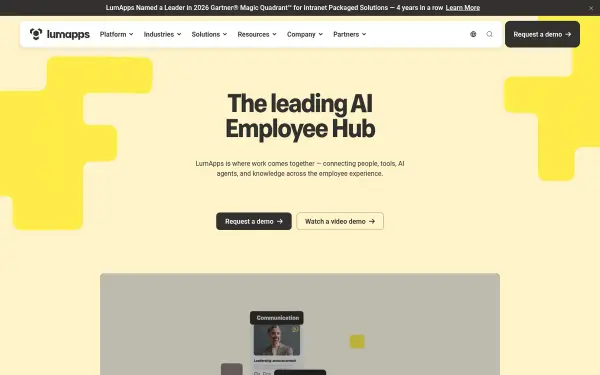
LumApps is the strongest pick for Microsoft 365 or Google Workspace shops that need search, learning and workflows in one hub.
LumApps is an AI employee hub built around intranet pages, targeted communication campaigns and knowledge search that reaches into connected systems. The connector library covers more than 50 no-code links to Microsoft, Google, ServiceNow and Workday, which is what makes the search useful instead of another empty box. Onboarding journeys, microlearning modules and a no-code workflow builder sit in the same product, so HR can publish a form or an approval without booking developer time. Mobile access is included.
Pricing is quote-only on an annual subscription. No pricing page was retrieved when we checked on November 26, 2026, so we cannot confirm a figure and do not publish one. Rollouts commonly run three to six months, and content migration is meaningful work, not a checkbox. Small and mid-size teams will hit enterprise-level cost.
The vendor says more than seven million employees use the platform. Support runs through email and an online help desk.
Pick it when you are standardized on Microsoft 365 or Google Workspace and want communication, workflows, learning and search in one hub for a large population. Expect a project with a migration plan, not a switch-on.
Your company already runs Microsoft 365 or Google Workspace and wants one hub for news, search, learning and approvals.
You need a portal live in under a month or your budget requires a published per-user rate.
Entry II of IX / Multilingual AI agents
Our verdict
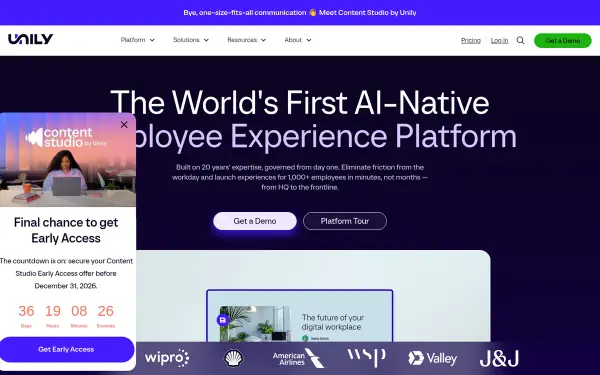
Unily is built for very large, multilingual organizations that want AI agents handling HR, IT and CRM questions inside the intranet.
Unily positions itself as an AI-native employee experience platform with two named products. Glass answers employee questions and triggers actions across HR, IT and CRM. Indi designs and publishes branded intranet pages for administrators. Around those sit personalized content targeting, multi-channel publishing, governance workflows and analytics, plus a bring-your-own-AI connection to Microsoft 365 Copilot or another AI investment.
Multilingual publishing and localization are the real differentiator. Organizations publishing in a dozen languages with regional governance rules get a product that assumes that complexity rather than bolting it on. The vendor says it is proven at organizations with 100,000 or more employees, and target customers range from 1,000 upward.
Pricing is quote-based and scoped to organization size. Our check on November 26, 2026 returned no pricing page, so no rate is confirmed here. The sales process and implementation are heavy, and the buyer needs dedicated internal owners during rollout. For a team of 400 without a communications function, that weight is the wrong shape.
Choose Unily when you are a global enterprise with complex language and governance requirements and you want AI agents on both sides of the platform, one answering staff and one helping the admin team publish. Budget for a long implementation and name an internal owner before signing.
You are a global enterprise publishing in several languages and want AI agents answering employee questions across HR, IT and CRM.
You have fewer than a thousand employees or no internal team to own the rollout.
Entry III of IX / Fast deployment
Our verdict
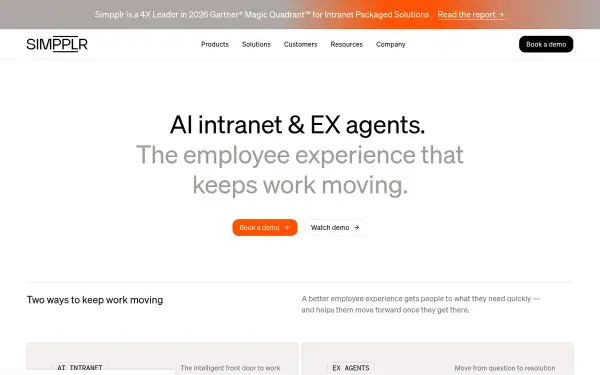
Simpplr is the fastest enterprise-grade option here, with four to eight week deployments and four releases a year included.
Simpplr One bundles the intranet, multi-channel communication tools, enterprise search, embedded AI assistance and analytics in one subscription. Four product releases a year are included, along with technical support, customer success oversight and training. The vendor reports 95 percent customer retention, more than 1,000 customers and more than two million active users.
Deployment is the headline. Typical rollouts run four to eight weeks, the fastest estimate in this list, which matters if you are replacing a shared drive before a merger deadline or an audit.
Pricing is volume-based, quoted against organization size, complexity and support level. No prices or named plans are published, and our check on November 26, 2026 found no official pricing text. Enterprise focus means it sits above simple intranet budgets, so treat any early number as a placeholder.
Pick Simpplr when speed and a managed service matter more than a published price, and when you have a procurement team comfortable with a quote process. The support and release cadence are the reason to pay enterprise rates.
You want an enterprise intranet without a six month project and you can run a quote through sales.
You need a published per-user price before you can get budget approval.
Entry IV of IX / Social adoption engine
Our verdict
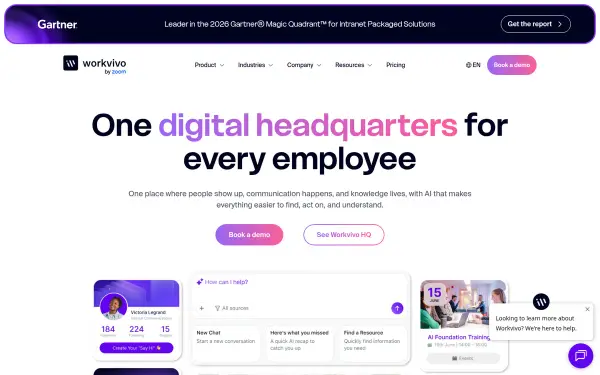
Workvivo wins on adoption: a familiar social feed, 60 plus integrations and Zoom backing make it easy for employees to actually post.
Workvivo leads with a social feed that mixes posts, conversations, updates and recognition. Staff already understand the pattern, which is why adoption is the pitch. Chat and calls, livestreaming, knowledge hubs and onboarding journeys all sit in the same mobile app, and AI answers in natural language plus automatic catch-up summaries help people who have been away from the feed for a week.
Integrations cover 60 plus HR tools plus Google Workspace, Microsoft 365 and Slack. It operates as a Zoom company, so collaboration context and a recognizable parent brand come with it.
Pricing is quote-based on license count and scope. The vendor publishes a plan structure without rates, and our check on November 26, 2026 returned nothing to confirm a number. Smaller companies may end up paying for more platform than they need, and the final cost stays unknown until a sales conversation.
Pick it if your problem is participation rather than publishing: a workforce that ignores email and needs a place to talk, recognize and catch up. Skip it if your first requirement is a governed, multilingual document intranet and the social layer is secondary. Ask how recognition and knowledge hub content survive if you later consolidate tools.
Low participation is your real problem and you want a feed staff will post in without training.
You need a tightly governed document intranet across many languages first.
Entry V of IX / One admin console
Our verdict
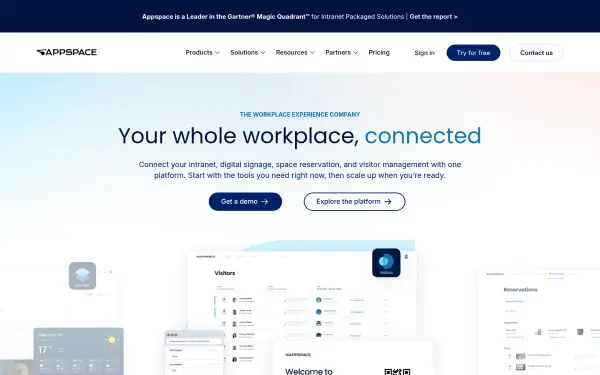
Appspace is the pick when you want intranet, digital signage, desk booking and visitor check-in from one admin console.
Appspace is a workplace platform rather than a pure intranet. The employee intranet and mobile app sit beside digital signage for screens and meeting rooms, desk and space reservation, and visitor management with check-in. One admin interface runs all of it, and integrations connect to the collaboration tools teams already use.
That combination is the reason to shortlist it. A facilities team paying for signage, a reception team paying for visitor check-in and an internal comms team paying for an intranet can consolidate contracts and one set of permissions. It acquired Igloo Software in September 2025, adding more than 325 customers and intranet expertise. Existing Igloo customers continue to receive full support.
Watch the roadmap. The product line is still converging after that acquisition, migration paths for former Igloo customers need confirmation in writing, and an intranet-only buyer will pay for modules they never switch on. Pricing is quote-based across the combined platform, and our check on November 26, 2026 returned no page content to confirm a figure.
Choose it when workplace operations and internal communication report to the same budget owner and you want screens, desks, visitors and news under one login. If you only need news and documents, a narrower tool will cost less.
You want one vendor for employee news, screens, desk booking and visitor check-in under a single admin login.
You only need an intranet and already have separate signage and booking tools you are happy with.
Entry VI of IX / Published per-user rates
Our verdict
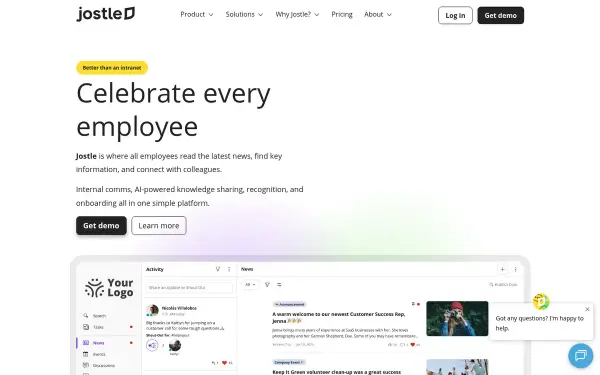
Jostle publishes its rates: $2.77 per user per month on Bronze, with free onboarding and SSO on every plan.
Jostle is the transparency pick. Bronze is $2.77 per user per month on a prepaid annual subscription, and the ladder scales with user count: Silver near $4.98 and Gold near $6.64 per user per month at 500 users, with Platinum quoted. Free implementation and onboarding are included on every plan, and so are mobile apps, SSO and provisioning, which is unusual at the entry tier.
The product covers targeted news with read tracking, a structured knowledge library with permissions synced to Google Drive and OneDrive, an employee directory with org charts, shout-outs, discussions and weekly digest emails. Governance controls are built in. Admin is deliberately simple, aimed at lean teams with no consultant on retainer.
Limits show up at scale. Complex multilingual publishing is outside its core strengths, global enterprises needing heavy customization will fight the template, and advanced modules cost extra above the base tiers. The vendor is Canadian-founded and prices in US dollars on the public ladder.
Pick Jostle when you need a defensible per-user number for a budget request this quarter and a portal your office manager can run without training. Skip it if you are publishing in eight languages or need deep workflow customization across business units, since those requirements push you toward LumApps or Unily.
You need a published per-user price, free onboarding and a portal a lean admin team can run alone.
You publish in many languages or need heavy customization across business units.
Entry VII of IX / Frontline without email
Our verdict
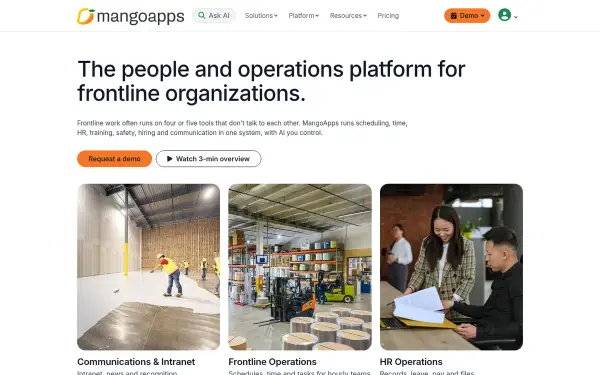
MangoApps is the frontline specialist, with no corporate email required and certifications including HITRUST, SOC 2 Type II and FedRAMP.
MangoApps has spent roughly 18 years on deskless workers, and the product reflects it. The employee app covers schedules, tasks and training, with safety checks and shift coverage tools, HR self-service under a single login, and AI agents embedded in workflows such as inspections. No corporate email is required, which is the point for retail, healthcare and manufacturing floors.
The published entry point is the Communications and Intranet pack at $4.50 per employee per month billed annually, with a 200 employee minimum. Modular suites such as Employee Experience and Frontline Operations are quoted, and the Complete tier is a custom quote. The vendor site cites roughly $19 per seat per month as a starting point for smaller organizations. More than 200 integrations span HRIS, payroll and ITSM, and deployment can run as SaaS, private cloud, customer VPC or on-premise.
Certifications include HITRUST, SOC 2 Type II, ISO 01 and FedRAMP. The vendor reports more than two million users and 98 percent customer retention, and backs adoption with named customer success managers. The reported 90 percent plus adoption within 90 days depends on enrolling every employee, so ask how frontline licenses are counted before you sign.
Pick it when a large share of your workforce has no desk or company email and you need one app for shifts, safety and HR self-service.
Most of your staff work shifts or on floors and need one app for schedules, safety checks and HR without a company email.
You have fewer than 200 employees or a purely desk-based workforce with no frontline use case.
Entry VIII of IX / Connected Google search
Our verdict
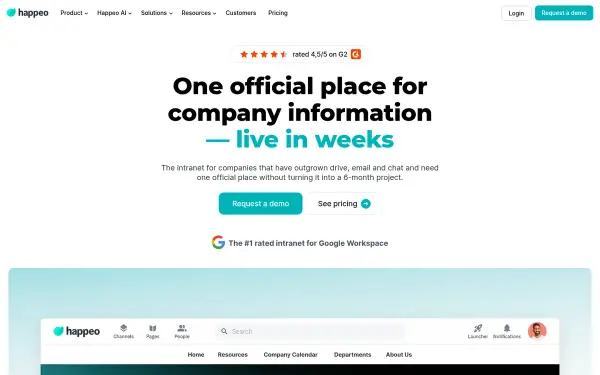
Happeo suits Google Workspace companies that have outgrown shared drives and want connected search across Drive, Gmail and Slack.
Happeo targets the company that has outgrown shared drives, email threads and chat channels. Knowledge spaces hold HR, IT and onboarding pages, announcements carry read tracking, polls and analytics, and lifecycle management handles scheduled posts and staff changes. Connected search is the strongest part: results span Happeo, Google Drive, Gmail and Slack with permissions respected.
Typical go-live is measured in weeks rather than months, which suits a team without a project manager to spare. The platform holds ISO 27001 certification and is GDPR compliant, and SSO, APIs and custom widgets are available.
There are three tiers. Starter covers simple intranets under 100 users, Growth and Enterprise carry 75-user minimums, and federated search and custom widgets sit on the higher tiers. Pricing is quote-based despite the small and mid-size focus, and our check on November 26, 2026 fetched no page text, so no tier rate is confirmed here.
Pick Happeo if you are a Google Workspace company of a few hundred people that wants search across Drive, Gmail and Slack plus a clean publishing layer, and you can accept a sales call to get a number. Skip it if you need published pricing before the first meeting or you run a Microsoft-first estate with little Google content to search.
You are a Google Workspace shop of a few hundred people that wants permission-aware search across Drive, Gmail and Slack.
You need a published price before the first meeting or you run a Microsoft-first estate.
Entry IX of IX / Deskless mobile reach
Our verdict
Staffbase is built for distributed deskless workforces, with an offline-capable app and modular intranet, email, SMS and signage channels.
Staffbase sells channels rather than one product: intranet, employee app, email campaigns, digital signage and an AI assistant, packaged as modules under an annual contract. The mobile app works offline for shift workers, drivers and retail staff, which is the feature that decides many frontline deals. Native integrations cover Microsoft 365, ServiceNow and Workday.
The vendor reports 94 percent monthly active usage among its hardest-to-reach customer populations and counts more than 1,500 enterprise customers. Dedicated success teams and migration support are part of the package, and each module is scoped and priced separately.
Pricing is quote-only on annual contracts, and our check on November 26, 2026 returned no page content, so no rate is confirmed. Average deployment runs three to four months. Budget for a written quote that covers every module and channel you plan to use, because module choice moves the number quickly.
Pick Staffbase when you are a large distributed organization and you want every channel, from app to signage, from one vendor with a frontline-first mobile app. Skip it if you have a small desk-based workforce that never needed an app in the first place, since you would be justifying modules you will not use.
You run a large distributed workforce and want frontline mobile, email, signage and intranet from one vendor.
Your workforce is small and desk-based and a mobile app would go unused.
VBackground
An employee portal is a single signed-in destination where staff find news, documents, HR self-service, search and the tools they use daily. The intranet is the publishing layer inside it. Portals add personalization, workflows, mobile apps for deskless staff and integrations with systems such as Workday, ServiceNow, Microsoft 365 and Google Workspace.
The distinction matters at buying time. Intranet products are priced and judged on publishing: pages, news, targeting, governance. Portal products are judged on what happens after someone signs in. Does search return the right Workday record, can a shift worker check a rota on a phone, can a manager approve a request without email? Vendors such as Simpplr and LumApps sell the second story, while Appspace bundles it with signage and desk booking.
Common building blocks in this category:
If you already pay for Microsoft 365 or Google Workspace, ask hard questions about what Viva Connections, Google Sites or SharePoint cannot do for you. They publish news competently. What they rarely handle well is frontline access without email, cross-system search with governance, and one admin model for many publishers. Those gaps are where a dedicated portal earns its budget.
This comparison sits in the software register. Further along the shore: baby tracking app and kennel software.
VIPricing
Most employee portal software is quote-only. Two tools here publish entry rates: Jostle at $2.77 per user per month on Bronze and MangoApps at $4.50 per employee per month with a 200 employee minimum. Everything else is scoped to headcount, modules and support, so expect a sales cycle before you see a number.
| Model | How it bills | Typical fit | Example from this list |
|---|---|---|---|
| Published per-user rate | Per user or per employee, per month, prepaid annually | Mid-size teams that need budget approval fast | Jostle at $2.77, MangoApps at $4.50 |
| Quote by headcount | Annual contract sized to employee count and modules | Enterprises with 1,000 or more staff | Unily, Workvivo, Staffbase |
| Quote by scope | Annual subscription with implementation and support included | Buyers wanting communication plus workflows in one platform | LumApps, Simpplr, Happeo |
| Bundled workplace platform | One quote across several modules under one contract | Companies replacing signage, booking and intranet separately | Appspace |
Per-user pricing is the easiest to defend in a budget meeting, which is why Jostle's ladder (Silver near $4.98 and Gold near $6.64 per user per month at 500 users) reads clearly. Note that advanced modules cost extra above those tiers.
Quote by headcount buys a managed service: implementation and four releases a year in Simpplr's case, named success managers in MangoApps' case. Module scope and headcount move the number a lot, so get a written quote before you compare vendors.
Is it worth it in 2026? Compare the portal against the systems it replaces: a separate app builder, signage license, email campaign tool and the staff hours spent answering the same HR question. If your workforce is desk-based and small, a suite tool may be enough. If you carry deskless staff or many publishers, the quote usually pays back in reach. All nine tools offer free trials and none offers a free plan, so run a pilot with a real audience before signing.
Each entry card shows the starting price as it appeared on the vendor's own pricing page on November 25, 2026. When a vendor shows no figure we could confirm, or only a promotional rate, the card says "See website" or gives the regular price instead of a guess. Usage, overage and add-on rates in the text change more often than plan prices, so confirm them on the vendor page before you set a budget. To test the numbers against your own volume, try the free User Research Budget Planner. The Event Break-Even Calculator is a second way to check the same decision.
VIIDecision
Start with how your people work, then match the tool. Deskless shift staff point to MangoApps or Staffbase. A Microsoft 365 or Google Workspace estate points to LumApps or Happeo. A fast, managed enterprise intranet points to Simpplr, and a social participation problem points to Workvivo.
Map who needs access. Count employees with a desk, employees with only a shared terminal or phone, and contractors. Any group above 20 percent of headcount should push MangoApps or Staffbase to the top of your shortlist.
Check the systems search must reach. List the HRIS, payroll and ITSM systems your people actually ask about. LumApps covers more than 50 no-code connectors and Workvivo covers 60 plus HR tools, so verify your stack appears before the demo.
Put a number on rollout tolerance. If the portal must be live before a merger, an audit or peak season, Simpplr's four to eight week estimate is the benchmark. Three to six month projects need a named internal owner and a migration plan.
Test the admin experience, not just the feed. Ask each vendor to show a non-technical editor publishing a targeted announcement with read tracking and a permissions-bound page. Jostle sells simple admin as the reason to buy, so hold others to that bar.
Price the whole population, not the pilot. Ask how licenses are counted for frontline staff, then get a written quote for the full headcount. A 200 employee minimum and modular pricing both change the per-user math quickly.
Agree exit and migration terms. Ask what happens to your content and analytics if you leave, and get it in writing. Appspace buyers inheriting Igloo should confirm the migration path explicitly, since that roadmap is still converging.
VIIIPitfalls
The most common mistakes are buying for the demo rather than the rollout, ignoring how frontline licenses are counted, and treating content migration as someone else's job. Others include paying for modules you will not switch on and signing an annual contract without a trial or exit terms.
Buying the AI demo. Every vendor here has an AI story, from Unily Glass to MangoApps agents inside inspections. Ask what the assistant can actually action in your systems, and how it is priced, before that becomes the deciding factor.
Forgetting the deskless count. License counts that assume a company email address leave out exactly the people a portal is supposed to reach. Ask how MangoApps or Staffbase would license a 4,000-person warehouse floor before you compare quotes.
Underestimating migration. LumApps rollouts commonly take three to six months and Staffbase averages three to four, and the content work usually outlasts the technical setup. Assign a migration owner with real hours attached.
Paying for modules you will not use. Appspace bundles signage and desk booking, Staffbase sells channels separately. Buy the modules your people will open in month three, not the ones that looked good in the demo.
Skipping the read-tracking test. Ask each finalist to show reach reporting on a real announcement with a defined audience. Without it you cannot prove the portal works, and renewal becomes an argument about feelings.
IXQuestions
A traditional intranet publishes news and documents. An employee portal adds a signed-in front door with personalized content, search across connected systems, HR self-service and workflow actions, plus mobile apps for staff without email. In practice the intranet becomes one layer inside the portal, which is why vendors such as LumApps and Staffbase sell both together.
Only two tools in this list publish entry rates: Jostle at $2.77 per user per month on Bronze and MangoApps at $4.50 per employee per month on its Communications and Intranet pack, billed annually. The other seven are quote-only, so budget for a sales process before you see a number.
They can cover the basics. Viva Connections and Google Sites publish news inside tools people already open, and they cost nothing extra if you already pay for the suite. A dedicated portal earns its fee when you need targeted communication, search across Workday or ServiceNow, onboarding journeys, frontline mobile access or governance across many publishers.
Plan on weeks, not days. Simpplr quotes four to eight weeks, Happeo measures go-live in weeks, and LumApps and Staffbase run longer, with LumApps at three to six months and Staffbase averaging three to four months. Content migration is separate work and usually the real bottleneck, so assign an owner before the kickoff call.
Yes. MangoApps is built for it, with roughly 18 years focused on deskless workers and no corporate email required, and Staffbase reports 94 percent monthly active usage among its hardest-to-reach populations. Others such as Workvivo, LumApps and Appspace also ship mobile apps, but check how licenses are counted for people who never open a desktop.
All nine tools here offer a free trial, and none of them offers a free plan. That means a pilot ends in a paid annual contract, often with a 75 or 200 user minimum at the lower tiers. Budget for the contract before the trial starts, and agree the exit terms in writing.
XFurther along the shore
Vendors can ask for a correction or apply for a Featured listing. Paid or not, the entry is scored on the same rubric and its limits stay in print. Partner with Umberlake.
Free tools
Our free browser tools turn the prices on this page into a figure for your own volume. Nothing you type leaves your device.