Supabase
$25Pro plan, per month, first project included, additional projects from $10 per month
Best for full-stack apps on Postgres
- Free plan
- Yes
- Rubric
- 8.3 of 10
Nine database and backend platforms ranked by how quickly a team can ship a working app, from managed Postgres to reactive TypeScript backends.

IThe short answer
Supabase, PlanetScale and Neon are the top picks for the best database software for intuitive development as of November 2026. Supabase suits teams that want Postgres plus auth, storage and functions in one dashboard. PlanetScale suits MySQL teams that treat schema changes like pull requests. Neon suits serverless workloads that should scale to zero when idle. The nine tools below cover relational, document and edge models, with starting prices checked on November 26, 2026.
9 tools compared from vendor pages on November 25, 2026. 9 publish a starting price we could read; the rest say "See website".
IITop three berths
Register order is editorial fit for the buyer each entry describes. Prices are the starting figures read on November 25, 2026.
$25Pro plan, per month, first project included, additional projects from $10 per month
Best for full-stack apps on Postgres
$5PlanetScale Postgres single node, per month, pay as you go
Best for mySQL teams needing branching and sharding
See websiteLaunch plan usage-based, pay per CU-hour and GB-month, typical spend $15 per month, free tier included
Best for serverless Postgres with database branching
How this page is paid for. All 9 tools here are unpaid editorial picks.
A paid listing's position can be part of what the vendor pays for. Every entry, paid or not, is scored on the same rubric and keeps its limits in print. Advertising disclosure.
IIIThe register
Starting prices as shown on each vendor's pricing page on November 25, 2026. "See website" means no figure we could confirm.
| No. | Tool | From | Free plan | Trial | Rubric | Actions |
|---|---|---|---|---|---|---|
| 01 | SupabaseFull-stack apps on Postgres | $25Pro plan, per month, first project included, additional projects from $10 per monthRead on vendor page | Yes | No | 8.3 | |
| 02 | PlanetScaleMySQL teams needing branching and sharding | $5PlanetScale Postgres single node, per month, pay as you goRead on vendor page | No | No | 7.5 | |
| 03 | NeonServerless Postgres with database branching | See websiteLaunch plan usage-based, pay per CU-hour and GB-month, typical spend $15 per month, free tier includedUpdated on vendor page | Yes | No | 8.2 | |
| 04 | FirebaseGoogle-backed mobile and web apps | FreeSpark no-cost plan, Blaze is pay as you go with Spark no-cost usage includedRead on vendor page | Yes | No | 6.9 | |
| 05 | MongoDB AtlasDocument-model apps at any scale | FreeM0 free cluster, Flex pay as you go from $8 per month, Dedicated from $0.08/hrRead on vendor page | Yes | No | 7.2 | |
| 06 | TursoEdge SQLite with embedded replicas | $4.99Developer plan, per month, billed annually, save $1 per monthRead on vendor page | Yes | No | 7.1 | |
| 07 | UpstashServerless Redis, caching and queues | FreeFree tier 250 MB and 500K commands, pay as you go $0.2 per 100K commands, fixed plans from $10 per monthRead on vendor page | Yes | Yes, on request | 7.9 | |
| 08 | AppwriteOpen-source all-in-one backend | $10Start plan, per month, pay as you goUpdated on vendor page | Yes | No | 7.8 | |
| 09 | ConvexReactive TypeScript backends | FreeFree and Starter plan, $0 base with pay as you go, Professional $25 per developer per monthRead on vendor page | Yes | No | 7.6 |
Pinned:
IVMethod
We compared nine database and backend platforms against five criteria: setup speed, pricing clarity, developer experience, scaling path and lock-in risk. Each criterion carries a weight in the rubric above, and every tool receives a score from 1 to 10 on each one. Those scores appear on every entry so you can see where a platform is strong and where it thins out.
Prices, plan names and free-tier limits come from vendor pricing pages checked on November 26, 2026. Where a vendor bills usage rather than a fixed seat, we say so and point you to the vendor site instead of quoting a number we cannot stand behind. Currency is left exactly as the vendor lists it, with no conversion.
The order is editorial. It reflects which platform we would put in front of the buyer described in each entry, not a calculated total. Where a listing carries the Featured label, that position is a paid placement, and the tool is scored with the same rubric and carries the same kind of cons as every other entry.
We do not accept vendor copy as a substitute for a documented limit. We flag ownership changes and roadmap risk when they could change a buying decision, which is why the announced Turso acquisition and the Databricks ownership of Neon appear in the entries below.
The full routine, from price reads to corrections, is on the methodology page. Paid listings follow the advertising disclosure.
How quickly a new project reaches a working database, API and login.
Whether the monthly bill is predictable before the first invoice arrives.
Quality of the schema workflow, types, docs and local development loop.
Room to grow from prototype to production traffic without a rebuild.
How easily data and application code can leave; lower risk scores higher.
Entry I of IX / Postgres plus auth
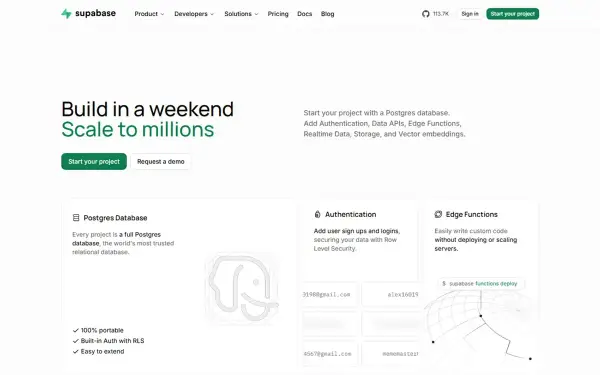
Our verdict
Best all-in-one pick for teams that want real Postgres with auth, storage and generated APIs in one dashboard.
Supabase is managed Postgres with row-level security at its core, and everything else is layered on top: authentication and user management, file storage buckets, realtime subscriptions over websockets, edge functions and vector search for embeddings. REST and GraphQL APIs are generated from your schema, so a table is queryable as soon as it exists rather than after you write an endpoint. The open-source core can be self-hosted if the hosted service stops fitting.
The free tier covers 500 MB of database storage, 1 GB of file storage and 50,000 monthly active auth users, but those free projects pause after a week without activity, which is awkward for a demo you plan to return to. Pro is $25 per month and covers the first project, with additional projects from $10 per month. Pro removes the inactivity pause and adds daily backups. Teams that need compliance features face a large jump to the Team tier, listed at $599 per month, and that figure should be rechecked on the vendor page before budgeting.
It fits teams building full-stack apps on Postgres who would otherwise stitch four services together. It fits less well when you only need a database, because the bundled auth and storage are paid for whether or not you use them, and per-project billing compounds across many small deployments.
You want a full backend on Postgres from one vendor and will use at least two of the bundled services.
You need only a database, or if per-project pricing across many deployments will not fit your budget.
Entry II of IX / Schema deploy requests
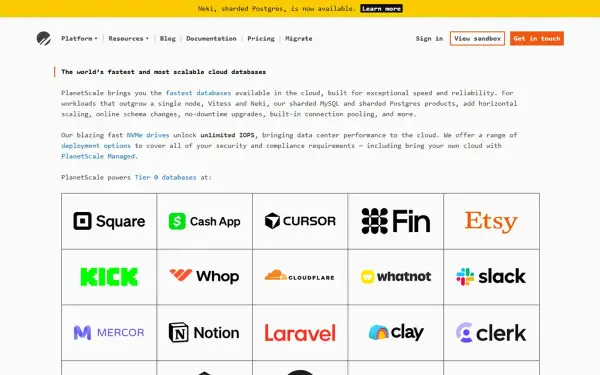
Our verdict
The pick for MySQL teams that want pull-request style schema review and sharding without table locks.
PlanetScale began as a MySQL platform built on Vitess and now covers MySQL, Postgres and single-node databases. The branching model is the reason teams arrive: you branch the schema, open a deploy request, review the diff, then merge it. Schema deployments run without locking tables, so a migration does not stall production traffic, and the Vitess heritage means horizontal sharding is available well past a single node.
There is no free tier and there has not been one since 2024, so spend starts on day one. PlanetScale Postgres on a single node begins at $5 per month, pay as you go. That base price excludes storage, backup and egress charges, which makes the monthly figure harder to predict than a flat plan, and Metal tiers with NVMe storage exist for heavier workloads.
It fits MySQL teams that already treat schema changes with review discipline and expect to shard. It fits less well for Postgres-centric teams, who may feel the MySQL-first heritage in the tooling and documentation, or for anyone who needs a fixed monthly bill before the first invoice lands.
Your team reviews schema changes like pull requests and expects to shard a MySQL or Postgres database.
You need a free tier for evaluation or a flat monthly bill you can forecast without usage data.
Entry III of IX / Scale to zero
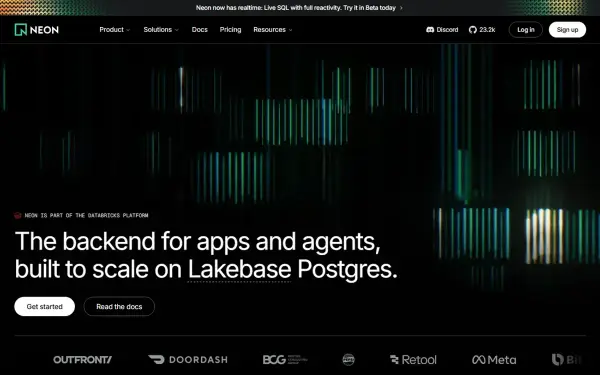
Our verdict
Strongest serverless Postgres choice when you want a database per pull request and idle compute that costs nearly nothing.
Neon runs serverless Postgres with compute that scales to zero when idle and wakes in milliseconds. Branching is copy-on-write, so each pull request can get its own database branch with realistic data and a snapshot tied to it. Idle databases cost close to nothing, and the Launch plan carries no monthly minimum, which makes it a comfortable home for preview environments and low-traffic internal tools.
The Launch plan is usage-based: you pay per CU-hour and GB-month, with typical spend around $15 per month and a free tier included. The old $19 monthly figure is gone, and current rates are on the vendor site rather than in a fixed plan. The free tier allows 100 projects with 1 GB of storage per project.
The limits are clear. It is Postgres only, with no bundled auth, storage or functions, so you bring your own identity provider and file handling. Cold starts after idle periods add latency to the first query, which matters for interactive dashboards. Ownership by Databricks may shift the roadmap, so recheck the vendor page before a multi-year commitment.
You want serverless Postgres with branching for preview environments and traffic that goes quiet for hours.
You need auth, storage and functions bundled, or if your workload never idles and cold starts would hurt.
Entry IV of IX / One console stack
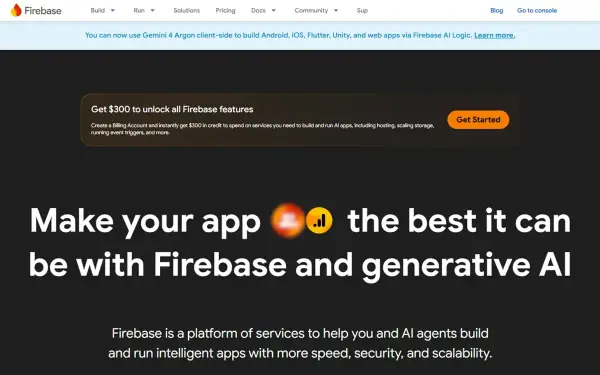
Our verdict
Best fit for mobile and web teams inside Google Cloud that want database, auth, hosting and analytics from one console.
Firebase bundles a Firestore realtime document database with authentication providers, static web hosting, cloud functions, crash reporting and analytics behind one console and one billing account. The SDKs cover iOS, Android, web, Flutter, Unity and C++, which is why it turns up in mobile and game projects. Public references include Duolingo, Venmo and NPR.
The Spark plan costs nothing and is genuinely usable for modest traffic. Blaze is pay as you go and includes the Spark no-cost usage, so upgrading is not an immediate bill. Blaze bills consumption rather than provisioned servers, which means unoptimized read patterns can produce a surprisingly large invoice at scale. Reads are the line to watch, and a data model that fetches whole collections per screen will show up on the invoice quickly.
The document model is the real constraint. Relational schemas with joins fit poorly, and teams that fight the model usually end up rebuilding relational logic in application code. Proprietary APIs also create meaningful lock-in, so leaving Firebase is not a weekend job. It fits Google-backed mobile and web apps that want one vendor for everything and accept the document model as it is.
You are building a mobile or web app on Google infrastructure and want login, hosting and analytics wired up already.
Your data is relational, if you expect to move vendors later, or if read-heavy screens would blow the budget.
Entry V of IX / Multi-cloud document store
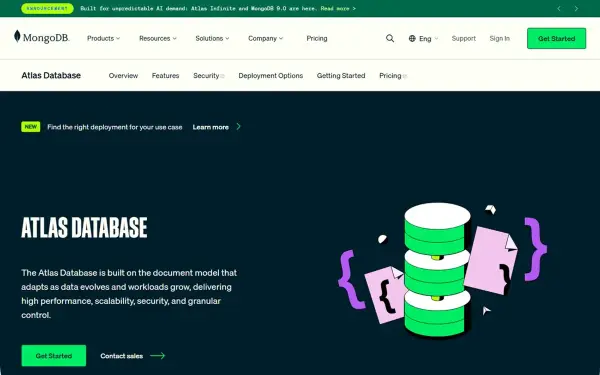
Our verdict
The document database default for apps whose objects change shape often, deployed across three clouds and 125+ regions.
MongoDB Atlas runs fully managed MongoDB deployments on AWS, Azure and Google Cloud, with multi-region replication, automated backups and point-in-time recovery included in the managed service. The flexible document schema suits applications whose objects evolve quickly, and the document model maps closely to the objects your code already uses. Coverage extends across 125+ regions and three clouds.
Pricing has three shapes. The M0 free cluster costs nothing and is fine for learning and small tools. Flex is pay as you go from $8 per month. Dedicated clusters start from $0.08/hr. Atlas Core and Atlas Infinite separate steady workloads from volatile AI-scale demand, which is useful if next quarter's traffic looks nothing like this one. Usage-based billing needs active monitoring at scale, because the bill follows read and write patterns rather than seats.
It fits document-model apps at any scale, especially teams that want the same database from prototype to production. It fits badly for heavily relational data, where joins and constraints matter more than schema flexibility, and enterprise capabilities sit behind dedicated tiers. Authentication, APIs and hosting stay your responsibility, so plan to bring your own backend alongside it.
Your application objects change shape often and you want the same document database from prototype to production.
Your data is heavily relational or you expect the database to supply auth, APIs and hosting.
Entry VI of IX / Embedded edge replicas
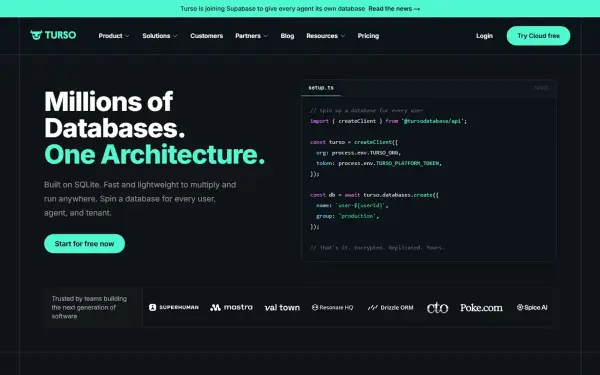
Our verdict
A specialist choice for edge SQLite with embedded replicas, where reads stay local and offline-first apps become practical.
Turso replicates SQLite databases to edge locations and adds embedded replicas that run on the device and sync back to the cloud. Reads are served close to users with single-digit millisecond latency, and one database per user, tenant or agent is a normal pattern rather than an anti-pattern. The libSQL engine underneath is open source and can be self-hosted.
The free plan allows 100 databases. The Developer plan is $4.99 per month billed annually, which saves $1 per month, and includes unlimited databases, 9 GB of storage and billions of row reads. That is cheap for what it covers, and the per-database model means one noisy tenant does not degrade everyone else.
SQLite semantics are the trade-off. Types are limited, there are no stored procedures, and the design is not suited to write-heavy workloads. In October 2026 Supabase announced it would acquire Turso and move customers toward Postgres over time, so confirm the current terms before planning a long-term architecture around it. It fits edge and offline-first applications today, with the acquisition as a real consideration for anything longer than a year.
You need per-tenant SQLite databases at the edge and want reads answered locally on the device.
Your workload is write-heavy or you cannot accept an ownership change partway through a long project.
Entry VII of IX / HTTP Redis access
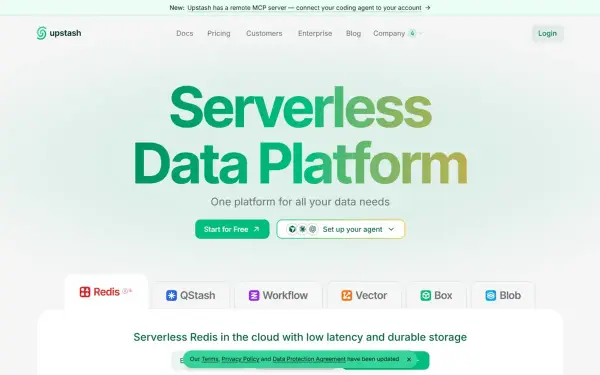
Our verdict
A caching, queue and vector layer for serverless apps, not a primary database, and its HTTP API avoids connection pooling pain.
Upstash is a serverless data layer built around a Redis-compatible cache, with vector search for embeddings, full-text search, message queues and durable workflows alongside it. Every product is reachable over an HTTP REST API, which is the feature that matters most in serverless and edge runtimes, because it avoids the connection pooling problems that break traditional Redis clients on Cloudflare Workers or Vercel Edge.
There is a free tier on each product with no credit card, and a trial is available on request. The free tier covers 250 MB and 500K commands. Paid usage is either pay as you go at $0.2 per 100K commands or a fixed monthly plan starting at $10.
It is not a primary database. Relational workloads, transactions that span entities and long-lived source-of-truth storage all belong elsewhere, with Upstash sitting beside a Postgres or document store. Spiky traffic can inflate per-request bills, and the expanding product lineup takes a while to navigate. It fits caching, rate limiting, queues and vector lookups in serverless applications that already have a database behind them.
You run serverless or edge functions that hit connection limits and need a cache, queue or vector lookup beside your database.
You are still choosing a primary database, because Upstash is designed to sit next to one rather than replace it.
Entry VIII of IX / Self-hosted exit path
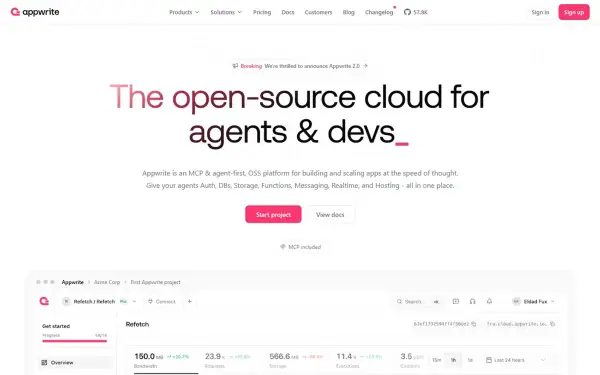
Our verdict
The open-source all-in-one backend for teams that want a self-hostable alternative to the larger platforms.
Appwrite is an open-source backend with authentication, databases including the Postgres-based TablesDB, file storage, serverless functions, messaging and realtime subscriptions behind one console. The open-source core means you can self-host the whole thing, which is the strongest exit path on this list if hosted pricing or terms change under you.
Pricing starts lower than the platforms it competes with: the Start plan is $10 per month, pay as you go, and sits below Pro, which has moved to $25 per month. A free plan is available for evaluation. The community is smaller than the largest platforms, so common problems are covered but unusual ones turn up fewer ready answers.
TablesDB is Postgres-based, but the platform is not Postgres-native in feel, and teams that need pgvector depth or raw SQL control typically look to Supabase instead. Tutorials, integrations and third-party tooling are thinner, and enterprise features trail the larger platforms. It fits teams that want a broad feature set, self-hosting and a lower entry price, and can live without the largest ecosystem of guides and integrations.
You want auth, database, storage and functions from one vendor and value being able to self-host the same stack.
You need deep Postgres tooling, vector search at Supabase's depth, or a large library of third-party guides.
Entry IX of IX / Reactive TypeScript queries
Our verdict
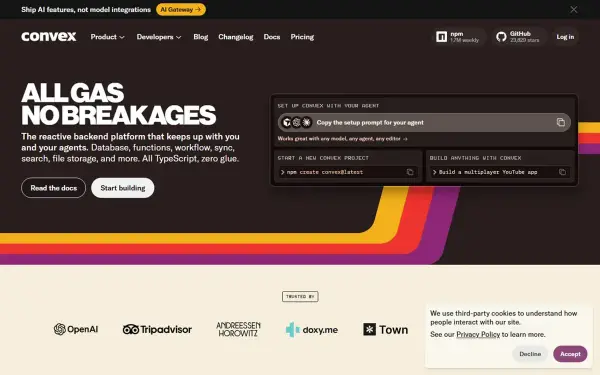
The reactive TypeScript backend for teams that want queries to push changes to clients without websocket code.
Convex is a reactive backend designed around TypeScript. Queries push changes to subscribed clients, so screens update without websocket code, cache invalidation or manual refetching. Types run end to end across schema, functions and frontend, which catches a whole class of mismatches before runtime. Serverless functions, scheduling, built-in search, file storage and single-command deployment ship together, so there is little glue code to write.
Pricing starts at $0. The Free and Starter plans carry a $0 base with pay as you go on top, and the free tier covers 1M function calls and 1 GB of database I/O per month without a card. The Professional plan is $25 per developer per month. Bandwidth and function-call usage need monitoring, since reactive queries re-run as data changes and busy apps generate traffic accordingly.
The TypeScript-first design is also the constraint. Python, Go and other stacks are second class, and a polyglot team will feel that quickly. The community is smaller than the established platforms, so fewer answers exist for unusual problems. It fits React and TypeScript teams building collaborative or dashboard-style apps where live updates are part of the product rather than an afterthought.
You are building a TypeScript app where live updates matter and you want types shared across the whole stack.
Your team writes Python or Go, or if you need a relational database with raw SQL access and a large community.
VBackground
The category covers platforms that bundle a database with the services an app needs around it: authentication, generated APIs, file storage and serverless functions. Supabase, Firebase, Appwrite and Convex are the clearest examples, while PlanetScale and Neon concentrate on the database itself with branching workflows. Development feels intuitive when schema changes and client data sync need little manual wiring.
In practice, intuitive means the database gets out of the way. Three things drive that: a schema workflow you can review instead of fear, APIs or client libraries that do not need hand-written glue, and environments that match production closely enough to trust.
The platforms here split into two families. The all-in-one backends (Supabase, Firebase, Appwrite, Convex) bundle a database with storage and serverless functions, so a new project has a working data layer on day one. The database-first platforms (PlanetScale, Neon, MongoDB Atlas, Turso, Upstash) do one job well and expect you to bring the rest.
A common setup pairs a Postgres platform with specialist layers: Neon for the primary database, Upstash for caching and rate limiting, and PlanetScale-style branching discipline for schema changes. That combination keeps each piece replaceable if terms or pricing move.
This comparison sits in the software register. Further along the shore: baby tracking app and kennel software.
VIPricing
Expect to pay nothing for a prototype and somewhere between $5 and $25 per month for a small production app, with usage-based platforms like Neon and Upstash scaling from there. The bigger variable is what each plan bundles: Supabase and Firebase include auth, storage and functions, while PlanetScale and Neon charge mainly for the database.
Most vendors now sell three shapes of plan. There is a free tier sized for evaluation, a flat monthly plan for a predictable bill, and a metered plan for traffic you cannot forecast. The trap is comparing headline prices across shapes, because a $5 single-node database with separate storage and egress charges is not cheaper than a $25 plan that includes the surrounding services.
| Model | How it bills | Typical fit | Example from this list |
|---|---|---|---|
| Free tier | No charge within storage, request and user caps | Side projects, prototypes, evaluation | Firebase Spark, MongoDB Atlas M0, Supabase free |
| Flat monthly | Fixed fee per project, seat or workspace | Predictable budgets for small teams | Supabase Pro at $25, Appwrite Start at $10, Turso Developer at $4.99 |
| Usage-based | Meters compute hours, storage, requests or commands | Spiky traffic and early-stage products | Neon Launch, Upstash at $0.2 per 100K commands |
| Base plus usage | Small floor with variable charges on top | Teams that want a ceiling and metered growth | Convex Starter at $0 base, Firebase Blaze |
| Per-hour instance | Hourly rate on fixed hardware | Steady production workloads | MongoDB Atlas Dedicated from $0.08/hr |
Read the plan note before you read the price. Supabase Pro includes the first project and charges from $10 per month for each extra one, so four side projects cost $55 rather than $25. PlanetScale's $5 excludes storage, backup and egress. Neon has no monthly minimum but bills per CU-hour, and Convex prices Professional at $25 per developer per month rather than per project.
Each entry card shows the starting price as it appeared on the vendor's own pricing page on November 25, 2026. When a vendor shows no figure we could confirm, or only a promotional rate, the card says "See website" or gives the regular price instead of a guess. Usage, overage and add-on rates in the text change more often than plan prices, so confirm them on the vendor page before you set a budget. To test the numbers against your own volume, try the free User Research Budget Planner. The Event Break-Even Calculator is a second way to check the same decision.
VIIDecision
Start with your data model, then your team's language. Relational data with lots of joins points to Supabase, Neon or PlanetScale. Documents that change shape point to MongoDB Atlas or Firebase. Reactive TypeScript interfaces point to Convex, and multi-tenant edge reads point to Turso. Check the free tier and the exit path before you commit.
VIIIPitfalls
The expensive mistakes are predictable. Teams pick a document store for relational data and rebuild joins by hand, ignore per-project billing until the invoice arrives, assume a free tier will hold production traffic, and treat a cache like Upstash as a primary database. Reading the plan note before signing up avoids most of it.
IXQuestions
Firebase and Convex are the quickest starts. Firebase ships SDKs for iOS, Android, web, Flutter and Unity, and Convex deploys database, functions and scheduling in a single command. Supabase and Appwrite are close behind because the REST and GraphQL APIs are generated from the schema you create.
Pick Postgres when your data has relationships, joins and reporting needs, which fits Supabase, Neon and PlanetScale. Pick a document store when objects change shape often and you read whole documents, which is MongoDB Atlas and Firebase territory. Moving from documents to relational tables later is the harder direction.
Neon gives 100 projects with 1 GB of storage each, Turso allows 100 databases, and Supabase covers 500 MB of database storage, 1 GB of files and 50,000 monthly active auth users. Firebase Spark, Appwrite, MongoDB Atlas M0 and Upstash free tiers also hold prototypes, though Supabase free projects pause after a week idle.
Check the engine, not the brand. Turso runs open-source libSQL, Supabase and Appwrite have open-source cores you can self-host, PlanetScale speaks MySQL and Postgres, and Neon speaks Postgres. That makes Supabase or Neon the natural landing spots for Turso users after the announced acquisition.
Add one when reads hammer the same keys, when serverless functions open too many database connections, or when background jobs need a queue. Upstash's HTTP API sidesteps connection pooling from edge runtimes, but keep the primary database as the source of truth and treat the cache as disposable.
Sometimes. Supabase and Convex both ship built-in search, and Upstash offers full-text search as a separate service, which means one less system to run. Once you need relevance tuning, faceting or fuzzy matching at volume, a dedicated search layer earns its keep. Start with what the database already gives you.
XFurther along the shore
Vendors can ask for a correction or apply for a Featured listing. Paid or not, the entry is scored on the same rubric and its limits stay in print. Partner with Umberlake.
Free tools
Our free browser tools turn the prices on this page into a figure for your own volume. Nothing you type leaves your device.