
Sage 300 CRE
See website
Best for uS contractors needing AIA billing and job costing
- Free plan
- No
- Rubric
- 7.2 of 10
Eight construction ERPs compared on job costing, billing depth and implementation weight, for contractors who need a finance system that survives an audit.

IThe short answer
Here is the short answer: the best construction ERP software in November 2026 depends on where your work gets complicated. Sage 300 CRE is a strong fit for US contractors who live on AIA billing, retainage and job costing. Sage Intacct Construction suits cloud-first firms running several entities. Viewpoint Vista fits large and heavy civil contractors with union payroll and multi-entity books. The eight tools below are ordered by fit for the buyer each entry describes, and every price was checked on 26 November 2026.
8 tools compared from vendor pages on November 25, 2026. 0 publish a starting price we could read; the rest say "See website".
IITop three berths
Register order is editorial fit for the buyer each entry describes. Prices are the starting figures read on November 25, 2026.
See website
Best for uS contractors needing AIA billing and job costing
See website
Best for cloud-first contractors with multiple entities
See website
Best for large and heavy civil contractors
How this page is paid for. All 8 tools here are unpaid editorial picks.
A paid listing's position can be part of what the vendor pays for. Every entry, paid or not, is scored on the same rubric and keeps its limits in print. Advertising disclosure.
IIIThe register
Starting prices as shown on each vendor's pricing page on November 25, 2026. "See website" means no figure we could confirm.
| No. | Tool | From | Free plan | Trial | Rubric | Actions |
|---|---|---|---|---|---|---|
| 01 | Sage 300 CREUS contractors needing AIA billing and job costing | See websiteNot shown publicly | No | No | 7.2 | |
| 02 | Sage Intacct ConstructionCloud-first contractors with multiple entities | See websiteNot shown publicly | No | No | 6.8 | |
| 03 | Viewpoint VistaLarge and heavy civil contractors | See websiteNot shown publicly | No | No | 7.4 | |
| 04 |  CMiCEnterprise general contractors needing unified project controls | See websiteNot shown publicly | No | No | 7.0 | |
| 05 | Acumatica ConstructionGrowing mid-market contractors wanting consumption-based cloud ERP | See websitecustom quoteQuote only | No | No | 6.6 | |
| 06 | FoundationMid-size contractors needing construction-only accounting | See websiteNot shown publicly | No | No | 7.0 | |
| 07 |  Jonas ConstructionContractors outgrowing generic accounting and spreadsheets | See websiteNot shown publicly | No | No | 6.1 | |
| 08 | Oracle NetSuiteCloud-first multi-subsidiary firms needing unified ERP | See websiteNot shown publicly | No | Free 3-day test drive | 6.0 |
Pinned:
IVMethod
Every entry was scored against the same five criteria, and the weights are shown in the rubric above. Construction depth carries the most weight because a contractor's month end depends on cost codes, retainage and progress billing behaving correctly. Accounting fit covers the ledger, payroll and reporting underneath. Implementation effort is scored so lighter rollouts rate higher. Ecosystem fit rewards integrations and partner networks you can actually hire, and pricing clarity reflects how much a buyer can learn before a sales call.
Prices and plan details come from vendor pricing pages checked on November 26, 2026. Where a vendor publishes no figure, the entry says so and describes the pricing model instead of a number we guessed. No currency conversions were made, and no price here is an estimate.
Tool descriptions come from vendor product pages and public documentation, including integration documentation that names supported connections. Vendor performance claims, such as faster closes or fewer project delays, are labeled as vendor claims and are not treated as measured results.
The Featured label marks a paid placement. A Featured vendor is scored on the same rubric as every other entry and gets the same honest cons, and the placement is disclosed wherever it applies.
The order is editorial: fit for the buyer each entry describes, plus any disclosed Featured position. It is not a weighted total of the scores.
The full routine, from price reads to corrections, is on the methodology page. Paid listings follow the advertising disclosure.
How well the system handles cost-code job costing, AIA billing, retainage and field-linked project controls.
Strength of the ledger, payroll, multi-entity consolidation and reporting a contractor's finance team relies on.
How much time, partner help and internal disruption a rollout demands, scored so lighter lifts rate higher.
Depth of integrations, add-ons and available implementation partners around the core product.
How much a buyer can learn about cost and billing model before a sales conversation starts.
Entry I of VIII / AIA billing and retainage
Our verdict
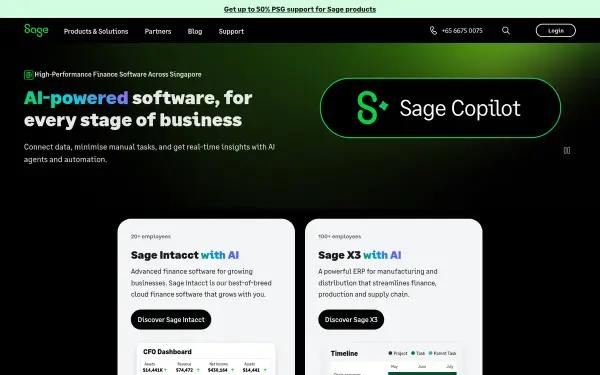
The default for US contractors that bill AIA and track retainage, provided you can live with an older interface.
Sage 300 CRE is the safe answer for a US contractor whose month end revolves around AIA progress billing, retainage and cost-code job costing. Those three sit in one ledger, and the system adds certified payroll and subcontractor compliance so the office is not reconciling a separate payroll service against the job cost report. Reporting is built around construction job cost.
The trade-off is age. The interface feels dated, mobile access is thin, and the product's on-premises roots mean a move to hosted or cloud delivery takes planning rather than a switch to flip. Sage now presents construction as an industry use of its finance products and points cloud-minded buyers toward Sage Intacct, so ask directly which roadmap you are buying. Procore documentation lists Sage 300 CRE as a supported ERP connection, which matters if your field teams already work in Procore.
Pricing is not published. Pricing is not published, so contact Sage for a quote. Budget for a Sage partner during implementation and for the accounting time spent mapping cost codes and retainage rules before go-live.
It fits mid-size to large US contractors with an established accounting department. It is a poor match for a firm that wants field-first mobile tools out of the box or a published price it can budget against without a call.
You are a US contractor whose month end runs on AIA billing, retainage and cost-code job cost reports.
Your field teams need modern mobile tools on day one or you want a price you can compare before a call.
Entry II of VIII / Multi-entity cloud close

Our verdict
Best cloud finance stack for multi-entity contractors, with construction depth that depends on configuration and partners.
Sage Intacct Construction aims at the finance side of contracting: multi-entity accounting, real-time visibility across those entities, project accounting and job costing, progress billing, and audit trails strong enough for an auditor or a lender. Sage builds the construction solution on Intacct, and vendor materials claim faster closes and quick payback, which are vendor claims rather than measured outcomes.
The strength is consolidation. A contractor running several entities gets multi-entity accounting and real-time visibility across them. Controls and audit trails are part of the platform, along with AI-assisted close and task automation.
The limit is construction depth. How much job costing and billing you get depends on configuration and on the partner doing the work, and field management needs add-ons. Intacct is a finance-led option, while Viewpoint Vista and CMiC emphasize project controls.
Pricing is not published, so contact Sage for a scoped quote. It suits cloud-first contractors with multiple entities and a controller who wants a modern close. It is a weaker fit for a firm whose main pain is field operations rather than financial reporting.
You run several entities and want one cloud close with real-time visibility across all of them.
Your project controls and field workflows must live in the same system as the ledger.
Entry III of VIII / Union payroll at scale
Our verdict
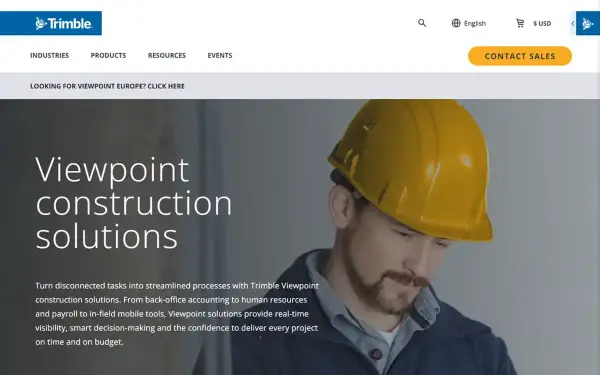
Enterprise-grade ERP for complex, unionized and heavy civil work, at the cost of a long, partner-led implementation.
Viewpoint Vista is the pick for large and heavy civil contractors whose complexity is real: multi-entity accounting, union payroll and HR, project management with field connections, and reporting through Crystal Reports or SSRS. It sits inside Trimble Construction One, so Vista links to Trimble field, payment and analytics products (Trimble Pay, TC1 Analytics) under a common login. Vendor materials cite fewer project delays, safety issues and unapproved invoices, which are vendor claims.
Configuration depth is the point. Union payroll and multi-entity accounting are supported, and 24/7 support and training are included. That is also the cost. Implementation is a major project, and a smaller contractor pays for capability it never switches on. Cloud reporting needs VRL or SSRS setup.
The product rewards firms with a system owner who can keep configuration aligned as the business changes. Firms without that role tend to use a fraction of what they bought.
Pricing is not published; contact Viewpoint for a quote. Implementation is a major project, so plan accordingly.
Pick it if you are a large or heavy civil contractor with union payroll and several entities. Skip it if you are a small contractor, or if nobody on staff can own configuration and reporting.
You are a large or heavy civil contractor with union payroll, several entities and an internal system owner.
Nobody on staff can own configuration and reporting, or if the rollout cannot run alongside a quiet quarter.
Entry IV of VIII / Single-database project controls
Our verdict
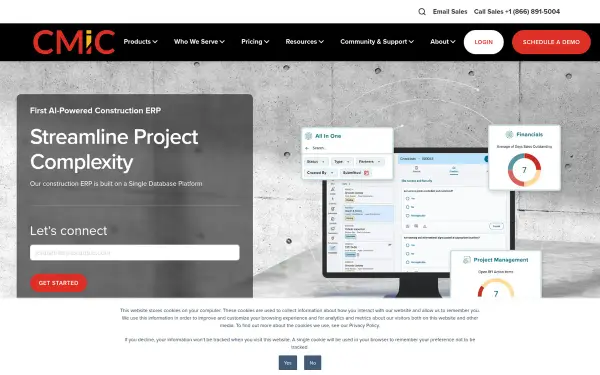
One database for financials and project controls suits enterprise general contractors; smaller firms will drown in configuration.
CMiC's pitch is a single database for financials and project management, and that is genuinely different from stitching an accounting package to a separate project management tool. Construction accounting, project controls, equipment and inventory, construction payroll and HCM, drawing and document management, procurement and pre-qualification, and quality and safety all live in one suite. CMiC markets itself as an AI-powered construction ERP.
The payoff is one version of the truth. A project manager's cost to complete and the controller's job cost read from the same records. It serves general contractors, subcontractors and civil firms, so a mixed portfolio can sit on one platform.
The cost is commitment. CMiC is enterprise software with a long rollout and a high total cost, and implementation needs an experienced partner rather than an internal power user. For a small firm the suite is overkill and the configuration burden lands on people who also have jobs to run.
Pricing is not published. Expect a scoping process and a partner-led implementation. It fits enterprise general contractors that need unified project controls across a large portfolio. It does not fit a specialty subcontractor looking for faster invoicing and a short go-live.
You are an enterprise general contractor that wants financials and project controls reading from one database.
You are a specialty subcontractor that needs faster invoicing and a short, low-configuration go-live.
Entry V of VIII / Consumption-based billing
Our verdict
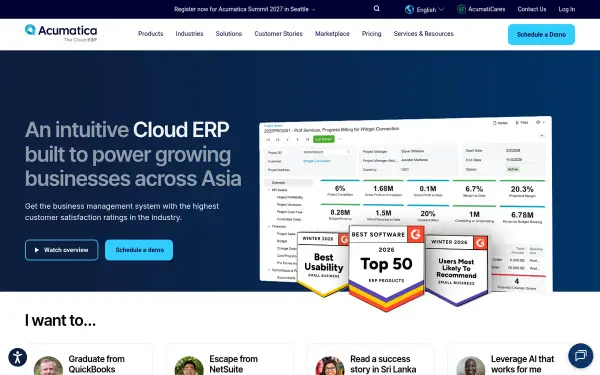
Cloud ERP with construction accounting and consumption-based billing, lighter on field depth than the specialists.
Acumatica Construction puts job-cost accounting inside a broader cloud ERP: project budgets, labor, material and equipment costs, subcontractor costs, commitments, forecasting, progress billing and profitability reporting, with a Procore integration for field data. It also connects to Autodesk, ADP, Avalara and AvidXchange, which matters if your stack already leans on those names.
The pricing model is the differentiator. Acumatica bills on consumption rather than per seat and runs an unlimited user model, so adding occasional users does not add license cost. Acumatica's current page steers visitors to a custom pricing review instead of a published figure, so pricing depends on transaction volume and configuration.
The trade-off is depth. Field capability is shallower than specialist tools, the construction module still needs a skilled partner to configure, and some costs are quoted separately.
Pick it if you are a growing mid-market contractor that wants cloud ERP with construction accounting and per-transaction economics. Skip it if you need heavy field controls or a published price before you shortlist.
You are a growing mid-market contractor that wants cloud ERP with construction accounting and no per-seat penalty.
You need deep field controls, or a fixed published price before you build a shortlist.
Entry VI of VIII / Construction-only accounting

Our verdict
Nearly 40 years of construction-only accounting with strong job costing, though project management lives outside the core.
Foundation Software has spent nearly 40 years on construction accounting and nothing else, and that focus shows in the detail: job costing by dollar, hour and quantity, payroll, invoicing and vendor payments, AP and AR, a consolidated general ledger, equipment, fixed assets and inventory, plus purchase orders and subcontracts. Real-time job costing with overrun alerts is a core feature, and support is in-house construction-expert support.
The company says more than 43,000 construction professionals use the product, a vendor figure that is consistent with its long tenure in US specialty and general contracting.
The boundary is scope. Project management lives in companion products rather than the core system, and estimating comes through partners, so a contractor wanting one login for the field and the back office will run more than one application. The ecosystem around Foundation is smaller than the Sage or Trimble partner networks, which narrows your choice of consultants and add-ons.
Pricing is not published; contact Foundation for a quote.
Pick it if you are a mid-size contractor that wants construction-only accounting with strong job costing and does not need a field suite. Skip it if unified project management and estimating inside one system are hard requirements.
You are a mid-size contractor that wants construction-only accounting with tight job costing and expert support.
Project management and estimating must live inside the same system as the ledger.
Entry VII of VIII / Service to invoice
Our verdict
A single ledger for project and service work that fits specialty contractors outgrowing spreadsheets, not enterprise portfolios.
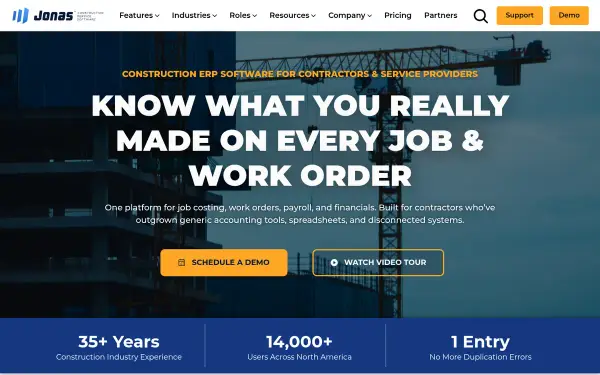
Jonas Construction is built for contractors that have outgrown generic accounting and spreadsheets but do not want a multi-year enterprise rollout. One ledger carries job costing, payroll and financials, and service management runs from work order to invoice, which suits contractors with a service division alongside project work. Multi-company and multi-location accounting are supported, and Jonas Cloud hosting removes the need for on-site servers.
The appeal is the combination. A contractor that installs and maintains equipment can bill a service call and a construction job from the same system without exporting anything, and the job cost report picks up both. Equipment and purchasing modules close the loop on owned assets and committed spend.
The limits are size and reach. Implementation can take months to a year depending on complexity, and Jonas is a smaller brand than Sage, Trimble or Oracle, so the pool of experienced consultants and third-party add-ons is narrower. Buyers who want a large partner network or deep field mobility should look elsewhere.
Pricing is not published; contact Jonas for a quote.
Pick it if you run projects and service work and want one ledger for both. Skip it if you need heavy civil project controls or an extensive partner ecosystem.
You run both construction projects and service work and want one ledger covering the two.
You need heavy civil project controls or a large pool of experienced consultants nearby.
Entry VIII of VIII / Multi-subsidiary consolidation
Our verdict
A strong multi-subsidiary cloud ERP where construction job costing arrives through configuration and partners, not by default.
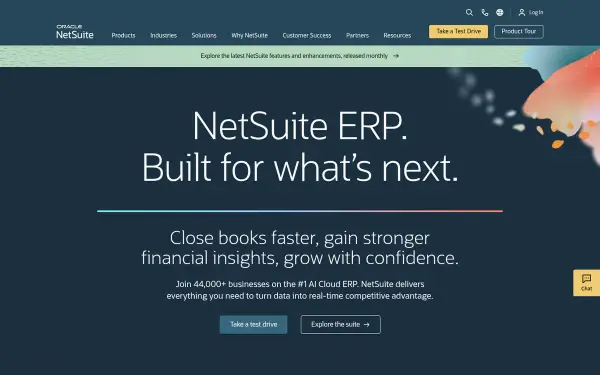
Oracle NetSuite is the general-purpose cloud ERP on this list, and it earns a place because multi-subsidiary contractors often end up there anyway. Multi-entity consolidation, project accounting, procurement, and ERP, financials, CRM and ecommerce in one suite cover the corporate side well, and NetSuite Next adds conversational intelligence, agentic workflows and natural-language search.
The strength is consolidation at scale. A holding company with several operating subsidiaries gets one close, one chart of accounts and one reporting layer, and finance staff who already know NetSuite can move quickly. It is also the only tool here with a no-cost entry point: a free 3-day test drive.
The gap is construction. Job costing and progress billing usually come through configuration or partners, field depth needs add-ons, and the platform is less trade-specific than construction-only ERPs. Buyers who expect AIA billing and retainage to work on day one should test that path explicitly rather than trusting the module list.
Pricing is not published and rises with modules, so the quote grows as you add the construction pieces you actually need. Budget separately for implementation.
Pick it if you are a cloud-first firm with multiple subsidiaries that wants one ERP across construction and other business lines. Skip it if AIA billing, retainage and field controls must work without partner customization.
You are a cloud-first firm with several subsidiaries that wants one ERP across construction and other lines of business.
AIA billing, retainage and field controls must work without partner customization or add-on modules.
VBackground
Construction ERP software is the finance and operations system of record for a contracting business. It holds the general ledger, job costing by cost code and phase, payroll, accounts payable and receivable, progress billing and retainage, and it reports profit by job, phase and division. Unlike generic accounting, everything is tagged to a project from the moment it is entered, so a change order, a union payroll run and a subcontractor invoice all land on the same job cost report.
Three workflows usually force the move:
The category splits in two. Construction-only systems such as Foundation and Jonas Construction build accounting around the job. Enterprise suites such as Viewpoint Vista and CMiC put project controls in the same database as the ledger. Cloud finance platforms such as Sage Intacct Construction and Oracle NetSuite start from accounting and add construction through configuration and partners.
ERP is not the same thing as project management software. Field tools handle schedules, submittals, RFIs and daily logs; ERP handles money. Most contractors run both and connect them. The question is not which category is better, but which one should own job cost. If your controller and your project managers argue about whose numbers are right, you need ERP with project controls, not another field app.
This comparison sits in the software register. Further along the shore: baby tracking app and kennel software.
VIPricing
None of the eight tools publishes a starting price you can act on alone: every entry reads See website, and Acumatica's current page asks for a custom pricing review rather than naming a figure. That does not make pricing unknowable. It means the quote is built from users, modules, transaction volume and implementation scope, and the same product can land at very different numbers for two contractors of similar revenue.
Pricing models vary. Consumption-based billing charges on transaction volume with unlimited users, which is how Acumatica presents its construction edition. Quote-only pricing, used by Sage 300 CRE, Viewpoint Vista, CMiC, Foundation, Jonas Construction and Oracle NetSuite, hides the number until discovery.
| Model | How it bills | Typical fit | Example from this list |
|---|---|---|---|
| Consumption-based | Transaction volume, unlimited users | Growing mid-market contractors | Acumatica Construction, quoted after a pricing review; pricing is on the vendor site |
| Module-based quote | Scoped quote by module | Finance-led, multi-subsidiary firms | Oracle NetSuite, quoted by module with a free 3-day test drive |
| Quote-only enterprise | Scoped quote after discovery | Large, heavy civil and union contractors | Sage 300 CRE, Viewpoint Vista, CMiC |
| Construction-only accounting | Scoped quote | Mid-size contractors and firms outgrowing generic accounting | Foundation, Jonas Construction |
Then add services. Implementation, data migration, cost-code mapping and training are usually quoted separately, and heavy configuration products need a partner. Oracle NetSuite is the only tool here offering a free 3-day test drive, so most of your evaluation budget goes to demos and reference calls rather than trials.
Each entry card shows the starting price as it appeared on the vendor's own pricing page on November 25, 2026. When a vendor shows no figure we could confirm, or only a promotional rate, the card says "See website" or gives the regular price instead of a guess. Usage, overage and add-on rates in the text change more often than plan prices, so confirm them on the vendor page before you set a budget. To test the numbers against your own volume, try the free User Research Budget Planner. The Event Break-Even Calculator is a second way to check the same decision.
VIIDecision
VIIIPitfalls
IXQuestions
Enterprise general contractors that want financials and project controls on one database should look at CMiC. Heavy civil and unionized firms with multi-entity books fit Viewpoint Vista, which handles union payroll and links to Trimble field, payment and analytics products. Firms that are large but finance-led can consider Sage Intacct Construction.
Construction ERP owns the ledger: job costing, payroll, accounts payable, retainage and financial reporting. Project management software owns the work: schedules, submittals, RFIs and daily logs. Contractors can run both and connect them, and documented Procore integrations with Sage 300 CRE and Acumatica Construction are worth checking.
None of the eight tools here publishes a starting price; all read See website as of 26 November 2026. Acumatica's pricing page points to a custom pricing review, and pricing depends on transaction volume and configuration. Everything else requires a scoped quote that includes services.
It depends on configuration depth. Jonas Construction implementations can take months to a year, Viewpoint Vista is described as a major project, and CMiC rollouts are long and partner-led. Lighter construction accounting products go live sooner because there is less to configure. Ask each vendor for named staff and a go-live date before signing.
It usually runs out when you need cost-code job costing, AIA progress billing, retainage tracking and certified payroll in one place. Those workflows separate construction ERPs from general accounting. If your month end needs a spreadsheet to reconcile job cost against the ledger, that is the signal to shortlist construction accounting systems.
Retainage tracking, AIA progress billing, certified payroll, multi-entity consolidation and committed cost reporting are the workflows that break lighter tools. Add union payroll across agreements and subcontractor compliance, and the case for ERP is settled. Daily logs and RFIs do not require ERP; those belong in project management software.
XFurther along the shore
Vendors can ask for a correction or apply for a Featured listing. Paid or not, the entry is scored on the same rubric and its limits stay in print. Partner with Umberlake.
Free tools
Our free browser tools turn the prices on this page into a figure for your own volume. Nothing you type leaves your device.