
FreshBooks
$2.30Lite, per month, 90% off for 4 months, then $23, 5 billable clients
Best for service businesses, freelancers and agencies that bill hourly
- Free plan
- No
- Rubric
- 7.9 of 10
A practical ranking of eight billing tools for owners who need faster invoices, clearer payment tracking and fewer month-end surprises, with prices checked on November 26, 2026.

IThe short answer
The best billing software for small business in November 2026 depends on whether you need invoicing only or a full ledger. FreshBooks is our top pick for service businesses that bill hourly, QuickBooks Online suits owners who want billing and accounting together, and Zoho Invoice is the strongest free choice for freelancers and small teams that only need invoices. The eight tools below are ordered for fit, with prices from vendor sites checked on November 26, 2026.
8 tools compared from vendor pages on November 25, 2026. 7 publish a starting price we could read; the rest say "See website".
IITop three berths
Register order is editorial fit for the buyer each entry describes. Prices are the starting figures read on November 25, 2026.
$2.30Lite, per month, 90% off for 4 months, then $23, 5 billable clients
Best for service businesses, freelancers and agencies that bill hourly
$11.40Simple Start, per month, 70% off for 3 months, then $38, 1 user
Best for businesses that want billing and full accounting together
FreeFree plan, unlimited invoicing for small businesses
Best for freelancers and small teams that only need invoicing
How this page is paid for. All 8 tools here are unpaid editorial picks.
A paid listing's position can be part of what the vendor pays for. Every entry, paid or not, is scored on the same rubric and keeps its limits in print. Advertising disclosure.
IIIThe register
Starting prices as shown on each vendor's pricing page on November 25, 2026. "See website" means no figure we could confirm.
| No. | Tool | From | Free plan | Trial | Rubric | Actions |
|---|---|---|---|---|---|---|
| 01 | FreshBooksService businesses, freelancers and agencies that bill hourly | $2.30Lite, per month, 90% off for 4 months, then $23, 5 billable clientsUpdated on vendor page | No | 30-day free trial | 7.9 | |
| 02 | QuickBooks OnlineBusinesses that want billing and full accounting together | $11.40Simple Start, per month, 70% off for 3 months, then $38, 1 userUpdated on vendor page | Yes | 30-day free trial | 8.5 | |
| 03 | Zoho InvoiceFreelancers and small teams that only need invoicing | FreeFree plan, unlimited invoicing for small businessesRead on vendor page | Yes | No | 7.5 | |
| 04 |  WaveSole proprietors and tiny businesses wanting free accounting | FreeStarter, free plan, Pro $190 USD per year billed annuallyRead on vendor page | Yes | No | 8.4 | |
| 05 |  XeroGrowing businesses with multi-currency or accountant-led needs | $2.70Early, per month, 90% off first 6 months, then $27Updated on vendor page | No | One month free | 7.7 | |
| 06 |  Square InvoicesRetail and service sellers already using Square | See websiteNot shown publicly | Yes | No | 7.1 | |
| 07 |  HoneyBookCreative and client-service firms managing many clients | $18Starter, per month billed annually, 50% off regular $36Updated on vendor page | No | Free trial | 5.8 | |
| 08 |  Invoice2goTradespeople and field staff invoicing from a phone | $79.99Starter, per year, save 16% off $95.88Updated on vendor page | No | 30-day free trial | 6.7 |
Pinned:
IVMethod
We scored each tool on five criteria: invoice workflow, pricing value, accounting fit, ease of use and client payment. Invoice workflow carries the most weight because a billing tool has to create, send, track and repeat an invoice without extra steps. Pricing value looks at what the listed plan delivers for the stated price. Accounting fit asks whether billing connects to bookkeeping, tax and reporting when the buyer needs it. Ease of use covers setup and daily work for a non-accountant. Client payment covers the portal, payment link and reminder experience.
Every price and plan note in this list comes from vendor pricing pages checked on November 26, 2026. We kept the figures in the form the vendor supplied, including promotional prices and annual billing terms. Where a page returned no text, the entry says See website rather than a guessed figure. Square Invoices is the one entry with that status.
The order is editorial. Each entry is placed for the buyer it fits best, not by a weighted total. A Featured listing is a paid placement and is scored with the same rubric as every other tool; this round contains no Featured entry. The goal is a practical shortlist for an owner comparing how each tool handles invoices, payments and the books.
The full routine, from price reads to corrections, is on the methodology page. Paid listings follow the advertising disclosure.
How quickly a small team can create, send, track and repeat invoices.
How much billing capability the listed plans deliver for the stated price.
Whether billing connects to bookkeeping, tax and reporting when the buyer needs it.
How little setup and training a non-accountant needs to bill clients.
How easily clients can view, approve and pay invoices online.
Entry I of VIII / Time tracking invoicing
Our verdict
The best fit for service firms that bill by the hour and want time tracking, proposals and client payments in one workspace.
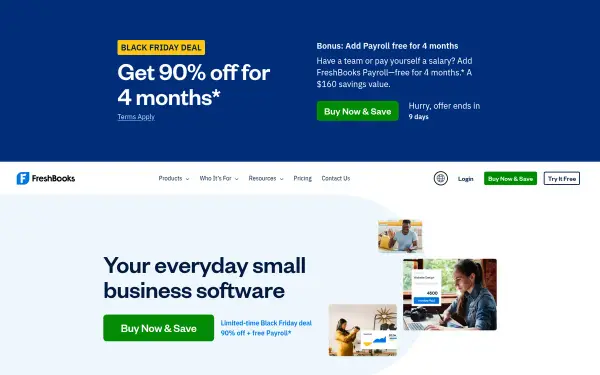
FreshBooks is built around the invoice and the timer. You can track hours, turn an estimate into an invoice, send a recurring invoice and let a client pay through a portal without leaving the same workspace. That matters for agencies, consultants and freelancers who sell time and need a clear path from proposal to payment. The client-facing invoice is easy to read, which cuts back-and-forth, and onboarding is short for a new user. Estimates and proposals are created in the same place, so the handoff to billing does not depend on a separate document.
Pricing starts at $2.30 per month on the Lite plan, 90% off for 4 months, then $23, for 5 billable clients. The client cap and the jump on higher tiers matter if you add many accounts. FreshBooks is not a full ledger platform: accounting functions are shallower, inventory handling is limited, and product sellers with stock will feel the gap. Teams that need full double-entry bookkeeping, payroll and complex tax reporting usually look at deeper accounting suites. Pick it when time tracking and invoicing belong in one place and you want clients to pay without friction.
Your team bills hourly or by project and wants time tracking beside invoices.
You need full double-entry books, payroll and complex tax reporting in one platform.
Entry II of VIII / Billing plus ledger
Our verdict
A strong choice when invoices must feed a full accounting ledger, with more depth but a steeper learning curve.
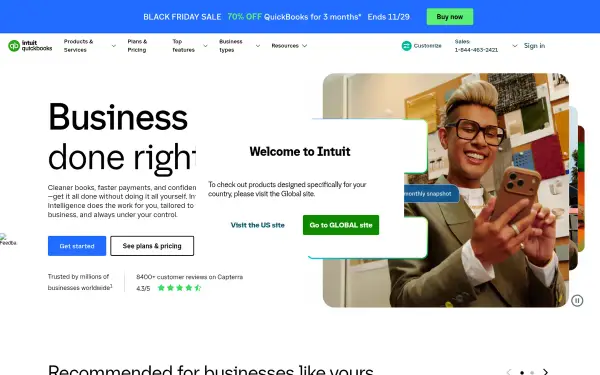
QuickBooks Online is the choice when billing should feed directly into bookkeeping. Recurring invoices, payment links and automated reminders sit beside bank reconciliation, sales tax tracking and tax reporting. Payroll processing is available, and the ledger is the same system your accountant may already use, which can make year-end handoff easier than exporting from a separate invoicing app. For a US small business that wants one place for invoices and accounts, that breadth is the point.
Pricing starts at $11.40 per month on Simple Start, 70% off for 3 months, then $38, for 1 user. The free plan is listed as QuickBooks Free at $0/mo, and there is a 30-day free trial. The trade-off is learning curve: the system is deeper than a simple invoice tool, and feature splits between tiers can confuse a first-time buyer. Support quality also differs by contact channel. Accountant familiarity is a common reason businesses choose it over rivals. It fits businesses ready to run accounting in the same system as billing, not owners who only want to send a quick invoice.
You want invoices, reconciliation, tax and reporting in one system your accountant can use.
You only need simple invoices and want the shortest possible setup.
Entry III of VIII / Free unlimited invoicing
Our verdict
The clear pick for freelancers who need unlimited invoices, quotes and reminders without a monthly bill.
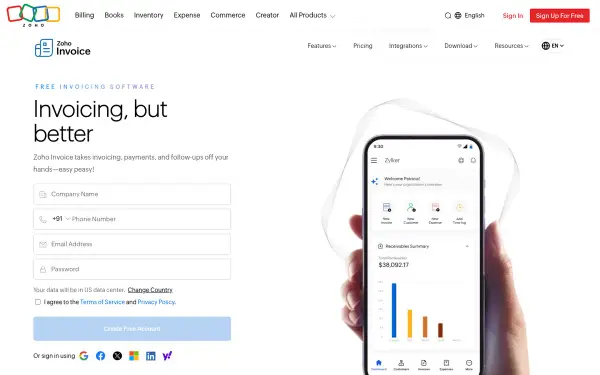
Zoho Invoice is the simplest answer for a small team that only needs to bill clients. You get invoice templates, estimates and quotes, a client portal, payment links and automated reminders on a free plan that does not expire. That stands out in a category where some free offers are timed trials. Templates look professional without design work, and the portal gives clients a clear place to view and pay. The no-expiry free tier means you can run several billing cycles before deciding whether a paid product is justified.
The trade-off is scope. Full accounting requires the separate Zoho Books product, workflow automation and other extras sit on paid tiers, and support is thinner than at larger accounting vendors. The free tier is the standout point for billing-only users. Freelancers and small teams can issue invoices, collect payment and keep a record without a monthly subscription. Businesses that outgrow it can move into paid Zoho products. If your main need is invoices, quotes and reminders, Zoho Invoice covers the basics at no cost. If you need a full ledger, budget for a different system or look at the separate Zoho Books product.
You need unlimited invoices, quotes and reminders without a monthly bill.
You need a general ledger, payroll or tax reporting in the same product.
Entry IV of VIII / Free invoicing and books
Our verdict
A free invoicing and basic accounting pair for sole proprietors, with payment processing fees and email-only support as the trade-offs.
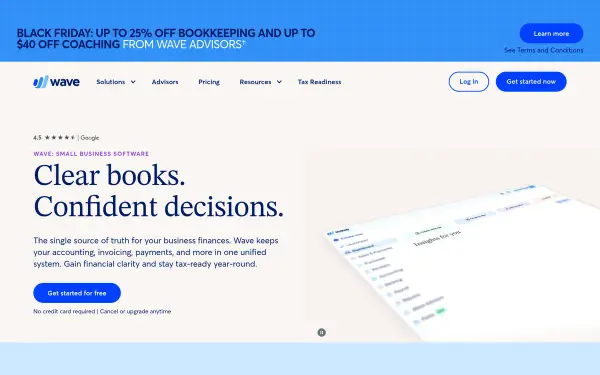
Wave pairs free invoicing with free basic accounting. The Starter plan is $0, and you get income and expense tracking, bank connections and basic financial reports alongside invoices. The interface is built for non-accountants, and bank connection setup is quick, so a sole proprietor can send an invoice and see the cash movement without learning a ledger. Online payments run through Wave Payments.
The catch is how Wave earns money. Card payments incur processing fees, and the free plan is not a full replacement for every accounting need. Payroll availability depends on the state, and support runs on email rather than phone. A paid Pro tier is $190 USD per year billed annually. Wave fits tiny businesses that want one simple place for invoices and books, especially owners who value a clean free start over deep reporting. Revenue comes largely from payment processing rather than subscriptions, which is why the Starter plan can stay free. It is less suitable for teams with multistate payroll, complex inventory or a need for phone support. For a freelancer or sole proprietor, the free combination is the main draw.
You are a sole proprietor who wants free invoicing and basic books in one simple place.
You need phone support, complex payroll or deep inventory reporting.
Entry V of VIII / Multi-currency reconciliation
Our verdict
Best for growing or multi-currency businesses that want strong reconciliation and accountant access, not the simplest start.
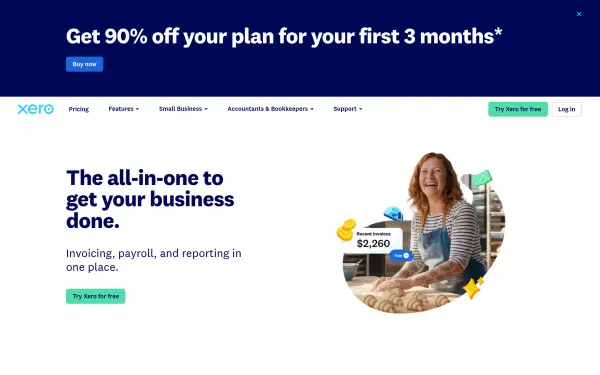
Xero is a cloud accounting platform with invoicing at its center. Bank reconciliation is a core strength, multi-currency invoicing handles cross-border clients, and a large app marketplace extends the system through partners. Because it is cloud-first, a bookkeeper or accountant can work in the same file from another location, which suits growing businesses with an outside finance lead. Inventory and payroll add-ons come through partners rather than every plan.
Pricing starts at $2.70 per month on Early, 90% off first 6 months, then $27, and there is a one month free trial. The plan tiers divide features in ways buyers often find unclear, and new users face a learning curve. US payroll capability is narrower than QuickBooks, so a US team with complex payroll should check that gap before committing. Xero fits businesses that expect to scale internationally or want an accountant-led setup with strong reconciliation. It is less compelling for a solo owner who only needs to send invoices and wants the simplest possible screen. Test multi-currency invoicing and the app connections you need before you commit.
You expect cross-border clients or want an accountant-led cloud ledger with strong reconciliation.
You are a solo owner who wants the simplest possible invoice screen.
Entry VI of VIII / Unified sales dashboard
Our verdict
The practical choice for sellers already on Square, with free invoices and one sales dashboard but little accounting depth.
Square Invoices is free to use for sending invoices, and its main advantage is the single dashboard. Counter sales and invoices appear in one place, so a retail shop or service seller already using Square can see all sales together. Payment links go by email or text, recurring invoices handle retainers, and online card payment is built in. Clients get a straightforward way to pay without a new account.
The limits are clear. Accounting depth is minimal, advanced billing options require paid Square plans, and the product is tied closely to the Square payments ecosystem. Pricing is on the vendor site because our check returned no text, so confirm the current terms before you commit. Square Invoices makes most sense for a business already processing payments through Square hardware or checkout. Revenue comes from payment processing fees, not from the invoice itself. A market stall, salon or local service operator can send a bill and see counter sales in the same view. If you need a full ledger or sales tax tracking, look at QuickBooks Online, and Xero adds bank reconciliation and financial reporting.
You already take Square payments and want invoices beside counter sales.
You need a full ledger or advanced accounts receivable.
Entry VII of VIII / Client workflow billing
Our verdict
A client-workflow billing tool for creative firms, strongest when proposals, contracts and invoices need to follow one path.
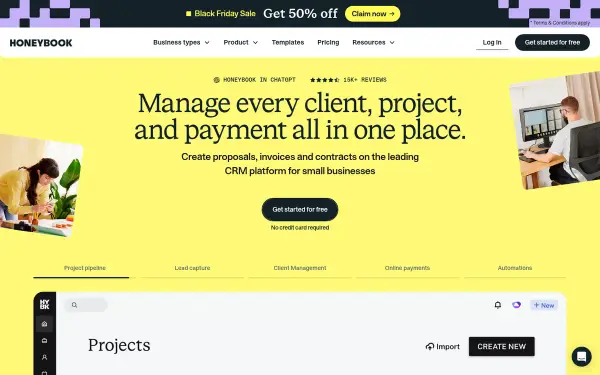
HoneyBook treats billing as one step inside a client relationship. Inquiries arrive, proposals and contracts go out, invoices are issued and payments are collected in the same pipeline. Automated workflow steps move a client from first contact to signed agreement to payment, and client communication is tracked along the way. Creative firms with many similar projects can reuse that structure instead of stitching together a form, a contract tool and an invoice app.
Pricing starts at $18 per month on Starter, billed annually, 50% off regular $36, and there is a free trial. The cost is aimed at creative firms rather than budget buyers, accounting functionality is basic, and pipeline setup takes time to configure. HoneyBook is not a standalone accounting ledger. It fits photographers, designers, planners and coaches who handle high client volume and want contracts, proposals and invoices to follow one path. The client-facing experience is the reason to choose it: billing sits inside the same workflow that wins the work. A business that only needs invoices will pay for workflow it may not use; a firm that sells projects with deposits and signatures will get more from the bundle.
Your creative firm wants proposals, contracts and invoices to follow one client path.
You only need invoices or you need a full accounting ledger.
Entry VIII of VIII / Phone-first invoicing
Our verdict
A phone-first invoicing app for tradespeople, built for on-site estimates, signatures and quick payment tracking.
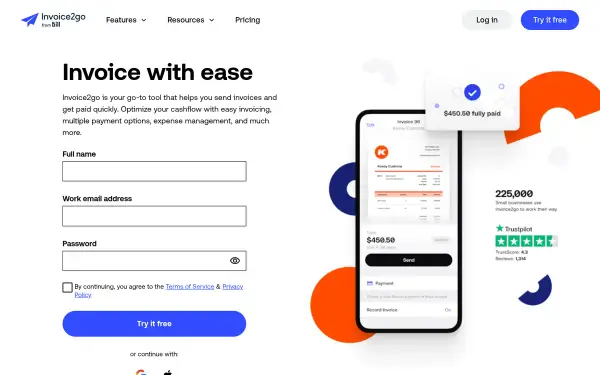
Invoice2go is built for the phone. Tradespeople can create an invoice on site, produce an estimate, capture a client signature and track whether payment has arrived. Client records are kept in the app, so a plumber, electrician or cleaner can move from quote to bill before leaving the property. The mobile-first design is the reason to consider it; desktop tools are less developed than the mobile app.
Pricing starts at $79.99 per year on Starter, save 16% off $95.88, and there is a 30-day free trial. That annual price looks low, but the plan set differs, so check what each tier includes before you buy. Accounting depth is basic, which means the books usually stay in separate software. Invoice2go fits field staff who need speed and a simple payment status view on a handset. It is less suitable for an office team that wants a full billing and accounting system on a desktop. If your invoices start in the field and end with a card payment, the phone-first workflow is the main draw. The value is strongest for a one-person trade or a small crew that bills after each job.
You bill from a phone at job sites and need estimates, signatures and payment tracking.
Your billing happens at a desk or you need full accounting in the same tool.
VBackground
Billing software creates, sends and tracks invoices, then helps you collect payment. Accounting software records the full financial picture: income, expenses, bank balances, tax and reports. The two overlap, but they are not the same purchase. A small business can bill clients with a simple invoicing tool and keep the books elsewhere, or choose a combined system where every invoice posts to a ledger.
These tools fall into three broad groups:
Billing software for small business often includes a free tier. Zoho Invoice is fully free, Wave has a $0 Starter plan, Square Invoices has a free plan, and QuickBooks Online lists QuickBooks Free at $0/mo. Free plans are rarely identical: some limit paid features, some earn revenue from card processing, and some are a gateway to a paid accounting suite. Check what happens when you add users, clients or payment volume. The right category depends on whether you need a faster invoice or a full set of books.
This comparison sits in the software register. Further along the shore: baby tracking app and kennel software.
VIPricing
Billing software prices usually follow one of four models: a monthly subscription, a free plan supported by payment processing, an annual per-business plan, or a price on the vendor site. The table below uses only the prices and plan notes supplied for this list, checked on November 26, 2026. Where the vendor page returned no figure, the entry says See website rather than a guessed number.
| Model | How it bills | Typical fit | Example from this list |
|---|---|---|---|
| Promotional subscription | Monthly price with a discount for a set number of months, then a list price | Buyers who will use the tool long enough to justify setup | FreshBooks at $2.30 per month on Lite, 90% off for 4 months, then $23; QuickBooks Online at $11.40 per month on Simple Start, 70% off for 3 months, then $38 |
| Free plan | $0 for core invoicing, with paid tiers or payment fees elsewhere | Freelancers and tiny teams with simple billing | Zoho Invoice Free; Wave Starter at $0; Square Invoices free plan |
| Annual plan | One yearly charge | Field staff or firms that want a lower annual rate | Invoice2go Starter at $79.99 per year, save 16% off $95.88; Wave Pro at $190 USD per year billed annually |
| Vendor site | Price shown on the vendor site, not in this list | Buyers who need current terms before choosing | Square Invoices: See website |
The model matters more than the headline number. A free invoice tool can still cost money through card processing, while a paid subscription may replace several separate tools. Match the model to how you bill and how often you expect to add clients.
Each entry card shows the starting price as it appeared on the vendor's own pricing page on November 25, 2026. When a vendor shows no figure we could confirm, or only a promotional rate, the card says "See website" or gives the regular price instead of a guess. Usage, overage and add-on rates in the text change more often than plan prices, so confirm them on the vendor page before you set a budget. To test the numbers against your own volume, try the free User Research Budget Planner. The Event Break-Even Calculator is a second way to check the same decision.
VIIDecision
Choose the tool by starting with how you bill, then match accounting depth, free-tier limits, client count and price.
VIIIPitfalls
The costly mistakes are buying accounting depth you will not use, ignoring card fees, budgeting on a promo price, skipping the client view and assuming payroll is included.
IXQuestions
Billing software sends and tracks invoices; accounting software records the full financial position. Many small businesses start with an invoicing tool and later add a ledger. QuickBooks Online and Xero combine both, while Zoho Invoice, Square Invoices and Invoice2go stay focused on billing.
Zoho Invoice is fully free, Wave offers a $0 Starter plan, Square Invoices has a free plan, and QuickBooks Online lists QuickBooks Free at $0/mo. Each free tier has limits or paid add-ons, so check client counts, users and card fees before you rely on it.
The vendors in this list do not give a single processing rate here, so check the pricing sheet for your account and card type. Wave says card payments incur processing fees, and Square Invoices earns revenue from payment processing. Treat those fees as part of the total cost, not an afterthought.
Choose a combined tool when you want invoices, reconciliation and reports in one system. QuickBooks Online and Xero fit that job, and QuickBooks Online also lists sales tax tracking. Choose a billing-only tool when you already have an accountant or bookkeeper and mainly need faster invoices, such as Zoho Invoice or Invoice2go.
Use a tool that lists automated reminders, such as QuickBooks Online or Zoho Invoice, then set the schedule before you send the invoice. Test the first reminder on a real client record and confirm the wording, timing and payment link. If the tool lacks reminders, add a manual follow-up step to your weekly routine.
XFurther along the shore
Vendors can ask for a correction or apply for a Featured listing. Paid or not, the entry is scored on the same rubric and its limits stay in print. Partner with Umberlake.
Free tools
Our free browser tools turn the prices on this page into a figure for your own volume. Nothing you type leaves your device.