
Jibble
FreeFree forever, unlimited users
Best for free full-featured time tracking for teams of any size
- Free plan
- Yes, unlimited users
- Rubric
- 8.5 of 10
Eleven attendance apps ranked by fit for shift crews, field teams, remote staff and classrooms, with prices checked on November 26, 2026 and honest limits on each.

IThe short answer
Jibble is the best attendance tracker app for most teams in November 2026 because its free plan covers unlimited users with face recognition, GPS and geofenced clock-ins. Connecteam fits small businesses that want scheduling, chat and a time clock in one app, and Day Off suits teams that pair leave requests with attendance review. The other eight tools cover shift compliance, payroll, remote monitoring and classroom attendance.
11 tools compared from vendor pages on November 25, 2026. 7 publish a starting price we could read; the rest say "See website".
IITop three berths
Register order is editorial fit for the buyer each entry describes. Prices are the starting figures read on November 25, 2026.
FreeFree forever, unlimited users
Best for free full-featured time tracking for teams of any size

$29Operations Basic, per month for first 30 users, billed annually
Best for small businesses needing one employee app for scheduling and attendance

$2Pro, per seat per month, billed annually, $20 monthly minimum
Best for teams combining leave, schedules and attendance review in one app
How this page is paid for. Enozom pays for a Featured listing in this comparison, and the Featured label sits on it wherever it appears. The other 10 tools are unpaid editorial picks. No vendor saw this page before it was published.
A paid listing's position can be part of what the vendor pays for. Every entry, paid or not, is scored on the same rubric and keeps its limits in print. Advertising disclosure.
IIIThe register
Starting prices as shown on each vendor's pricing page on November 25, 2026. "See website" means no figure we could confirm.
| No. | Tool | From | Free plan | Trial | Rubric | Actions |
|---|---|---|---|---|---|---|
| 01 | JibbleFree full-featured time tracking for teams of any size | FreeFree forever, unlimited usersRead on vendor page | Yes | No | 8.5 | |
| 02 | ConnecteamSmall businesses needing one employee app for scheduling and attendance | $29Operations Basic, per month for first 30 users, billed annuallyUpdated on vendor page | Yes | 14-day free trial, no credit card | 8.3 | |
| 03 | Day OffTeams combining leave, schedules and attendance review in one app | $2Pro, per seat per month, billed annually, $20 monthly minimumUpdated on vendor page | Yes | Free trial on paid plans, no credit card | 7.8 | |
| 04 |  HomebaseHourly teams needing scheduling, time clock and payroll together | $30Essentials, per location per month, unlimited employeesUpdated on vendor page | Yes | 14-day free trial of All-in-One | 8.1 | |
| 05 |  DeputyShift teams with complex labor compliance and scheduling needs | $5Lite, per user per month, $30 monthly minimumUpdated on vendor page | No | Free trial | 7.8 | |
| 06 | When I WorkSimple shift scheduling with time clock and messaging | $2.50Single location or schedule, per user per monthRead on vendor page | No | 14-day free trial, no credit card | 8.0 | |
| 07 | Buddy PunchSmall businesses focused on time tracking and PTO | See websiteNot shown publicly | No | See website | 5.9 | |
| 08 |  HubstaffRemote and distributed teams tracking time and productivity | $4.99Starter, per seat per month, 2 seat minimumRead on vendor page | No | 14-day free trial, no credit card | 6.6 | |
| 09 | ClassDojoK-12 classrooms needing communication plus attendance | See websiteNot shown publicly | Yes | No | 7.2 | |
| 10 | MyAttendanceTrackerTeachers wanting a simple classroom attendance log | See websiteNot shown publicly | Yes | No | 5.8 | |
| 11 |  EnozomFeaturedBusinesses needing attendance and workforce management tools | See websiteNot shown publicly | No | See website | 5.5 |
Pinned:
IVMethod
We scored eleven attendance tracker apps against the five criteria below and weighted them. Scores describe the product, not the marketing: a tool that hides its prices loses points on pricing clarity even if the software is good, and a classroom app loses points on adjacent tools because it does not schedule shifts.
Every price in this guide came from the vendor's own pricing page on November 26, 2026. Where a vendor publishes a price we quote it exactly and add the plan qualifier, so Jibble is free forever for unlimited users, Homebase Essentials is $30 per location per month and When I Work starts at $2.50 per user per month. Where the page gave us nothing, or the vendor requires a quote, the entry says pricing is on the vendor site and we do not estimate. Four tools sit in that position: Buddy Punch, ClassDojo, MyAttendanceTracker and Enozom.
The order is editorial. Each entry is matched to the buyer it suits best, so a compliance-heavy tool can rank below a free one because fewer readers need it. Enozom is the Featured listing, a paid placement, and it was scored with the same rubric as every other tool, which is why its missing public pricing shows up as a low score rather than a pass.
We did not test the software hands-on for this page. Features, limits and plan terms come from vendor documentation, and anything you plan to buy should be checked against a current quote.
The full routine, from price reads to corrections, is on the methodology page. Paid listings follow the advertising disclosure.
How completely the app records clock-ins, breaks, overtime and time off, rather than a bare present or absent mark.
Whether the vendor publishes real prices and plan limits you can check before booking a sales call.
How fast a frontline, remote or classroom team can get running without a specialist administrator.
Scheduling, payroll, leave and messaging that decide whether you still need a second app.
How location, selfie and screenshot tracking are handled, which shapes whether staff accept the tool.
Entry I of XI / Free unlimited users
Our verdict
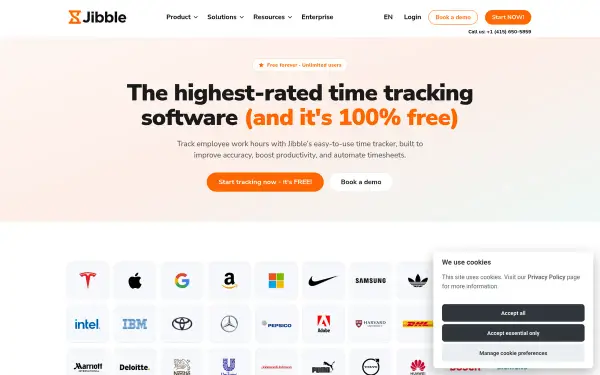
The strongest free option on the list: unlimited users, GPS, geofencing and face checks, with payroll handled by export rather than in-house.
Jibble is the only tool on this list that gives away full time tracking to unlimited users. The free forever plan covers clock in and clock out, timesheets, GPS tracking for field crews, geofenced clock-ins and a shared kiosk mode for a tablet at the door. Face recognition and selfie capture give you a second check on who actually punched in, and offline clock-in with sync means a crew in a basement or a dead zone still records a shift.
Where it stops is payroll. Jibble exports hours to payroll rather than running payroll itself, and the HR side is thin: you get scheduling and time-off management, not benefits, documents or hiring. Teams that want one app for scheduling, chat and training will find Connecteam broader.
Pricing is the headline. The homepage confirms Jibble is free forever for unlimited users, with no paid tier shown. Paid enterprise tiers exist for larger organizations, so budgets above the free plan need a conversation with the vendor. For a 12 person landscaping outfit or a 200 person warehouse, the free tier is where most buyers will live. Set the geofence radius carefully, because a loose boundary defeats the whole point.
You want a real time clock with GPS and face recognition without a per user bill.
You need payroll runs or a full HR system from the same vendor.
Entry II of XI / One app bundle
Our verdict
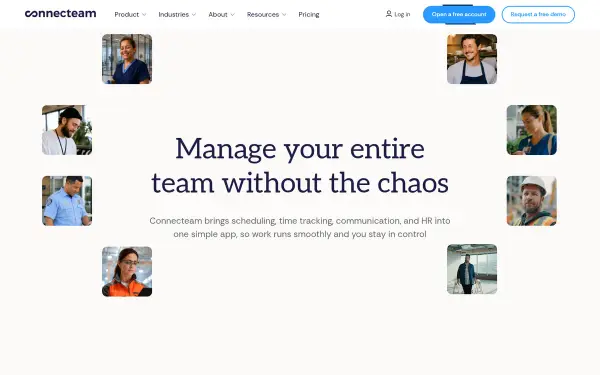
A single employee app for small businesses that would rather run scheduling, chat, training and a time clock in one install.
Connecteam is an employee app that happens to include a very good time clock, which suits a small business tired of running scheduling in one tool, chat in another and attendance on paper. The mobile app puts attendance tracking, GPS time tracking, scheduling, team chat, task management and short training courses in one place, so a new hire installs one thing.
Pricing is visible: the Operations Basic plan starts at $29 per month for the first 30 users, billed annually, and the free plan covers teams of up to 10 users. There is a 14 day free trial with no credit card. Costs scale with headcount, which is fine at 15 people and noticeable at 80.
The trade off is breadth. You pay for chat and training whether or not your crew uses them, and the free tier stops at 10 users, so growing teams hit a wall quickly. Setup is fast and live support helps, so it is manageable for managers who are not technical. Best fit: a 10 to 60 person business in retail, cleaning, construction or food service where the same people schedule shifts and clock in.
You want one mobile app covering scheduling, chat, training and attendance for a small crew.
You have more than about 60 staff and only need a time clock.
Entry III of XI / Leave plus attendance
Our verdict
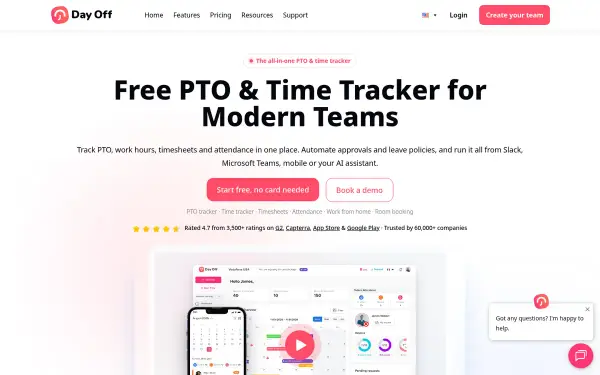
A tidy choice for salaried and hybrid teams where the real attendance question is who is on leave and who is late.
Day Off pairs leave tracking with a small attendance system, and that combination shows in the best way. Leave requests, balances, fixed and flexible schedules and a weekly shift planner sit next to a Today's Attendance widget, so a manager sees lateness, breaks, overtime and time off in a single view rather than three tabs.
The catch is packaging. The free plan covers leave tracking for up to 10 users only. Pro is $2 per seat per month with a $20 monthly minimum. Clock-in and attendance review need Pro plus Time Tracker, which runs $3 per seat per month with a $30 monthly minimum. A five person team pays the minimum, not the per seat number.
Integrations with Slack, Microsoft Teams, Google Calendar and Outlook make it easy to slot into an existing stack. It is not built for regulated break rules or multi-state overtime, and there is no payroll of its own. Pick it when your attendance question is really a leave question, for example a design studio or a software team with salaried staff.
You want leave balances and attendance review sitting in the same simple app.
You need overtime compliance across several states or built-in payroll.
Entry IV of XI / Hourly team bundle
Our verdict
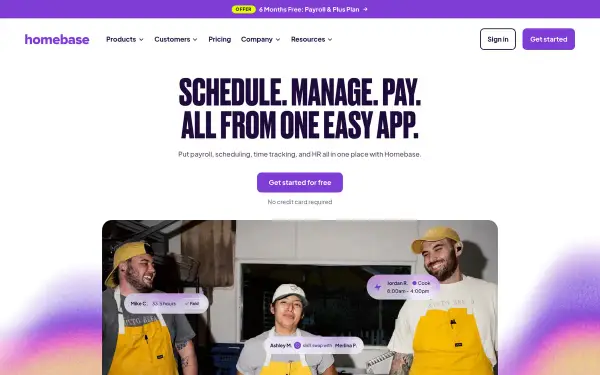
Per location pricing with unlimited employees makes this the value pick for a busy hourly site that also wants payroll.
Homebase bundles scheduling, a time clock, hiring tools and payroll for hourly teams, and the hourly focus is real rather than marketing. Shift swaps, labor cost tracking and mobile apps that employees actually open are the parts that matter day to day. A restaurant or a salon can schedule the week, catch a no-show and push hours to payroll without exporting a file.
Pricing is per location, not per user, which flips the maths. Essentials is $30 per location per month with unlimited employees, and Basic is free for one location with up to 10 employees. A 14 day free trial of All-in-One is available, and new customers can get months of the Plus plan and payroll free after that trial, so long term cost depends on which modules you keep.
The limits are geography and depth. Payroll is US focused, so Canadian and UK employers should look elsewhere for pay runs. Advanced HR trails dedicated platforms. It is a strong second app for a small operator and a weak fit for anyone needing compliance automation across states.
You run one busy hourly location in the US and want scheduling, clock and payroll together.
You employ staff outside the US or need deep HR case management.
Entry V of XI / Compliance automation
Our verdict
The compliance engine of the list, built for regulated shift work where a missed break is a legal problem.
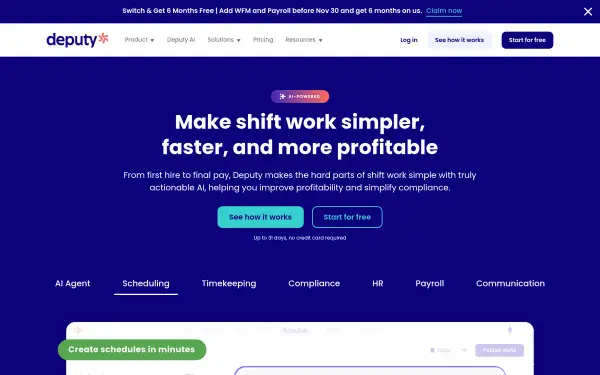
Deputy is the compliance machine here. Break rule automation, overtime calculations, fair-workweek rules, custom pay rules and multi-location controls are the reason operations managers in healthcare, hospitality, retail and security put up with its learning curve. AI-assisted demand-based scheduling suggests shifts from forecast demand, which saves time where headcount tracks footfall or patient load.
Pricing now appears on the vendor page rather than behind a sales call: Lite is $5 per user per month with a $30 monthly minimum. That minimum matters for a six person site, where you pay $30 whether or not the per seat maths gets you there. A free trial is available.
The honest catch is weight. Deputy assumes you have real scheduling complexity to solve, so a 10 person coffee shop gets dashboards and rule builders it will never configure. Multi-location controls are excellent and irrelevant to a single site. Choose it when an inspector, a union agreement or a state labor law means a missed break is a liability, and choose something simpler when it is not.
Labor rules, break premiums or union agreements make manual scheduling risky.
You have one location and a handful of simple fixed shifts.
Entry VI of XI / Fast shift scheduling
Our verdict
A low cost, low friction way to cover shifts and verify clock-ins when payroll already lives somewhere else.
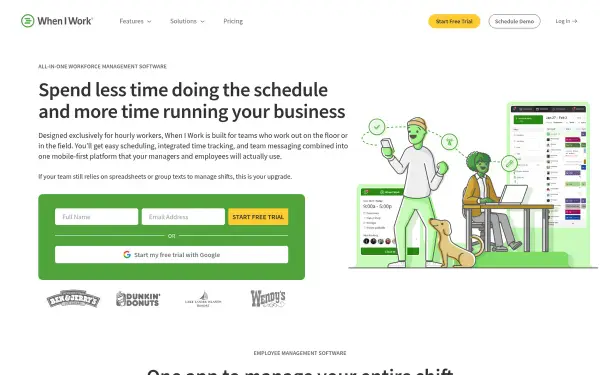
When I Work is the easiest sell on this list for a manager who just wants next week's shifts covered. Scheduling, time tracking, team messaging, GPS verified clock-ins, geofencing, open shift offers and payroll integrations all come in a package that starts at $2.50 per user per month for a single location or schedule. There is a 14 day free trial with no credit card and no long contracts.
Payroll is handled through integrations rather than built in, with QuickBooks, Gusto, ADP and Rippling named by the vendor. That is fine if you already run payroll somewhere else and annoying if you wanted one vendor.
Reporting is shallower than enterprise tools, and compliance handling will not satisfy a regulated multi-state operation. There is no free plan, so a five person team pays from day one, though at $2.50 per user the entry cost is low. Best fit: retail, food service and seasonal businesses that need shift coverage and a reliable clock, not a labor law engine.
You want cheap scheduling plus GPS clock-ins and already run payroll elsewhere.
You need a free plan or automated break compliance.
Entry VII of XI / Punch limiting
Our verdict
A focused time clock with punch limiting and selfie checks that quietly cuts hours you should not be paying for.
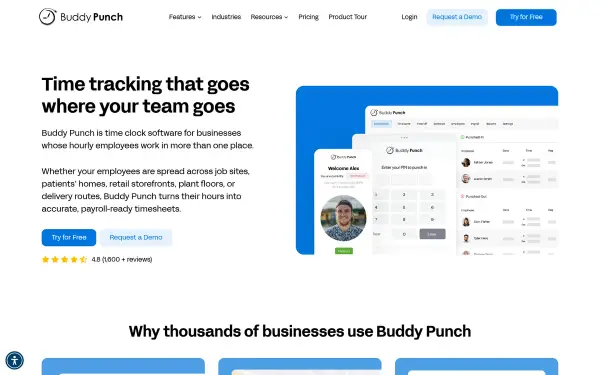
Buddy Punch is a time clock with teeth: GPS tracking, geofencing, selfie verification at clock-in, IP locks, punch limiting and automatic clock-outs. That last pair is the reason owners pick it. If someone forgets to punch out, the system closes the shift instead of paying for a 14 hour day, and punch limiting stops early clock-ins before a shift starts.
PTO accruals run automatically, and automatic timesheets with overtime rules remove the Monday morning spreadsheet work. A practical detail: employees do not need unique email addresses, which helps when you onboard seasonal staff or a crew that shares a phone.
Pricing is not listed on the homepage and requires a quote, so you cannot compare cost before a call. The interface favors function over polish, and reports take a little learning. It is a focused tool that does time and attendance well and does not pretend to be an HR suite. Good fit for construction, cleaning, security and manufacturing crews of 10 to 200.
Staff forget to clock out and you want the system to close shifts for you.
You will not accept a quote process before seeing a number.
Entry VIII of XI / Productivity monitoring
Our verdict
Built for distributed contractors, with productivity monitoring that needs a written policy before you switch it on.
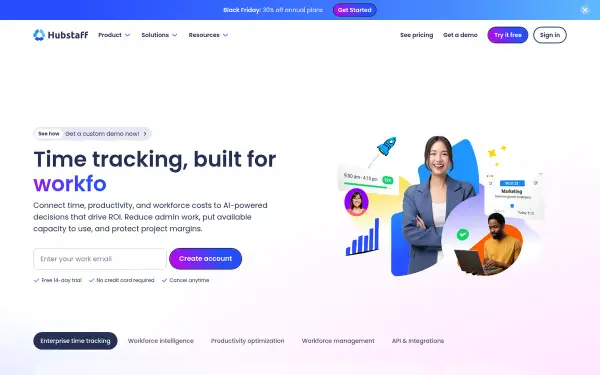
Hubstaff is a productivity tracker that records attendance along the way, and the order matters. Time tracking comes with screenshot monitoring, activity monitoring and unusual-activity detection, then adds global payroll and multi-currency payments for distributed contractors. Attendance is secondary to proving what remote staff did with their hours.
Pricing is published: Starter is $4.99 per seat per month with a two seat minimum and a 14 day free trial with no credit card.
The monitoring is the decision point, not the price. Screenshots and activity scores can build trust with a contractor you have never met and damage it with a salaried employee who feels watched. Introduce the tool with a written policy or pick something else. For local teams that only need a clock, Hubstaff is heavy and expensive relative to Jibble or Homebase. Best fit: agencies, outsourcers and remote-first companies paying people across countries.
You manage remote contractors across countries and need proof of hours worked.
Your team is local, salaried and simply needs a clock-in record.
Entry IX of XI / Parent messaging
Our verdict
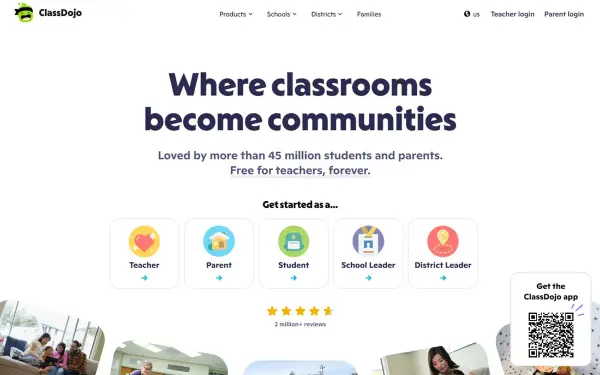
A free classroom communication app where attendance is one useful button among parent messaging and portfolios.
ClassDojo is a classroom communication platform where attendance is one button among many. Teachers mark attendance, message parents, award behavior points, publish student portfolios and use classroom management tools, with translation into more than 190 languages so families get updates in a language they read.
It is free for teachers, and pricing for anything beyond that sits on the vendor site. There is no trial because the free teacher account is the trial.
Attendance here is a daily register, not an hour by hour record, and there are no break rules or overtime because none of that applies to a classroom. It is aimed at younger grades, and families often already have the app installed, which is the real adoption advantage. For a school that needs period by period attendance and district reporting, this is not the tool. For a third grade teacher who wants parents to know about an absence the same morning, it is the shortest path.
You teach younger grades and want attendance plus parent messaging in one free app.
You need period attendance, district reporting or staff timekeeping.
Entry X of XI / Simple class log
Our verdict
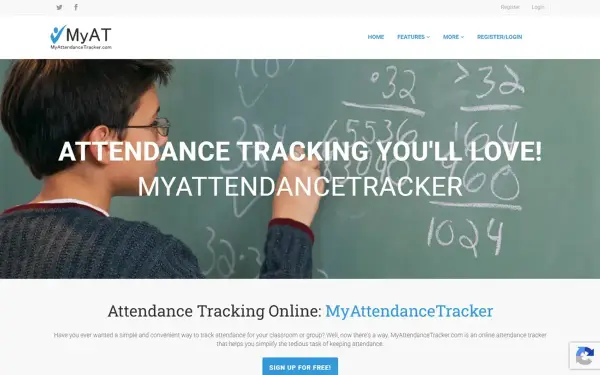
A free browser log for a single classroom register, with scanning and printable reports and nothing else added.
MyAttendanceTracker does one job: a class list with present or absent marks. Teachers set up classes, mark students, scan QR or barcode codes for faster entry, and print or export attendance reports to Excel or PDF. It is free and runs in a browser, so there is nothing to install for a substitute teacher covering a period.
There is no messaging, no behavior tracking, no gradebook and no parent portal. The design is basic and the product is small, which is fine when the requirement is a daily class log. That is fine when the requirement is a daily log a school office will accept on paper.
It should not be confused with an employee attendance system. There are no clock-ins, shifts, overtime rules or payroll exports because there are no employees. Best fit: a teacher or a small school that needs a free, printable attendance log. Anyone needing communication should look at ClassDojo, and anyone tracking staff should look at the time clock tools above.
You need a free, printable class register with QR scanning and nothing else.
You need parent contact, grades or any staff timekeeping.
Entry XI of XI / Workforce suite
Our verdict
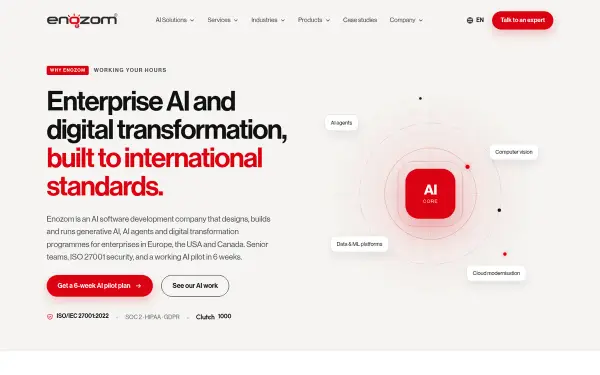
A credible workforce suite for attendance, leave and scheduling, held back here by unpublished pricing and plan detail.
Enozom is the Featured listing for this guide, and it covers the core of workforce attendance: attendance tracking, a time clock, leave management, shift scheduling, reporting, mobile access and employee self-service. Employees can check their own records and request leave without emailing a manager, and managers get reporting on top of the punches.
Access runs on web and mobile, which matters for a mixed workforce where supervisors are on their feet and HR is at a desk. Leave workflows and reporting are the parts that separate it from a bare time clock.
The limit is information. Pricing, plan tiers, free plan status and trial terms are not published in the details available to us, so everything here needs confirmation on the vendor site before you shortlist it. That is not a red flag on the product, but it is a real cost in time when you are comparing four vendors in a week.
Treat Enozom as a candidate to qualify with a demo: ask for a written pricing sheet, the per user or per site billing model, and what mobile access costs at your headcount. It fits businesses that want an attendance and workforce suite from one vendor rather than three point tools.
You want attendance, leave and scheduling from one vendor and will ask for a written quote.
You will only shortlist tools with published prices you can compare today.
VBackground
An attendance tracker app records when people start and stop work, then turns those punches into timesheets, overtime totals and leave balances. Most tools add scheduling, GPS or geofenced clock-ins and payroll exports. Some are built for hourly shift crews, some for remote staff, and a few for classrooms, so the right pick depends on who is being tracked.
Two families of tool share the name. Workforce apps, including Jibble, Connecteam, Homebase and Deputy, treat attendance as hours worked: clock in, break, clock out, overtime, leave, then payroll. Classroom apps such as ClassDojo and MyAttendanceTracker treat attendance as a daily register, a present or absent mark that a school office keeps.
The clock-in method shapes the day to day experience more than the feature list:
Then look at what happens to the hours. Jibble and When I Work export to payroll, Homebase runs payroll itself for US employers, and Hubstaff pays contractors across currencies. If your team takes leave, Day Off shows lateness, breaks, overtime and time off in one view.
This comparison sits in the software register. Further along the shore: baby tracking app and kennel software.
VIPricing
Costs run from free to $5 per user per month at entry level, with per location plans on top. Jibble is free forever for unlimited users, Homebase charges $30 per location per month with unlimited employees, and When I Work starts at $2.50 per user per month. Monthly minimums matter more than headline rates for small teams.
| Model | How it bills | Typical fit | Example from this list |
|---|---|---|---|
| Free forever | No charge, no user cap | Teams that need a clock and little else | Jibble, free forever for unlimited users |
| Free tier with caps | Free up to a user or location limit | Very small teams testing the workflow | Connecteam, free for up to 10 users; Homebase Basic, free for one location up to 10 employees |
| Per seat | Charged per user, sometimes with a monthly minimum | Teams whose headcount moves up and down | Day Off Pro at $2 per seat per month with a $20 minimum; When I Work at $2.50 per user per month |
| Per location | Flat charge per site, unlimited employees | Single site operators with many hourly staff | Homebase Essentials at $30 per location per month |
| Quote or vendor page | Price confirmed on a call or on the vendor page | Buyers with unusual headcount or module needs | Buddy Punch and Enozom need vendor confirmation |
Three things decide the real number. First, headcount: per seat tools such as Hubstaff at $4.99 per seat per month punish a 90 person roster, while Homebase charges the same $30 whether you employ 8 people or 80 at one site. Second, minimums: Day Off Pro carries a $20 monthly minimum, Day Off's attendance plan and Deputy Lite carry $30 minimums, so a five person team pays the floor rather than the seat rate. Third, billing term: Connecteam's $29 per month for the first 30 users is billed annually.
Free plans also come with edges. Day Off's free plan covers leave tracking only, and Connecteam and Homebase both stop at 10 users on the free tier. Read what the free tier includes before you migrate a team onto it.
Each entry card shows the starting price as it appeared on the vendor's own pricing page on November 25, 2026. When a vendor shows no figure we could confirm, or only a promotional rate, the card says "See website" or gives the regular price instead of a guess. Usage, overage and add-on rates in the text change more often than plan prices, so confirm them on the vendor page before you set a budget. To test the numbers against your own volume, try the free User Research Budget Planner. The Event Break-Even Calculator is a second way to check the same decision.
VIIDecision
Start with the shape of your workforce, not the feature list: hourly shift crews need scheduling and break rules, distributed teams need hours and payroll across borders, and classrooms need a register. Jibble covers the widest range for free, Homebase wins where payroll must sit in the same tool, and Deputy wins where compliance is the risk.
VIIIPitfalls
The most common mistakes are buying per seat when per location is cheaper, ignoring monthly minimums, and turning on location tracking without telling staff. Most of these are avoidable in an afternoon of reading plan pages, and all of them cost more to fix after a payroll cycle has run.
IXQuestions
Jibble is the one to check: its homepage confirms the free plan is free forever for unlimited users and includes time tracking, GPS and geofenced clock-ins. Homebase Basic is free for one location up to 10 employees, and Connecteam is free up to 10 users, so neither is unlimited.
Employee tools record clock-in and clock-out times, breaks, overtime and leave balances, then export hours to payroll. Student tools mark present or absent for a class and print reports. ClassDojo and MyAttendanceTracker are built for classrooms and have no shift, overtime or payroll features at all.
Look for a shared kiosk for a tablet at the door, geofenced clock-ins that only work on site, GPS for field crews and a selfie or face check so one person cannot punch in for another. Jibble covers all four, and Buddy Punch adds IP locks and punch limiting.
Connecteam, Day Off, Homebase, Deputy and When I Work all pair a time clock with shift scheduling. Deputy goes furthest with break rules, overtime calculations and demand-based scheduling, while When I Work keeps it simple at $2.50 per user per month with open shift offers.
GPS and geofencing record where a punch happened, and screenshot tools go further. Staff accept it more readily when a written policy covers what is captured, who reviews it and how travel time is handled. Hubstaff's monitoring is the most intrusive on this list.
Entry plans run from $2 per seat per month on Day Off Pro to $5 per user per month on Deputy Lite, with When I Work at $2.50 and Hubstaff at $4.99 per seat. Minimums matter: Day Off charges a $20 monthly minimum and Deputy a $30 minimum.
XFurther along the shore
Vendors can ask for a correction or apply for a Featured listing. Paid or not, the entry is scored on the same rubric and its limits stay in print. Partner with Umberlake.
Free tools
Our free browser tools turn the prices on this page into a figure for your own volume. Nothing you type leaves your device.