
Jobber
See website
Best for small residential plumbing shops wanting one core app
- Free plan
- No
- Rubric
- 8.1 of 10
We compare eight field service apps for plumbing shops, from solo operators to multi-branch fleets, with pricing checked on November 26, 2026.

IThe short answer
The best apps for plumbers in November 2026 depend on crew size and job mix. Jobber suits small residential plumbing shops that want one core app for scheduling, quoting and invoicing. Housecall Pro fits residential shops taking online bookings and relying on automated customer messages. ServiceTitan is built for large fleets with 10 or more technicians and multi-branch operations. We compared eight field service apps on fit, core workflow, pricing clarity, field usability and growth path.
8 tools compared from vendor pages on November 25, 2026. 1 publish a starting price we could read; the rest say "See website".
IITop three berths
Register order is editorial fit for the buyer each entry describes. Prices are the starting figures read on November 25, 2026.
See website
Best for small residential plumbing shops wanting one core app

See websitecustom quote
Best for residential shops taking online bookings from homeowners
See websitecustom quote
Best for large plumbing fleets with 10 or more technicians
How this page is paid for. All 8 tools here are unpaid editorial picks.
A paid listing's position can be part of what the vendor pays for. Every entry, paid or not, is scored on the same rubric and keeps its limits in print. Advertising disclosure.
IIIThe register
Starting prices as shown on each vendor's pricing page on November 25, 2026. "See website" means no figure we could confirm.
| No. | Tool | From | Free plan | Trial | Rubric | Actions |
|---|---|---|---|---|---|---|
| 01 | JobberSmall residential plumbing shops wanting one core app | See websiteNot shown publicly | No | 14-day free trial | 8.1 | |
| 02 | Housecall ProResidential shops taking online bookings from homeowners | See websitecustom quoteQuote only | No | 14-day free trial | 8.1 | |
| 03 | ServiceTitanLarge plumbing fleets with 10 or more technicians | See websitecustom quoteQuote only | No | Demo only | 7.3 | |
| 04 |  FieldEdgePlumbing and HVAC shops standardised on QuickBooks | See websitecustom quoteQuote only | No | Demo only | 6.7 | |
| 05 | WorkizCall-heavy shops that live on inbound phone jobs | See websiteNot shown publicly | No | Free trial | 7.1 | |
| 06 |  Service FusionShops wanting flat pricing with unlimited users | See websitecustom quoteQuote only | No | Demo only | 7.4 | |
| 07 |  FieldPulseGrowing residential teams handling mixed work types | See websitecustom quoteQuote only | No | Free trial | 7.5 | |
| 08 |  KickservBudget-conscious small teams needing core tools | $60Start, 5 users, per month, annual billing saves 20%Updated on vendor page | No | 30-day free trial | 7.5 |
Pinned:
IVMethod
We assessed each app against five criteria: fit for shop (25%), core workflow (25%), pricing clarity (20%), field usability (15%) and growth path (15%). Fit for shop asked whether the app matches the daily rhythm of a plumbing business, from a solo residential operator to a multi-branch fleet. Core workflow checked scheduling, dispatch, quoting, invoicing and payment collection as one loop. Pricing clarity weighed how easy it is to confirm plan prices, billing terms and add-on costs before purchase. Field usability looked at the technician mobile experience, and growth path considered user limits, reporting and feature depth as a shop adds trucks.
Prices and plan facts come from vendor pricing pages checked on November 26, 2026. Where a vendor does not publish a starting price, we say pricing is on the vendor site and do not guess a number. Where pricing is quote based, we say so and recommend confirming costs with the vendor. Trials and contract terms are listed only when the supplied facts include them. The order is editorial: it reflects fit for the buyer each entry describes.
A Featured placement, when present, is a paid placement and is scored with the same rubric as every other app. It does not change the criteria or the honesty of the cons.
The full routine, from price reads to corrections, is on the methodology page. Paid listings follow the advertising disclosure.
How well the app matches the daily workflow of residential and commercial plumbing teams.
Scheduling, dispatch, quoting, invoicing and payment collection in one place.
Whether plan prices, billing terms and added costs are easy to confirm before a purchase.
How well technicians can use the mobile app for jobs, notes, estimates and payments.
How well features, user limits and reporting scale as a plumbing business adds trucks.
Entry I of VIII / One core app
Our verdict
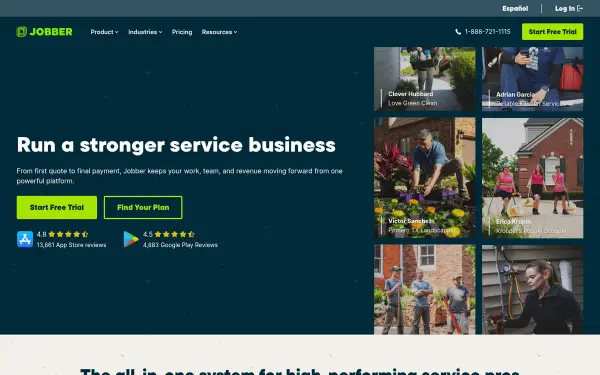
A clean core app for small residential plumbing shops that want scheduling, quoting and invoicing in one place.
Jobber is the most straightforward fit for a small residential plumbing shop that wants one app for the whole job cycle. Scheduling and dispatching, quoting and estimates, invoicing and payment collection, customer reminders and job history sit in one system, and the mobile app gives technicians the day's work without a separate dispatch call. Client records keep prior work and contact details together, which matters when a repeat customer calls about the same water heater or drain line.
Pricing is on the vendor site, so confirm the current plan lineup and entry price before you budget. GPS tracking is limited to mid and upper tiers, and several advanced capabilities sit behind higher plans. The 14-day free trial gives a small crew enough time to load real jobs and test the mobile workflow.
Jobber fits solo operators and small truck counts best. It is less compelling for a plumbing business that needs deep pricebook controls, multi-branch reporting or fleet management at scale. If your main goal is to stop juggling paper tickets, spreadsheets and separate invoice software, Jobber covers the core loop cleanly.
You run a small residential plumbing shop that wants scheduling, quoting and invoicing in one app.
You need multi-branch pricebook controls or GPS on every plan.
Entry II of VIII / Online booking flow
Our verdict
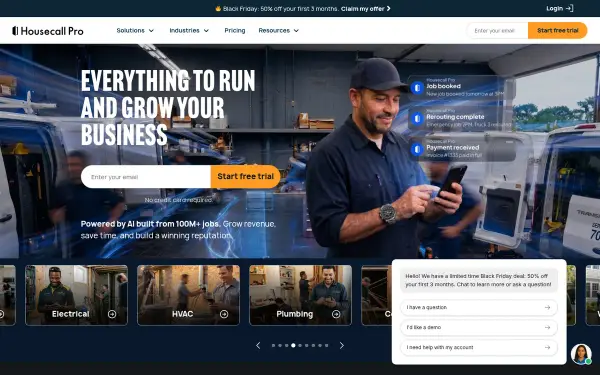
A strong residential booking and communication app for shops that want homeowners to book online and get automatic updates.
Housecall Pro is built around the customer-facing side of residential service work. Homeowners can book online, automated reminders and messages reduce phone tag, and the office can schedule and dispatch from the same system. Invoicing and card payments are included, and each customer record keeps service history so technicians arrive with context. The mobile app supports technicians in the field, while the office sees job status and payment progress.
Pricing is available through a custom quote; confirm the plan ladder, user counts and tier costs with the vendor. GPS tracking sits on mid and upper tiers, so a small shop should confirm whether its chosen plan includes it. A 14-day free trial is offered, and month-to-month terms are available, which lowers the commitment risk compared with annual-only competitors.
Housecall Pro fits residential shops that take online bookings and want communication automations to cut office phone time. It is a strong choice for a company with a steady stream of homeowner calls and a small office team. It is less suited to a large fleet that needs multi-branch controls or deep pricebook governance, where ServiceTitan is the more natural comparison.
Homeowners book online and your office needs automated messages to cut phone time.
You need a low-cost plan for a crew larger than one user on Basic.
Entry III of VIII / Pricebook control
Our verdict
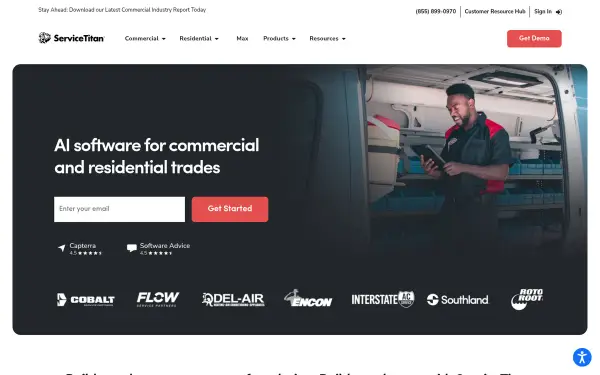
A heavy-duty fleet platform for large plumbing operations that need pricebook control, margin checks and multi-branch reporting.
ServiceTitan is built for large plumbing fleets, not for a two-truck shop. It supports central pricebooks, configurable margin checks, role-based permissions and templates, reporting dashboards, dispatch and scheduling at scale, GPS tracking and fleet tools, and multi-branch support. Fleet Pro is an add-on subscription for deeper fleet management. The value is control: standard pricing, margin discipline and performance visibility across many technicians and locations.
Pricing is discussed with sales and no public starting price is shown. There is no self-serve trial, only a demo. Costs and contract terms are not published, so confirm pricing, implementation fees and the exact Fleet Pro cost directly with ServiceTitan before you treat them as budget numbers.
ServiceTitan fits plumbing fleets with 10 or more technicians, especially multi-branch operations that need centralized pricebooks and margin checks. A small residential shop will usually find the cost and implementation burden hard to justify. The platform is strongest when you have enough volume to need formal controls, dedicated administrators and reporting discipline.
You run 10 or more technicians and need centralized pricebooks, margin checks and fleet tools.
You are a small shop that needs published pricing and a self-serve trial.
Entry IV of VIII / QuickBooks sync
Our verdict
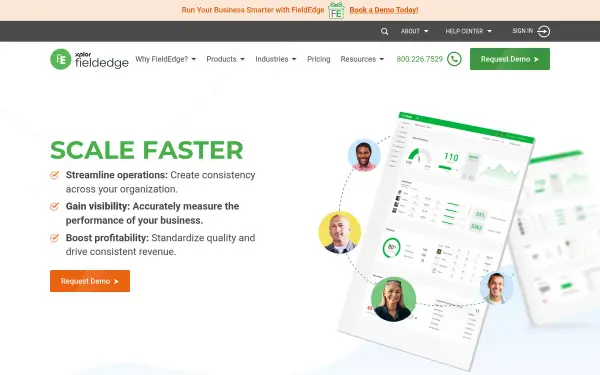
A QuickBooks-centered service app for plumbing and HVAC shops that want repair guidance and a tight accounting sync.
FieldEdge is a residential service platform with a strong QuickBooks connection. It is designed for plumbing and HVAC shops that already run accounting in QuickBooks and want field-to-office workflow to stay in step. Scheduling and dispatching, invoicing and payment handling, customer and equipment history, and a mobile field app cover the core service call. A maintained repair and parts database is the differentiator, giving technicians a faster path to diagnosis and parts selection.
Evaluation is demo based, with no self-serve trial. Plans are listed but all require a pricing request or call. Pricing is quote only, annual contracts apply, and setup fees should be confirmed with the vendor. The QuickBooks sync is the main reason to shortlist FieldEdge, but it also means your accounting setup should be clean before implementation.
FieldEdge fits plumbing and HVAC shops standardized on QuickBooks, particularly residential service businesses that want repair guidance in the field. It is less attractive for a shop that wants transparent self-serve pricing or a month-to-month start. Compare the total first-year cost, including setup and annual commitment, against Jobber or Housecall Pro before deciding.
Your plumbing and HVAC shop already runs on QuickBooks and wants a tighter field-to-office workflow.
You want transparent pricing, a self-serve trial or no annual contract.
Entry V of VIII / Call to job
Our verdict
A practical app for call-heavy plumbing shops that want each inbound phone job linked to its lead source.
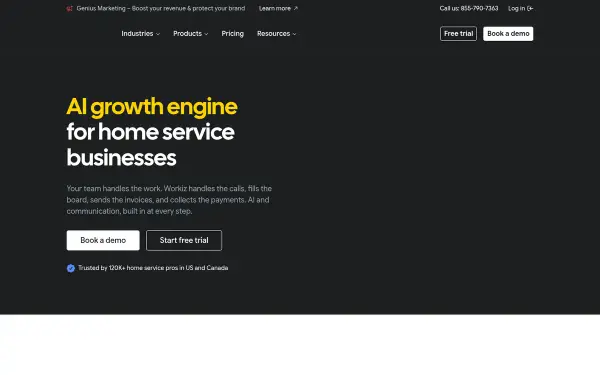
Workiz is aimed at call-heavy service businesses, and its defining feature is call tracking tied to jobs. When a customer calls, the job can be linked back to that call, with lead source attribution per call. That makes it easier to see which marketing or referral source produced the work. Scheduling and dispatch, invoicing and payment collection, client history and notes, team and job management, and a technician mobile app cover the rest of the core workflow.
Pricing is on the vendor site; confirm the current plan structure and entry price with Workiz. The app supports month-to-month contracts, which avoids lock-in, and a free trial is offered. Upper tiers cost considerably more than entry.
Workiz fits plumbing shops that live on inbound phone jobs and want to connect calls to revenue. It is a practical choice for a small office that fields many calls and needs lead source attribution without a separate call tracking tool. Plumbing-specific depth trails more specialized platforms, so shops that need advanced pricebooks, margin checks or fleet controls should look at ServiceTitan or FieldPulse.
Inbound phone calls drive most of your jobs and you want call tracking tied to each job.
You need deep plumbing pricebooks or advanced fleet controls.
Entry VI of VIII / Unlimited user pricing
Our verdict
A flat-price option for growing shops that want unlimited users and predictable monthly cost as headcount rises.
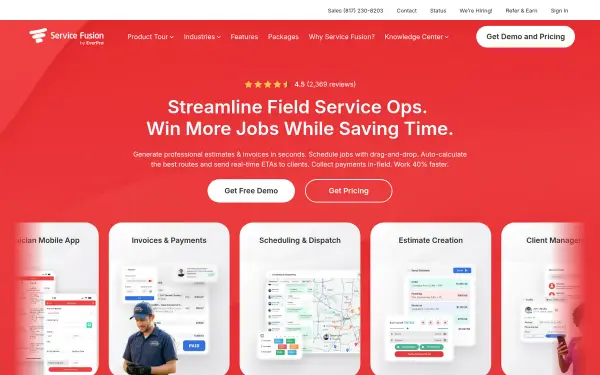
Service Fusion is built around flat monthly pricing with unlimited users, which changes the math for a growing plumbing shop. Scheduling and dispatching, invoicing and payments, estimating and quotes, customer records and job history, reporting and a mobile app for field staff are all included in the core offering. Instead of paying more for every dispatcher or technician, the shop pays a predictable base price as headcount grows.
Pricing is quote based. Flat-rate details should be confirmed with the vendor before you build a budget. Annual contracts apply, and evaluation is demo only, with no self-serve trial.
Service Fusion fits shops that want flat pricing with unlimited users, especially teams of 15 or more users where per-user apps become expensive. It is less suited to a solo operator who needs the lowest possible entry cost or a shop that insists on a self-serve trial. For a mid-size plumbing company adding office and field staff, the unlimited-user model is the main attraction.
You want a flat monthly price with unlimited users as your crew grows.
You need a self-serve trial or the lowest possible entry price.
Entry VII of VIII / Margin-based estimating
Our verdict
A strong estimating app for growing residential teams that want markup, margin targets and material lists on mobile.
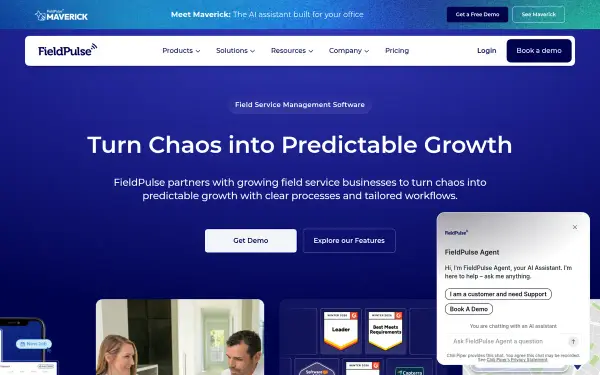
FieldPulse goes deeper on estimating than most apps in this comparison. Mobile estimating supports cost and markup, target margin calculation, formulas and bundled pricing, and material lists on estimates. That gives a plumbing shop a way to build quotes with margin discipline before the job starts. Scheduling and job management, invoicing, and customer and job records round out the core workflow. It fits teams running roughly 5 to 20 trucks, and no annual contract is required.
Pricing requires a custom quote. Per-user billing means cost scales directly with crew size, which matters as a growing team adds technicians and office staff. The interface is denser than simpler competitors, so training time is a real consideration. Full profit analysis is only available on desktop, and sales suite modules cost extra. A free trial is offered.
FieldPulse fits growing residential teams handling mixed work types, especially shops that want estimating depth with markup and margin targets. It is a good middle ground for a company that has outgrown basic scheduling and invoicing but does not need the implementation weight of ServiceTitan. A very small shop may find the interface and per-user cost heavier than necessary compared with Kickserv.
You run roughly 5 to 20 trucks and want estimating with markup and margin targets.
You need full profit analysis on mobile or a simple, sparse interface.
Entry VIII of VIII / Low entry price
Our verdict
The budget pick for small plumbing teams that need core scheduling, estimates, invoicing and payments without a long setup.
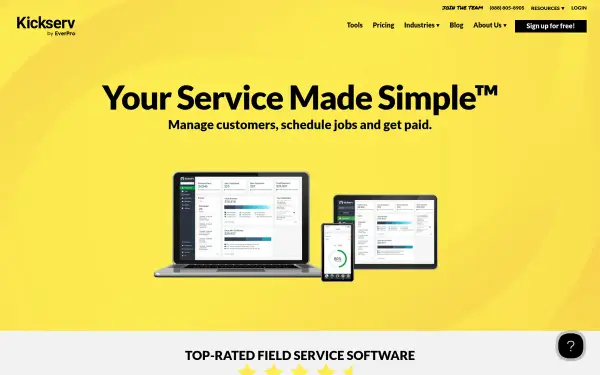
Kickserv is the budget-conscious choice for small plumbing teams that need the core scheduling to invoice loop. Scheduling and dispatching, invoicing, estimates and quotes, a customer database, job notes and history, mobile access for field staff, and online payment collection are all covered. Setup is quick for a small shop, and the feature set is easy for technicians and office staff to learn without a long implementation project.
Pricing is the clearest in this list. Kickserv lists $60 per month for the Start plan with 5 users, and annual billing saves 20 percent. A 30-day free trial is offered. The trade-off is feature depth: there are fewer advanced features than larger platforms, GPS tracking is only on upper tiers, and the integration ecosystem is smaller. As a team grows beyond simple dispatch and invoicing, the feature ceiling becomes a constraint.
Kickserv fits budget-conscious small teams needing core tools, especially a shop with up to five users that wants a known monthly price. It is a sensible first field service app for a new plumbing business. It is less suitable for a company that needs advanced estimating, deep reporting, multi-branch controls or a broad integration set. Move to Jobber, Housecall Pro or FieldPulse when those needs become daily blockers.
You are a small team that needs core scheduling, estimates and invoicing at a low entry price.
You need advanced features, GPS on every plan or a broad integration set.
VBackground
Field service apps for plumbers are job management systems that connect the office, the technician and the customer in one workflow. They usually cover scheduling and dispatch, quoting and estimating, invoicing and payment collection, customer history, reminders and a mobile app for field staff. Some add GPS tracking, pricebooks, margin checks, QuickBooks sync or call tracking. The goal is to stop rekeying the same job details into separate calendars, spreadsheets and invoice tools.
For a plumbing business, the daily test is simple: can a technician see the job, the customer history and the parts or notes from a phone, then collect payment before leaving? Can the office see which jobs are unscheduled, late or unpaid without calling each technician? The best apps for plumbers answer those questions without forcing a small shop into an enterprise implementation.
The category splits into a few practical groups:
Most plumbing shops do not need every category. A residential shop with two to ten trucks usually needs the core small-shop app or the residential booking tool. A fleet with 10 or more technicians and multiple branches starts to justify the enterprise platform. The right choice depends on call volume, job mix, office staffing and how much control you need over pricing.
This comparison sits in the software register. Further along the shore: baby tracking app and kennel software.
VIPricing
Field service apps for plumbers generally fall into five pricing models: published plan tiers, custom quotes, per-user pricing, flat monthly pricing and plan ladders with add-ons. The model matters as much as the number, because a low entry price can climb when you add users, GPS, reporting or implementation services.
| Model | How it bills | Typical fit | Example from this list |
|---|---|---|---|
| Published plan tiers | Monthly plan prices, sometimes with an annual discount | Small shops that want a known entry price | Kickserv lists $60 per month for Start with 5 users, and annual billing saves 20% |
| Custom quote | Vendor quote after a demo or sales call | Mid-size and fleet operations | ServiceTitan and FieldEdge discuss pricing with sales and show no public starting price |
| Per-user pricing | Monthly fee for each user, often quote based | Teams whose headcount grows | FieldPulse pricing is quote based and per-user; confirm current costs with the vendor |
| Flat monthly pricing | One base fee with unlimited users | Shops with many users | Service Fusion uses a custom quote; confirm flat-rate details with the vendor |
| Plan ladder with add-ons | Tiered plans plus extra modules | Shops needing a core app plus extras | Jobber's plan prices are on the vendor site; ServiceTitan Fleet Pro is an add-on subscription |
Trials vary. Jobber and Housecall Pro offer 14-day free trials, Kickserv offers 30 days, and Workiz and FieldPulse offer free trials. ServiceTitan, FieldEdge and Service Fusion are demo only. Contract terms also differ: Workiz and FieldPulse list no annual contract, FieldEdge and Service Fusion list annual contracts, and ServiceTitan's terms should be confirmed with the vendor. Always confirm the billing term, setup fee and add-on costs in writing, because a low monthly figure can hide a larger first-year total.
Each entry card shows the starting price as it appeared on the vendor's own pricing page on November 25, 2026. When a vendor shows no figure we could confirm, or only a promotional rate, the card says "See website" or gives the regular price instead of a guess. Usage, overage and add-on rates in the text change more often than plan prices, so confirm them on the vendor page before you set a budget. To test the numbers against your own volume, try the free User Research Budget Planner. The Event Break-Even Calculator is a second way to check the same decision.
VIIDecision
VIIIPitfalls
IXQuestions
Jobber is the best fit for many small residential plumbing shops because it combines scheduling, quoting, invoicing, reminders and job history in one app. Housecall Pro is the stronger pick when homeowners book online and the office wants automated customer messages. Kickserv is the budget option for a team of up to five users that needs core tools without a long setup.
Costs vary widely by pricing model. FieldPulse and Service Fusion use custom quotes, so confirm current per-user or flat-rate costs with each vendor. ServiceTitan is also quote based, and it is aimed at large fleets rather than small shops.
Usually no. ServiceTitan is built for fleets with 10 or more technicians, with pricebooks, margin checks, multi-branch support and fleet tools. A small shop may not have the volume to justify the implementation, training and reported multi-year contract. Start with Jobber, Housecall Pro or Kickserv, and revisit an enterprise platform when multiple branches and formal pricing controls become daily needs.
FieldEdge is the standout for QuickBooks because its workflow is built around a tight QuickBooks sync for plumbing and HVAC shops. That matters if your accounting, invoicing and job costing already live in QuickBooks. Before choosing it, confirm the setup fee and annual contract, and test a few real invoices during the demo to make sure the chart of accounts and payment mapping work for your bookkeeping.
Export first, then verify. Pull customer records, invoices, estimates, equipment history and photos from your current system, and reconcile opening balances before you go live. Assign one person to own the migration and set a cutover date. Run the new app in parallel for a short period, confirm that paid and unpaid invoices match, and only then cancel the old platform.
XFurther along the shore
Vendors can ask for a correction or apply for a Featured listing. Paid or not, the entry is scored on the same rubric and its limits stay in print. Partner with Umberlake.
Free tools
Our free browser tools turn the prices on this page into a figure for your own volume. Nothing you type leaves your device.