Bloomerang
See websitecustom quote
Best for donor retention at small and mid-size nonprofits
- Free plan
- No
- Rubric
- 6.6 of 10
We compared eight nonprofit CRMs on donor retention, membership, pricing transparency and setup effort, from free platforms to enterprise stacks, with every price checked on November 26, 2026.

IThe short answer
Bloomerang is the best CRM software for nonprofits focused on donor retention, Salesforce Nonprofit Cloud suits large organizations with in-house technical staff, and Neon CRM fits membership-based groups. That is the short answer as of November 2026, when we checked prices on each vendor's own page. The eight tools below range from fully free platforms to per-user enterprise plans, and the right pick depends on record volume, whether you sell memberships, and how much configuration your team can realistically support.
8 tools compared from vendor pages on November 25, 2026. 6 publish a starting price we could read; the rest say "See website".
IITop three berths
Register order is editorial fit for the buyer each entry describes. Prices are the starting figures read on November 25, 2026.
See websitecustom quote
Best for donor retention at small and mid-size nonprofits
$70Sales & Service Core, per user per month, billed annually
Best for large nonprofits with in-house technical staff

$99CRM, per month, unlimited records, tiers priced by organization revenue
Best for membership-based organizations
How this page is paid for. All 8 tools here are unpaid editorial picks.
A paid listing's position can be part of what the vendor pays for. Every entry, paid or not, is scored on the same rubric and keeps its limits in print. Advertising disclosure.
IIIThe register
Starting prices as shown on each vendor's pricing page on November 25, 2026. "See website" means no figure we could confirm.
| No. | Tool | From | Free plan | Trial | Rubric | Actions |
|---|---|---|---|---|---|---|
| 01 | BloomerangDonor retention at small and mid-size nonprofits | See websitecustom quoteQuote only | No | See website | 6.6 | |
| 02 | Salesforce Nonprofit CloudLarge nonprofits with in-house technical staff | $70Sales & Service Core, per user per month, billed annuallyRead on vendor page | Yes | 30-day free trial | 7.3 | |
| 03 | Neon CRMMembership-based organizations | $99CRM, per month, unlimited records, tiers priced by organization revenueRead on vendor page | No | See website | 7.3 | |
| 04 | DonorPerfectMid-size organizations prioritizing fundraising automation | $119Entry plan, per month for US nonprofits, price depends on donor records and add-onsUpdated on vendor page | No | See website | 6.2 | |
| 05 |  Little Green LightSmall nonprofits on a tight budget | $45Single plan, per month, up to 2,500 constituents, unlimited usersRead on vendor page | No | 30-day free trial | 6.5 | |
| 06 |  GivebutterSmall donor-focused teams wanting free all-in-one fundraising | FreeFree forever tier at $0 per month, Plus from $29 per month, optional tips or platform feeRead on vendor page | Yes | 30-day free trial on Plus | 6.9 | |
| 07 |  ZeffyZero-fee donations for nonprofits of any size | Free100% free all features, funded by optional donor tipsRead on vendor page | Yes | Free to use | 6.9 | |
| 08 | VirtuousAutomation-driven mid to large nonprofits | See websiteNot shown publicly | No | See website | 6.2 |
Pinned:
IVMethod
Every tool here was scored against the same five criteria: donor management depth, pricing clarity, ease of setup, membership and events handling, and scaling ceiling. The weights reflect what buyers actually ask about. Donor management carries the most weight, because a nonprofit CRM that cannot track gifts, retention and stewardship is a contact database with better marketing. Pricing clarity is weighted almost as heavily, since quote-only pricing is the largest single obstacle to comparing options side by side.
Prices come from each vendor's own pricing page and were checked on November 26, 2026. Where a vendor does not publish a number, the listing says pricing is on the vendor site rather than estimating a figure. Where a published number differs from what older material reports, the current pricing sheet wins. No currency conversions, no invented plan names, no guessed discounts.
The order is editorial. Each entry describes the buyer it fits best, and tools built for narrow needs sit lower even when their scores are strong. Listings marked Featured are paid placements, scored with this rubric, carrying the same kind of honest cons as every other entry, and labeled so you can weigh them accordingly.
We did not run demos, contact references or test migrations for this round. Treat these reviews as a shortlist to verify rather than a substitute for a trial, and use the free trials on Salesforce Nonprofit Cloud, Little Green Light and Givebutter Plus before you commit. Migration effort is the cost most often left out of a first-year budget, so price it early.
The full routine, from price reads to corrections, is on the methodology page. Paid listings follow the advertising disclosure.
Depth of gift tracking, retention analysis and stewardship tooling.
How easily a buyer can find real numbers, seat counts and record caps before a sales call.
Time and technical effort required to reach a working system and a trusted report.
Handling of renewals, registrations, ticketing and constituent portals.
Headroom for more users, records, programs and configuration as the organization grows.
Entry I of VIII / Retention dashboards
Our verdict
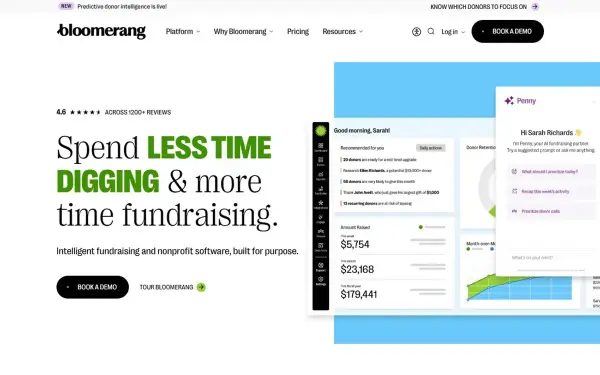
The most fundraisers-first donor CRM here, held back by module pricing that scales with records rather than seats.
Bloomerang is built for development teams rather than IT departments. The core of the product is donor and gift tracking with retention dashboards and engagement scoring, so a fundraiser can see which donors are slipping and which are ready for a major gift conversation without building a report first. Unlimited user seats on the donor CRM tier means the executive director, board members and key volunteers can all get access without triggering a per-seat bill, which is unusual in this category.
The catch is what sits outside that base tier. Volunteer management, prospect research and the connected giving platform are separate modules, so the price you see for the donor database is not the price of the whole system. The donor CRM tier has been quoted at $125 per month billed annually, with the full connected suite from $242 per month. As of November 2026 the vendor's pricing page routes all plans to a custom quote request, so treat those numbers as a starting reference and reconfirm them. Cost also scales with the number of records you store, which is the opposite of the unlimited-user model.
It fits small and mid-size nonprofits that live or die on donor retention and want something a fundraiser can learn in an afternoon. Less configurable than enterprise platforms, it will frustrate organizations with unusual program structures or complex grant reporting requirements.
It does not fit teams that need a single flat price that will not move as the database grows.
Donor retention is your core problem and your team wants to be productive without a consultant.
You need heavy configuration or a fixed price that will not move as your records grow.
Entry II of VIII / Customization depth
Our verdict
The highest ceiling on this list and the heaviest lift, worth it only when a technical team can run it.
Salesforce Nonprofit Cloud is the most capable platform in this comparison and the one most likely to stall on a small team's desk. It covers fundraising and donor management, grantmaking workflows, program and outcome tracking, and volunteer management in a single stack, and it inherits the configuration depth of the Salesforce platform underneath, so almost any process can be modeled if someone has the skills to model it.
Published tiers start at $70 per user per month billed annually on the Sales & Service Core edition, and eligible nonprofits get their first 10 Core licenses free. Advanced lists at $125 and Sales Max at $285 per user per month. The license line is the cheap part. Implementation, consultants and ongoing administration typically dwarf it, and published all-in annual estimates run from $10,000 to $30,000 or more. Confirm current figures on the vendor pricing sheet rather than relying on older numbers. A 30-day free trial lets you test configuration effort before you commit.
It fits large nonprofits with in-house technical staff or a committed implementation partner, especially ones that need grants, programs and outcomes tracked alongside fundraising in one place. The learning curve is steep for small teams, and administration is a real job rather than a side task.
It does not fit a two-person development shop that expects to be running donor reports within a week.
You have technical staff and need grants, programs and fundraising in one configured system.
Nobody on your team owns system administration or you need reports live inside a month.
Entry III of VIII / Membership renewals
Our verdict
Best fit for organizations that sell memberships and run events, though reporting takes more work than it should.
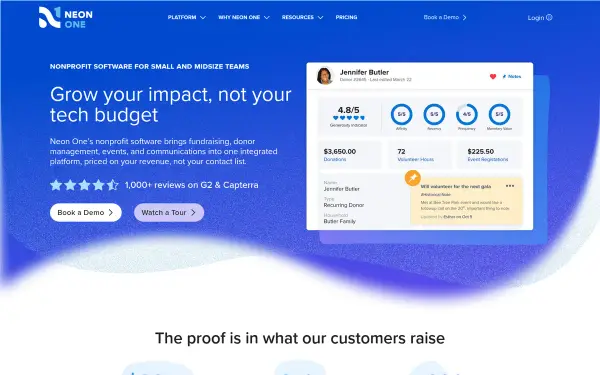
Neon CRM earns its place with membership management. Renewals, event registration, donation processing and online forms all sit in one system with unlimited constituent records at every tier, which matters for organizations whose database grows faster than their budget does. Constituent portals and online forms also reduce the amount of manual data entry a small team has to absorb.
Pricing starts at $99 per month for the CRM platform, with tiers set by organization revenue rather than record count. That is a meaningful difference from record-based competitors: a growing membership base does not trigger an upgrade on its own. Typical annual spend is quoted at $1,188 to $3,600 depending on tier, and some capabilities sit behind add-on costs, so confirm what the base tier includes before you commit.
Reporting is the weak spot. The workflow is harder than it should be for routine development reporting, and teams often end up exporting to a spreadsheet to answer simple questions about giving trends. That is not a reason to avoid the product if membership and events are your priority, but it is a reason not to buy it for analytics alone.
It fits membership-based organizations, associations and nonprofits with a busy events calendar alongside fundraising. It does not fit teams whose main need is sophisticated donor analytics or grant management, and it does not fit anyone who needs a free plan, because there is not one.
Membership renewals and event registration are core workflows you run every week.
Donor analytics or grant reporting is the main thing your team needs from a CRM.
Entry IV of VIII / Fundraising automation
Our verdict
Automation and stewardship extras are strong, but the interface and report builder slow teams down.
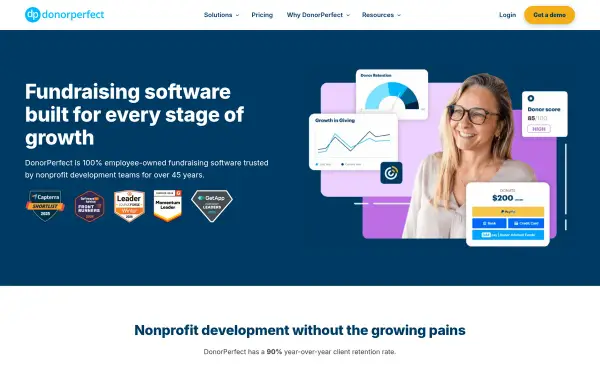
DonorPerfect is aimed squarely at mid-size fundraising teams that want automation doing the routine work. Workflows can trigger acknowledgments and stewardship steps, reporting is flexible once you learn it, and custom video thank-you messages give donors something more memorable than a form letter. Online giving integrates into the same donor record, so gift data lands in one place rather than two.
Pricing starts at $119 per month for US nonprofits on the entry plan, with the final figure depending on donor records and add-ons. Typical annual cost is quoted from about $1,188 upward. Per-plan seat counts and record caps are not published, which makes it awkward to compare against competitors that publish a record limit and bill on it. Ask for those numbers in writing during the quote conversation rather than assuming the entry plan covers your team size.
The interface is the honest problem. It feels dated next to Bloomerang or Neon, and the report builder is cumbersome enough that routine reporting becomes a chore. Teams that pull three reports a month will not care. Teams that live in reporting will, and they should trial it with their own data before signing.
It fits mid-size organizations with a development team of several people and enough gift volume to justify automation. It does not fit small shops that want to be productive in the first week, and it does not fit anyone who needs published per-seat or per-record pricing to budget with confidence.
You have several fundraisers and enough volume that automated acknowledgments save real hours.
You need published seat limits or a modern interface your team will adopt quickly.
Entry V of VIII / Low entry price
Our verdict
The cheapest paid way into donor management here, with predictable pricing and a deliberately small feature set.
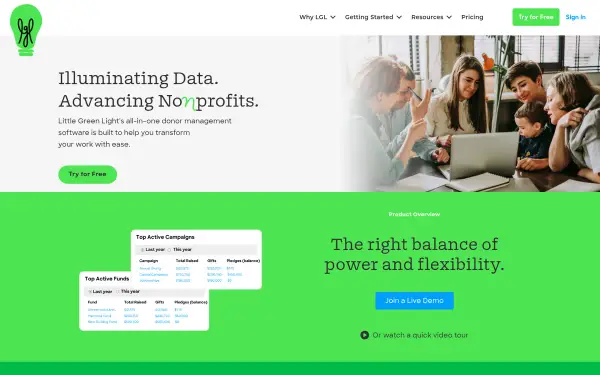
Little Green Light is the simplest and cheapest paid option on this list, and it is honest about it. One plan, $45 per month for up to 2,500 constituents, unlimited users, and a 30-day free trial. Donor and contact management, gift and pledge tracking, basic reporting, basic grant proposal tracking and basic email marketing are all included, with no implementation project to survive first.
The word basic does a lot of work in that sentence. Grant tracking is rudimentary, the email tools are limited, and the overall feature set is smaller than any other paid donor CRM here. That is the trade: predictable cost tied to database size and almost no setup overhead. If your team needs sophisticated segmentation, complex reporting or multi-channel campaigns, you will outgrow it, and the migration will land at the worst possible moment.
Pricing tiers are based on constituent count, so cost stays predictable until the database grows. Typical annual spend falls between $540 and $1,260. Organizations that pass a small donor base should plan for a migration rather than assume they will stay indefinitely, and should ask what the next tier costs before they need it.
It fits small nonprofits on a tight budget, all-volunteer development operations, and organizations that mainly need one accurate donor record with gift history attached. It does not fit organizations running memberships, grants programs or heavy events, and it does not fit anyone who needs analytics beyond basic reporting.
You need one accurate donor database with gift history and a price you can defend to the board.
You run memberships, a grants program or campaigns that need segmentation and email depth.
Entry VI of VIII / All-in-one fundraising
Our verdict
Free to start and quick to launch for events and peer-to-peer, but the donor database stays shallow.
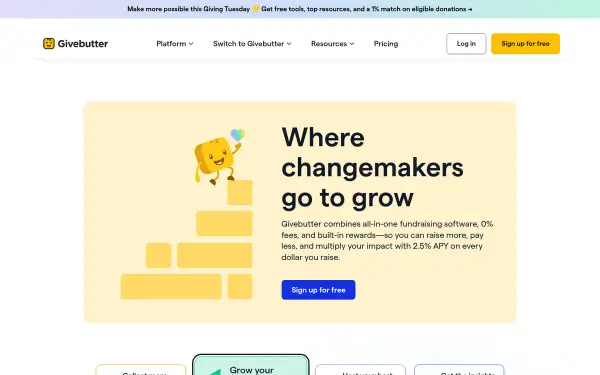
Givebutter's pitch is that a small team can run fundraising without a subscription. The core tier is $0 per month, free forever, and covers donation forms, event management and ticketing, peer-to-peer campaign pages, a basic donor CRM and payments handling. A 30-day free trial applies to the paid Plus tier, which starts at $29 per month.
The trade is depth. Donor management is shallow compared with a dedicated donor CRM: think contact records and gift history rather than engagement scoring, stewardship workflows or complex segmentation. There is no grant management at all. The free tier is sustained by optional tips or a platform fee added at checkout, which means your donors effectively fund the platform. Some boards are comfortable with that arrangement and some are not, so settle it before you launch campaigns rather than after.
Setup is genuinely fast. A small team can have a donation form and an event page live in an afternoon, and peer-to-peer pages give supporters something to share without a designer. That speed is why it appears on a nonprofit CRM list at all.
It fits small, donor-focused teams that want events, peer-to-peer and donations under one roof without a monthly bill. It does not fit organizations that need retention analysis, grant tracking or major gifts management. At that point the $29 Plus tier is not the constraint; the feature gap is.
You run events and peer-to-peer campaigns and want to launch this month with no subscription.
You need retention reporting, grant tracking or a full major gifts workflow.
Entry VII of VIII / No platform fees
Our verdict
Zero platform fees and full feature access, with a funding model that boards will want to ask about.
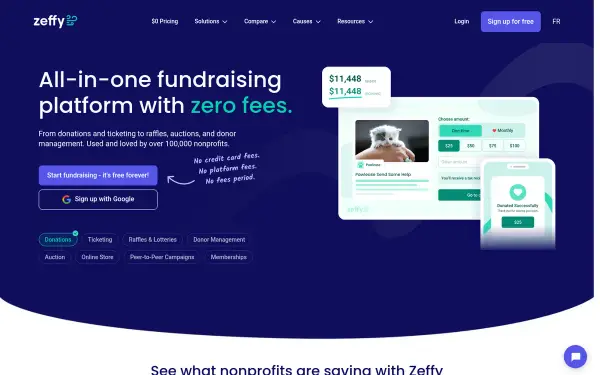
Zeffy takes the free model further than anyone else here: all features free, no monthly fee, no per-seat charge, and no platform fee on donations. The nonprofit keeps the full donation amount. Revenue comes from optional contributions donors can add at checkout, which is a different arrangement from a subscription paid out of the general fund, and it changes how you think about cost per dollar raised.
What you get for zero is broader than expected: a donor database, online giving forms, event ticketing, peer-to-peer campaigns and payment processing. It covers the core operations of a small fundraising shop without a line in the budget, which matters for organizations where a few percentage points of every gift is real money.
Two things to weigh. First, funding depends on voluntary donor tips, so income is less predictable than a subscription, and boards sometimes ask about the long-term stability of that approach. Second, the feature set is thinner than paid donor CRMs: fewer automation options, simpler reporting, and a shorter track record than established competitors. Neither is a dealbreaker at this price, but both shape what you can grow into.
It fits nonprofits of any size that want zero-fee donation processing and are comfortable with the tips model. It does not fit organizations that need deep donor analytics, grant management or complex stewardship automation, and it does not fit boards that want a conventional contract with a fixed annual line item.
Processing fees are eating your fundraising and you want donations, events and peer-to-peer at no platform cost.
Your board needs a fixed annual contract or your reporting requirements are complex.
Entry VIII of VIII / Workflow automation
Our verdict
Automation-first CRM for growing development teams, but quote-only pricing makes it hard to budget from the website.
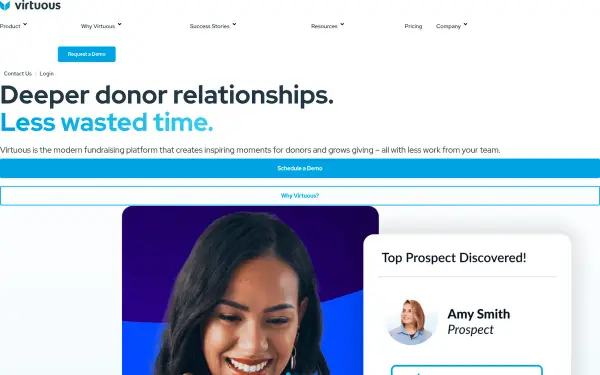
Virtuous is built around automation for development teams, and it shows. Workflow automation handles routine steps, donor journey personalization changes what each supporter sees, automated stewardship triggers fire when a donor crosses a threshold, and engagement reporting shows whether any of it is working. Users are unlimited on the platform, so the whole team can work in the system without a seat negotiation.
Pricing is the obstacle. There is no public price list, so this comparison cannot state a starting figure; pricing is on the vendor site and arrives as a quote. For a mid-size organization that is a conversation. For a small one it is a reason to look at Little Green Light first. The platform tier is aimed at organizations raising up to $5 million, which tells you where the vendor sees the sweet spot.
Automation is not free in effort. Workflows need to be designed, tested and maintained, and a small team without an operations owner will feel that weight quickly. The upside is real: once a workflow runs, stewardship happens without someone remembering to send the thank-you note, and engagement reporting tells you whether donors actually responded.
It fits automation-driven mid to large nonprofits with processes worth automating and someone to own them. It does not fit very small nonprofits, and it does not fit teams that want a published price before they will agree to a demo.
Your development team has repeatable processes worth automating and an owner to maintain them.
You need a published starting price or nobody has time to build and maintain workflows.
VBackground
Nonprofit CRM software is a contact and gift database built around relationships rather than sales. Where a general CRM tracks deals through a pipeline, a nonprofit CRM tracks a donor from first gift to legacy pledge, a member from join date to renewal, and a volunteer from signup to shift. The best CRM software for nonprofits does that without asking a fundraiser to become a system administrator.
Most systems in this category share a core: constituent records, gift and pledge history, reporting, and some form of online giving integration. What separates them is what sits on top:
Two practical distinctions matter when you shop. First, donor CRM versus fundraising platform. Givebutter and Zeffy are excellent at taking money and running campaigns, but their donor records are shallower than a dedicated CRM, which is why they appear at this price point rather than higher up. Second, configuration versus convention. Salesforce can become almost anything, which is exactly why it needs technical staff, while Little Green Light does a narrow set of things with essentially no setup.
Almost every organization needs the same four things: an accurate record, gift history you trust, a report you can hand to a board, and a way to say thank you on time. Everything beyond that is a decision about effort and budget rather than about whether the category works.
This comparison sits in the sales register. Further along the shore: CRM software in india and sales analytics tools.
VIPricing
Nonprofit CRM pricing falls into five models, and the model matters more than the headline number. A $45 plan and a $70 plan can end up costing very different amounts once you count users, records and add-on modules.
| Model | How it bills | Typical fit | Example from this list |
|---|---|---|---|
| Free, funded by tips | $0 per month, sustained by optional donor contributions | Lean teams running events and online giving | Zeffy |
| Free tier plus paid upgrade | $0 core tier, Plus from $29 per month | Small donor-focused teams | Givebutter |
| Flat monthly, record-capped | $45 per month up to 2,500 constituents, unlimited users | Small nonprofits with a stable donor base | Little Green Light |
| Revenue-tiered subscription | $99 per month, tiers by organization revenue, unlimited records | Membership and event organizations | Neon CRM |
| Per-user enterprise | $70 per user per month billed annually, first 10 Core licenses free for eligible nonprofits | Large nonprofits with technical staff | Salesforce Nonprofit Cloud |
| Quote-only | Custom quote from the vendor site | Complex or multi-module requirements | Bloomerang, Virtuous |
Two things trip buyers up. The first is that the cheapest-looking model can be the most expensive in practice: a free fundraising platform without retention reporting sends you shopping again within two years, and migration is not free. The second is quote-only pricing. Bloomerang's pricing page now routes all plans to a custom quote request, and Virtuous publishes no price list, so those tools cannot be compared on price until you have had a sales conversation.
Also watch what triggers an upgrade. Little Green Light bills by constituent count, Neon CRM by organization revenue, and Salesforce by user. If your board grows or your database doubles, those three models behave completely differently. Prices here were checked on November 26, 2026 and should be reconfirmed on the vendor page before you budget.
Each entry card shows the starting price as it appeared on the vendor's own pricing page on November 25, 2026. When a vendor shows no figure we could confirm, or only a promotional rate, the card says "See website" or gives the regular price instead of a guess. Usage, overage and add-on rates in the text change more often than plan prices, so confirm them on the vendor page before you set a budget. To test the numbers against your own volume, try the free User Research Budget Planner. The Event Break-Even Calculator is a second way to check the same decision.
VIIDecision
VIIIPitfalls
IXQuestions
Bloomerang is the better pick for donor retention, with retention dashboards and engagement scoring built into the donor CRM tier. Neon CRM is the better pick for membership management, with renewals, event registration and unlimited constituent records at every tier. If you need both, start with whichever workflow causes more pain today and confirm the other can be added later.
Partly. Eligible nonprofits get their first 10 Sales & Service Core licenses free, and Core lists at $70 per user per month billed annually beyond that. The free licenses cover core CRM functionality, not the implementation, administration or consultant time a working Nonprofit Cloud setup usually needs, so budget for those separately.
It ranges from nothing to five figures a year. Givebutter and Zeffy start free, Little Green Light is $45 per month, Neon CRM is $99, DonorPerfect is $119, and Salesforce Nonprofit Cloud is $70 per user per month. Bloomerang and Virtuous quote rather than publish. Salesforce all-in annual spend is typically quoted at $10,000 to $30,000 or more.
A donor CRM is built around the gift record: who gave, how much, how often, and whether they gave again. A general-purpose CRM is built around a sales pipeline. Nonprofit systems add retention tracking, pledge and recurring gift handling, household and relationship links, grant tracking and stewardship workflows that a sales CRM has to be configured to imitate.
Mapping fields, cleaning duplicates, exporting gift and contact history, importing into a test environment, and reconciling totals against your old system before cutover. Plan it before you sign, not after. Ask each vendor what migration support is included in your tier rather than assuming onboarding covers it, and get the answer in writing.
XFurther along the shore
Vendors can ask for a correction or apply for a Featured listing. Paid or not, the entry is scored on the same rubric and its limits stay in print. Partner with Umberlake.
Free tools
Our free browser tools turn the prices on this page into a figure for your own volume. Nothing you type leaves your device.