
Apollo
$49Basic, per seat per month, billed annually
Best for small teams wanting prospect data and sequencing together
- Free plan
- Free plan, 900 credits
- Rubric
- 8.3 of 10
Eight AI sales tools ranked for November 2026 by fit, data quality, price transparency and setup effort, with published prices where vendors offer them.

IThe short answer
Apollo is the best starting point for most small sales teams, HubSpot Sales Hub wins for teams already running HubSpot CRM, and Outreach suits large outbound organizations standardizing on one sequence engine. The order reflects fit for the buyer each entry describes, not a weighted total. Prices were checked on November 25, 2026: Apollo lists $49 per seat per month on Basic billed annually with a free plan, HubSpot Sales Hub lists $7 per seat per month on Starter billed annually, and Outreach quotes pricing on request. Clay publishes $54 per month on Launch billed annually: Best Ai Tools For Sales Teams.
8 tools compared from vendor pages on November 25, 2026. 3 publish a starting price we could read; the rest say "See website".
IITop three berths
Register order is editorial fit for the buyer each entry describes. Prices are the starting figures read on November 25, 2026.
$49Basic, per seat per month, billed annually
Best for small teams wanting prospect data and sequencing together

$7Starter, per seat per month, billed annually
Best for smaller teams already running on HubSpot CRM

See websitecustom quote
Best for large outbound teams standardising on one sequence engine
How this page is paid for. All 8 tools here are unpaid editorial picks.
A paid listing's position can be part of what the vendor pays for. Every entry, paid or not, is scored on the same rubric and keeps its limits in print. Advertising disclosure.
IIIThe register
Starting prices as shown on each vendor's pricing page on November 25, 2026. "See website" means no figure we could confirm.
| No. | Tool | From | Free plan | Trial | Rubric | Actions |
|---|---|---|---|---|---|---|
| 01 | ApolloSmall teams wanting prospect data and sequencing together | $49Basic, per seat per month, billed annuallyRead on vendor page | Yes | 14-day trial on Professional | 8.3 | |
| 02 | HubSpot Sales HubSmaller teams already running on HubSpot CRM | $7Starter, per seat per month, billed annuallyUpdated on vendor page | Yes | No | 8.0 | |
| 03 | OutreachLarge outbound teams standardising on one sequence engine | See websitecustom quoteQuote only | No | No | 6.3 | |
| 04 |  SalesloftMid market teams wanting cadences with coaching included | See websiteQuote only, annual termsNot shown publicly | No | No | 6.6 | |
| 05 |  GongTeams turning recorded calls into coaching and deal evidence | See websitecustom quoteQuote only | No | No | 6.8 | |
| 06 |  ClariRevenue leaders whose quarterly forecast keeps missing | See websiteQuote only, modular per user pricingNot shown publicly | No | No | 5.8 | |
| 07 |  ClayRevOps builders running custom enrichment and research workflows | $54Launch, per month, billed annually, starts at 180,000 actions per yearUpdated on vendor page | Yes | 14-day trial | 6.7 | |
| 08 |  LavenderReps sending high volumes of cold email | See websitePer user per monthNot shown publicly | Yes | No | 6.9 |
Pinned:
IVMethod
How well the tool matches the buyer's team size, sales motion and existing CRM.
Whether pricing is published, predictable and sized to what a small team can spend.
Whether the AI removes real work from a rep's day rather than relabeling an existing feature.
How much configuration, data cleanup and admin time stands between purchase and first value.
How reliable the underlying contact, conversation or pipeline data is in everyday use.
VMethod
Every tool here was scored against the same five criteria: team fit, AI depth, price clarity, setup effort and data quality. Team fit carries 30 percent because a tool that matches a buyer's size, motion and CRM produces more value than a better featured tool that does not. Price clarity at 25 percent rewards vendors that publish numbers and penalizes quote only pricing that hides cost until a call. AI depth at 20 percent asks whether the AI does work a rep would otherwise do by hand. Setup effort at 15 percent and data quality at 10 percent cover the first 60 days.
Prices, plan names, trials and free tier limits come from vendor pricing pages checked on November 25, 2026. Where a vendor publishes no price, this list says pricing is on the vendor site rather than estimating. Nothing is converted between currencies, and billing terms are reported as published.
The order is editorial. Each position reflects fit for the buyer described in that entry, not a weighted total of the scores.
Figures that vendors do not publish, such as platform fees and quoted seat rates, should be confirmed directly before signing a multi year contract.
The full routine, from price reads to corrections, is on the methodology page. Paid listings follow the advertising disclosure.
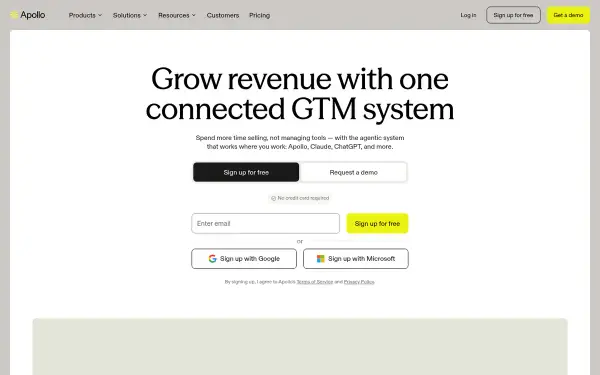
Entry I of VIII / Data plus sequencing
Our verdict
Best value in the set for small teams, provided you audit credit burn after the first month.
Apollo combines a contact database of roughly 275 million records with search, enrichment and email sequencing in a single login. For a small sales team, that removes a contract. Instead of buying a data vendor and a sequencer separately, one seat covers finding the account, pulling the contact and starting the email steps. Credits pay for exports, enrichment and phone numbers, so the seat price is only the entry ticket.
Pricing is published and self serve, which is rare in this category. Basic is $49 per seat per month billed annually and Professional is $79. The free plan is capped at a small credit allowance and two sequences, and there is a 14-day trial on Professional. The free credits matter more than they look: they let a team pull a sample of records from its own market and check accuracy before anyone signs.
The limits are real. Credits deplete quickly once exports and phone numbers are in play, and they do not roll over between cycles. Contact data quality varies by region and industry, so a list that looks deep in one country can be thin in another. Sequencing handles outbound email steps well, but it is lighter than enterprise cadence platforms for complex multichannel plays that branch across calls, social touches and direct mail.
Audit credit consumption after the first month. Compare what was spent against what was actually used, then size the plan from that number rather than from the seat count. A team that starts on Basic and checks the math usually knows by week six whether Apollo replaces two tools or becomes an expensive add on.
You want prospect data, enrichment and email steps under one subscription with a listed price.
You already own a data provider and need branching multichannel cadences.
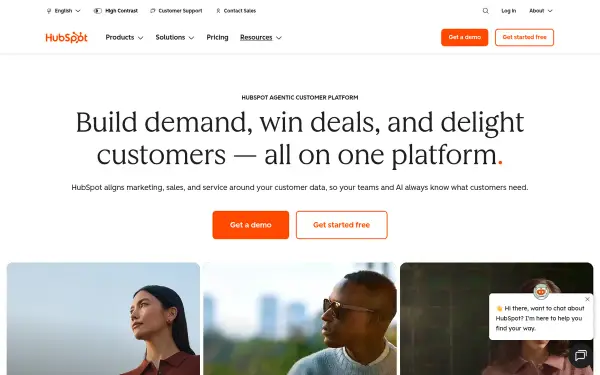
Entry II of VIII / Native CRM AI
Our verdict
The obvious choice if HubSpot is already your CRM, and a costly one if you need Professional for the AI.
HubSpot Sales Hub puts AI email drafting, a prospecting workspace and automatic call summaries inside the CRM records reps already open. Nothing syncs, because the sales tool and the system of record are the same product. For a smaller team running HubSpot CRM, that is the whole argument: the AI lives in screens people already use, and adoption does not need a new tab.
Starter lists $7 per seat per month billed annually, the cheapest serious entry in this comparison, and the free tier covers up to two users. Monthly billing has carried a higher per seat figure, so annual is the cheaper route. The catch sits a tier up. The AI capabilities that appear in demos generally require Professional at a much higher per seat rate, and on higher plans AI actions are metered by credits. Price the tier that actually contains the feature you saw, then add the credit usage on top.
The tool is weakest for teams committed to Salesforce, where the CRM advantage disappears and you are buying a point tool with an integration tax. Pipeline records, call summaries and the prospecting workspace all work best when the record of truth lives in HubSpot.
Start by writing down the three AI features you need, then confirm which tier contains each one and what happens when AI credits run out mid month. A team that needs drafting and call summaries may find Starter plus a separate writing tool cheaper than Professional. A team that wants the prospecting workspace and credit metered AI in one place will land on Professional and should budget for it from day one.
HubSpot is already your CRM and you want drafting and call summaries without another login.
Your records live in Salesforce or your budget stops at the Starter tier.
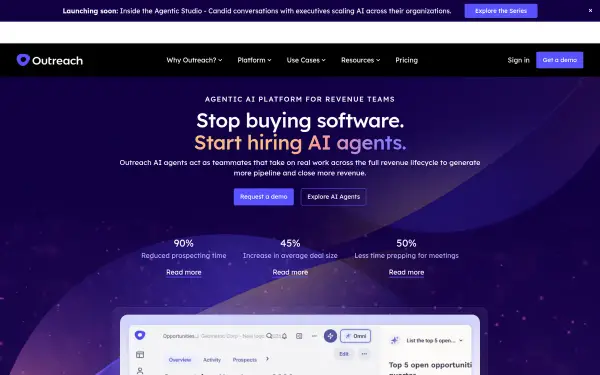
Entry III of VIII / Sequence depth
Our verdict
The strongest sequence engine here, priced and structured for outbound organizations with real volume and an admin.
Outreach is the deepest sequence engine in this comparison. Multichannel sequences branch on logic, AI drafts and personalizes steps, reps get a prioritized daily task list, and Kaia provides live call guidance and post call summaries. Salesforce and Microsoft integrations keep records in sync, and newer agent features sit on top of the cadence engine rather than replacing it.
Pricing is quote only, so ask the vendor for a custom quote on annual terms. Annual contracts and implementation effort make this a project rather than a purchase, which is fine for an SDR organization running thousands of touches a week and heavy for a five rep team.
The honest limits: it is more platform than small teams will use, the quote process hides the real number until late in the evaluation, and the cadence engine rewards an admin who maintains it. Branching logic that nobody updates becomes a set of stale templates within two quarters.
Deliverability is the item buyers underweight. The sending risk stays with the customer, so domain warm up, opt out handling and per mailbox volume limits are your responsibility, not the vendor's. Ask for the implementation scope in writing, name the admin who will own the tool after launch, and model the annual contract against your current reply rates before you sign.
You run a dedicated outbound team and have someone who will own cadence maintenance.
You have fewer than five reps or no appetite for an implementation project.
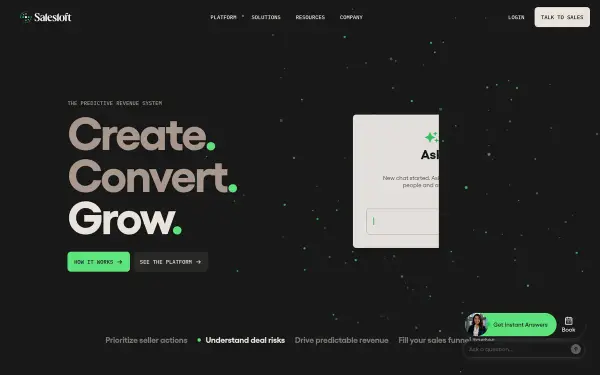
Entry IV of VIII / Coaching inside cadences
Our verdict
A sensible middle path for mid market teams that want cadences and coaching without the heaviest platform.
Salesloft runs outbound on cadences, then keeps coaching in the same product. Reps work a daily list of touches, managers review recorded conversations, and reporting covers both rep activity and cadence performance. After the late 2025 combination with Clari, forecasting now sits in the same product family, which means one vendor conversation instead of two.
Pricing is quote only on annual terms, so ask the vendor for a custom quote. That positions it as more product than a five rep team needs and less overhead than a full enterprise deployment.
The strengths are adoption and coaching. Cadences are easier for reps to pick up than heavier enterprise tools, and coaching is native rather than bolted on. The weaknesses are timing and overlap. The Clari integration creates roadmap uncertainty, AI agent features layered on cadences are newer than the core product, and reporting depth still trails standalone Clari.
Ask directly about roadmap and support during the integration before signing a multi year term. Put the cadence workflow and coaching in front of three reps for a week, then check whether the AI agent features you were shown are generally available or sitting on a roadmap slide.
You want cadences and conversation coaching from one vendor with a mid market price point.
You need mature AI agents today or you already run Clari on its own.
Entry V of VIII / Call evidence
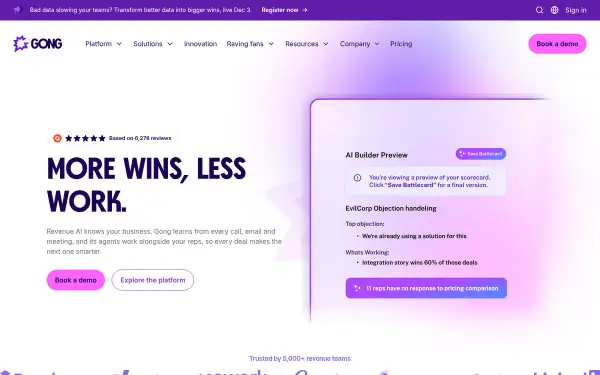
Our verdict
Buy it for the call evidence and deal risk signals, and budget for the platform fee.
Gong records and analyzes calls, meetings and emails, then turns the archive into deal boards, coaching evidence and forecasts. Talk ratios, question patterns and competitor mentions are tracked automatically, and a stalled deal shows up as missing engagement before the forecast call rather than during it. Because it covers the whole team's customer interactions instead of a sample, managers coach from real evidence.
Pricing is a custom quote made of per user licenses plus a platform fee, so ask the vendor for a proposal. A five seat pilot can be expensive per head once the platform fee is included. Annual and multi year contracts are standard.
The platform fee structure lands hardest on small pilots, and that is the honest reason to wait if you have fewer than ten reps. Call recording also carries consent duties that vary by jurisdiction: rules differ across US states and are stricter in much of Europe, so route the rollout through whoever owns compliance rather than letting a sales manager switch it on.
Before signing, ask which fee tier applies at your seat count and what the contract looks like in year two. Pick two deals you lost last quarter and check whether the tool's risk signals would have caught them. If the analysis only repeats what the rep already typed into the CRM notes, the fee is hard to defend.
Your managers need recorded evidence to coach and your forecast calls keep surprising you.
You have fewer than ten reps or no compliance owner for call recording.
Entry VI of VIII / Forecast accuracy
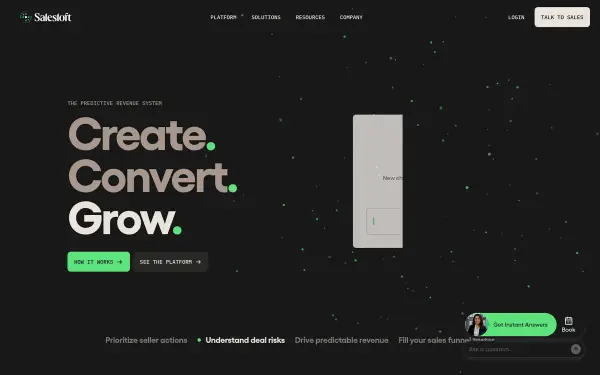
Our verdict
Worth the spend only where a missed quarter costs more than the license and the cleanup.
Clari exists to answer one question accurately: will the quarter land where the forecast says. It builds forecast calls from CRM activity, engagement data and call signals, then lets leaders inspect pipeline against what reps claim. Deals that are not progressing get surfaced, and reporting is built for board and finance reviews rather than for rep coaching.
Pricing is quote only and modular, so ask the vendor which modules you need and what each costs. That structure lets a company buy forecasting first and add modules later, but it also means the number on the first proposal rarely matches the number after the second module. Budget for the expansion.
The dependency is the real constraint. Every output is a function of CRM data quality, and most projects begin with a cleanup that nobody budgeted for. Messy pipeline data does not produce no forecast; it produces a confident wrong one, which is worse. The tool also only earns its place at a scale where a missed quarter is genuinely expensive, so a 15 person team with a predictable deal cycle will struggle to justify it.
Buy it after the cleanup, not before. Ask which modules are required for the forecast view you were shown, get the engagement data path from Salesloft documented, and run one parallel quarter against your existing forecast method so you can see which one called the number better.
Forecast accuracy is a board level problem and you can fund a data cleanup first.
Your CRM is messy or your quarterly misses are not yet expensive.
Entry VII of VIII / Waterfall enrichment
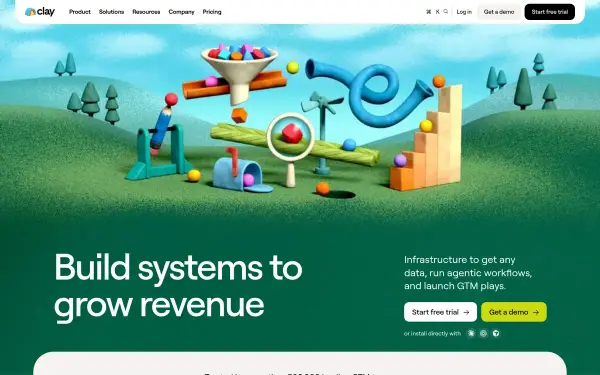
Our verdict
The highest ceiling here for list quality, and the one most likely to sit unused without an owner.
Clay is a workflow builder for list building and research. It runs waterfall enrichment across more than 100 data sources, querying one provider after another until a field is filled, and layers AI research agents, technographic signals, hiring data and funding events on top. Output feeds a CRM, a sequencer or another data provider.
Entry pricing is $54 per month on the Launch plan billed annually, starting at 180,000 actions per year, with a free tier of 6,000 actions per year and a 14-day trial. Treat the entry number as one to verify on the vendor site rather than a fixed budget line. Credit consumption is hard to forecast while workflows are still experimental.
The ceiling is the highest in this set for list quality: it improves the input to every other tool on the page. The cost is that it needs a builder. Teams without a RevOps owner tend to buy it, run two experiments and stop. If nobody owns it, the credits expire against half finished tables.
Give it to one person with a clear brief, for example rebuilding the target account list for one segment, and measure enrichment hit rate before and after. Check that the fields you need are actually covered in your markets, since source coverage differs by country. If the workflow cannot be handed to someone else to maintain, it is a project rather than a system.
You have a RevOps owner who will build and maintain enrichment workflows.
Nobody on the team can own a table based workflow after the trial.
Entry VIII of VIII / Real time email scoring
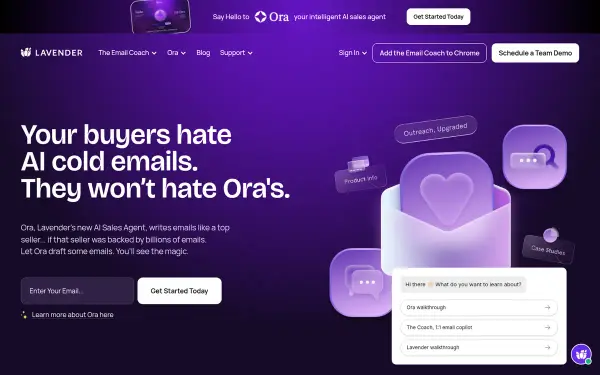
Our verdict
The lowest effort entry in the set, useful if your lists are already good and your emails are not.
Lavender scores cold emails in real time as a rep writes them. It flags length, tone and personalization problems, suggests rewrites drawn from reply data, and runs inside Gmail and Outreach without a migration or an implementation project. That narrow scope is the point: it works on the variable a rep controls most, which is message quality.
Pricing is on the vendor site and there is a free start, so a team can test it on live sending before committing. Because there is nothing to configure, the first week tells you most of what you need to know about adoption.
The limits are equally clear. Lavender improves email and nothing else, so it will not fix a weak list, a poor offer or a broken follow up process. Gains depend on reps actually applying the suggestions, and the effect is hard to isolate from list quality and offer strength when you measure results. Treat any lift as a hypothesis to test, not a proven outcome.
Run a controlled test: same list source, same offer, same sequence, half the reps with the tool and half without, measured on reply rate over three to four weeks. Keep it if the lift is measurable and the team still uses it after the novelty fades. Drop it if suggestions are being dismissed without any change in the copy that actually goes out.
Your lists are solid and the weak link is the first cold email reps send.
Your reply problem traces to the list, the offer or the follow up process.
VIBackground
AI sales tools are software that applies models to the work around the CRM: finding and enriching prospects, writing and sequencing outreach, recording and analyzing conversations, and forecasting. A CRM stores what happened. These tools act on what should happen next.
The category splits into four groups. Data and enrichment tools such as Apollo and Clay assemble and clean prospect records. Engagement tools such as Outreach, Salesloft and HubSpot Sales Hub run sequences and prioritize rep tasks. Conversation intelligence tools such as Gong record, transcribe and analyze calls. Forecasting tools such as Clari turn CRM and engagement signals into a number leadership can defend. Lavender is a narrower case: a writing tool that scores outbound email in real time.
What the AI actually adds:
What it does not add is pipeline. None of these tools creates demand from nothing. A team with a weak offer and a thin list will get better written emails sent to the wrong people, faster.
There is also a data thread running through the category. Forecasting and conversation tools are only as good as the records underneath them, and enrichment tools are only as good as the sources they query. Buyers who skip the data step tend to blame the AI layer for a problem that started in the CRM.
Finally, adoption decides outcomes more than feature lists do. A drafting tool that opens inside Gmail gets used; a platform with 40 settings and no owner does not. Weigh setup effort against the number of people who have to learn it.
This comparison sits in the AI register. Further along the shore: real estate portfolio management software and online marketing companies for small business.
VIIPricing
Several pricing models appear in this category, and they produce very different first year costs. Published per seat subscriptions are the simplest: HubSpot Sales Hub lists $7 per seat per month on Starter billed annually, and Apollo lists $49 on Basic billed annually. Freemium plans with credit or action allowances sit under several of these products and are useful for testing data quality, but consumption pricing on exports, phone numbers and AI actions is where budgets move.
Quote only pricing covers most of the enterprise end. Outreach, Salesloft, Gong and Clari all require a conversation, so ask each vendor for a custom quote. Gong's platform fee is the clearest example of a cost that never appears on a pricing page.
The practical rule is to budget the metered layer, not the seat. Ask what a credit or action costs, what happens when the allowance runs out, and whether unused credits roll over. Apollo's do not.
| Model | How it bills | Typical fit | Example from this list |
|---|---|---|---|
| Published per seat | Per user per month, annual or monthly, listed on the site | Small teams that want to buy without a call | HubSpot Sales Hub at $7 per seat per month on Starter billed annually; Apollo at $49 on Basic billed annually |
| Freemium with credits | Free allowance, then metered in credits or actions | Teams testing data quality first | Apollo free plan; Clay free tier with 6,000 actions per year |
| Custom quote | Per seat plus platform fee, negotiated on annual terms | Larger teams with implementation capacity | Gong, with per user licenses plus a platform fee; Outreach and Salesloft quote only |
| Modular add ons | Per user, per module, quoted | Revenue leaders buying forecasting on its own | Clari, quote only per user per module |
| Published entry pricing | Per month on an annual plan, with usage limits | Reps buying a point tool | Clay at $54 per month on Launch billed annually; Lavender prices on its vendor site |
Check every number on the vendor site before signing, since rates and plan names move between quarters.
Each entry card shows the starting price as it appeared on the vendor's own pricing page on November 25, 2026. When a vendor shows no figure we could confirm, or only a promotional rate, the card says "See website" or gives the regular price instead of a guess. Usage, overage and add-on rates in the text change more often than plan prices, so confirm them on the vendor page before you set a budget. To test the numbers against your own volume, try the free User Research Budget Planner. The Event Break-Even Calculator is a second way to check the same decision.
VIIIDecision
IXPitfalls
XQuestions
Sometimes, and mostly at the margins of message quality and list accuracy. A drafting tool can lift reply rates on a good list; a sequencer can increase touches per rep per week. Neither creates demand where the offer is weak. Measure one segment before and after, and treat vendor demos as a hypothesis rather than a result.
Self serve tools are predictable: HubSpot Sales Hub at $7 per seat per month on Starter billed annually, Apollo at $49 on Basic billed annually, Clay at $54 per month on Launch billed annually. Enterprise platforms are quoted, so ask each vendor for a custom quote and confirm the fees that apply.
Not for most teams buying in 2026. Agent features in Outreach and Salesloft sit on top of cadence engines and still need human review of replies and exceptions. The realistic shift is fewer hours on list building, research and first draft writing, with headcount decisions driven by pipeline economics rather than by a product launch.
The customer does. For outbound sequencing, sending risk stays with the customer: domain warm up, opt out handling and per mailbox volume limits stay your responsibility. Call recording adds consent duties that vary by jurisdiction, stricter in much of Europe than in many US states. Involve legal and deliverability owners before the first campaign.
Start with the gap that costs you meetings. If prospecting data and sequencing are missing, Apollo at $49 per seat per month on Basic billed annually covers both. If HubSpot is already your CRM, Sales Hub at $7 per seat per month billed annually is cheaper. Add Clay only if someone owns it.
No. Clari builds forecasts from CRM activity and engagement signals, and Gong's deal boards read the same records, so missing fields and stale stages produce confident but wrong output. Clari projects typically start with a CRM cleanup, and that work belongs in the budget before the license.
XIFurther along the shore
Vendors can ask for a correction or apply for a Featured listing. Paid or not, the entry is scored on the same rubric and its limits stay in print. Partner with Umberlake.
Free tools
Our free browser tools turn the prices on this page into a figure for your own volume. Nothing you type leaves your device.