NetSuite
See website
Best for growing firms wanting one unified AI cloud suite
- Free plan
- No
- Rubric
- 7.3 of 10
We ranked eight ERP systems on fit, pricing clarity and depth, from free open source apps to quote-only enterprise suites.

IThe short answer
As of November 2026, the best ERP software depends on your size and industry. NetSuite suits growing firms that want one unified AI cloud suite across finance, CRM and ecommerce. Odoo suits budget-conscious SMBs that want open source apps and a free starting tier. SAP suits large, complex organizations that need global-scale ERP with separate offers for small, midsize and large companies. Prices below were checked on November 25, 2026. Most vendors publish no price at all, so expect quotes and a scoping process before you can compare real numbers.
8 tools compared from vendor pages on November 25, 2026. 1 publish a starting price we could read; the rest say "See website".
IITop three berths
Register order is editorial fit for the buyer each entry describes. Prices are the starting figures read on November 25, 2026.
See website
Best for growing firms wanting one unified AI cloud suite
FreeOne App Free, one app with unlimited users, paid Standard plan from $7.25 per user per month with 12 month discount
Best for budget-conscious SMBs wanting open source apps
See website
Best for large complex organisations needing global-scale ERP
How this page is paid for. All 8 tools here are unpaid editorial picks.
A paid listing's position can be part of what the vendor pays for. Every entry, paid or not, is scored on the same rubric and keeps its limits in print. Advertising disclosure.
IIIThe register
Starting prices as shown on each vendor's pricing page on November 25, 2026. "See website" means no figure we could confirm.
| No. | Tool | From | Free plan | Trial | Rubric | Actions |
|---|---|---|---|---|---|---|
| 01 | NetSuiteGrowing firms wanting one unified AI cloud suite | See websiteNot shown publicly | No | Free 3-day test drive | 7.3 | |
| 02 | OdooBudget-conscious SMBs wanting open source apps | FreeOne App Free, one app with unlimited users, paid Standard plan from $7.25 per user per month with 12 month discountRead on vendor page | Yes | Free trial | 8.3 | |
| 03 | SAPLarge complex organisations needing global-scale ERP | See websiteNot shown publicly | No | Demo only | 7.0 | |
| 04 | OracleLarge firms centralising AI-driven finance and supply chain | See websiteNot shown publicly | No | Demo only | 6.6 | |
| 05 |  Microsoft Dynamics 365Companies already standardised on Microsoft tooling | See websiteNot shown publicly | No | Demo only | 6.9 | |
| 06 | AcumaticaMid-market firms wanting usability without per-user fees | See websiteNot shown publicly | No | Demo only | 6.8 | |
| 07 |  Sage IntacctFinance-led teams wanting automation and audit controls | See websiteNot shown publicly | No | Demo only | 6.4 | |
| 08 |  InforManufacturing, distribution and healthcare firms needing industry fit | See websiteNot shown publicly | No | Demo only | 6.6 |
Pinned:
IVMethod
How well the product matches a real company size and industry without heavy customization.
How much of finance, supply chain, inventory, projects and reporting arrives in the box.
Whether the vendor publishes plans and prices a buyer can plan against, or hides everything behind a quote.
Trials, partner models and how much work sits between signing a contract and going live.
What is shipping today in assistants, anomaly detection and workflow automation, not roadmap slides.
VMethod
Every entry was assessed against five criteria, weighted by what actually decides an ERP purchase. Fit and coverage (30 percent) asks whether the product matches a real company size and industry without heavy customization. Module depth (25 percent) asks how much of finance, supply chain, inventory, projects and reporting arrives in the box. Pricing clarity (20 percent) rewards published plans and penalizes quote-only models, because a price you cannot see is a cost you cannot plan. Implementation path (15 percent) covers trials, partner models and how much work sits between signing and go-live. AI and automation (10 percent) looks at what is shipping now rather than what is promised.
Prices, plan names and free tier facts were taken from vendor pricing pages and checked on November 25, 2026. Where a vendor publishes nothing, the entry says so and the price is recorded as "See website" rather than estimated. We do not convert currencies and we do not infer a starting price from a partner quote. Trial terms matter as much as feature lists, so each entry states what you can actually test before talking to sales. Where the only option is a demo, we say that plainly rather than implying a free trial exists.
The ranking order is editorial. It reflects fit for the buyer described in each entry rather than a sum of the scores. Scoring uses the same rubric for every entry. Readers who want to check our reasoning can compare the scores against the verdict and the cons for each tool.
The full routine, from price reads to corrections, is on the methodology page. Paid listings follow the advertising disclosure.
Entry I of VIII / One data model
Our verdict
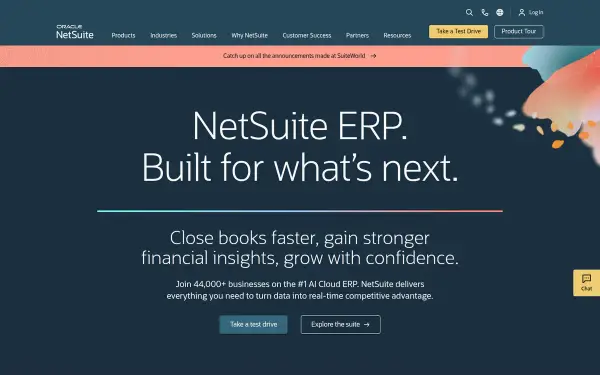
Best for growing firms that want one AI cloud suite for finance, CRM and commerce, provided you can handle quote-based pricing.
NetSuite's argument is consolidation. ERP, financials, CRM and ecommerce run on one data model, so a single transaction updates inventory, revenue and the customer record at the same time. For a growing company that has outgrown a bookkeeping tool plus a separate CRM, that removes a whole category of reconciliation work. The NetSuite Next layer adds AI across the suite: a conversational assistant with natural-language search, and agentic workflow automation that handles repetitive tasks. Those are the features worth testing in a demo, because they change daily work rather than the slide deck.
Evaluation is easier than with most peers here. The vendor runs a free 3-day test drive and a guided product tour, so you can see the product before a sales conversation starts. That matters when nothing else in the commercial process is public.
Pricing is the friction. There is no price on the website, and enterprise deals require a custom quote, so you cannot benchmark cost until you have sat through a demo and a scoping call. Implementation and customization can run expensive, especially if you tailor workflows heavily instead of adopting the standard model. Budget for a partner and a timeline longer than the license conversation suggests, and ask what the quote includes: seats, modules and support all move the number.
It fits growing firms that want one unified AI cloud suite and can absorb a quote-based sales cycle. It fits less well if you need a published price to build a business case, or if your budget is small and fixed.
You want finance, CRM and commerce on one data model and can wait for a tailored proposal.
You need a published price list to build a budget before you will take a demo.
Entry II of VIII / Free open source core
Our verdict
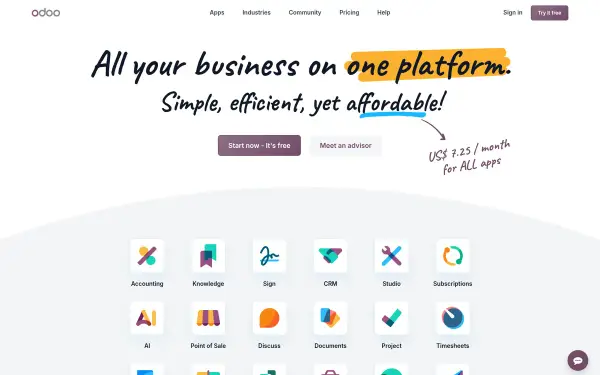
The cheapest credible way into integrated business apps, with a free single-app tier and paid plans from $7.25 per user per month.
Odoo is the rare ERP with a real free tier. One App Free gives you a single app with unlimited users at no cost, and the Community edition is open source on top of that. Paid Standard starts at $7.25 per user per month with a 12 month discount, on one per-user price with no usage-based fees or long contracts. For a small business that wants CRM, ecommerce, accounting, inventory, POS and projects from one vendor, that is the lowest-risk entry on this list.
The apps share a PostgreSQL data layer, so you keep source code access and no proprietary format holds your data hostage. Deployment is your choice: cloud hosting from the vendor or on premise on your own hardware. An app store with 40,000 plus community modules covers gaps, though quality varies across modules and you should test any third-party module before you depend on it for money movements.
The trade-offs are real. Self-hosting Community requires technical skill, and the free tier covers one app rather than the whole suite, so a company running five apps is running a paid plan. Enterprise edition pricing requires a quote. The vendor cites 28 million users, which tells you the ecosystem is large, not that every module is polished.
It fits budget-conscious SMBs that want open source apps and full data ownership, and companies that would rather pay per user than per transaction. It fits less well if you need deep, preconfigured industry processes out of the box, or if nobody on staff can run infrastructure.
You want a free start, open source data ownership and one flat per-user rate as you grow.
You need preconfigured industry processes and have no one to run infrastructure.
Entry III of VIII / Global process depth
Our verdict
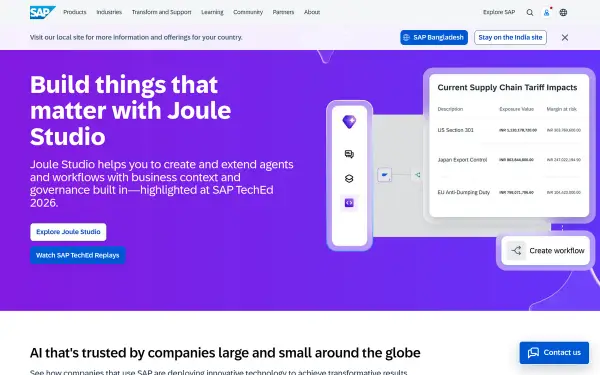
The safest pick for very large, complex organizations, but expect a long implementation and no published pricing to compare against.
SAP sells four doors into the same building, and picking the right door is most of the decision. Cloud ERP covers finance, supply chain and procurement for larger organizations. GROW is aimed at midsize and large new customers. Business One handles accounting, purchasing, inventory and sales for small businesses. RISE is the migration route for companies already running SAP on premise. Embedded AI and real-time analytics run across the portfolio, and the Business Technology Platform handles integration with the rest of your systems.
Process depth is why buyers accept the complexity. Preconfigured processes combined with the vendor's Activate methodology are pitched as a route to go-live in weeks, and that holds best when you resist heavy customization. Procurement, supply chain and finance are where the breadth shows, and those are the areas where smaller suites often need a second product.
Commercial terms are the weak spot. There is no pricing page, the trial is a demo only, and every deal runs through a sales cycle, so cost comparison happens after weeks of scoping rather than before. Enterprise projects are long and costly. The overlapping product names also cause real confusion: buyers compare a GROW quote with a Business One quote without realizing the two describe different products for different company sizes.
It fits large, complex organizations that need global scale and process depth, plus midsize firms that want a guided path into a large ecosystem. It fits less well if you need a published price, a self-serve trial, or a rollout you can finish without a systems integrator.
You run a complex, multi-country business and need process depth plus a guided migration route.
You need a published price and a self-serve trial before you will commit to a scoping project.
Entry IV of VIII / Finance and supply chain
Our verdict
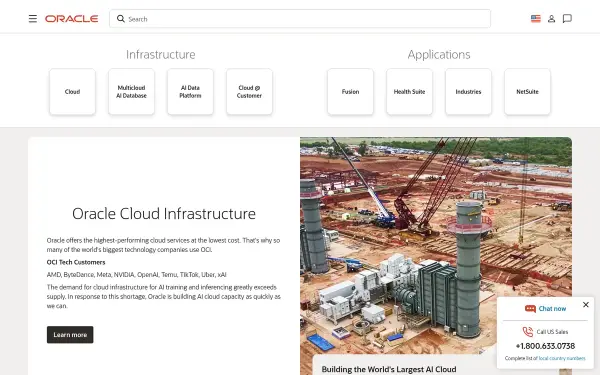
A deep finance and supply chain suite for large firms, with automatic updates but a heavy implementation and no public price list.
Oracle Fusion Cloud ERP is a finance and supply chain platform first. The finance side covers accounting, project management, procurement and enterprise performance management. The supply chain side covers manufacturing, product lifecycle management, planning, order management, and logistics and execution. AI automation handles manual processes, analytics respond to market movement in real time, and updates apply automatically so the system does not drift onto an unsupported version.
The automatic update model is a genuine operational difference. You stop planning large upgrade projects, and in exchange you accept the vendor's release cadence and have to regression test your extensions against it. Teams that customized heavily on older platforms underestimate that work.
Everything else is standard enterprise commerce. No pricing is published on the website, the trial is a demo only, and implementation relies on experienced partners, which is where a large share of total cost lands. Expect a scoping phase before anyone puts a number in front of you, and expect that number to depend on modules as much as on users.
The depth that makes the suite credible for multinational finance and supply chain teams also makes it heavy for a smaller company that would use a fraction of it. It fits large firms centralizing AI-driven finance and supply chain on one cloud suite, particularly where Oracle already sits elsewhere in the stack. It fits less well if you need published pricing, a short rollout, or a system a small finance team can administer without partners.
You are a large firm consolidating finance and supply chain on one cloud platform with partner support.
You need a short rollout, published pricing, or an ERP your own team can administer.
Entry V of VIII / Teams and Copilot
Our verdict
The natural choice if your staff already live in Microsoft 365 and Teams, with Copilot built in and licensing that needs careful mapping.
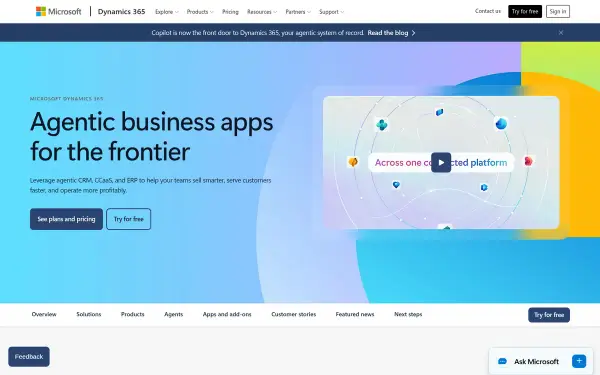
Dynamics 365 is a family, not one product. Business Central covers small and midsize operations. Finance and Supply Chain Management apps cover larger entities. Customer Service and Contact Center apps sit alongside them, and Copilot runs across the suite with agentic capabilities in both CRM and ERP. If your staff already work inside Microsoft 365 and Teams, the workflows stay where they already are, and that is both the strongest reason to buy and the hardest advantage for a competitor to copy.
The vendor publishes customer case results, which give a sense of scope. Treat those as vendor claims and ask for references in your own sector with comparable complexity before you plan around them.
Pricing requires a quote, and licensing across many apps gets complex quickly, particularly when you mix Business Central with the customer engagement apps and add Copilot on top. Public feature detail beyond marketing pages is thin, so evaluation depends on a partner who can show real configuration rather than screenshots.
It fits companies already standardized on Microsoft tooling, especially where Teams is the front door to daily work. It fits less well if you want one simple contract, a published price, or deep manufacturing process coverage without additional apps.
Your company already runs on Microsoft 365 and Teams and wants CRM and ERP inside that stack.
You want one simple contract and a published price, or if manufacturing depth is the deciding factor.
Entry VI of VIII / Unlimited users
Our verdict
Mid-market ERP with unlimited users and strong usability, priced by edition through partners rather than by seat.
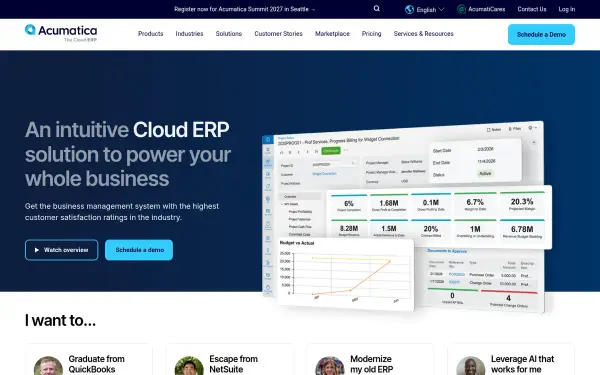
Acumatica's clearest differentiator is licensing: unlimited users. You do not pay per seat as you add warehouse staff, approvers or field crews, which changes the economics for a mid-market firm that would otherwise ration access and run half its process over email.
The product is organized into editions for financial management, construction, distribution, manufacturing, professional services and retail commerce. AI automation handles routine processes and flags anomalies. Low-code and no-code tools cover dashboards, workflows and reports, so an operations manager can change a form without waiting for a developer. Role-based access with encryption and a mobile app cover the day to day, and connectors exist for ADP, Autodesk, Avalara, Shopify and Procore, which matters if you already run those tools. The vendor emphasizes multi-layered security on a true cloud architecture.
Usability is the second selling point. The interface is designed to need minimal training, which shortens adoption and lowers the cost of onboarding seasonal staff. That is a claim you can test in a demo by asking a warehouse supervisor, not a project manager, to complete a task unaided.
The limits are structural. No pricing appears on the website, implementation is delivered through partners, and the number of industry editions complicates selection: working out which edition you need can take time. It fits mid-market firms that want usability without per-user fees and have a partner they trust. It fits less well if you want published prices or a self-serve trial.
You have many occasional users and want to stop paying per seat while keeping the interface simple.
You need a published price and a self-serve trial, or you want one edition for every business line.
Entry VII of VIII / Multi-entity close
Our verdict
A finance-first ERP for teams that care about fast closes and audit trails, with less depth in manufacturing and distribution.
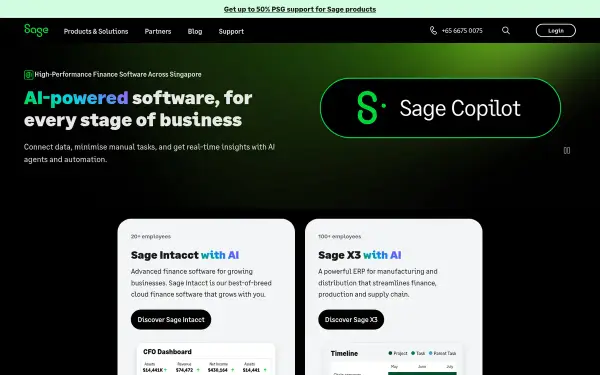
Sage Intacct is built around the finance function rather than the whole operation. Automated multi-entity accounting, connected workflows, and built-in audit trails and controls cover the work that eats a controller's month: consolidation, intercompany entries and the close itself. AI finance agents automate repetitive tasks and surface insight, and real-time visibility means the numbers reflect today rather than last month.
The vendor's claims are large: closes up to 90 percent faster, payback up to five times within six months, and more than 30,000 teams using the product. Verify any of that against your own close calendar, because results depend heavily on how clean your current data and chart of accounts are before migration starts.
Industry solutions extend the core into construction, healthcare, nonprofit and professional services. What you will not find is manufacturing planning, shop floor control or warehouse management at the depth of a dedicated suite, so production and distribution businesses often pair it with another system and reconcile in between.
Pricing is available on request only, and implementation needs partner support. That is normal at this tier, but it means the license figure is never the whole number, and the partner scope is where budgets slip. It fits finance-led teams that want automation and audit controls in one system with fast consolidation across entities. It fits less well if you run complex manufacturing or distribution and want those modules from the same vendor.
Your close is the bottleneck and you need consolidation and audit trails in one finance system.
You need manufacturing planning or warehouse management from the same vendor.
Entry VIII of VIII / Industry CloudSuites
Our verdict
Built for manufacturers, distributors and healthcare operators that want industry processes preconfigured instead of customized, though pricing stays behind a demo.
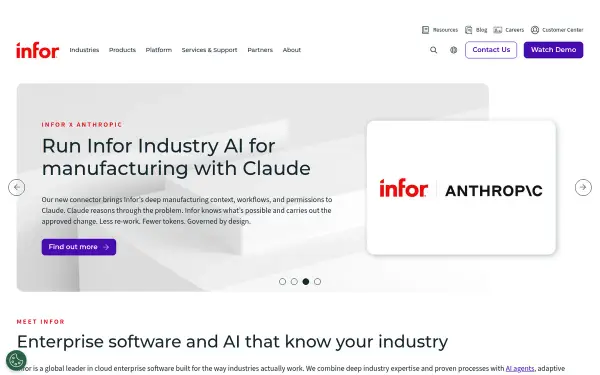
Infor sells vertical depth. Rather than one product configured per industry, it ships CloudSuites built per industry, with 60 plus micro-vertical configurations out of the box. If you work in manufacturing, distribution or healthcare, you start from a system that already knows the process, which removes much of the customization that inflates ERP projects and keeps consultants busy for years.
An October release added governed AI and real-time process intelligence. Industry AI agents are trained on sector data, and the Velocity Suite provides adaptive interfaces and orchestration. The portfolio covers ERP, supply chain, HCM, financial management and sustainability applications, with autonomous orchestration across connected systems and governance built into the core rather than added later.
The trade-offs start with transparency. No pricing is published on the website, the trial is a demo only, and the portfolio is wide enough that buyers need help working out which CloudSuite and modules they are really evaluating. Enterprise rollouts rely on partners, so integrator quality matters as much as the software, and a strong partner often matters more than a small feature gap between vendors.
Navigation is the hidden cost. A large catalog with overlapping names means the first two calls are usually spent narrowing scope rather than comparing capability. It fits manufacturing, distribution and healthcare firms that need last-mile industry fit without heavy customization. It fits less well if you want published prices, a self-serve trial, or a small and simple deployment.
You are in manufacturing, distribution or healthcare and want your sector processes shipped preconfigured.
You want published prices, a self-serve trial, or a small deployment with a short scope.
VIBackground
ERP software holds the operational record for a whole company: finance, inventory, purchasing, manufacturing, projects, sales orders and often HR. Accounting software holds the financial record. The difference sounds small and is not.
An accounting tool knows you invoiced a customer. An ERP system knows the invoice came from an order, the order drew stock from a specific warehouse, the stock triggered a purchase requisition, and the margin on that line is below plan. That chain only works when the modules share one database instead of syncing nightly through spreadsheets.
Most buyers arrive when spreadsheets stop scaling: multiple entities, inventory in more than one location, or a month end that needs three people and a week. A useful trigger is reconciliation effort. If your team spends more time matching records across systems than analyzing them, the tooling is the constraint, not the team.
Rollout length depends more on scope than on vendor. A preconfigured industry suite running standard processes can shorten rollout: SAP claims go-live in weeks for its preconfigured route, and Infor aims for faster time to value with its micro-vertical configurations. A heavily customized multinational deployment takes much longer. Budget for data migration and training, not just licenses, and expect the first month after go-live to feel slower than the last month before it.
This comparison sits in the software register. Further along the shore: baby tracking app and kennel software.
VIIPricing
ERP pricing is deliberately opaque because the number depends on seats, modules, deployment, data volume and implementation scope, and vendors would rather scope the deal before quoting. Most tools here publish no price at all. That is not a trick, but it does mean you cannot compare vendors on cost until each has seen your requirements, and sales teams know that.
Four models show up in this list. Open source starts free and shifts cost into your own labor. Per-user subscriptions make cost predictable as headcount grows. Unlimited-user editions change the math for companies with many occasional users. Quote-based enterprise deals bundle license, cloud hosting and implementation into a proposal you negotiate once and live with for years.
| Model | How it bills | Typical fit | Example from this list |
|---|---|---|---|
| Free open source | No license fee, self-hosted or one app free | Small firms with technical staff | Odoo One App Free |
| Per user per month | Flat per-user rate, no metered fees | SMBs wanting predictable cost | Odoo Standard from $7.25 per user per month with a 12 month discount |
| Unlimited-user subscription | Priced by edition, not by seat | Mid-market firms with many users | Acumatica |
| Quote-based enterprise | Custom proposal after scoping | Large or complex organizations | NetSuite, SAP, Oracle, Microsoft Dynamics 365, Sage Intacct, Infor |
Ask three questions before you sign: what the quote covers, how the price changes when you add a module or an entity, and what the partner implementation will cost separately. The license is usually the smaller half. All figures on this page were checked on November 25, 2026.
Each entry card shows the starting price as it appeared on the vendor's own pricing page on November 25, 2026. When a vendor shows no figure we could confirm, or only a promotional rate, the card says "See website" or gives the regular price instead of a guess. Usage, overage and add-on rates in the text change more often than plan prices, so confirm them on the vendor page before you set a budget. To test the numbers against your own volume, try the free User Research Budget Planner. The Event Break-Even Calculator is a second way to check the same decision.
VIIIDecision
Map the process that hurts. Write down the three workflows that consume the most staff time before you look at any vendor. That list becomes your demo script and your scoring sheet, and it stops a polished presentation from setting the agenda for you.
Pick your size bracket first. Small operations with one entity should start with Odoo or SAP Business One. Mid-market firms with many users should weigh Acumatica and Sage Intacct. Large or multi-country groups should look at NetSuite, SAP, Oracle, Microsoft Dynamics 365 and Infor.
Check the licensing model against your headcount. Count the people who will need access, including warehouse and field staff who only log in occasionally. Per-user pricing punishes a large occasional-user base; unlimited-user editions reward it, and that single fact can outweigh feature differences.
Test whatever the vendor lets you test. NetSuite offers a free 3-day test drive and Odoo offers a free trial, while the other vendors list a demo, so write your three workflows into the demo request and judge whether the presenter uses real configuration or slides.
Price the implementation, not just the license. Ask each vendor for a written scope covering data migration, integration, training and post go-live support. Where delivery runs through partners, get the partner quote in the same document, otherwise you are comparing half a number with half a number.
Reference check inside your own industry. Ask for two customers of similar size and sector, then ask them how long the close takes now and what they would do differently. Vendor case studies show the upside; a reference call shows the maintenance cost.
IXPitfalls
Buying the demo instead of the workflow. A polished demo shows the best-case screen with clean sample data. Insist on your own messy data, your own approval chains and your own reporting lines before you sign anything.
Treating the license as the budget. Implementation, integration, data migration and training usually exceed the subscription in year one. Ask for a full first-year number in writing, including partner scope and internal staff time.
Customizing standard processes. Every customization is a future upgrade cost, and automatic update models will test it for you. Start from the vendor's industry configuration, then customize only where the process is genuinely a competitive advantage.
Skipping the data cleanup. Migration exposes duplicate customers, orphaned inventory records and inconsistent units of measure. Cleaning that after go-live costs more and damages confidence in the new system during the weeks when trust is thinnest.
Letting one department choose alone. Finance-led selections underweight inventory and shop floor needs; operations-led selections underweight the close and audit trails. Build a small cross-functional team with one decision owner and a written tie-breaker.
XQuestions
Small businesses with simple needs should start with Odoo or SAP Business One. Mid-market firms with many users should weigh Acumatica or Sage Intacct. Large or multinational groups should evaluate NetSuite, SAP, Oracle, Microsoft Dynamics 365 and Infor. Industry narrows the shortlist fast: manufacturing, distribution and healthcare favor Infor, finance-led teams favor Sage Intacct, and Microsoft-heavy shops favor Dynamics 365.
Yes, with limits. Odoo's One App Free gives one app with unlimited users at no cost, and its Community edition is open source with source code access and a PostgreSQL data layer you can self-host. That is a real free start, but it covers one app rather than a full suite, and self-hosting requires technical skill. No other vendor on this list offers a free plan.
Because the price depends on seats, modules, deployment and implementation scope, and vendors prefer to scope the deal before quoting. Most tools here publish no price on their website, so the process starts with a demo and a tailored proposal. That makes budgeting harder, so ask for a written scope and a full first-year cost estimate early.
Scope matters more than vendor. SAP says preconfigured processes and its Activate methodology can shorten go-live, and Microsoft Dynamics 365 publishes customer case results you should check with references. Heavily customized multi-entity deployments take longer. Add time for data migration, testing and training before you commit to a date.
When reconciliation starts eating analyst time, or when stock, orders and finance live in files that disagree. Common triggers are a second entity, a second warehouse, inventory you cannot trust, or a month end that needs several people and a week. If your team is still matching records by hand, the spreadsheet is the constraint.
Accounting software keeps the financial record: ledgers, payables, receivables and reports. ERP adds the operational record around it, so an invoice traces back to an order, an order to stock, and stock to a purchase. That connection is what lets one system answer margin, delivery and capacity questions. Accounting tools integrate with ERP, but they rarely replace it.
XIFurther along the shore
Vendors can ask for a correction or apply for a Featured listing. Paid or not, the entry is scored on the same rubric and its limits stay in print. Partner with Umberlake.
Free tools
Our free browser tools turn the prices on this page into a figure for your own volume. Nothing you type leaves your device.