
TripIt
$49TripIt Pro, annual subscription
Best for individual travelers who want itineraries in one place
- Free plan
- Yes
- Rubric
- 5.7 of 10
Eight apps that cover itineraries, booking, expense capture and ground transport, with notes on who each one fits and what it costs as of November 2026.

IThe short answer
TripIt is the best business travel app for individual travelers who want every itinerary in one place, Perk is the best fit for growing companies that need travel and spend control, and Navan suits companies running a full corporate travel and expense program. Prices were checked on November 25, 2026. Eight tools made the list, spanning itinerary organization, managed booking, expense capture, metasearch and ground transport, with several free tiers and published entry prices where vendors list them: Best Apps For Business Travel.
8 tools compared from vendor pages on November 25, 2026. 2 publish a starting price we could read; the rest say "See website".
IITop three berths
Register order is editorial fit for the buyer each entry describes. Prices are the starting figures read on November 25, 2026.
$49TripIt Pro, annual subscription
Best for individual travelers who want itineraries in one place

See website
Best for growing companies wanting travel and spend control
See website
Best for companies running a full corporate travel and expense program
How this page is paid for. All 8 tools here are unpaid editorial picks.
A paid listing's position can be part of what the vendor pays for. Every entry, paid or not, is scored on the same rubric and keeps its limits in print. Advertising disclosure.
IIIThe register
Starting prices as shown on each vendor's pricing page on November 25, 2026. "See website" means no figure we could confirm.
| No. | Tool | From | Free plan | Trial | Rubric | Actions |
|---|---|---|---|---|---|---|
| 01 | TripItIndividual travelers who want itineraries in one place | $49TripIt Pro, annual subscriptionUpdated on vendor page | Yes | 30-day free trial | 5.7 | |
| 02 | PerkGrowing companies wanting travel and spend control | See websiteNot shown publicly | No | No | 7.3 | |
| 03 | NavanCompanies running a full corporate travel and expense program | See websiteNot shown publicly | No | No | 7.4 | |
| 04 |  SAP ConcurLarge and multinational enterprises needing policy and audit control | See websiteNot shown publicly | No | No | 7.2 | |
| 05 |  ExpensifySmall and mid-sized teams wanting travel plus expenses | $5Collect, per member per monthRead on vendor page | Yes | 30-day free trial | 7.6 | |
| 06 |  KAYAKIndividual travelers comparing fares and hotels | See websiteNot shown publicly | Yes | No | 4.9 | |
| 07 |  AirbnbTeams needing flexible, home-like stays on longer trips | See websiteNot shown publicly | Yes | No | 4.7 | |
| 08 |  Uber for BusinessCompanies centralizing ground transport and business rides | See websiteNot shown publicly | Yes | No | 6.0 |
Pinned:
IVMethod
How much of a business trip the app handles, from itinerary assembly to booking flights, hotels and cars.
Whether receipts, policy rules, approvals and reporting are built in or left to another system.
How quickly a traveler or an admin can get to a working trip without a long implementation.
Whether published pricing, free tiers or trials let a buyer estimate cost before talking to sales.
How well finance and travel managers can see spend and traveler location across the company.
VMethod
Every tool here was scored against the same five criteria, and none got a pass for being well known. Trip coverage asks how much of a business trip the app actually handles, from assembling itineraries to booking flights, hotels and cars. Expense control asks whether receipts, policy rules, approvals and reporting are built in or left to another system. Setup effort measures how fast a traveler or an admin reaches a working trip without a long implementation. Price clarity rewards published pricing, free tiers and trials that let a buyer estimate cost before a sales call. Team visibility covers how well finance and travel managers can see spend and traveler location across the company.
Prices, plan names, free tiers and trial terms come from vendor pages checked on November 25, 2026. Where a vendor does not publish pricing, the entry says so and gives no number; we do not estimate a quote. Where a product has changed names, as Perk has, we note the rebrand rather than treating it as a new product.
If an entry carries a Featured label, that placement is paid. Featured entries are scored on the same five criteria as everything else and keep their honest weaknesses. The order of this list is editorial: it reflects who each app fits and the disclosed Featured position, not a weighted total.
The full routine, from price reads to corrections, is on the methodology page. Paid listings follow the advertising disclosure.
Entry I of VIII / Universal itinerary building
Our verdict
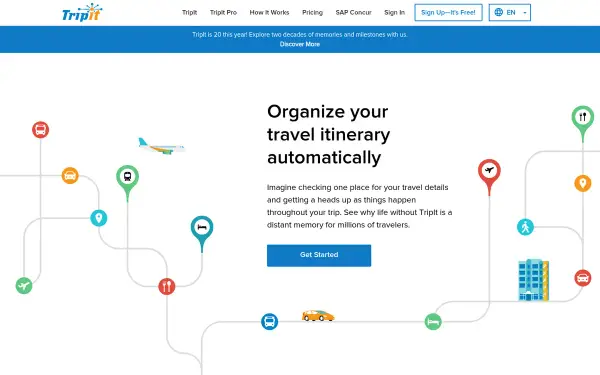
Best for travelers who book through many channels and still want one clean itinerary; it organizes trips but never sells them.
TripIt is an itinerary organizer rather than a booking engine. You forward a confirmation email to a dedicated address and it parses the flight, hotel or car details into one timeline. Because it reads confirmations instead of pulling from a booking system, it works with trips booked through any airline, hotel or agency, which is what makes it hold up when several people arrange parts of the same journey.
The free tier covers itineraries, trip sharing and calendar sync on mobile and web. TripIt Pro at $49 on an annual subscription adds the pieces frequent flyers feel: real time flight alerts including gate changes, and international travel requirement guidance. Gate changes matter on tight connections, and entry guidance matters on trips where the rules move between booking and departure.
The limits are structural rather than cosmetic. TripIt does not sell or book flights, hotels or cars, so it cannot replace a booking tool. It has no policy enforcement and no spend controls, so a finance team gets no approvals, no budget checks and no receipt matching from it. Alerts and travel guidance sit behind the paid tier, which leaves the free version as a tidy folder of trips.
It fits individual travelers and anyone whose itineraries arrive from several sources, including assistants arranging trips by hand. Pair it with a booking platform and an expense system rather than treating it as either. Setup takes minutes, forwarding an email is the whole onboarding, and the 30 day free trial covers a real trip well enough to judge the Pro alerts.
Your trips are booked through several channels and you want one itinerary without changing how anyone books.
You need booking, policy enforcement or expense capture from the same tool.
Entry II of VIII / Travel plus spend
Our verdict
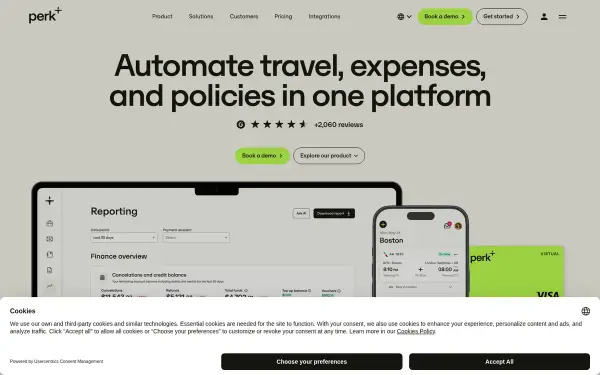
Best for growing companies that want booking, expense and policy in one system, though pricing needs a sales conversation first.
Perk puts travel booking, expense management and policy rules in one system, the combination growing companies tend to need once a spreadsheet and a shared inbox stop working. Employees book inside the platform, receipts are matched to transactions by AI, and anything outside policy is flagged automatically rather than caught during an audit three weeks later. Approval routing follows the rules the company sets.
For finance, the value is visibility: spend reporting across the company with out-of-policy exceptions surfaced as they happen. For employees in the field, the expense side is mostly automation, so a receipt photo does the work a claim form used to do. Because booking and expense share one record, nothing has to be rekeyed between them, and the reconciliation that usually eats a Friday afternoon disappears.
The practical catch is pricing. Nothing is published on the public site, so any budget number comes from a sales conversation, and a buyer cannot set it beside Expensify's $5 per member per month without doing that work first. There is a naming wrinkle too: the product operates under a newer brand and the previous domain redirects to the current site, so older materials and domains still circulate and can muddy a comparison.
It fits companies somewhere between a handful of travelers and a full corporate program, where the pain is policy compliance and receipt chasing rather than multi-country tax. Very small teams may find a free tier elsewhere sufficient for a year. Ask for a written quote scoped to traveler count, and ask what a pilot covers, since no trial is listed.
You want booking, expenses and policy in one place and are willing to get pricing through a sales conversation.
You need a published price or a free trial before you will take a meeting.
Entry III of VIII / Employee budget rewards
Our verdict
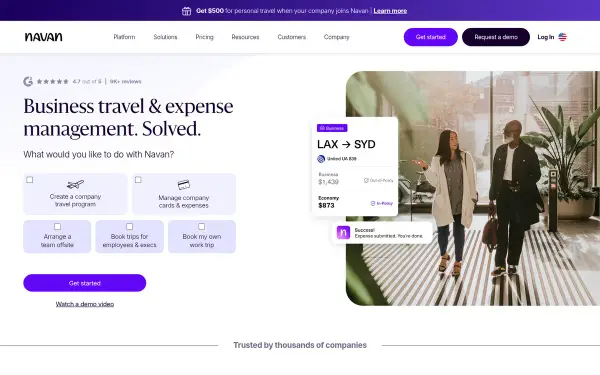
Best for companies running a full travel and expense program, with rewards and human support built into the booking flow.
Navan runs corporate travel booking, expense management and payments on one platform, aimed at companies that want the program in one place rather than a booking tool bolted to an expense tool. Bookings sit inside configured spending limits, expenses reconcile against them, and virtual cards cover payment, which closes the gap where a trip and its cost usually separate.
Two things stand out. Employees who book under budget earn rewards, a mechanism the company does not fund, so behavior shifts without another policy memo. And the AI travel assistant sits alongside round the clock human chat support, so a disrupted trip reaches a person rather than a queue. A premium tier delivered with a partner agency covers executive travel that needs high-touch handling.
The trade-offs are typical for this tier. Pricing is not published, so a quote request precedes any budgeting, and no trial is listed. Configuration depth is real: spending limits, approval chains, card rules and reward settings all need decisions, which suits a company with a travel manager and feels heavy for a ten person team that mainly wants receipts captured.
It fits organizations running a full corporate travel and expense program, especially ones with enough volume that under-budget booking changes the total. Smaller companies should weigh it against tools with published entry prices. Ask for pilot terms and the per-seat rate in writing, and ask how the reward scheme is administered before you promise it to staff.
You run a real travel program and want booking, expenses, payments and human support under one roof.
You are a small team that wants a published per-seat price and a self-serve start.
Entry IV of VIII / ERP grade connectors
Our verdict
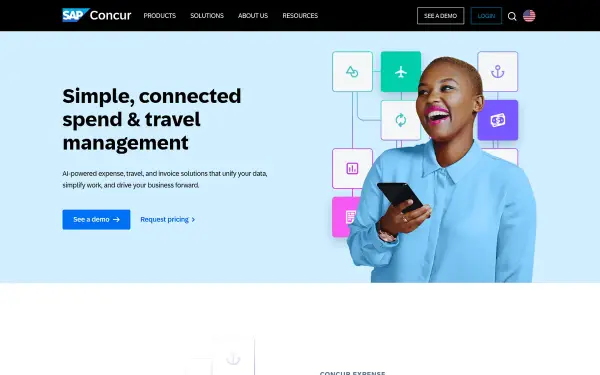
Best for large and multinational enterprises that need policy, audit trails and finance system integration more than speed of setup.
SAP Concur covers travel booking, expense capture and invoice automation for accounts payable, which is broader than most of this list. Booking runs with an AI assistant trained on company policy, supplier content is broad, and buyers keep whichever travel management company they already work with rather than switching agencies to switch software.
The enterprise depth is where it earns its place. More than 300 prebuilt connectors to financial systems reduce custom development, global tax and multi-currency handling cover cross-border spend, and audit controls and approval workflows give a finance function the evidence it needs at year end. Expense capture processes receipts automatically with policy checks attached to each one, and invoice automation extends the same discipline to accounts payable.
The costs are time and opacity. Pricing is not published, so a quote follows scoping, and the scoping is the hard part: implementation timelines depend on how many entities, countries and currencies are in scope. Organizations covering several legal entities should plan a phased rollout rather than one switchover, and should expect finance integration work to set the schedule rather than the travel configuration.
It fits large and multinational enterprises, particularly ones already running SAP or a comparable ERP and needing audit trails across borders. A 30 person company will struggle to justify the configuration overhead when published per-seat prices exist elsewhere. Start procurement early and ask for a quote broken out by entity, because that scoping question drives the timeline.
You operate across entities, countries and currencies and need audit controls that hold up to finance review.
A single-entity rollout with a short timeline is all you need.
Entry V of VIII / Free individual use
Our verdict
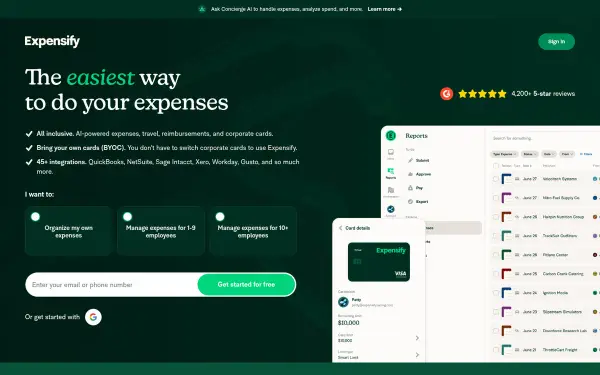
Best for small and mid-sized teams that want booking and expenses in one app at a published per member price, with a free path for individuals.
Expensify started in expense management and added booking later, and the shape of the product reflects that. Flights, hotels, cars and rail can be booked in the app and those bookings sync into expense reports automatically, so a trip and its costs stay in one record instead of two systems that disagree.
Receipt scanning with AI driven categorization handles the daily grind, global reimbursements cover staff paid in several countries, and the commercial card carries cash back that offsets plan cost. Individual use is free, which makes it easy for a solo traveler or a skeptical office manager to try the app on a real trip before anyone signs a company agreement.
The limits are inventory and billing shape. Travel inventory is smaller than dedicated booking platforms, so heavy travelers often pair it with a separate booking tool for wider choice. Company plans carry a per member charge, starting at $5 per member per month on Collect, and because the unit is the member rather than the trip, staff who rarely travel still count in the total.
It fits small and mid-sized teams that want booking and expenses in one app without running two systems for modest travel volume. Companies with complex policy chains, multi-entity tax handling or heavy international inventory needs will find the ceiling quickly. There is a 30 day free trial, so test your top three routes before committing.
You want booking and expenses in one app at a published per member price, with a free path for individuals.
Your travelers need deep inventory or your finance team needs enterprise-grade policy chains.
Entry VI of VIII / Wide fare search
Our verdict
Best for individual travelers comparing fares and hotels, with free alerts and an itinerary that follows the trip rather than the booking.
KAYAK is a search and tracking layer rather than a booking or management system. It searches flights, hotels and rental cars across many travel sites, with filters that narrow results by price, time and carrier, and then sends you to the provider to complete the reservation. Nothing about the trip record ends up owned by KAYAK.
The free features are more useful than the metasearch label suggests. Price alerts fire when fares change, Trips builds an itinerary from forwarded confirmations or a synced inbox, flight status notifications cover disruption, and saved travel details stay available offline. The platform charges no fee of its own, so the whole set costs nothing to use whether you fly once a year or every other week.
It has no policy enforcement, no expense management and no approval routing, and reservations finalize with the airline, hotel or agency, which means the financial record of truth sits outside the app. It is not built for managed travel programs, and it does not consolidate trip data for reporting, so a finance team gets nothing to reconcile from it.
It fits individual travelers comparing fares and hotels, and it works as a supplement inside a company that already has booking and expense handled elsewhere. Use it to sanity check a fare, track a trip someone else booked, or hold an itinerary offline. Do not hand it to a travel manager as the program system, because it has none of the controls that role requires.
You are an individual traveler comparing fares and want free alerts and an itinerary that follows you.
You need approvals, expense capture or any control a finance team would recognize.
Entry VII of VIII / Long stay inventory
Our verdict
Best for teams needing flexible, home-like stays on longer trips, as a supplement rather than a travel management system.
Airbnb supplies stays rather than managing travel. The inventory is vacation rentals, apartments and cabins in cities worldwide, searchable by location, dates and amenities, with host messaging and booking management inside the app. It is a marketplace with a booking flow, not a corporate travel platform, and the difference shows the moment you ask it a policy question.
For business travel the useful parts are monthly rental options for project-based work, kitchens for self-catering on longer stays, and laundry and workspace amenities in many listings. On a two week assignment, an apartment with a desk and a washing machine changes the working day in ways a hotel room does not, and a monthly rate can suit an extended project better than a run of hotel nights.
The gaps are the ones finance cares about. It is not a managed travel program, policy and spend controls are limited, and it does not consolidate trip data for reporting. A stay booked here has to be pulled into an expense system by hand.
It fits teams needing flexible, home-like stays on longer trips, and works best as a supplement to a hotel and flight program rather than a replacement. No platform fee applies to browsing or booking, so the comparison against a hotel is close to a straight rate comparison. Set a per-night cap for staff before they start browsing.
Your people are on multi-week assignments and a kitchen and a desk matter more than a loyalty program.
You need policy controls and consolidated reporting from the same system you book in.
Entry VIII of VIII / Central ride billing
Our verdict
Best for companies centralizing ground transport, with rides billed centrally instead of arriving as personal expense claims.
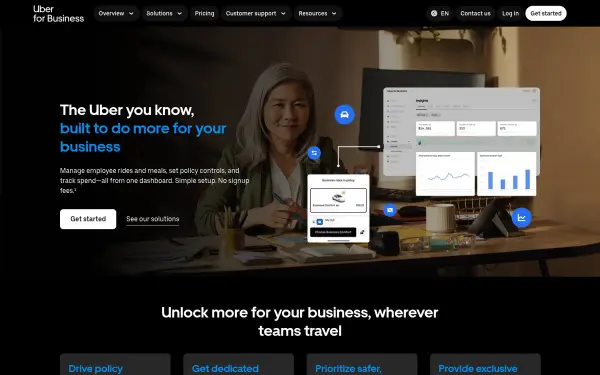
Uber for Business centralizes ground transport. Employees request rides through the standard app, and the company sees them in a central dashboard with consolidated billing and reporting, so rides stop arriving as personal expense claims. It is the ground transport layer of a travel program, and it makes no attempt to be the rest of it.
Reservations can be booked up to 90 days in advance, which covers airport pickups on early flights and site visits planned weeks out. Controls extend to meal programs alongside rides, and ride availability covers cities worldwide, which matters when staff land somewhere the company has no local transport account. The app itself carries no charge and companies pay per trip.
The scope is deliberately narrow. It does not cover flights or hotels, so it needs pairing with a booking platform, and ride costs vary by city and demand, which makes ground transport a budget line that moves month to month. There is no published rate to budget against, because the rate is the ride itself.
It fits companies centralizing ground transport and business rides, especially ones with staff moving between offices, airports and client sites in several cities. It does not replace a travel program. Set ride policies and meal limits before rollout, and review the dashboard monthly, because city pricing is uneven and easy to underestimate when you approve the first invoice.
Ground transport is scattered across personal cards and you want rides on one bill with one dashboard.
You are looking for a tool that books flights and hotels, because this one does not.
VIBackground
A business travel app is software that handles some part of a work trip, and the category splits into four jobs that buyers often blur together.
Some products do one job well. TripIt organizes and stops there, KAYAK searches and hands you to the provider, Airbnb supplies stays, and Uber for Business covers ground transport. Others bundle two or three: Expensify joins booking to expenses, Perk joins travel to expense and policy, and Navan and SAP Concur run booking, expense and payments as one program.
The bundling matters because the handoffs are where business travel gets expensive. A booking that never reaches the expense report becomes a manual rekey. A ride that lands on a personal card becomes a reimbursement. An itinerary that lives in an inbox becomes a missed connection. Apps that close those gaps save admin time; apps that do not add another login to the day.
Which layer you need depends on who is asking. An individual traveler with trips arranged by an assistant usually needs organizing and maybe ground transport. A finance lead at a 200 person company usually needs booking plus expense plus policy, because the control gap is the cost. A multinational needs the fourth layer too: audit trails, multi-currency handling and connectors into the finance system it already runs.
A practical test is to list every step between approval and reimbursement, then mark which app owns each one. If two steps have no owner, that gap is what you are buying for. If every step already has an owner, adding another tool usually adds cost without closing anything.
This comparison sits in the software register. Further along the shore: baby tracking app and kennel software.
VIIPricing
Business travel apps bill in five broad ways, and only two of them come with a number you can read before contacting sales. Published per-seat subscriptions exist: Expensify lists $5 per member per month on its Collect plan. Published individual subscriptions exist too: TripIt Pro is $49 on an annual subscription. Everything else in this list is either quoted or free to use, with the cost sitting in the fare, the room or the ride.
| Model | How it bills | Typical fit | Example from this list |
|---|---|---|---|
| Per-seat subscription | Monthly fee per member | Small and mid-sized teams | Expensify, $5 per member per month on Collect |
| Annual individual plan | Once a year, one traveler | Individual travelers | TripIt Pro at $49 annually |
| Quoted enterprise contract | Sales quote scoped by entities, countries and currencies | Large and multinational enterprises | SAP Concur |
| Quoted company plan | Sales conversation, no public list price | Growing companies | Perk, Navan |
| No platform fee | Cost sits in the trip itself | Individuals and ground transport | KAYAK, Airbnb, Uber for Business |
Two things follow. First, a quote-based vendor costs you time before it costs you money, so start the conversation earlier than feels necessary, especially where a phased rollout across countries is likely. Second, a free tier is not the same as a free program: Expensify gives individuals free use but charges company plans per member, and Uber for Business charges nothing for the app while billing per trip.
Trials are sparse here. TripIt and Expensify both offer a 30 day free trial; the rest list none, so a pilot means negotiating terms rather than clicking a button. Ask what a pilot covers before you sign anything, and get the per-trip or per-seat rate confirmed in writing, because the unit of billing decides what the annual number actually looks like.
Each entry card shows the starting price as it appeared on the vendor's own pricing page on November 25, 2026. When a vendor shows no figure we could confirm, or only a promotional rate, the card says "See website" or gives the regular price instead of a guess. Usage, overage and add-on rates in the text change more often than plan prices, so confirm them on the vendor page before you set a budget. To test the numbers against your own volume, try the free User Research Budget Planner. The Event Break-Even Calculator is a second way to check the same decision.
VIIIDecision
IXPitfalls
XQuestions
Navan and SAP Concur are built for managed programs; TripIt and KAYAK are built for individual travelers. Navan puts booking, expenses and payments in one place for companies running a full program. SAP Concur adds ERP connectors, global tax handling and audit controls for multinationals. TripIt organizes itineraries without selling anything, and KAYAK searches fares and hotels at no charge. Perk and Expensify sit in the middle, serving growing teams.
TripIt has a free tier that covers itineraries, trip sharing and calendar sync on mobile and web. TripIt Pro at $49 on an annual subscription adds real time flight alerts including gate changes and international travel requirement guidance. A 30 day free trial lets you test the paid features on a real trip. If you mainly need one place to store confirmations, the free tier is enough.
Perk operates under a newer brand name, and the previous domain redirects to the current site. It combines travel booking, expense management and policy rules in one system, with AI receipt matching and automated flagging of out-of-policy exceptions. Older materials and domains may still circulate, which is worth knowing when you compare documentation. Pricing is not published, so a quote comes through a sales conversation.
Yes, Expensify includes in-app booking for flights, hotels, cars and rail, and those bookings sync straight into expense reports. Receipt scanning with AI categorization and global reimbursements sit alongside. The caveat is inventory: it is smaller than dedicated booking platforms, so heavy travelers often pair it with a separate booking tool. Plans start at $5 per member per month on Collect, and individual use is free.
Uber for Business bills centrally rather than through employee expense claims. Employees request rides in the standard app, and companies track ride spend in a central dashboard with consolidated billing and reporting. Rides can be reserved up to 90 days ahead, and the controls extend to meal programs as well as rides. The app itself carries no charge, and companies pay per trip.
SAP Concur covers travel booking with an AI assistant trained on company policy, expense capture with automatic receipt processing and policy checks, and invoice automation for accounts payable. It includes more than 300 prebuilt connectors to financial systems, global tax and multi-currency handling, and audit controls. Buyers keep any travel management company. Implementation timelines depend on how many entities, countries and currencies are in scope.
XIFurther along the shore
Vendors can ask for a correction or apply for a Featured listing. Paid or not, the entry is scored on the same rubric and its limits stay in print. Partner with Umberlake.
Free tools
Our free browser tools turn the prices on this page into a figure for your own volume. Nothing you type leaves your device.