
Teramind
See websiteper user per month, 5-seat minimum
Best for compliance-grade monitoring and data loss prevention
- Free plan
- No
- Rubric
- 7.9 of 10
Ten tools ranked by fit for compliance, workforce analytics and remote field teams, with pricing checked on November 26, 2026 and the trade-offs spelled out.

IThe short answer
Teramind is the top pick among the best employee screen monitoring software for November 2026 if you need compliance-grade audit trails and data loss prevention, ActivTrak fits teams that want workforce analytics without surveillance defaults, and Hubstaff suits remote and field crews that need GPS plus random screenshots. Below are 10 tools ranked by fit for the buyer each entry describes, with prices checked on November 26, 2026 and cons listed as plainly as the pros.
10 tools compared from vendor pages on November 25, 2026. 7 publish a starting price we could read; the rest say "See website".
IITop three berths
Register order is editorial fit for the buyer each entry describes. Prices are the starting figures read on November 25, 2026.
See websiteper user per month, 5-seat minimum
Best for compliance-grade monitoring and data loss prevention

FreeFree tier up to 3 workers, paid plans per worker per month, billed annually
Best for workforce analytics without surveillance defaults

$4.99Starter, per seat per month, billed annually, 2 seat minimum
Best for remote and field teams needing GPS plus screenshots
How this page is paid for. All 10 tools here are unpaid editorial picks.
A paid listing's position can be part of what the vendor pays for. Every entry, paid or not, is scored on the same rubric and keeps its limits in print. Advertising disclosure.
IIIThe register
Starting prices as shown on each vendor's pricing page on November 25, 2026. "See website" means no figure we could confirm.
| No. | Tool | From | Free plan | Trial | Rubric | Actions |
|---|---|---|---|---|---|---|
| 01 | Teramindcompliance-grade monitoring and data loss prevention | See websiteper user per month, 5-seat minimumNot shown publicly | No | Free trial | 7.9 | |
| 02 | ActivTrakworkforce analytics without surveillance defaults | FreeFree tier up to 3 workers, paid plans per worker per month, billed annuallyRead on vendor page | Yes | 14-day free trial | 7.5 | |
| 03 | Hubstaffremote and field teams needing GPS plus screenshots | $4.99Starter, per seat per month, billed annually, 2 seat minimumRead on vendor page | No | 14-day free trial | 7.3 | |
| 04 |  Time Doctorproductivity ratings for BPOs and agencies | $6.67Basic, per user per month, billed annuallyRead on vendor page | No | 14-day free trial | 7.3 | |
| 05 |  Insightfulall-in-one monitoring for large teams | $8Analytics, per seat per month, billed annuallyRead on vendor page | No | Free trial, no credit card required | 7.7 | |
| 06 |  Veriatoinsider threat detection with behavior analytics | $18Veriato UAM, per user per month, billed annually, 5 user minimumRead on vendor page | No | Free trial | 7.2 | |
| 07 |  InterGuardregulated industries needing content controls | See websiteper user per monthNot shown publicly | No | Free trial | 6.7 | |
| 08 |  Controlioreal-time screen monitoring with cloud or on-premise | See websiteper user per monthNot shown publicly | No | Free trial | 7.6 | |
| 09 |  DeskTimeautomatic time tracking without keystroke logging | $6.42Pro, per user per month, billed annuallyRead on vendor page | No | 14-day free trial | 6.5 | |
| 10 |  Monitaskbudget screenshots and activity tracking | $6.49Pro, per user per month, billed annuallyRead on vendor page | No | 10-day free trial | 6.2 |
Pinned:
IVMethod
We compared ten tools on five weighted criteria. Monitoring depth carries 30 percent because the core question is what the software can actually capture and replay: screenshots, live screens, keystrokes, file activity. Reporting clarity gets 20 percent, since a recording nobody can search or chart is storage rather than insight. Pricing fit gets 20 percent, weighing entry price against seat minimums and billing terms rather than sticker price alone. Deployment options gets 15 percent, because on-premise and private cloud hosting decide the shortlist for regulated buyers. Ease of setup gets 15 percent, because a small IT team will not finish a complex rollout.
Prices, plans, trial lengths and free-tier limits come from vendor pricing pages checked on November 26, 2026, and they are quoted in the form the vendor publishes, with no currency conversion. Where a vendor page did not return a figure, we say pricing is on the vendor site instead of estimating.
The order of this list is editorial: it reflects fit for the buyer each entry describes, not a weighted total. A Featured label marks a paid placement, and a featured entry is scored on the same rubric and carries the same honest cons as every other tool.
Nothing here substitutes for a legal review of your monitoring policy.
The full routine, from price reads to corrections, is on the methodology page. Paid listings follow the advertising disclosure.
How much of the screen, keystrokes, file activity and location the tool can capture and replay.
Whether a manager can find, search and act on what was recorded without an analyst.
Entry price weighed against seat minimums, billing terms and add-on costs.
Cloud, private cloud and on-premise choices, which decide shortlists in regulated sectors.
How quickly a small IT team can install, configure and explain the tool to staff.
Entry I of X / DLP that blocks
Our verdict
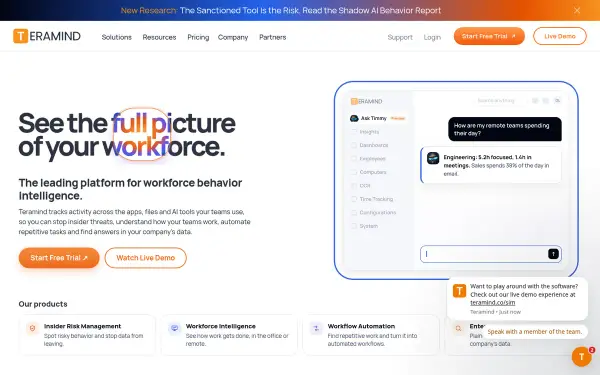
The deepest monitoring here, with searchable screen recordings and data loss prevention that can block a risky transfer as it happens.
Teramind is the deepest product on this list, and the one most likely to be bought by a regulated employer rather than a curious manager. It records screens with searchable playback, logs keystrokes, tracks application and website use, and applies data loss prevention rules that can block an upload or a USB transfer while it is happening. Rules and alerts can be automated, so an upload to a personal cloud drive can trigger a workflow rather than a weekly report nobody reads. Cloud and on-premise deployments are both offered, which matters to organizations that cannot send endpoint recordings to a third party.
Pricing is quoted on the vendor site, per user per month, with a five-seat minimum, so even a small pilot is a five-person commitment. There is a free trial and no free plan.
The honest trade-off is cultural. This is the highest surveillance depth in the comparison: keystroke-level capture plus recorded screens is a lot of trust to ask for, and it should come with a written policy, legal review and a clear explanation of what is and is not watched. Buyers who only need to know which apps eat the day should look further down the list and save money.
Audit trails, searchable recordings and blocking are the actual requirement.
You want lightweight productivity data and a small pilot without a seat floor.
Entry II of X / Analytics without surveillance
Our verdict
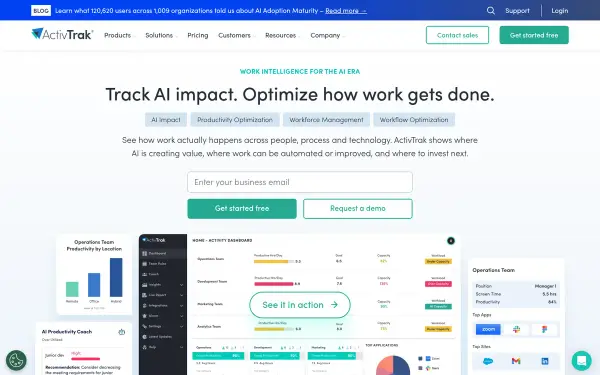
Best for managers who want focus and capacity data, with screenshots off by default and a free tier for three workers.
ActivTrak is the pick for managers who want evidence about how work happens without turning the office into a control room. It tracks application and website usage, classifies activity as productive or unproductive, and reports on focus time and meeting load. The capacity and burnout analytics are the differentiator: they help a team lead see that someone is overloaded, which is a staffing problem rather than a discipline problem.
There is a free tier for up to three workers and a 14-day free trial on paid plans. Paid Workforce plans run per worker per month, billed annually, and the vendor lists them from $10 per worker per month.
Screenshots exist but are an optional paid add-on rather than the default, and there is no keystroke logging. That makes ActivTrak easy to defend to staff and hard to use as a forensic tool. Security-oriented controls are thin, so it is not a data loss prevention product and should not be sold internally as one. Buyers who need to block file movement should look at Teramind or InterGuard.
You want workforce analytics and are comfortable without keystroke capture.
You need forensic evidence or the ability to block file transfers.
Entry III of X / GPS plus screenshots
Our verdict
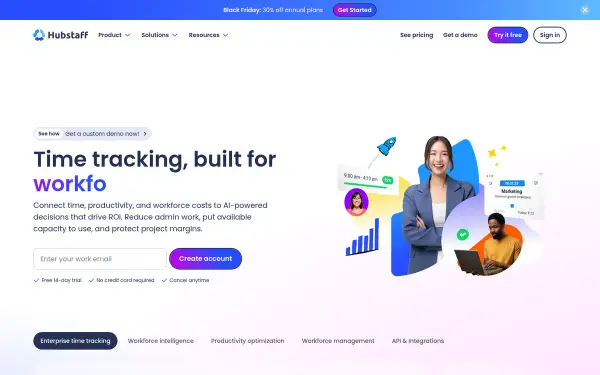
The cheapest way in, and the right fit when field crews need GPS, screenshots and hours that turn into invoices.
Hubstaff is the cheapest way onto this list, and the one built around a running timer rather than passive capture. Employees start a timer against a project, the app takes random-interval screenshots and measures activity level, and the time flows into payroll and invoicing. GPS tracking makes it a reasonable fit for field crews moving between sites, where a desktop monitoring tool would be useless.
The Starter plan is $4.99 per seat per month billed annually with a two-seat minimum, and there is a 14-day free trial but no free plan. More screenshot frequency and more integrations sit on higher tiers.
The limit is structural: because tracking is active rather than passive, the record has gaps whenever somebody forgets to start the timer, and the numbers become a negotiating point instead of a measurement. Frequent screenshots also wear on knowledge workers who mostly write or think for a living. Hubstaff is at its best with shift-based and mobile staff, and at its worst with senior individual contributors.
Your people are on the move and hours need to become invoices.
Passive capture or keystroke-level detail is the point of the purchase.
Entry IV of X / Productivity ratings
Our verdict
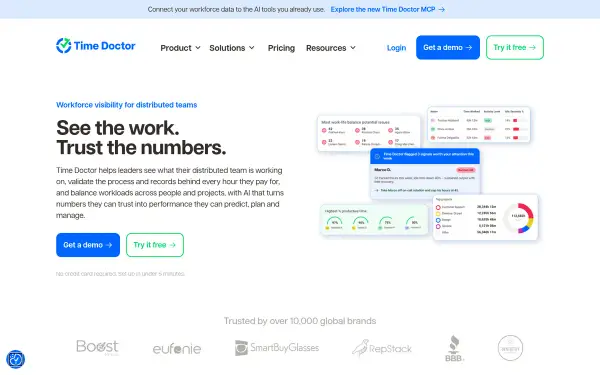
Built for hourly billing: productivity ratings, idle nudges and screenshots, with security depth left to other tools.
Time Doctor sits in the outsourcing heartland: call centers, agencies and business process outsourcers that bill clients by the hour and need defensible time records. It pairs a timer with productivity ratings per application and website, detects idle time and nudges the employee to confirm whether they were working, captures screenshots and verifies attendance and hours. Payroll integrations close the loop for operations teams.
The Basic plan is $6.67 per user per month billed annually, with a 14-day free trial and no free plan. The month-to-month rate is $8, so the annual term is where the saving sits.
The productivity ratings are the selling point and the friction point. They give supervisors something concrete to coach against, and they can also feel punitive when a legitimate research task scores as unproductive because the site is not on the approved list. Security depth is deliberately shallow: this is not a data loss prevention tool and it will not catch an insider moving files. Configure the categories carefully before you roll it out, and explain the scoring to staff.
You invoice hours and need ratings plus screenshots in one place.
The goal is data theft detection or an audit trail for compliance.
Entry V of X / Monitoring plus budgeting
Our verdict
A broad operations platform where monitoring feeds project budgets and cost calculations, at a mid-market per-seat price.
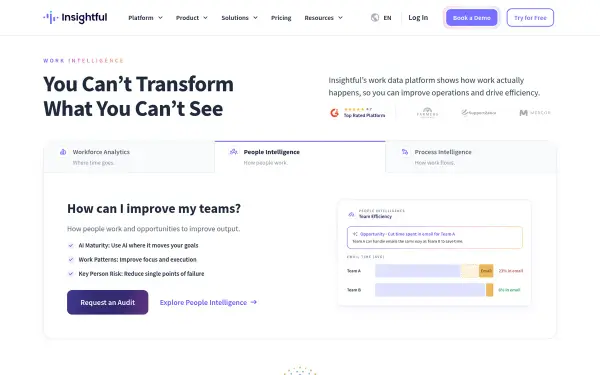
Insightful (formerly Workpuls) tries to be the whole operations layer rather than a single monitor. Screenshots and application tracking sit next to attendance tracking, project time budgeting and project cost calculations built from tracked time, so a services firm can see which engagements are quietly losing money. Productivity analytics and an on-premise deployment option round it out for enterprises that want the data on their own hardware.
Pricing is per seat per month billed annually, with the vendor listing Analytics from $8; the monthly rate is $10. There is a free trial that does not require a credit card, and no free plan. The trial is short for a platform this broad.
The interface is dense. A small agency will see a lot of dashboards it never configures, and the rebrand from Workpuls still confuses buyers who researched the product under the old name. Ask for a guided setup, and decide up front whether you are buying attendance, project budgeting or monitoring, because switching all three on at once is how rollouts stall.
You want monitoring to feed project profitability, not just a screenshot folder.
You need deep DLP rules or a very fast, narrow deployment.
Entry VI of X / Insider threat detection
Our verdict
Security-first monitoring that baselines behavior and flags anomalies, priced at $18 per user with a five-user minimum.
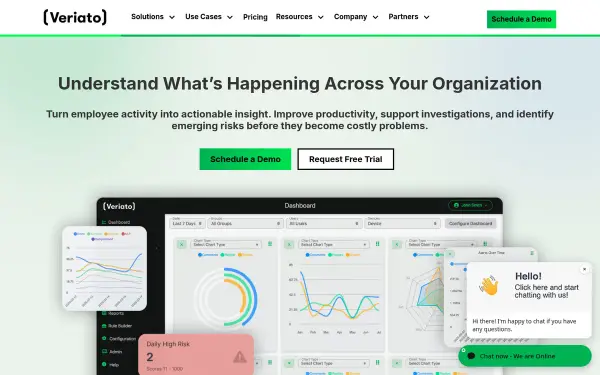
Veriato is a security product wearing a monitoring label. It builds behavioral baselines per user and raises anomalies when someone deviates from their normal pattern: unusual file access, odd hours, data movement that looks like theft. Screen recordings are stored as searchable video, and audit trails are designed for regulated industries that need to prove what happened and when.
Pricing starts at $18 per user per month billed annually with a five-user minimum, and the vendor quotes its insider risk product separately. There is a free trial and no free plan.
Two things follow from that positioning. First, it is expensive per seat compared with productivity tools, and it is not trying to win on price. Second, it is not a workforce analytics tool: you will not get burnout dashboards or focus-time coaching here. Deploying it also changes the relationship with staff, so pair it with a written policy, legal review and a clear statement of what triggers an investigation. Buyers who want monitoring for coaching should spend less money elsewhere.
Insider threat and audit trails are the actual requirement.
You want focus-time coaching or a cheap per-seat deployment.
Entry VII of X / Filtering and blocking
Our verdict
Monitoring with content filtering and blocking in one product, sold through the vendor rather than off a published price list.
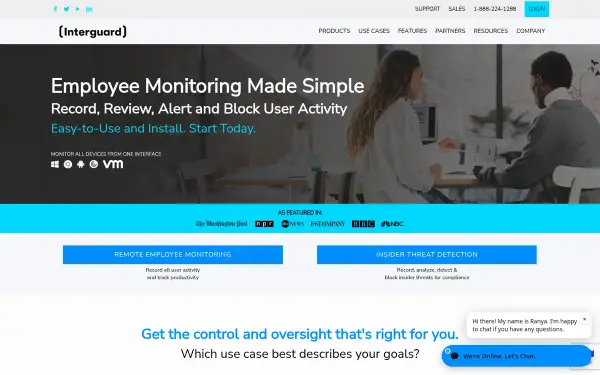
InterGuard bundles monitoring with content controls, which is unusual for a monitoring tool. You get configurable screenshot capture, application and website monitoring, file activity tracking and content filtering, plus data loss prevention policies that can block an action rather than just log it. For a mid-size finance, healthcare or legal office that has to show data governance, that combination is often easier to justify than a pure screenshot tool.
Pricing is on the vendor site, quoted per user per month. There is a free trial and no free plan.
The honest caveats are scale and polish. InterGuard is a smaller vendor with a limited user community, so peer troubleshooting is thin, and the interface is older than the leading tools on this list. That matters if your IT team is small. Expect a longer evaluation before signing, and confirm the current price on the vendor site.
Content filtering and blocking are part of the brief.
You need a self-serve trial with a published price before you commit time.
Entry VIII of X / Live screen viewing
Our verdict
The pick when you need live screen viewing or on-premise hosting, with keystroke logging included at entry level.
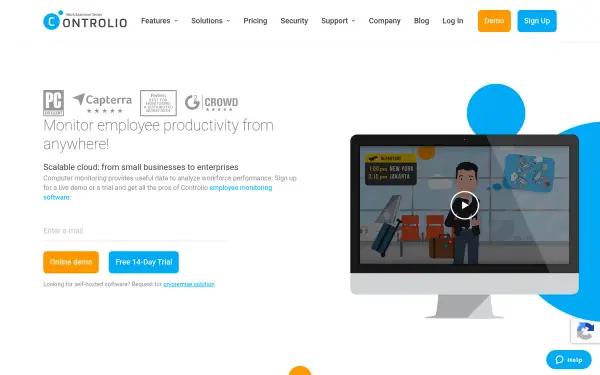
Controlio's distinguishing feature is live screen viewing: a manager can watch an employee's desktop in real time, not just open a recording later. Recorded screen history, keystroke logging, application tracking and alerts on policy breaches fill out the rest of the package, and the product runs in the cloud, a private cloud or fully on-premise, which is rare at this level.
Pricing is on the vendor site, quoted per user per month, and some plans carry a five-seat minimum, so a small pilot becomes a five-seat purchase. There is a free trial and no free plan.
Live viewing is the most contentious capability in this category and the easiest to misuse. If you deploy it, decide in advance who can watch, when, and what gets logged about the watcher, then put it in writing for staff. The rest of the tool is competent rather than best in class: reporting is adequate, not deep, and the product is not a data loss prevention platform in the way Teramind is.
Live viewing or on-premise hosting is a hard requirement.
Your team is small and you only need periodic screenshots.
Entry IX of X / Automatic, no keystrokes
Our verdict
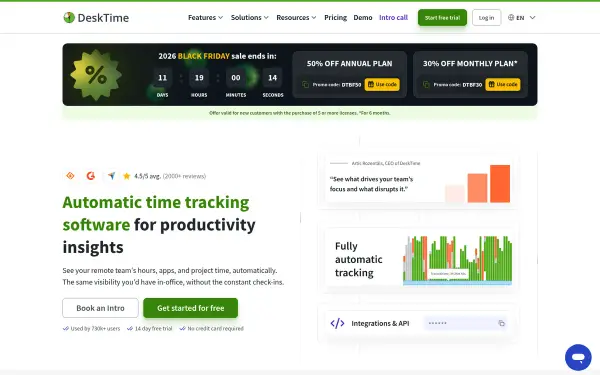
Automatic time tracking that skips keystroke logging, giving you hours and project data without the heaviest surveillance.
DeskTime is the least invasive paid option here. It tracks time automatically, so nobody has to remember a timer, and it deliberately omits keystroke logging. Application and website usage is categorized, time is allocated to projects, absences are managed in the same place, and productivity reporting covers the basics a small team actually uses.
The Pro plan is $6.42 per user per month billed annually, with a 14-day free trial and no free plan. The trial is long enough to judge whether automatic categorization fits how your team works, which is the main thing to test. The vendor also advertises promotional pricing, so check what applies at checkout.
What you give up is depth. There is no data loss prevention, no insider threat detection and no live screen viewing. The integration ecosystem is smaller, so check your stack before committing. What remains is a clean productivity record that employees are more likely to tolerate, which is worth more than a feature list nobody switches on.
You want automatic hours without keystroke-level capture.
You need screenshots as evidence or file movement controls.
Entry X of X / Setup in minutes
Our verdict
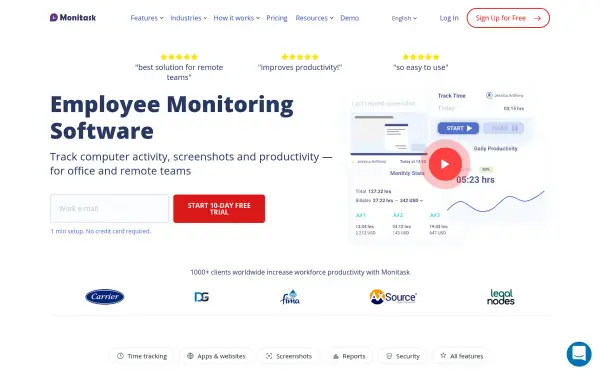
Screenshots, activity levels and timesheets with almost no setup, priced for small teams that only need the basics.
Monitask does the small set of things a small remote team needs and does not pretend to be an enterprise platform. Screenshot capture, activity level monitoring, application tracking, timesheets and basic reporting are all present, and setup is quick enough that a manager can run it without an IT project.
The Pro plan is $6.49 per user per month billed annually, and the monthly rate is $7.99. There is a 10-day free trial with no free plan.
The limits show up as soon as you ask harder questions. Workforce analytics are absent or rudimentary, there is no data loss prevention, and reporting depth lags the larger platforms, so the data is fine for verifying hours and thin for coaching or investigations. Scaling to a large or complex organization would mean migrating. That is a fair trade at this price, as long as you know which side of it you are on. If screenshots and hours are genuinely all you need, you will not miss the rest.
You need screenshots and timesheets with almost no setup.
You expect to grow into analytics, DLP or investigation work.
VBackground
Employee screen monitoring software captures activity on a work device and turns it into a record a manager or investigator can review later. The common captures are screenshots, application and website usage with time attached, idle time, and sometimes keystrokes, file activity and GPS location. A few tools replay screen recordings; others store a searchable video library or a live view of the desktop.
The category splits in two, and the split matters more than any feature checklist:
Workforce analytics is the softer cousin of monitoring. It reports on focus time, meeting load, capacity and burnout risk at team level, and it is usually sold as a coaching input rather than evidence. Monitoring answers what a person did; analytics answers how a team is working. Some products, ActivTrak most clearly, live in the second camp on purpose.
The distinction matters because the two are disclosed differently, priced differently and received differently by staff. A crew that accepts automatic time tracking may object to keystroke logging, and rightly so. Decide which question you are actually trying to answer before you shortlist anything.
This comparison sits in the devops register. Further along the shore: AI observability tools and waste management software.
VIPricing
Screen monitoring prices are quoted per user per month, and the advertised entry rate is rarely what a small team pays. Two things move the number: seat minimums and billing term.
Month-to-month rates run higher than annual ones. Time Doctor lists $6.67 per user per month billed annually against a month-to-month rate of $8. Insightful shows $8 annually against $10 monthly, and Monitask lists $6.49 annually against $7.99 monthly. On a small team the gap is small, but it is real, and it is the price of flexibility.
Seat floors are the bigger surprise. Teramind quotes per user per month with a five-seat minimum and Veriato starts at $18 per user per month with a five user minimum, so a small pilot is not on offer. Controlio applies five-seat minimums on some plans, while Hubstaff sets a two-seat floor. Several vendors publish no figure at all and direct you to the vendor site.
| Model | How it bills | Typical fit | Example from this list |
|---|---|---|---|
| Free tier | No charge within a worker cap | Small teams testing analytics | ActivTrak, free up to 3 workers |
| Per seat, annual term | Rate per user per month, billed yearly | Committed teams of any size | Hubstaff Starter, $4.99 per seat per month |
| Per seat with a seat floor | Rate per user per month plus a minimum seat count | Regulated teams of five or more | Veriato, $18 per user per month, 5 user minimum |
| Quoted by the vendor | Pricing is on the vendor site | Compliance and security programs | Teramind, InterGuard and Controlio, pricing on the vendor site |
Budget accordingly: a small team on a mid-market analytics tool is a small monthly line item, while a compliance-grade deployment with recording storage, legal review and policy work is a project with a project's overhead.
Each entry card shows the starting price as it appeared on the vendor's own pricing page on November 25, 2026. When a vendor shows no figure we could confirm, or only a promotional rate, the card says "See website" or gives the regular price instead of a guess. Usage, overage and add-on rates in the text change more often than plan prices, so confirm them on the vendor page before you set a budget. To test the numbers against your own volume, try the free User Research Budget Planner. The Event Break-Even Calculator is a second way to check the same decision.
VIIDecision
VIIIPitfalls
IXQuestions
Plan on yes. Disclosure is common practice and the safer position, and it should be part of the lawful basis for processing. A written policy should name what is captured (screenshots, keystrokes, location), who can review it and why. Have the wording reviewed by a lawyer in your jurisdiction rather than copying a template.
Monitoring produces evidence about an individual: screenshots, keystrokes, file activity. Workforce analytics produces patterns about a team: focus time, meeting load, capacity, burnout risk. ActivTrak and DeskTime lean toward analytics, while Teramind and Veriato lean toward evidence. The two are usually disclosed and governed differently, so pick the one that matches the question you are answering.
Entry rates in this list run from $4.99 to $18 per user per month, billed annually, and three vendors quote only on their sites. Seat minimums change the real number: five-seat floors apply to Teramind, Veriato and some Controlio plans, and Hubstaff has a two-seat minimum. Annual billing is cheaper than month-to-month, so compare like with like.
Hubstaff is the only tool in this list with GPS tracking listed, which makes it the fit for field and mobile crews. The others monitor desktop activity, so a technician driving between sites is invisible to them. If location matters as much as screenshots, that narrows the shortlist to one.
There is no clean answer, and vendors will not give you one. What these tools do is make activity visible, which helps when work is misallocated and hurts when it becomes surveillance for its own sake. Time Doctor's idle nudges and ActivTrak's capacity reports are more likely to change behavior than a screenshot folder nobody opens.
Only ActivTrak has one in this list, and it covers up to 3 workers. Every other tool here is paid, though all ten offer a trial, including 14 days on ActivTrak, Hubstaff, Time Doctor and DeskTime, and 10 days on Monitask. Confirm the current trial terms with each vendor before you build an evaluation plan around them.
XFurther along the shore
Vendors can ask for a correction or apply for a Featured listing. Paid or not, the entry is scored on the same rubric and its limits stay in print. Partner with Umberlake.
Free tools
Our free browser tools turn the prices on this page into a figure for your own volume. Nothing you type leaves your device.